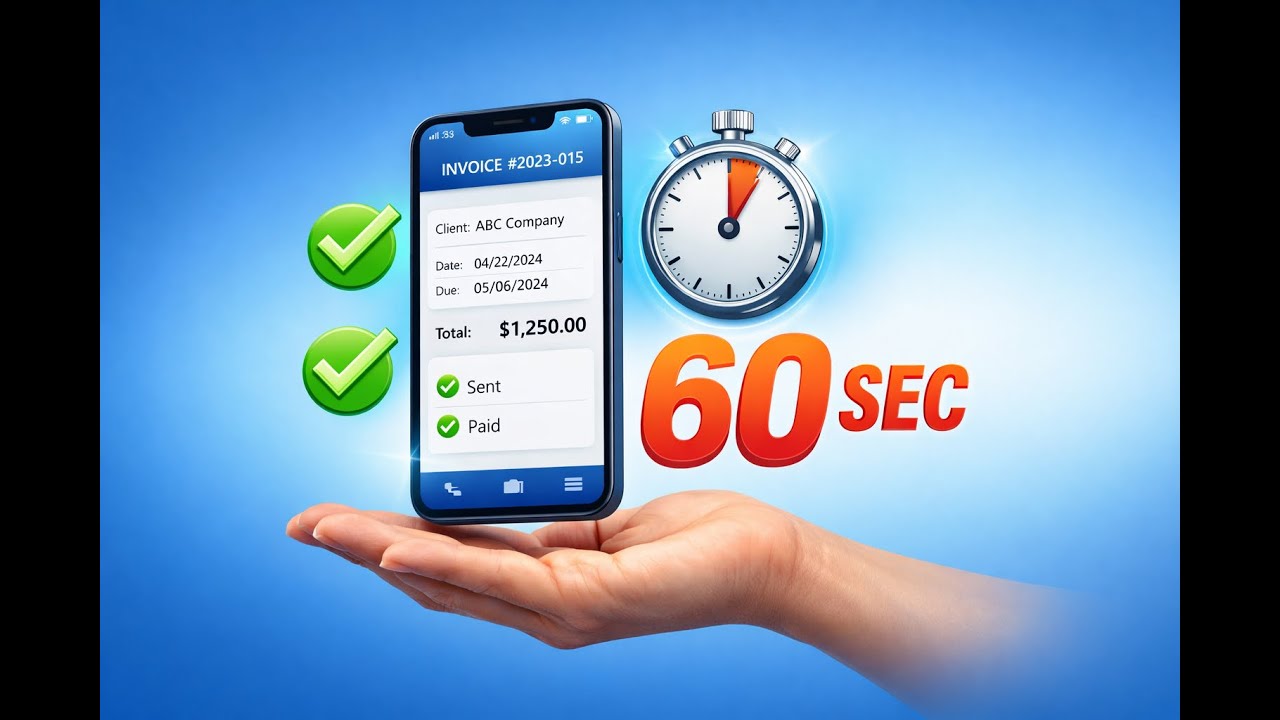
60-second invoices
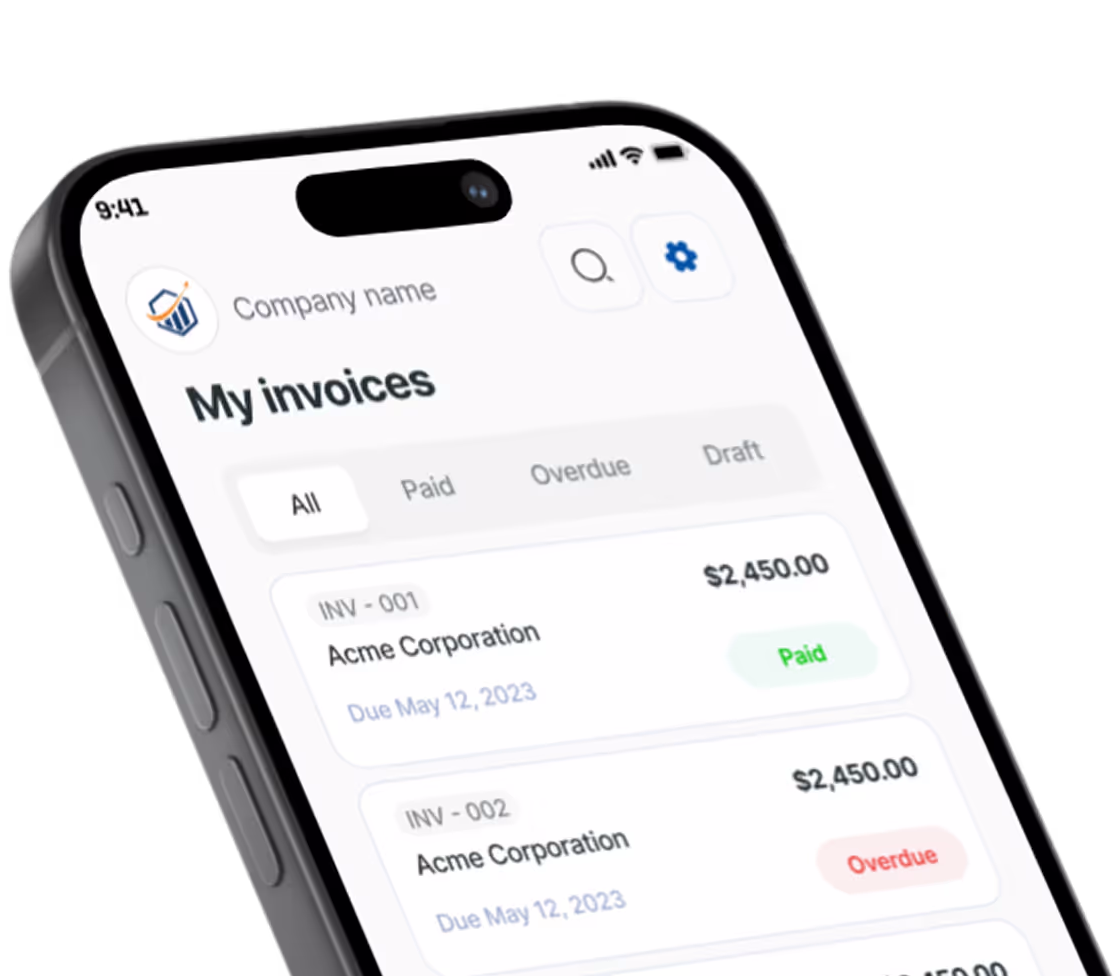
Saved clients and saved line items mean you stop typing the same job twice. Send it before you leave the driveway.

Free invoicing for handymen, photographers, contractors, and 22 more trades. Send a professional invoice from your phone in 60 seconds.
Your clients pay through your own Stripe or PayPal. We never take a cut — you pay only your processor's normal rate.


Why Pronto
For people who get paid by the job — and are tired of invoice apps that play pricing games.
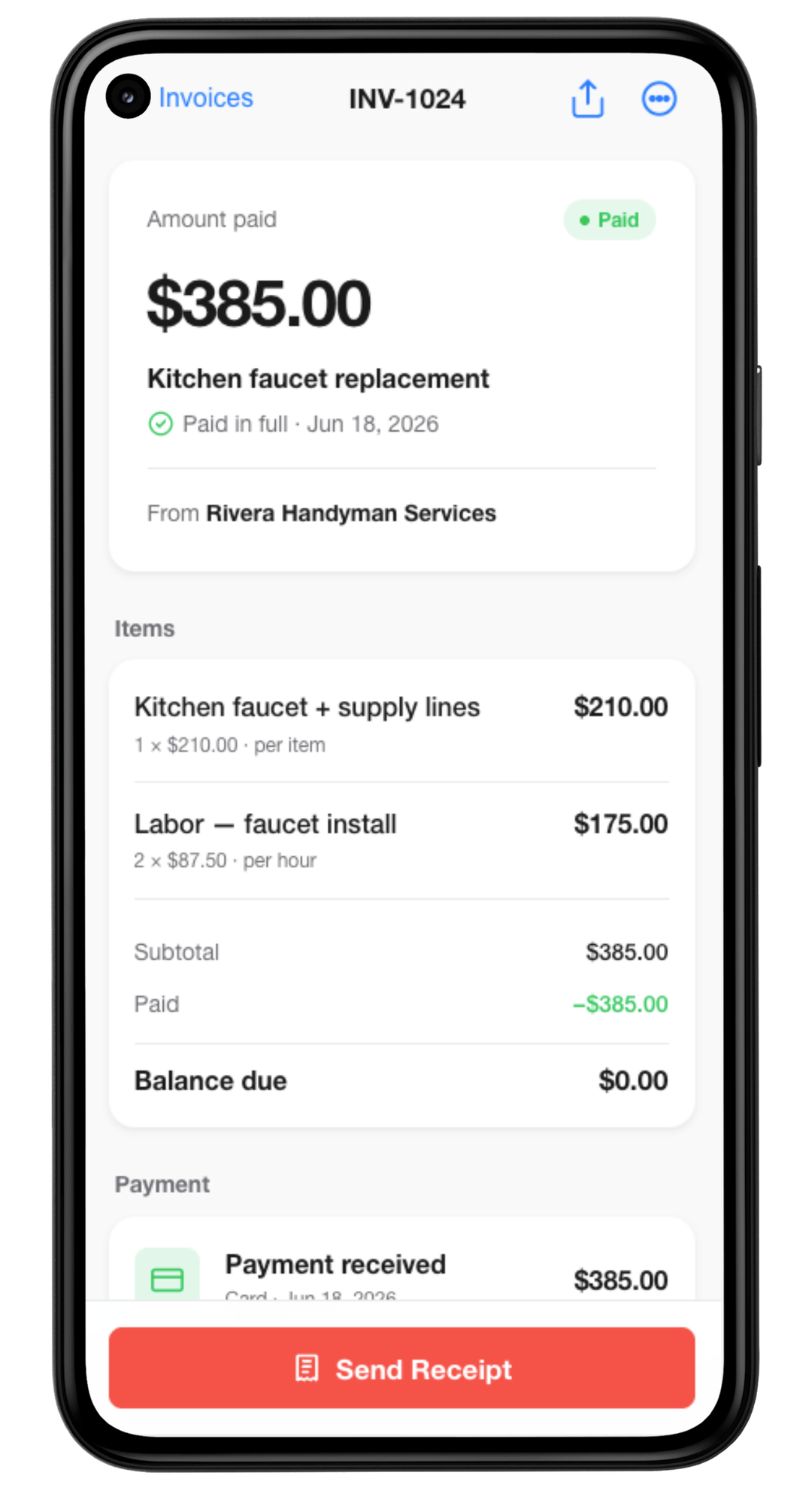
Saved clients and saved line items mean you stop typing the same job twice. Send it before you leave the driveway.
Create invoices in a basement, an attic, or a rural job site with no signal. Everything syncs the moment you're back online.
A real free plan, not a trial. Every plan's limits are on the pricing page before you sign up. And we never take a cut of your payments.
See pricing →Templates
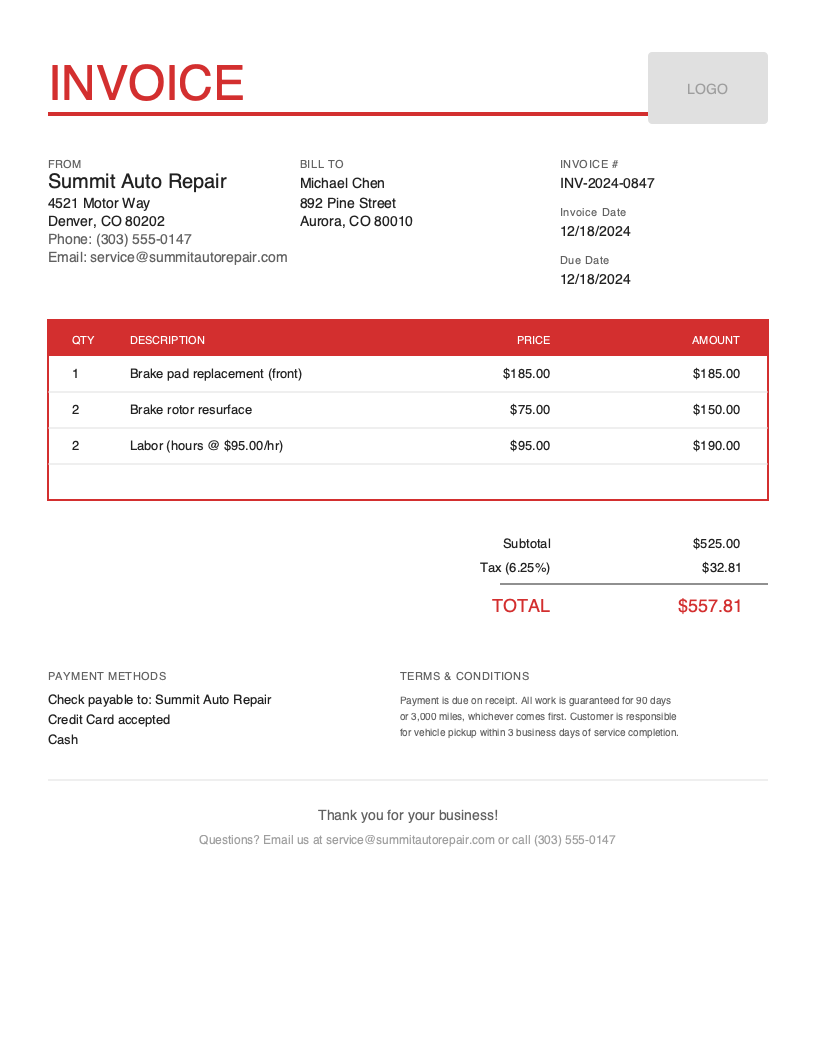
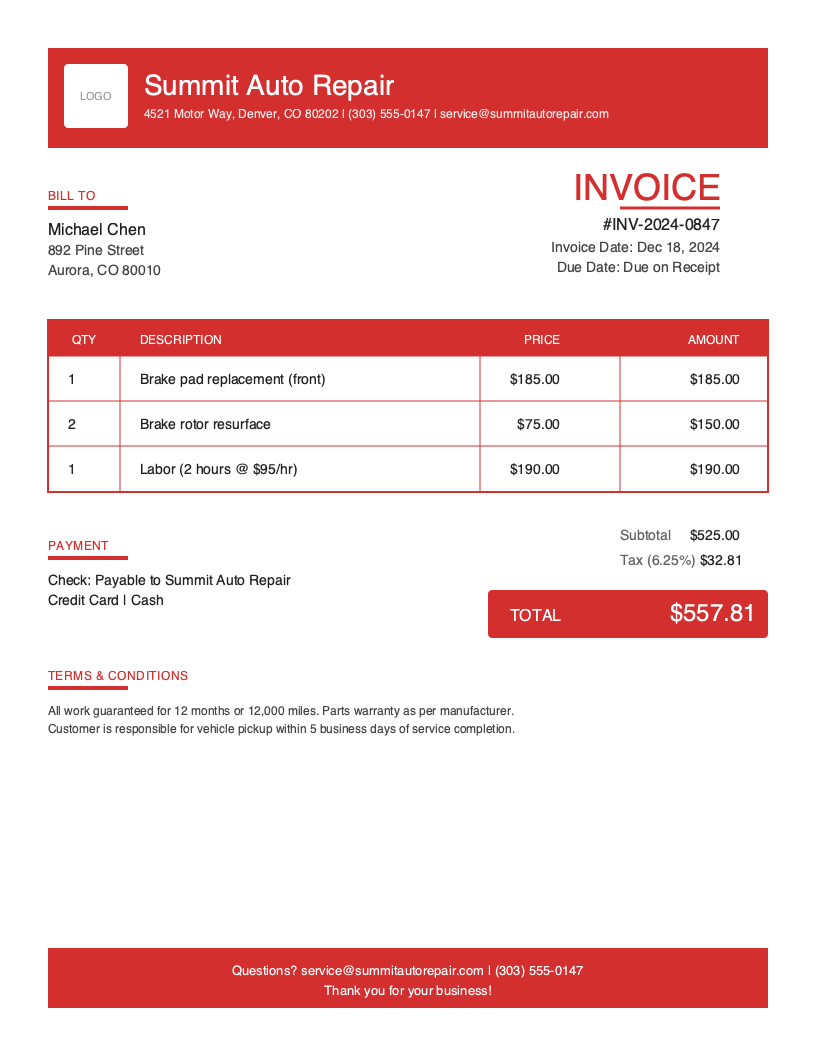
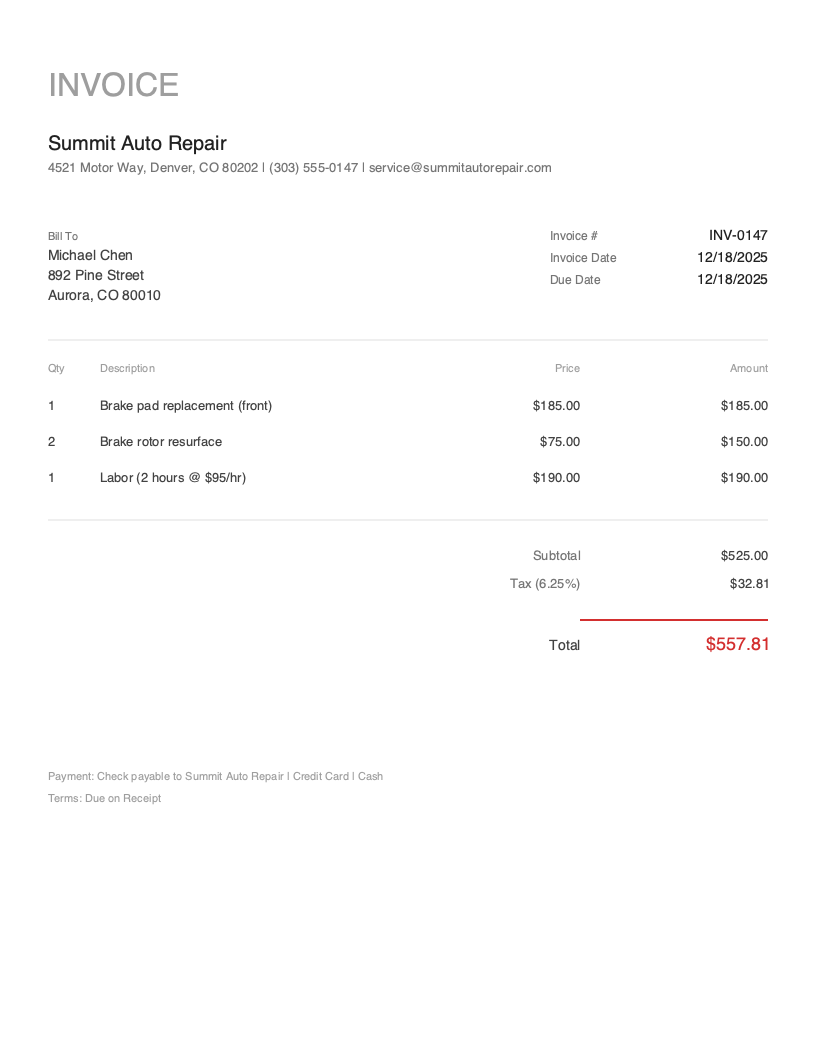
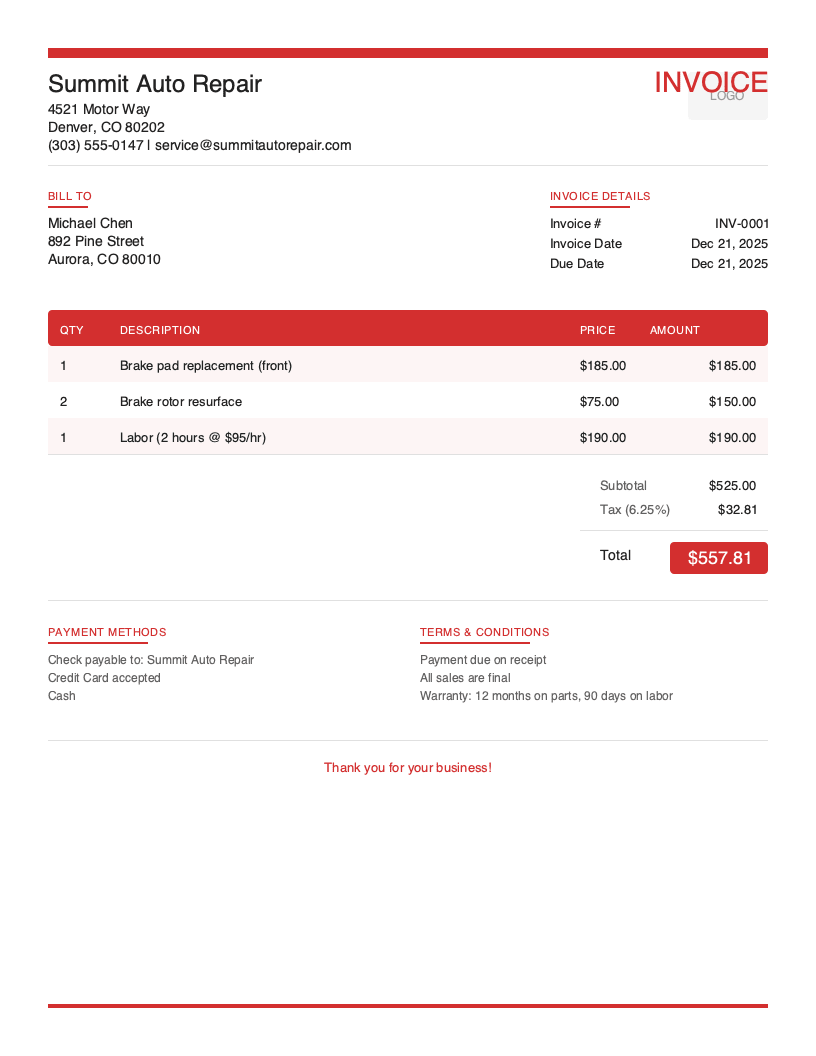
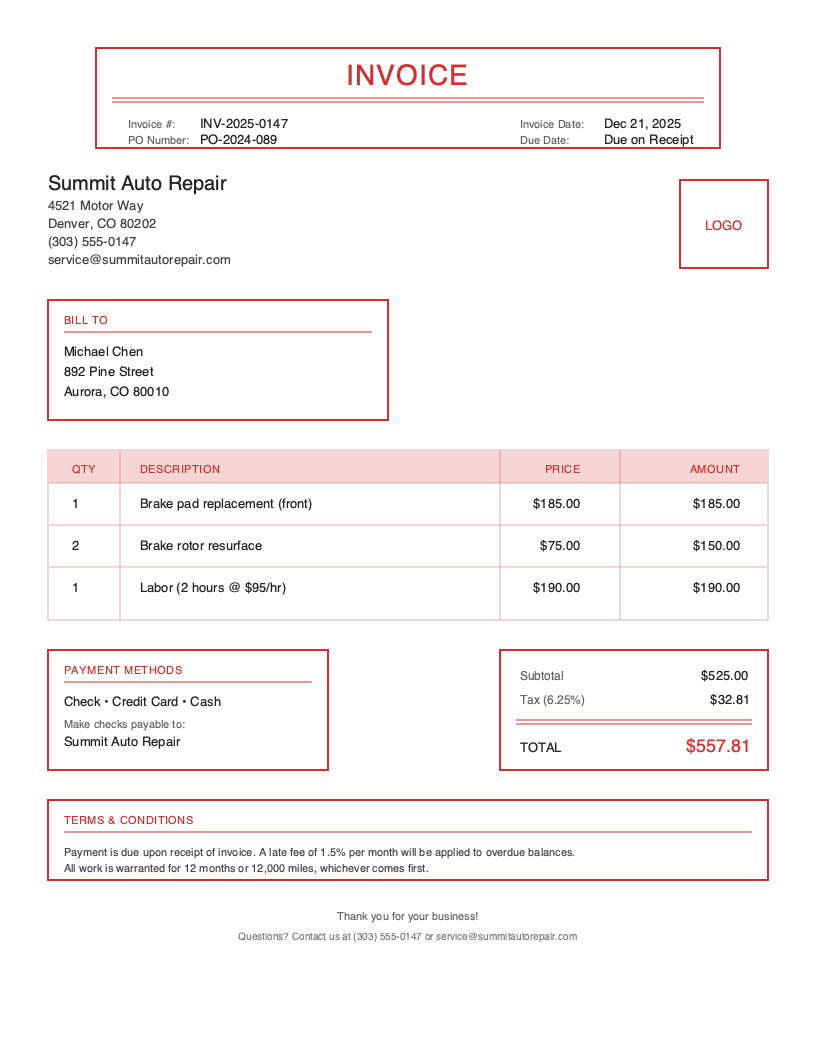
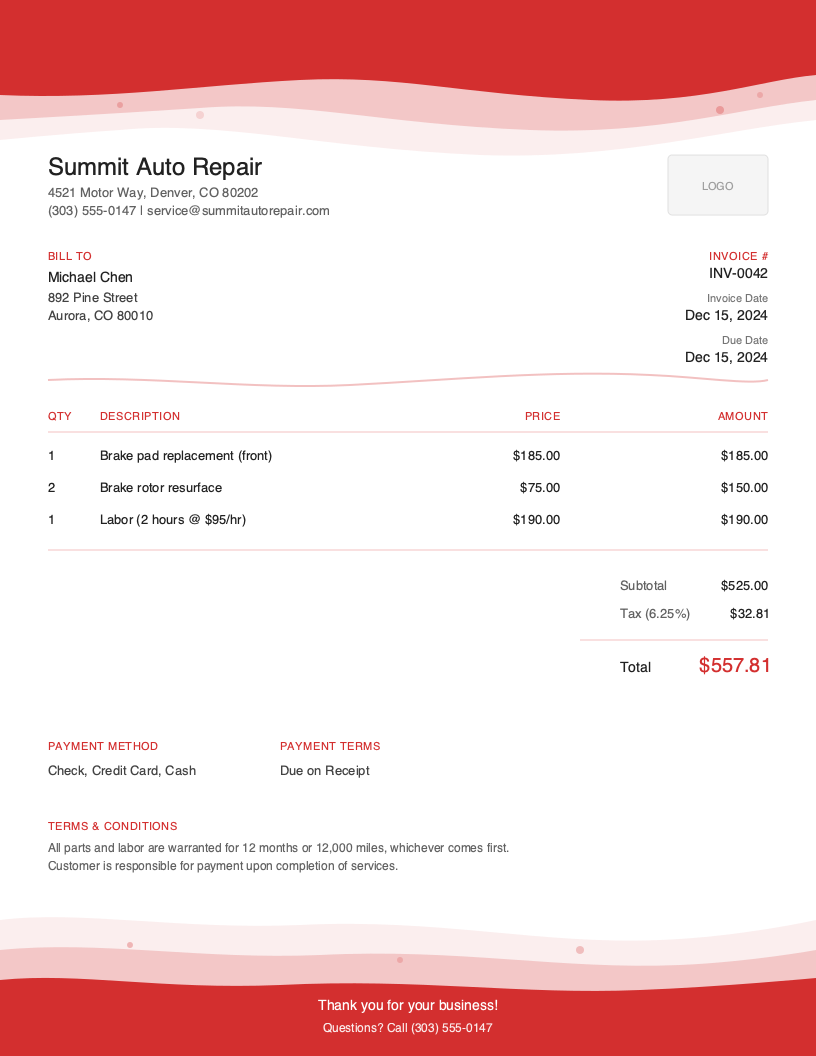
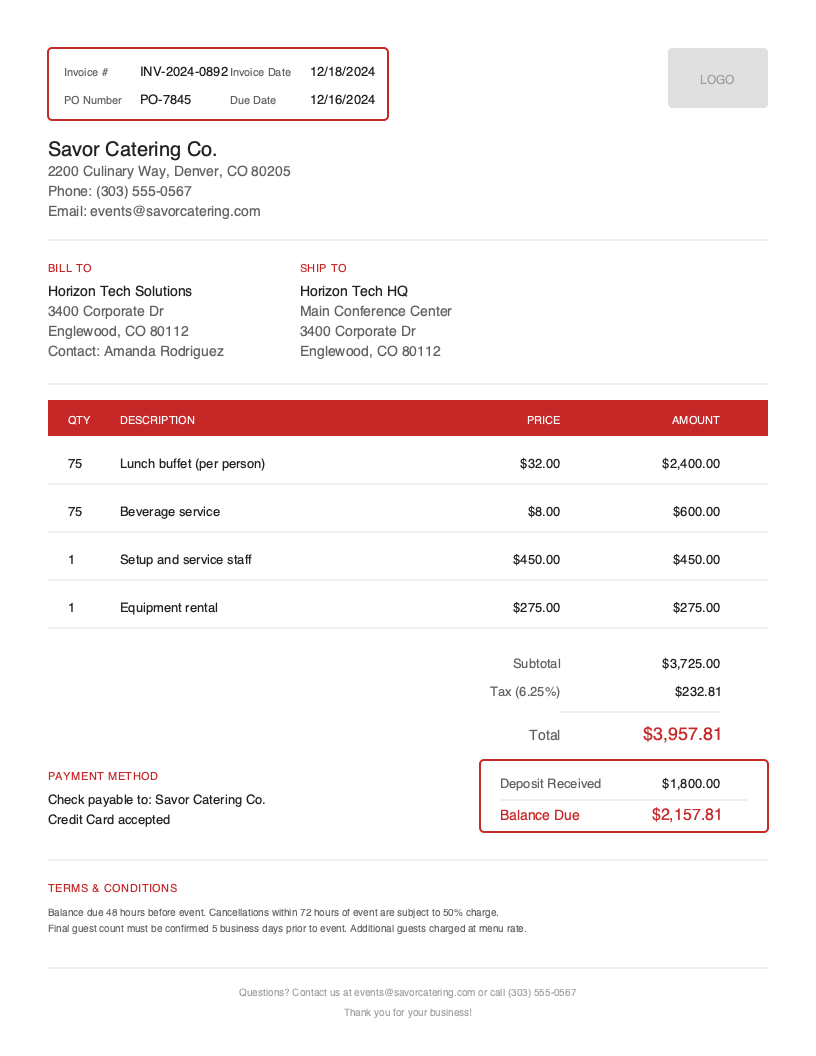
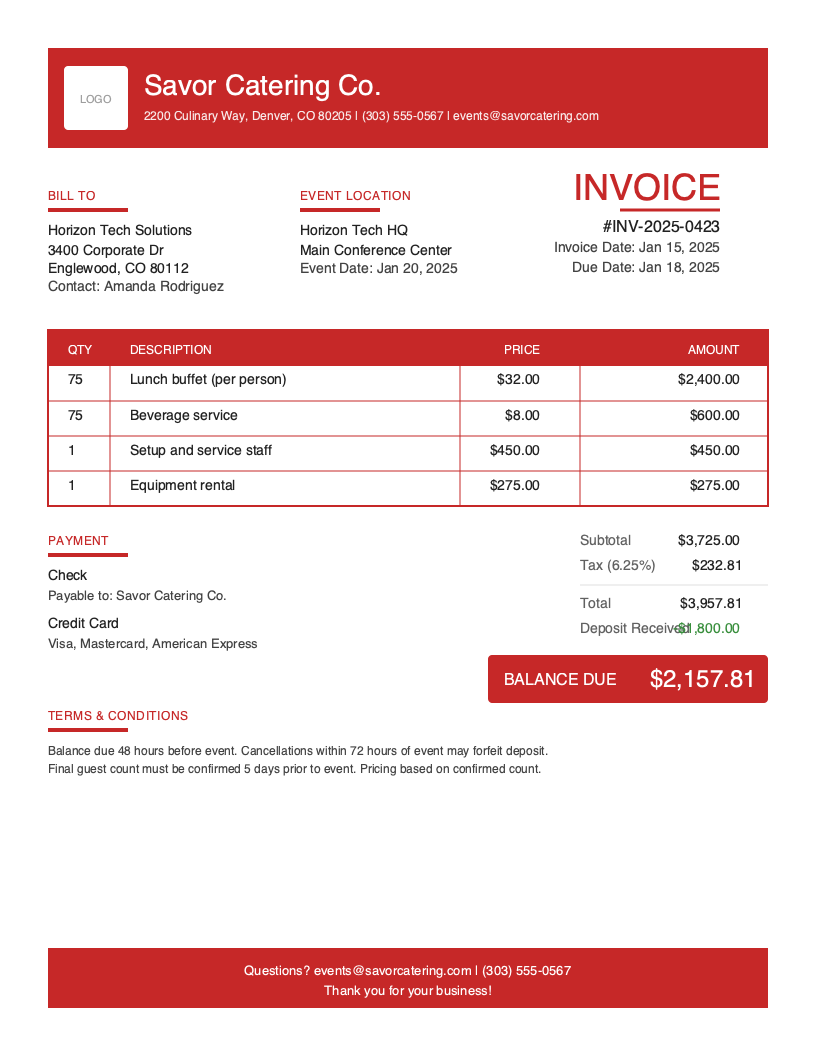
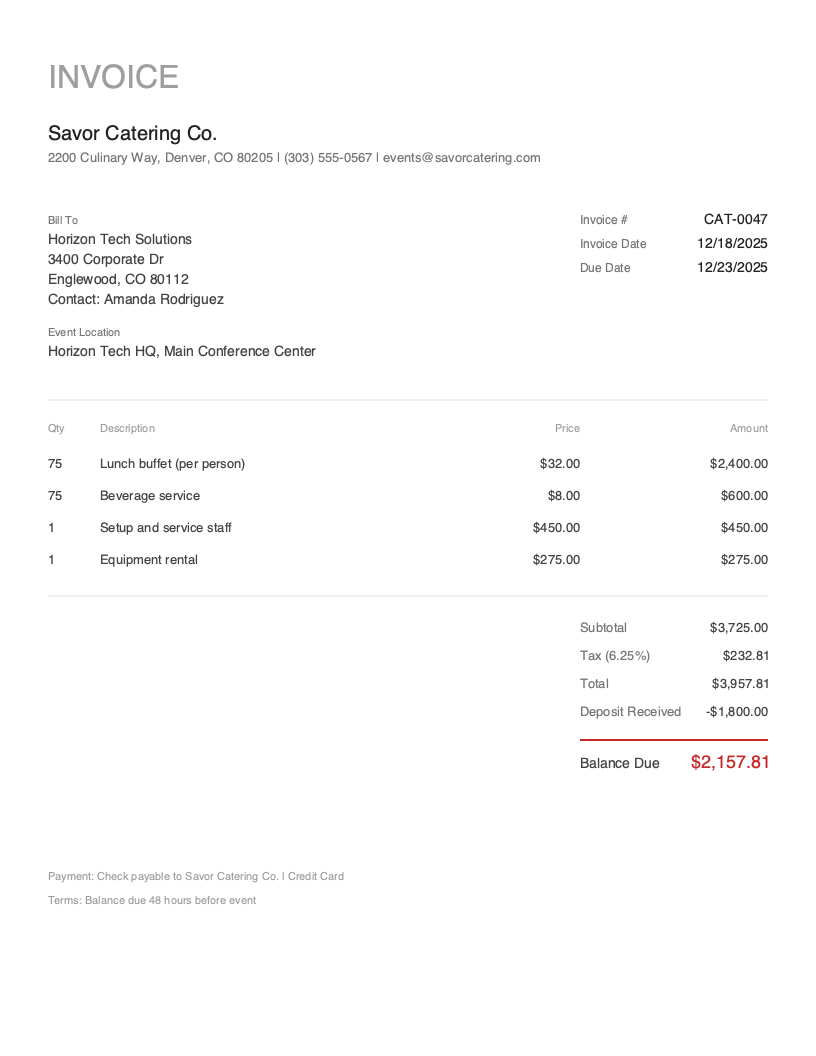
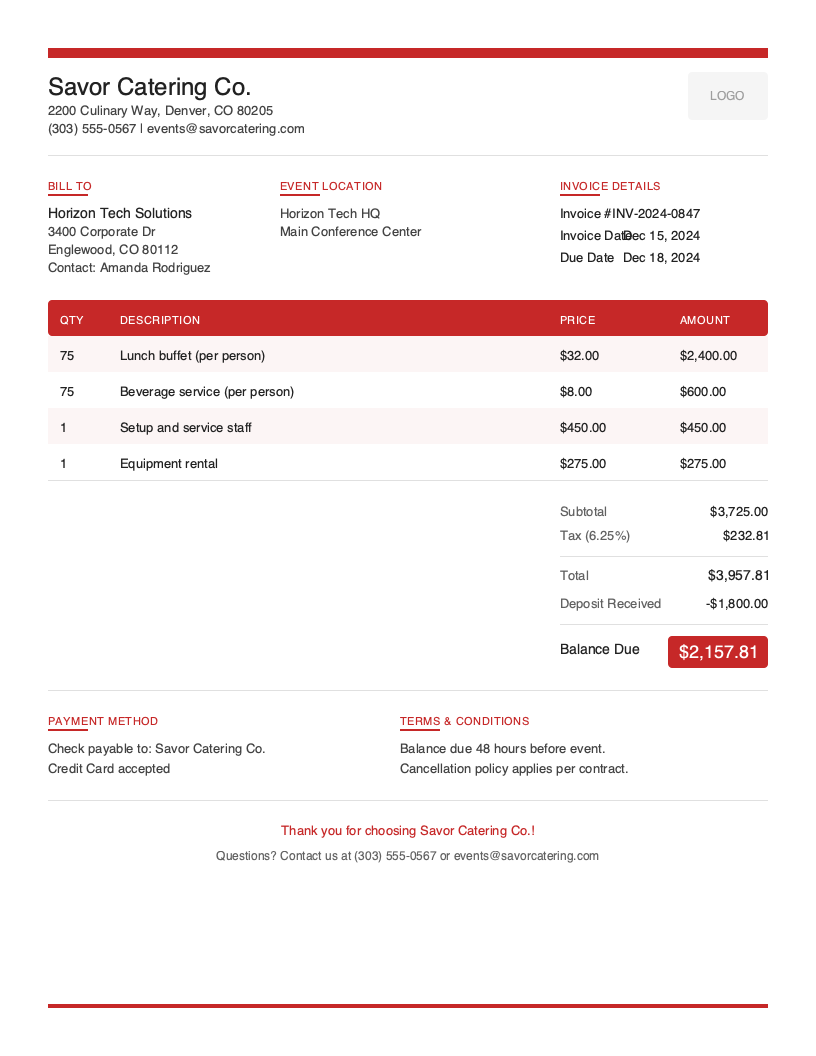
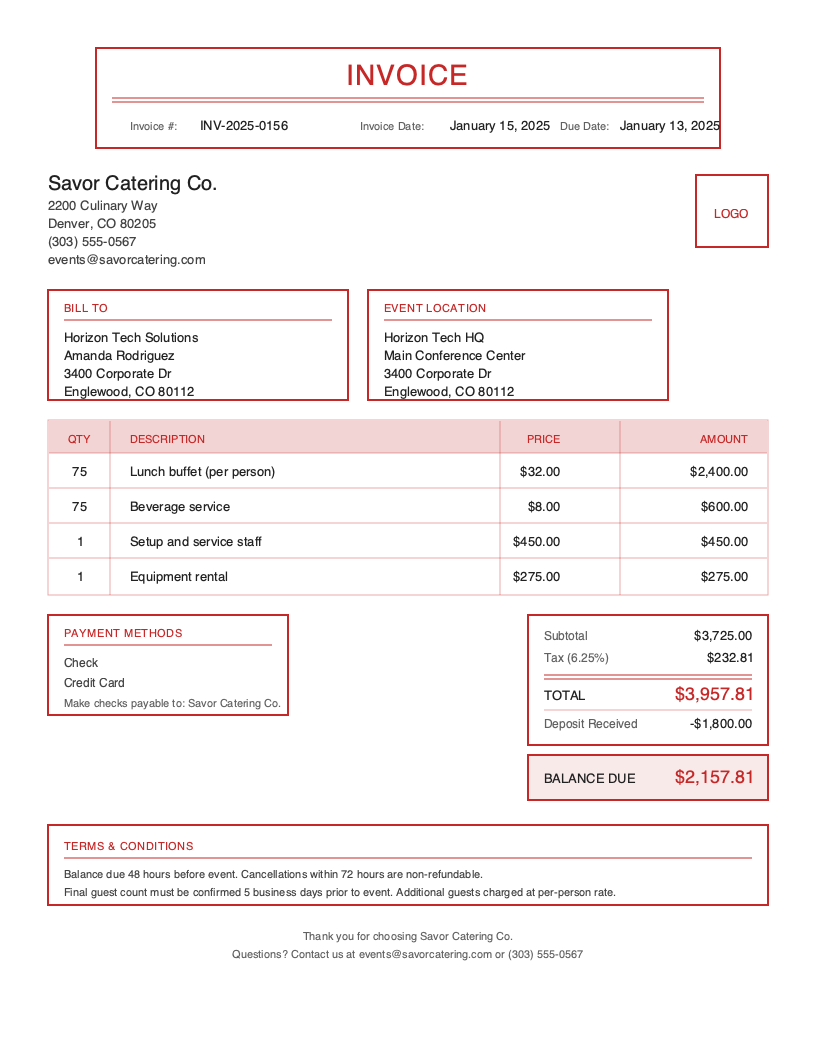
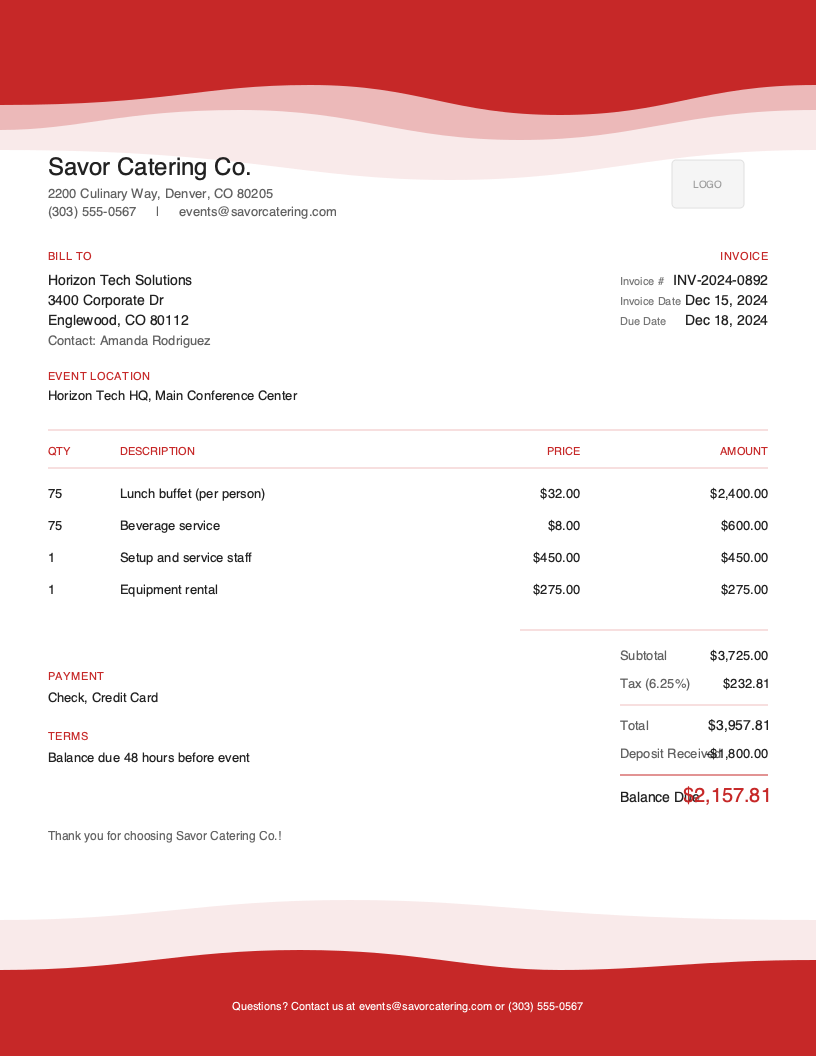
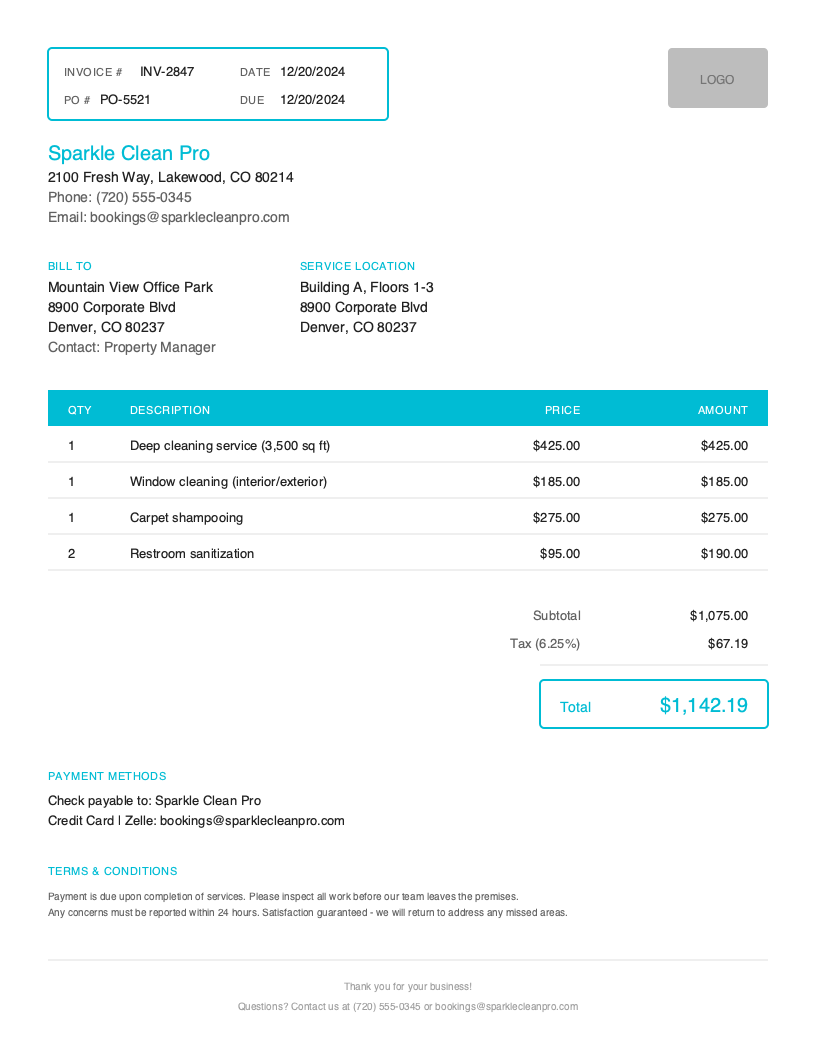
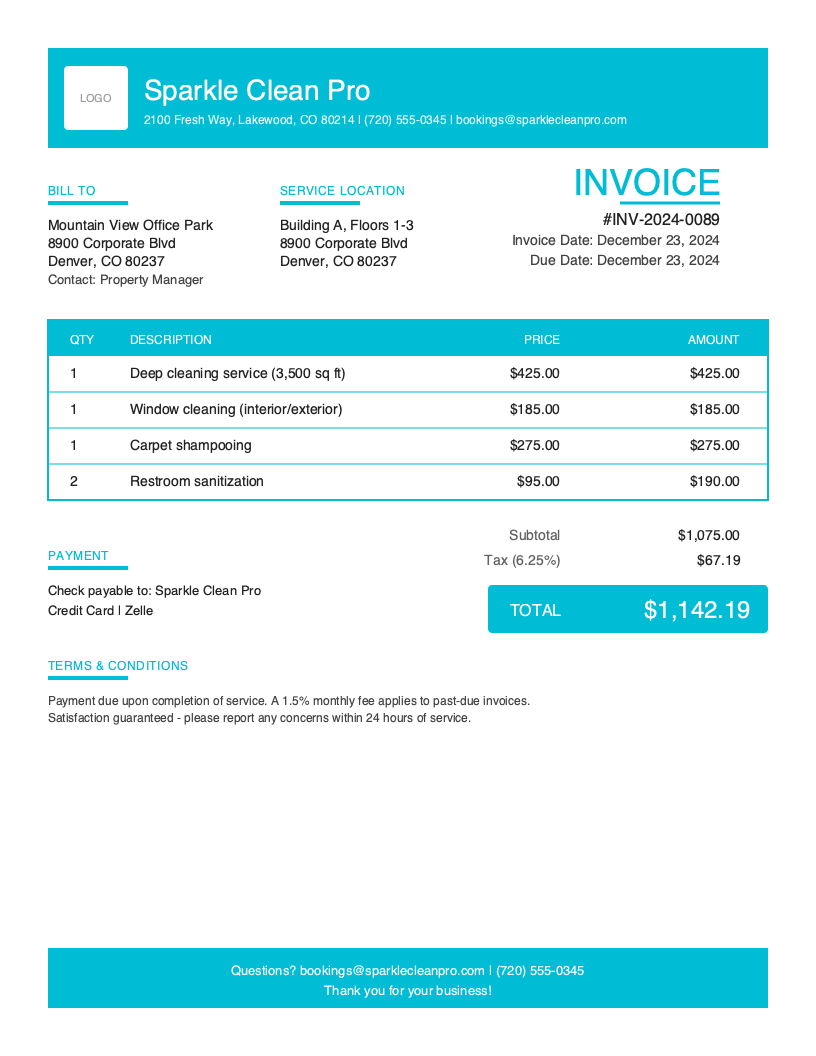
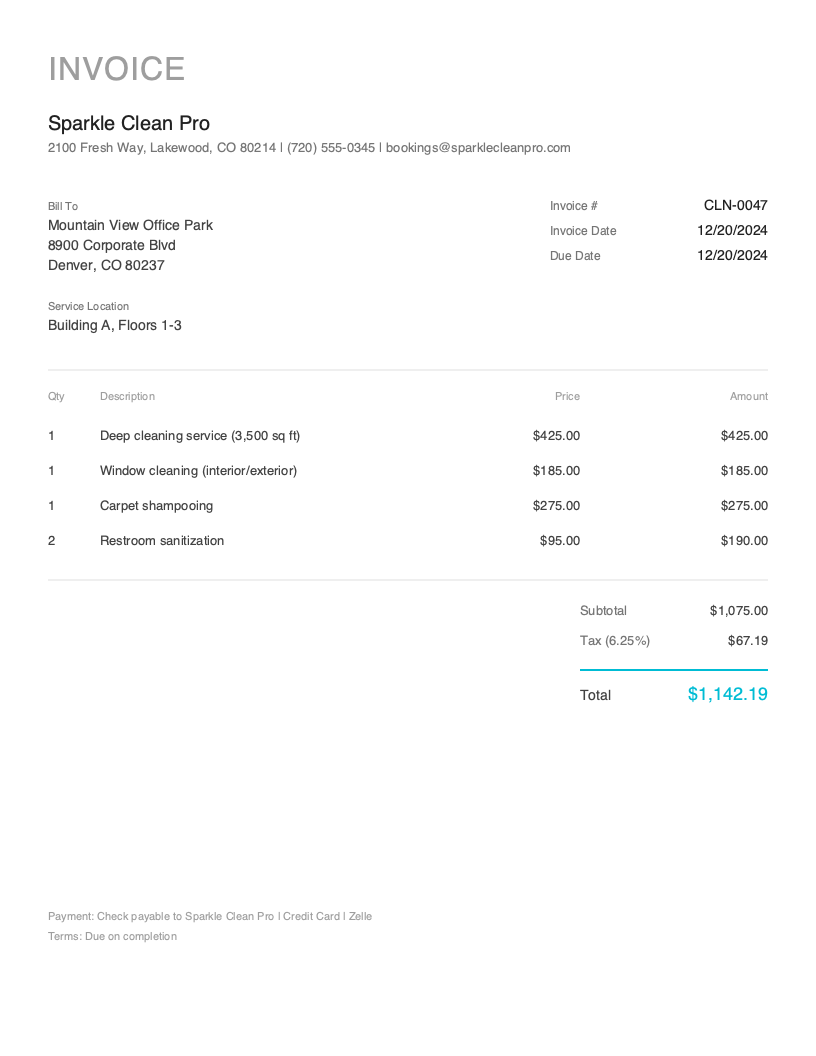
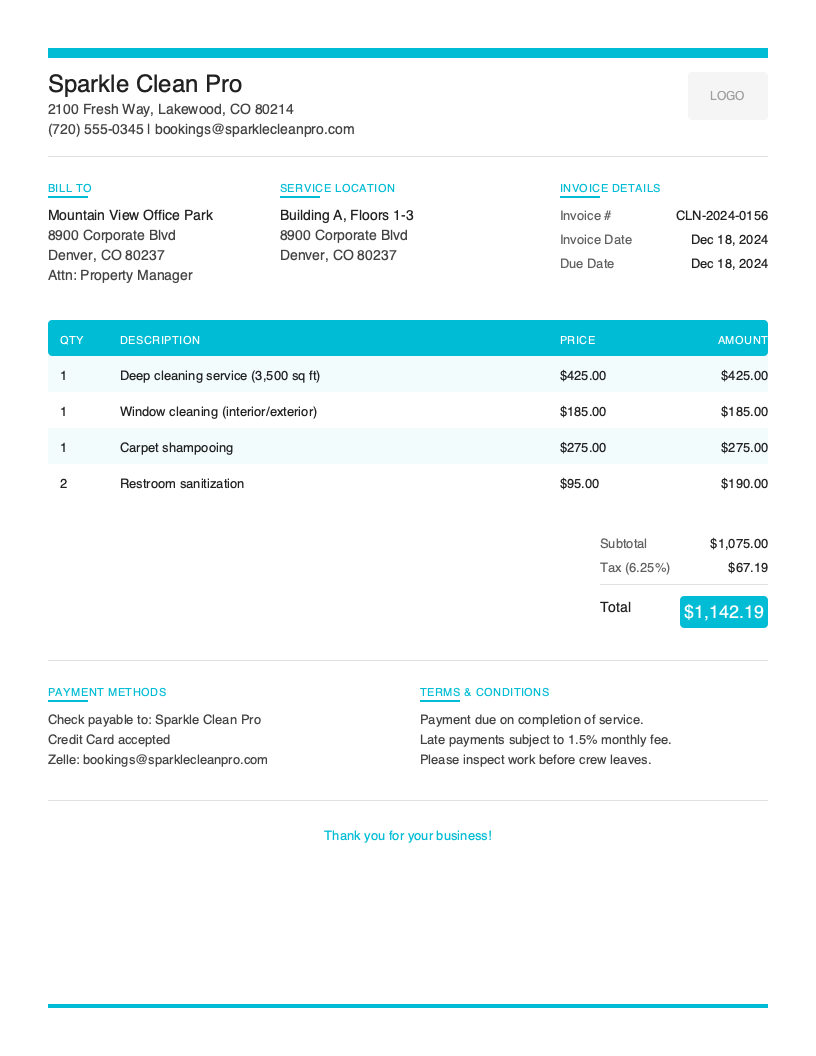
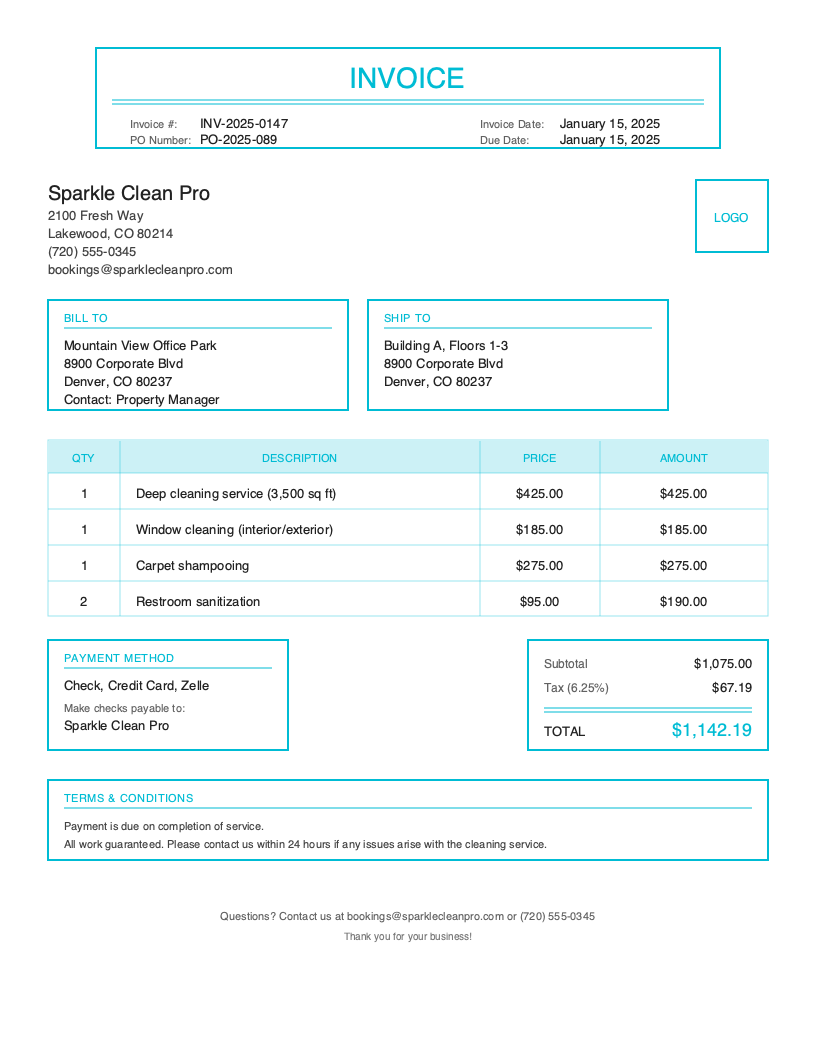
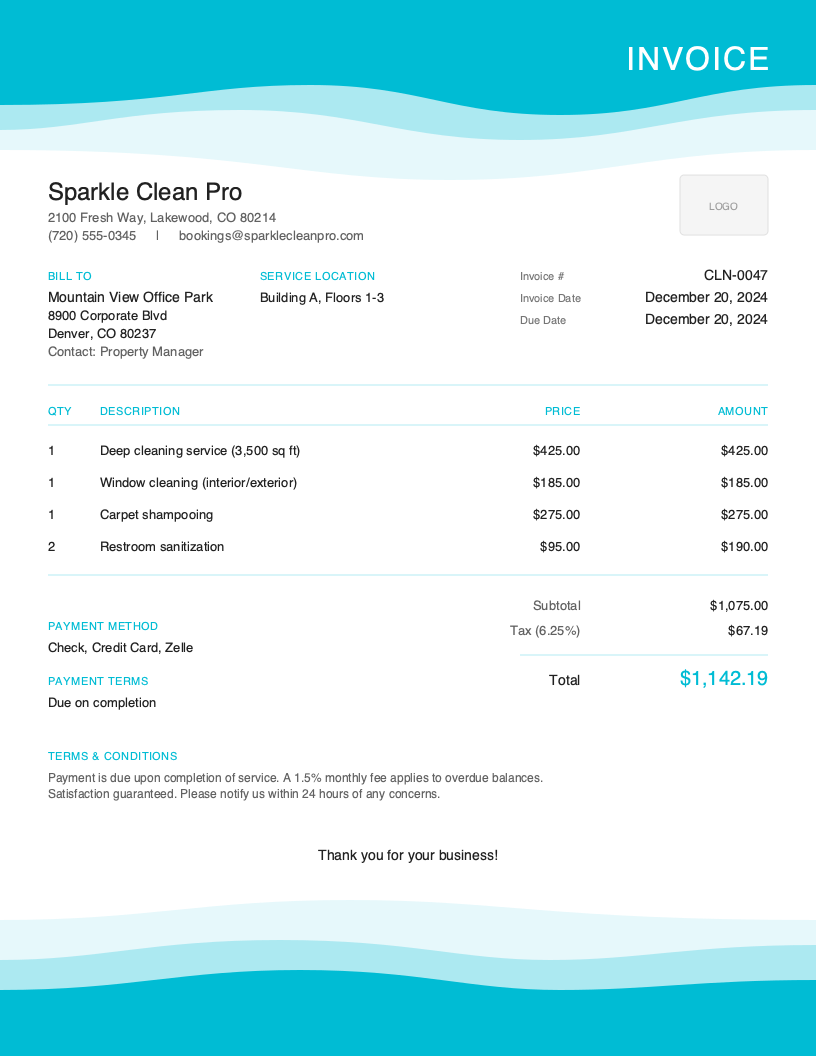
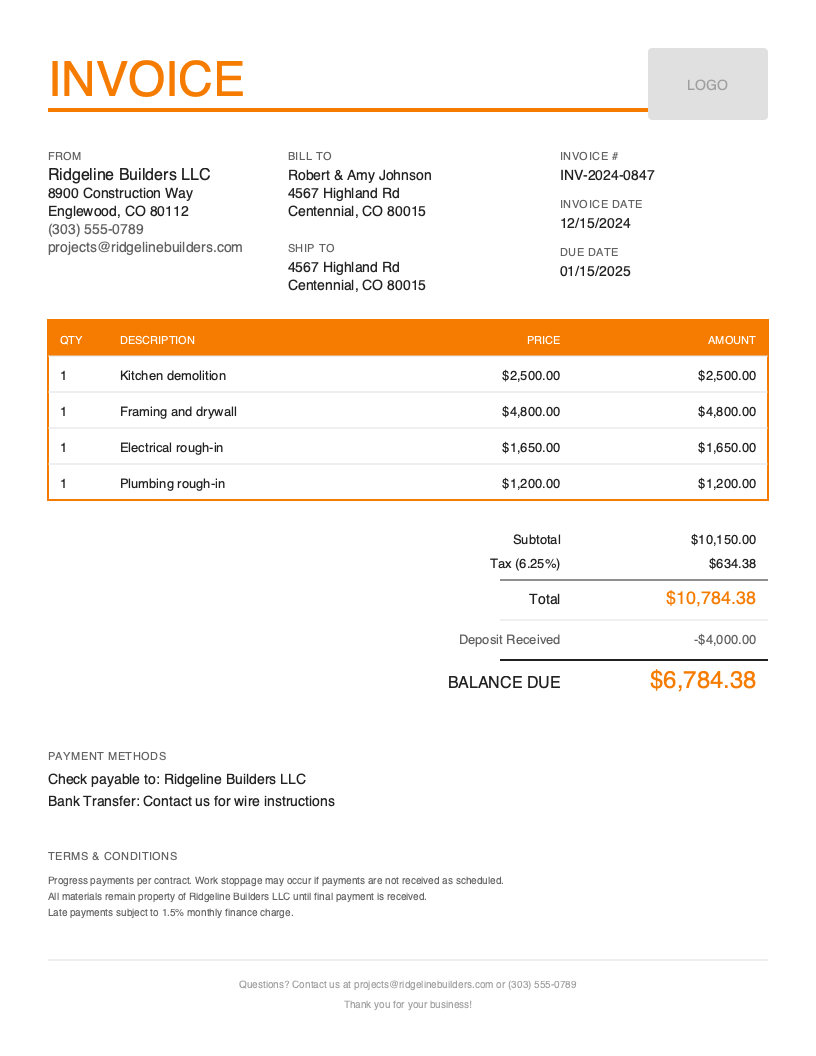
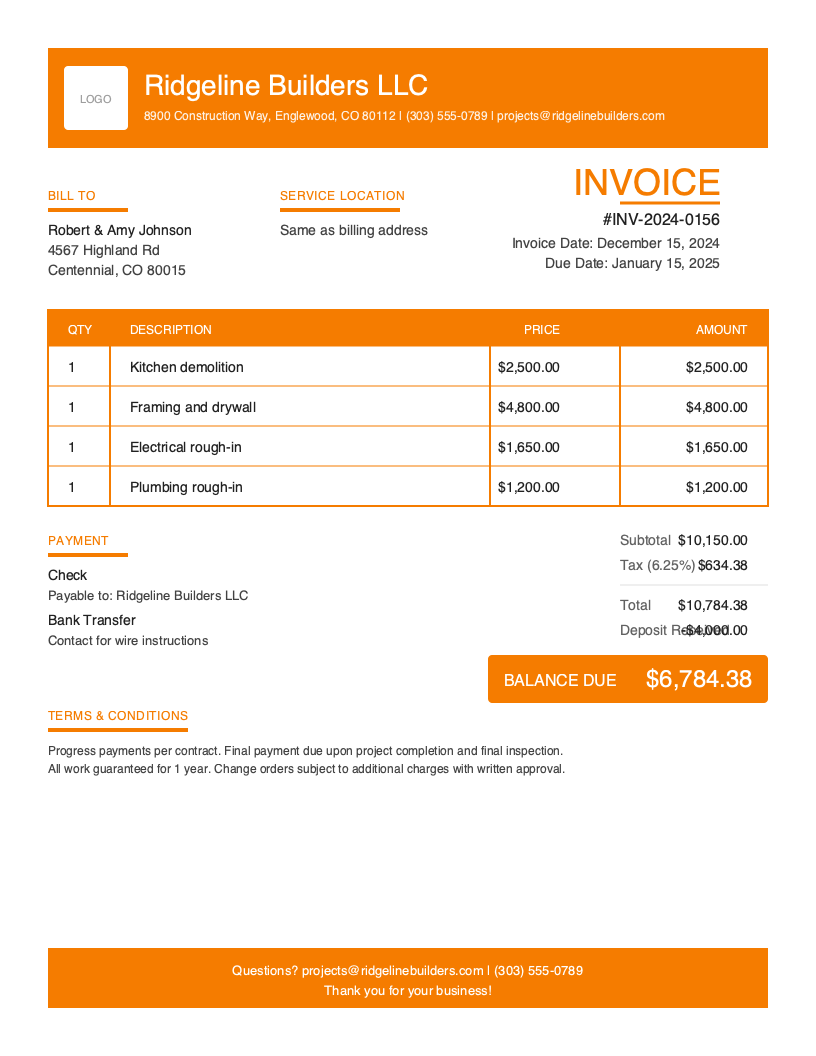
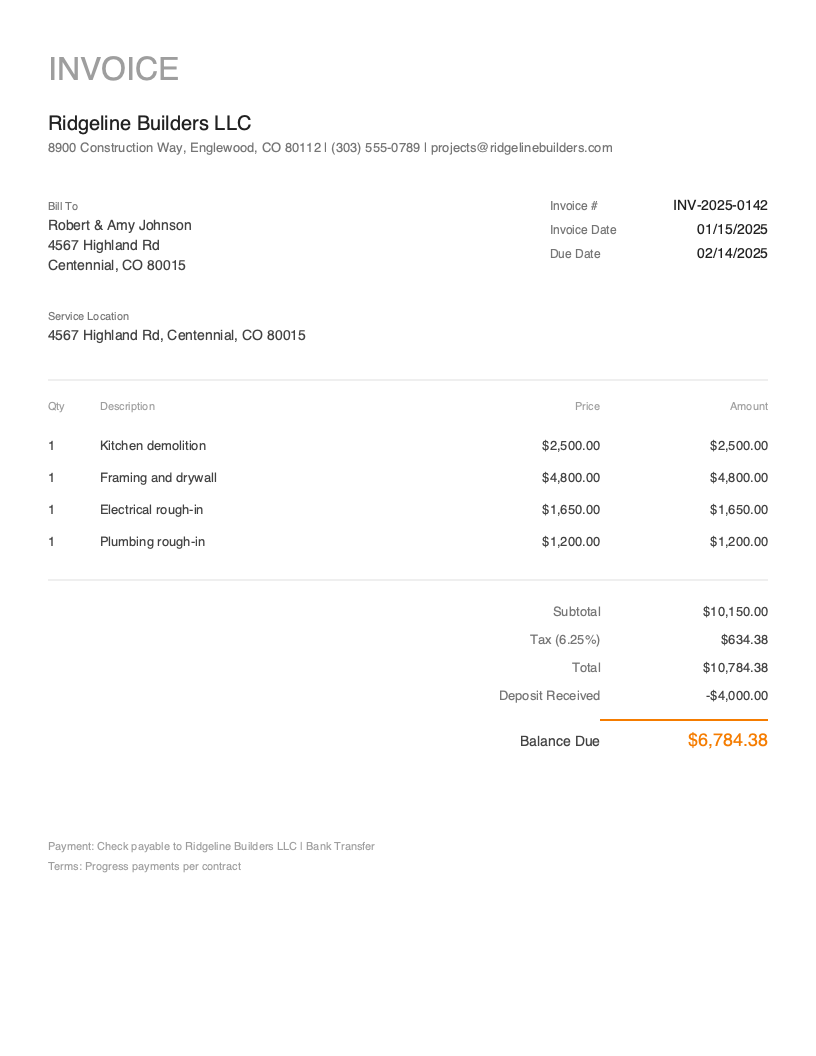
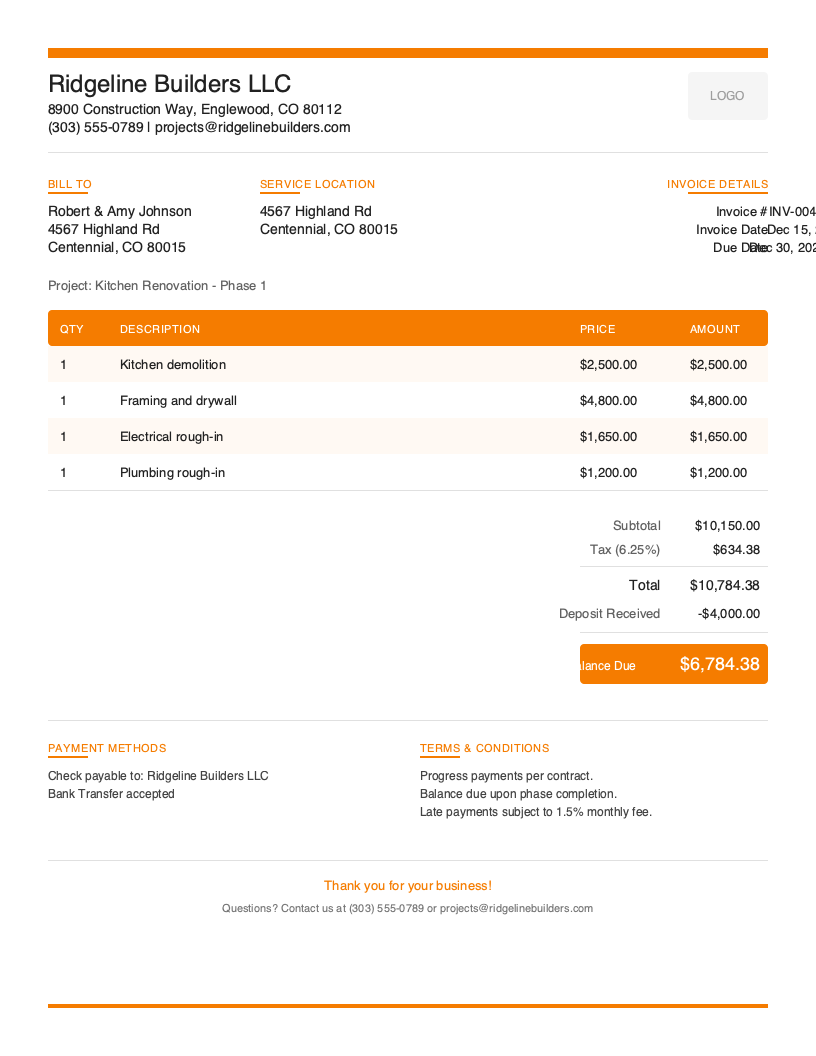
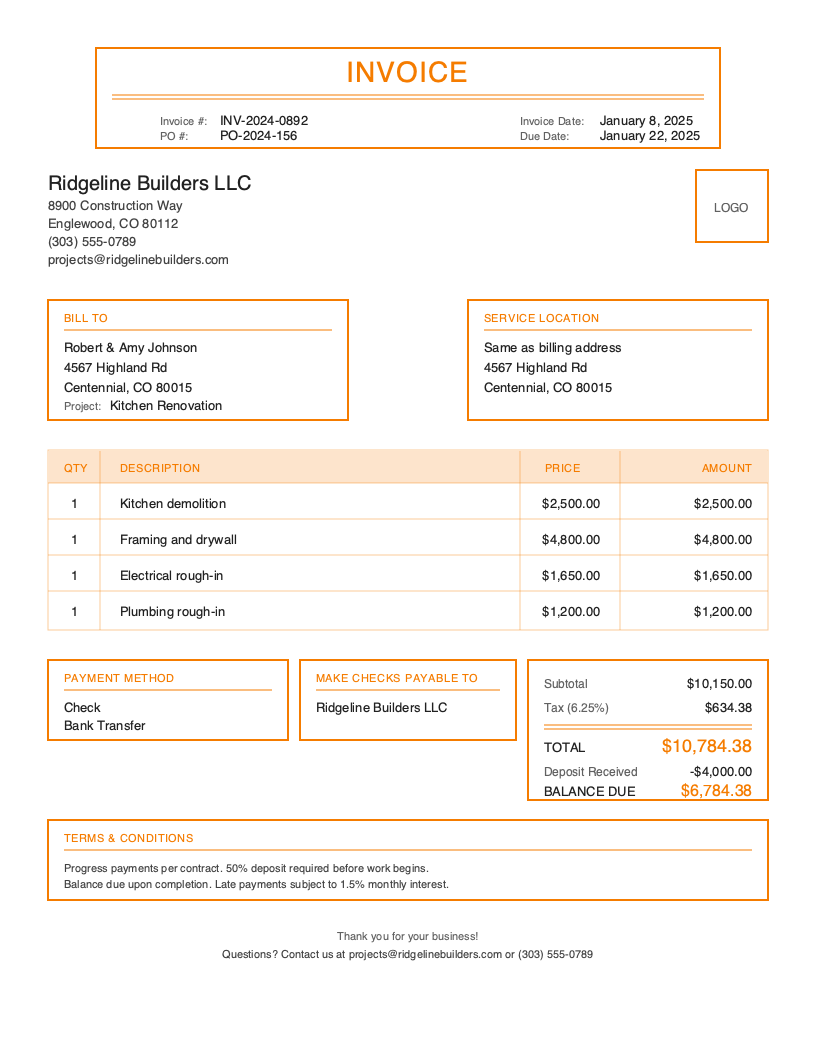
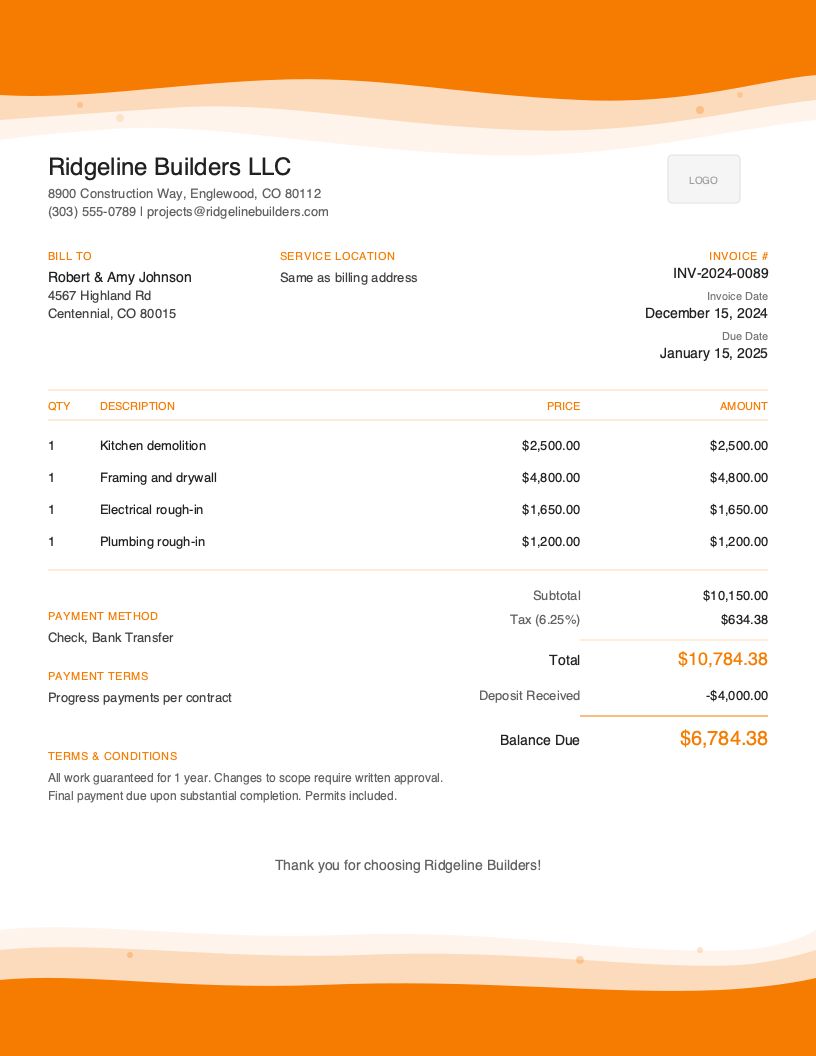
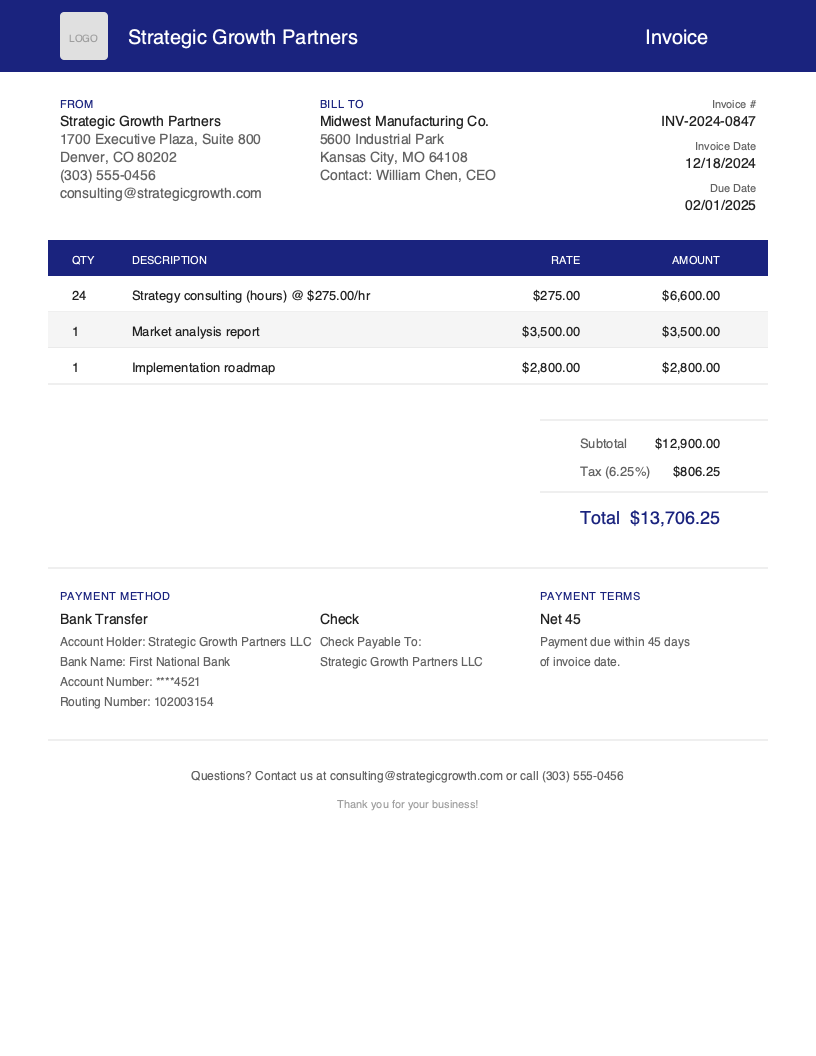
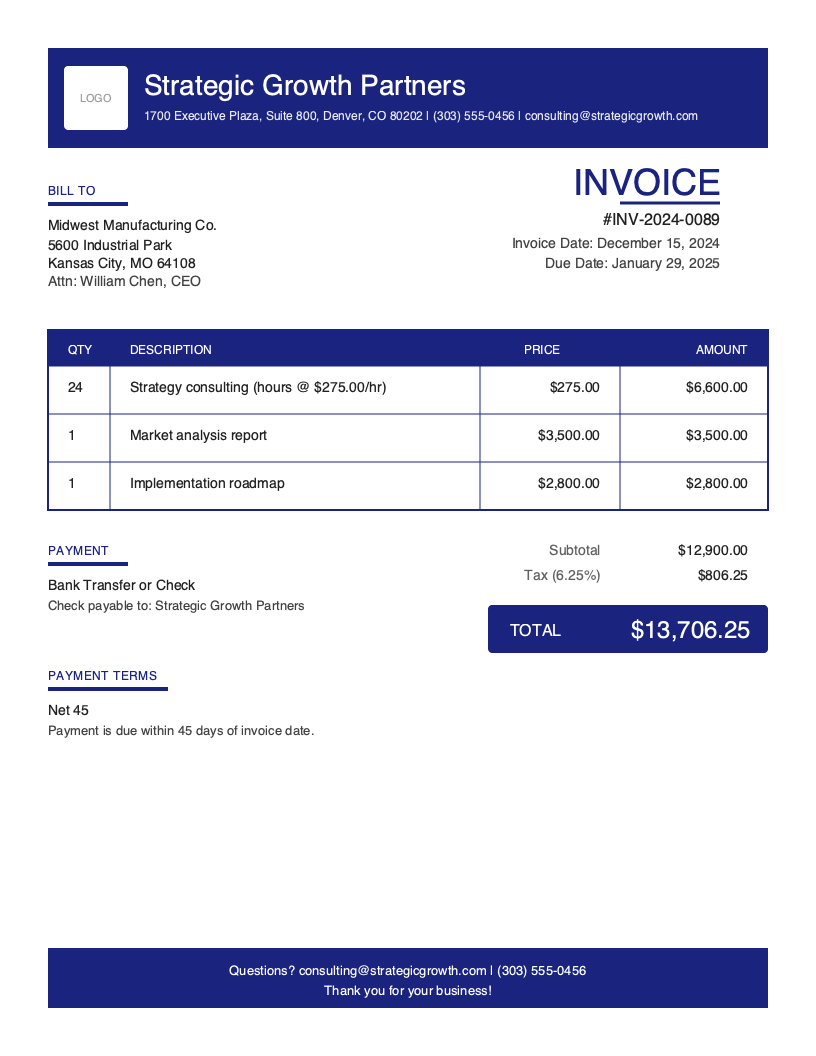
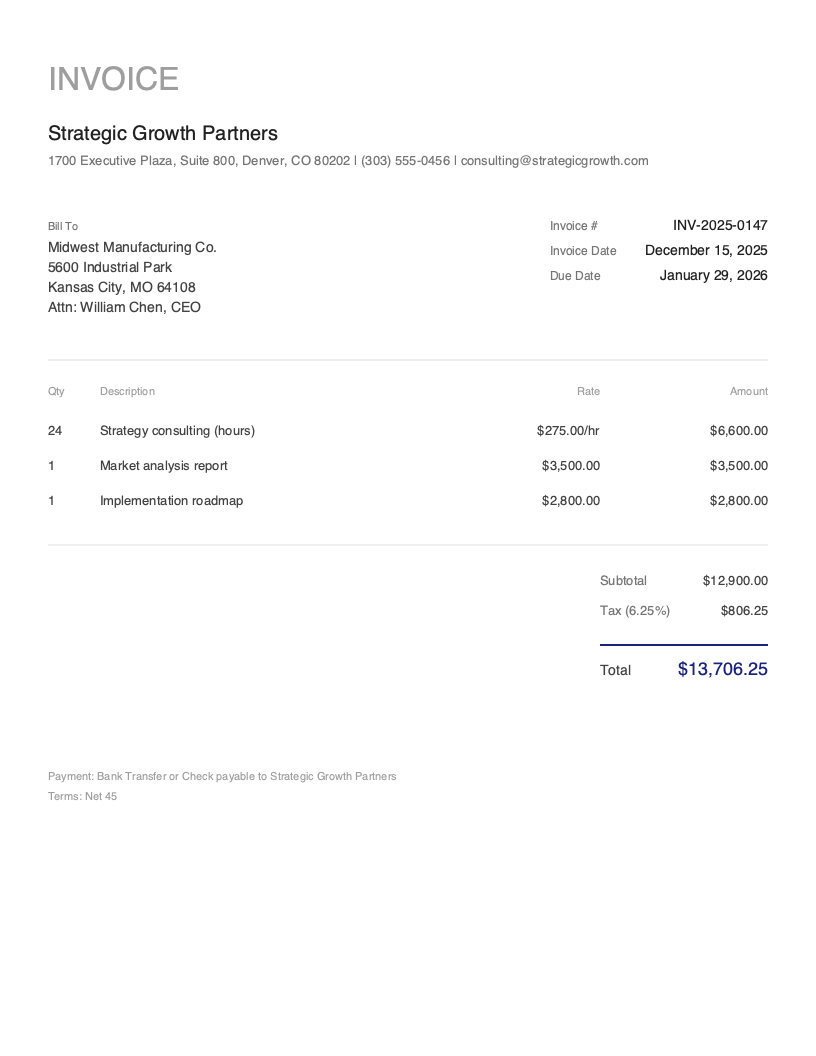
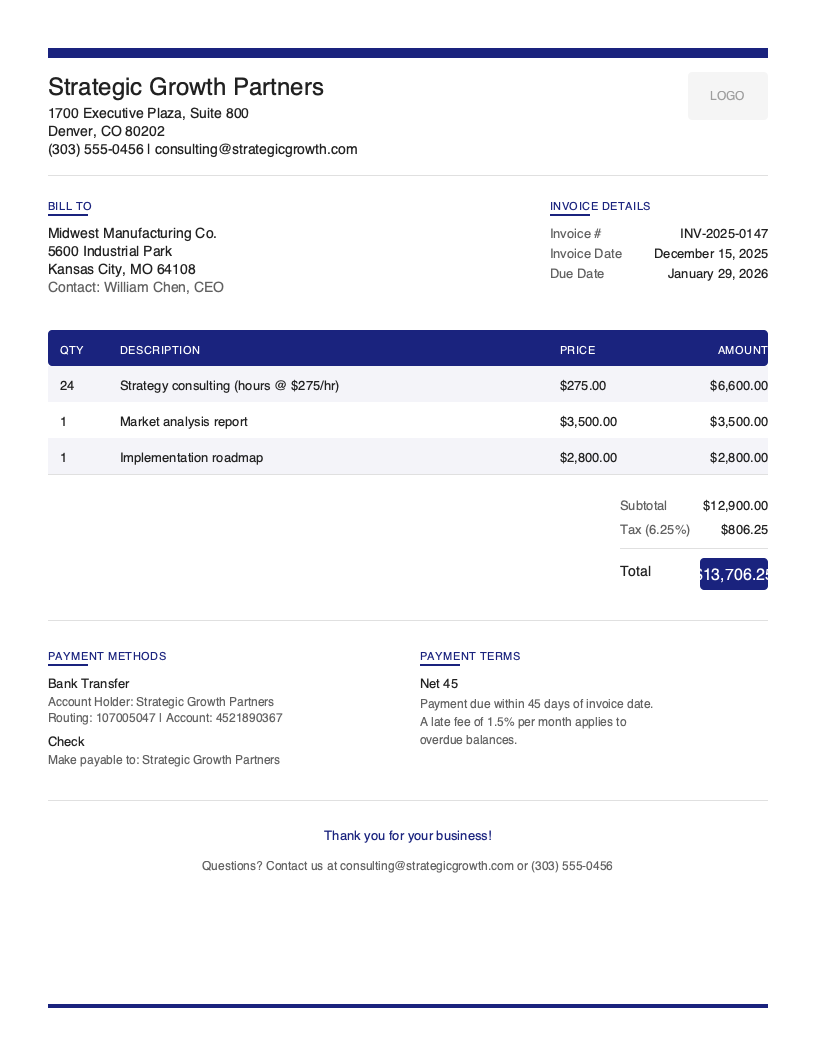
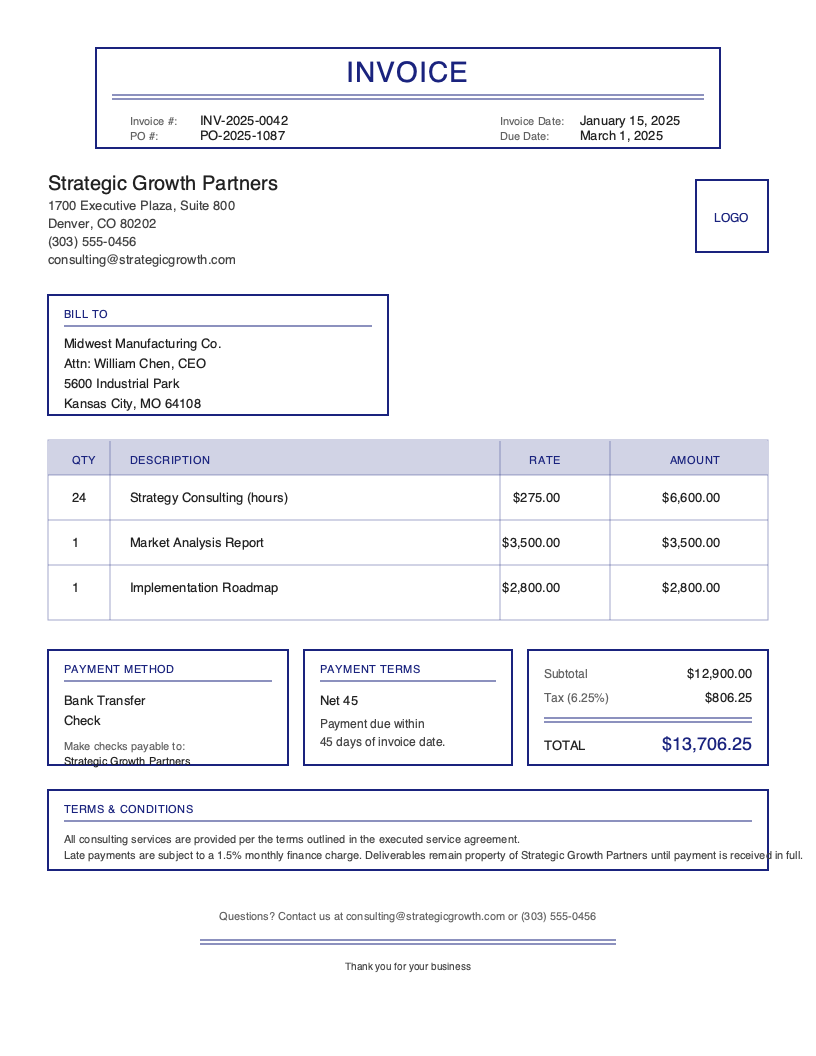
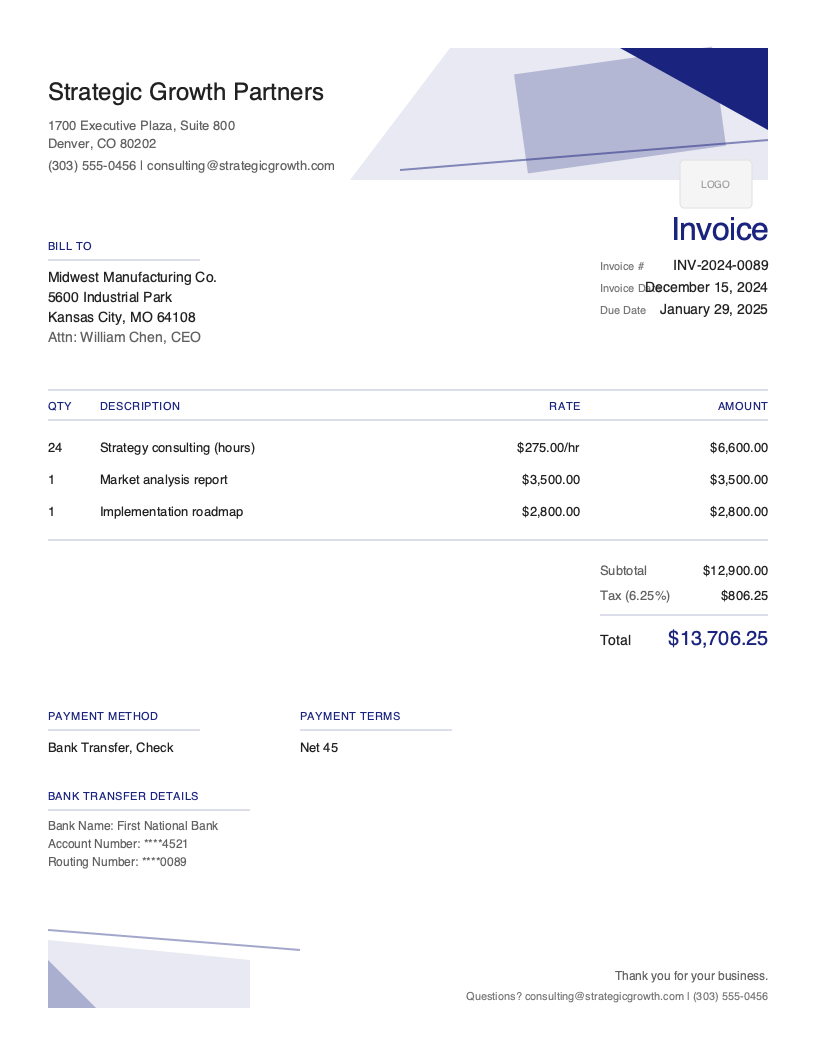
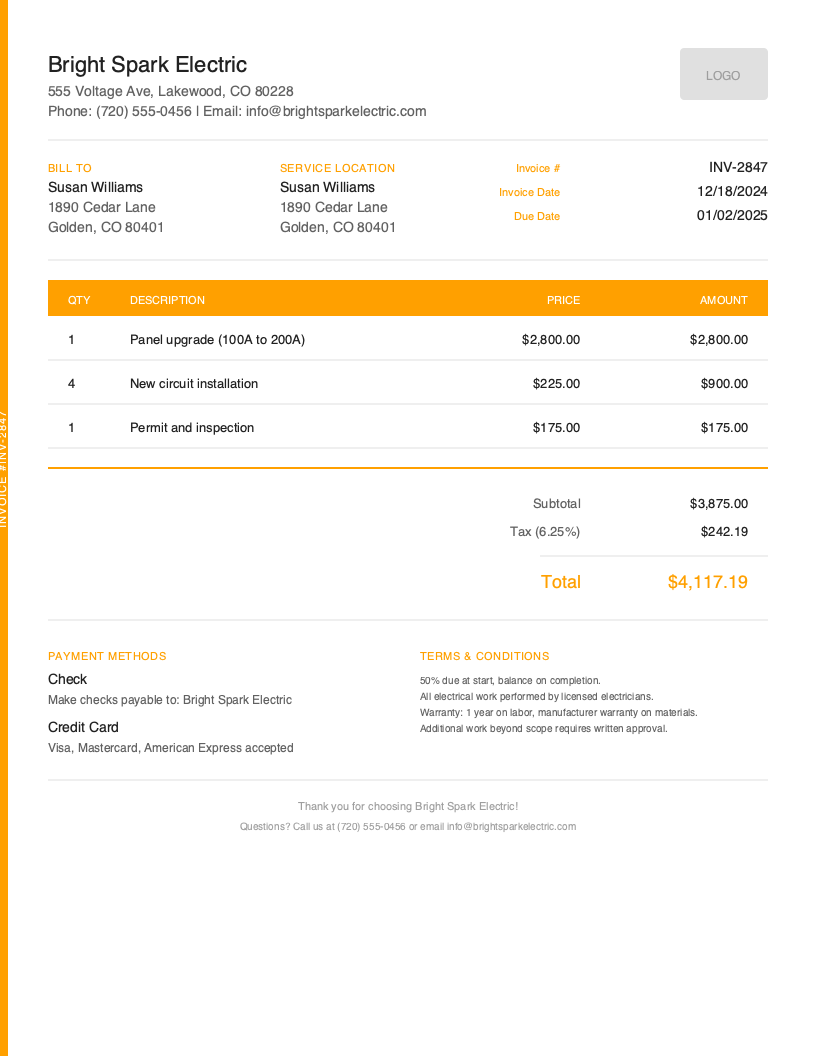
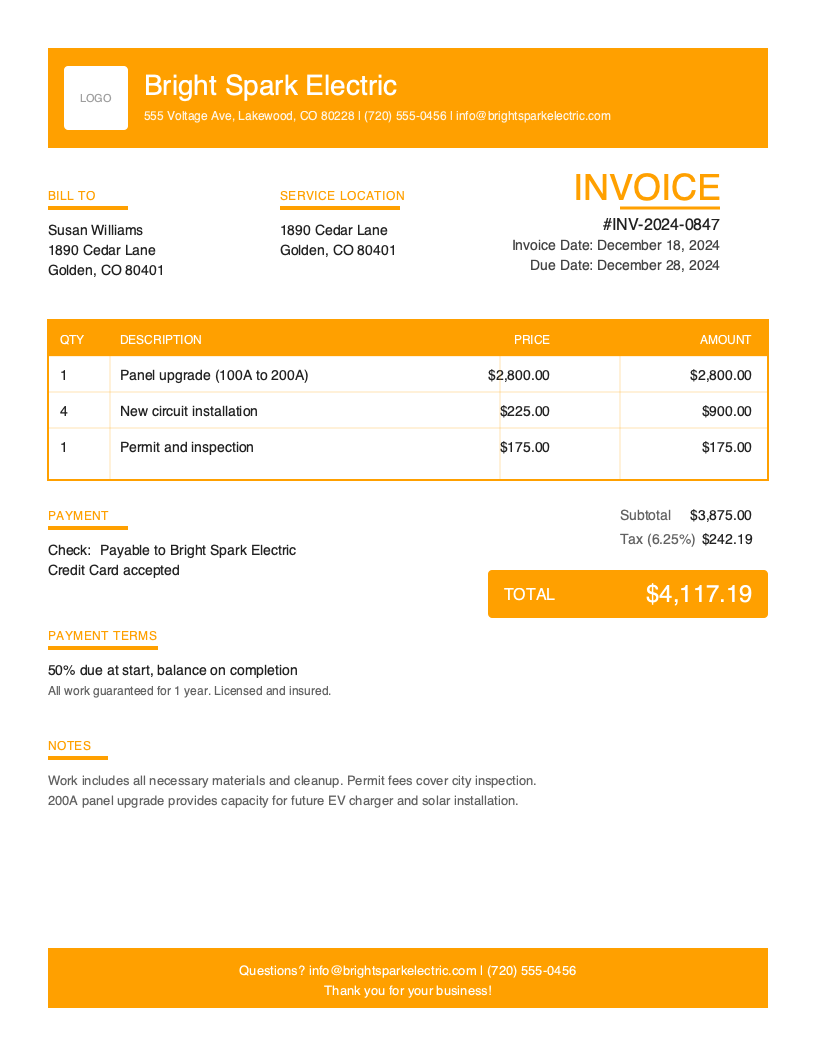
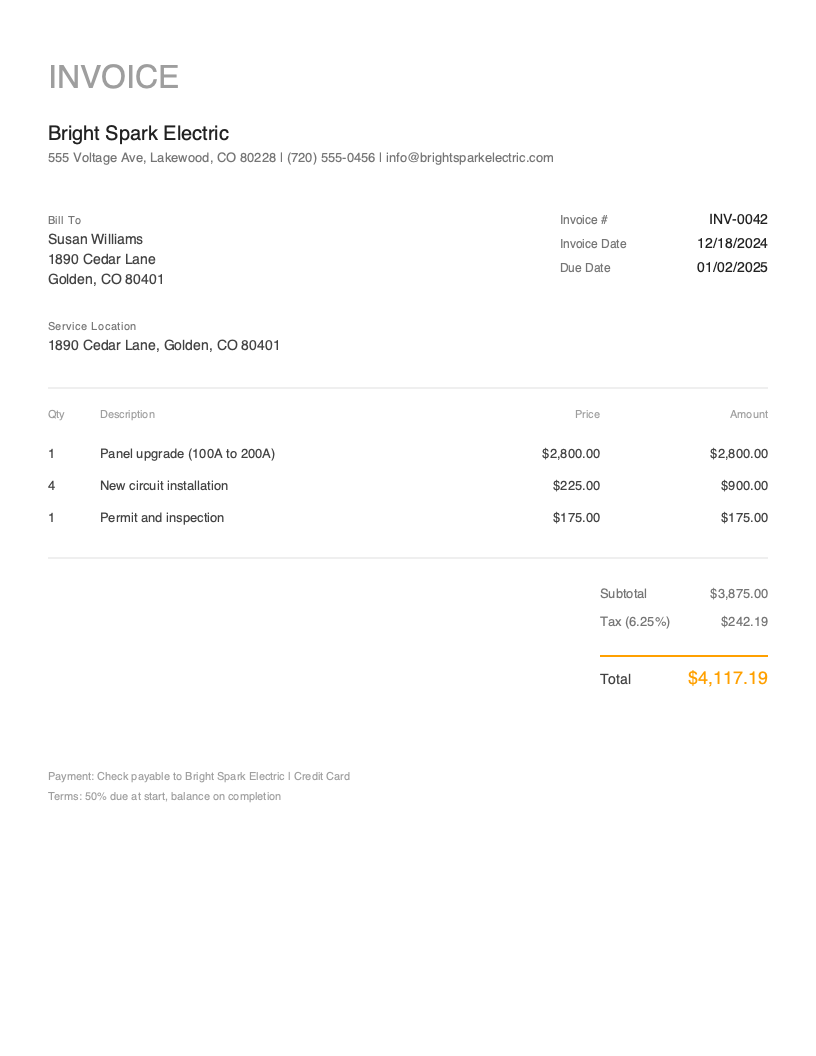
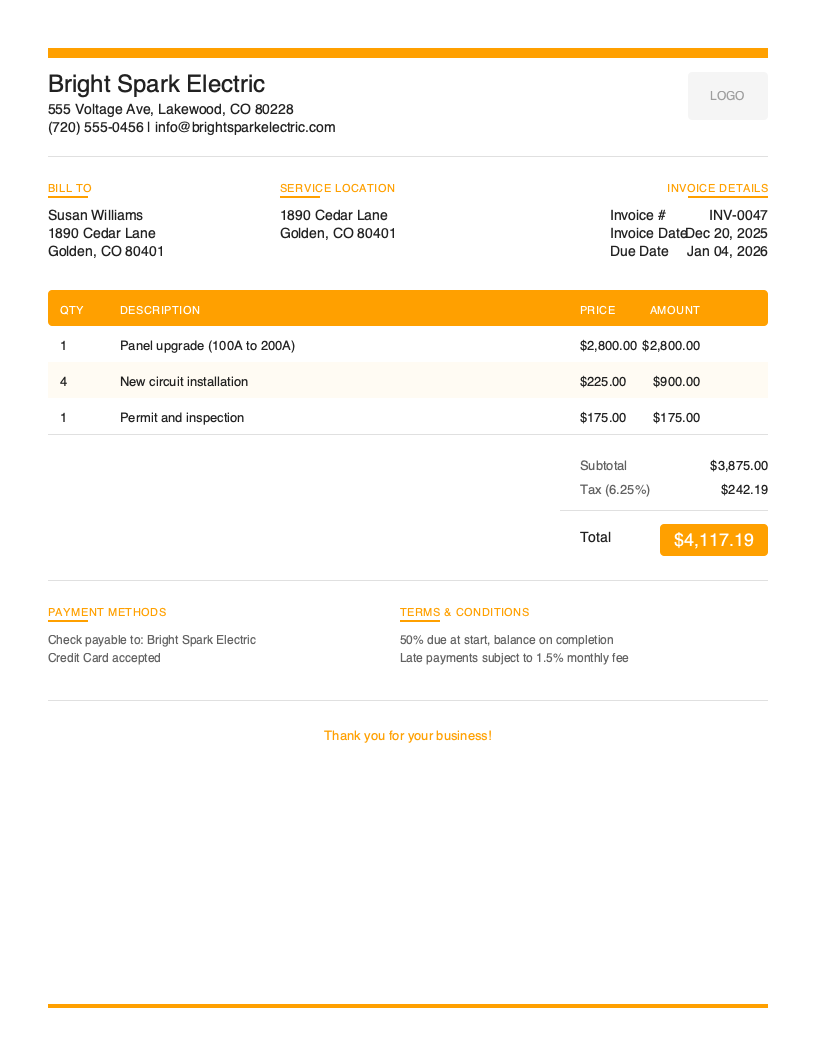
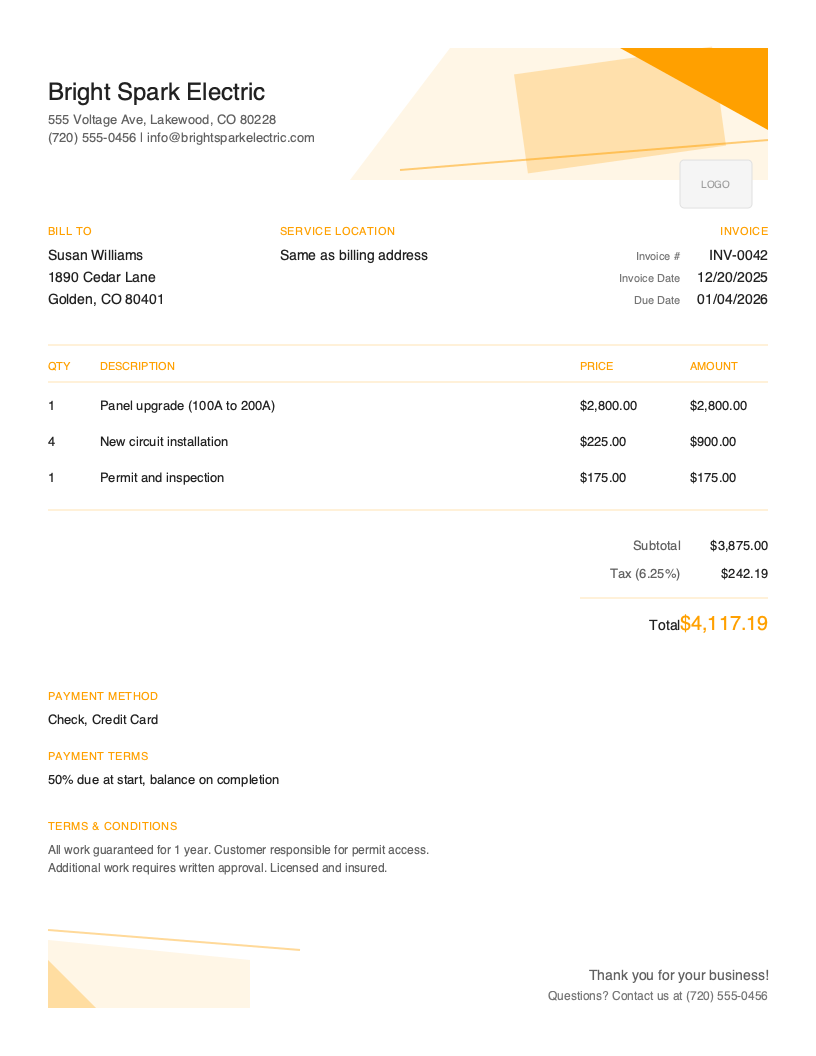
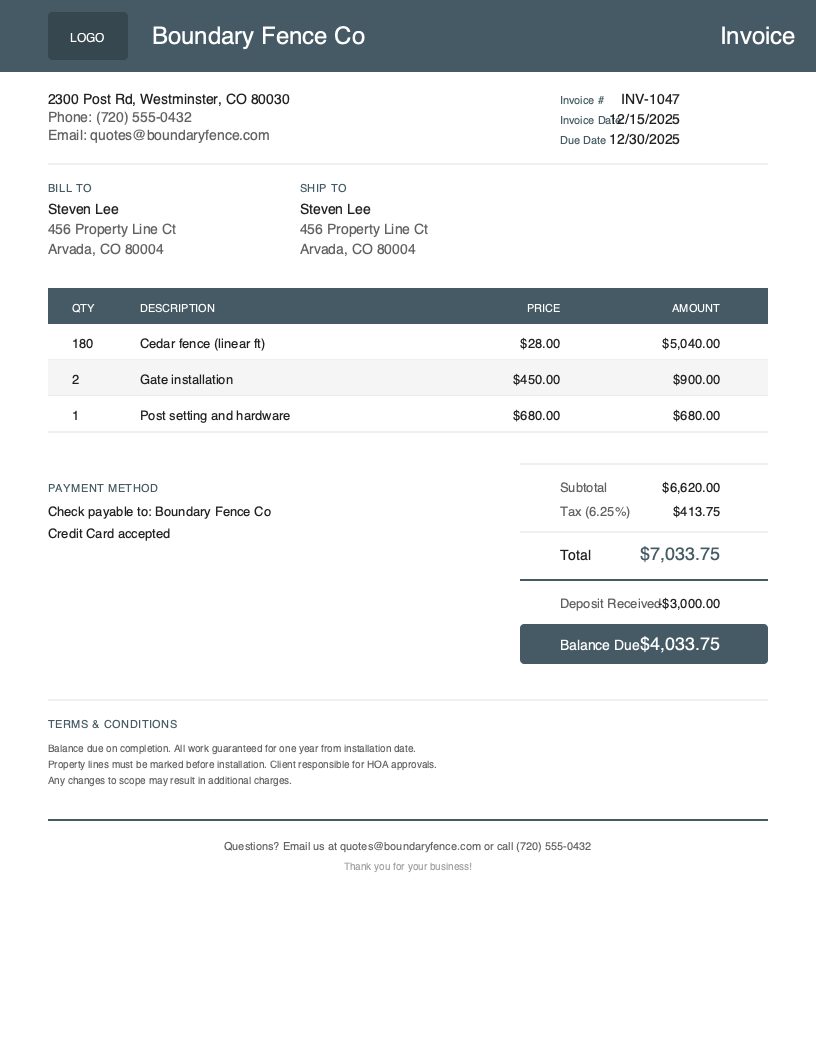
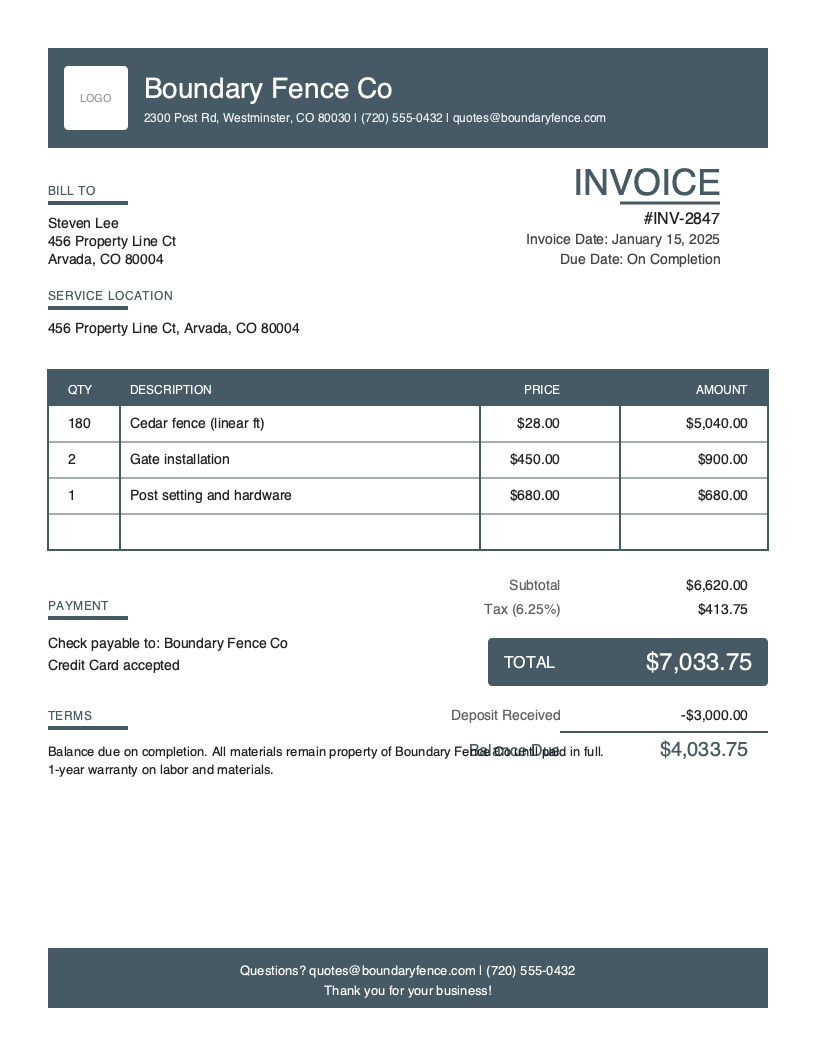
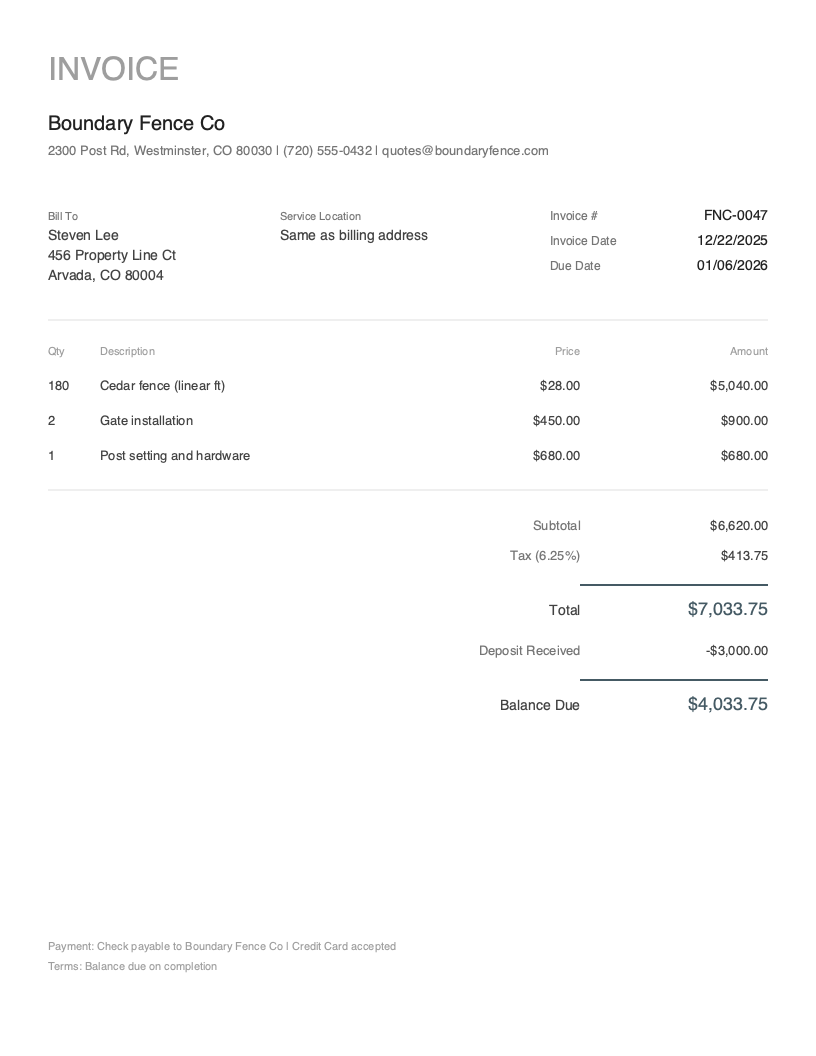
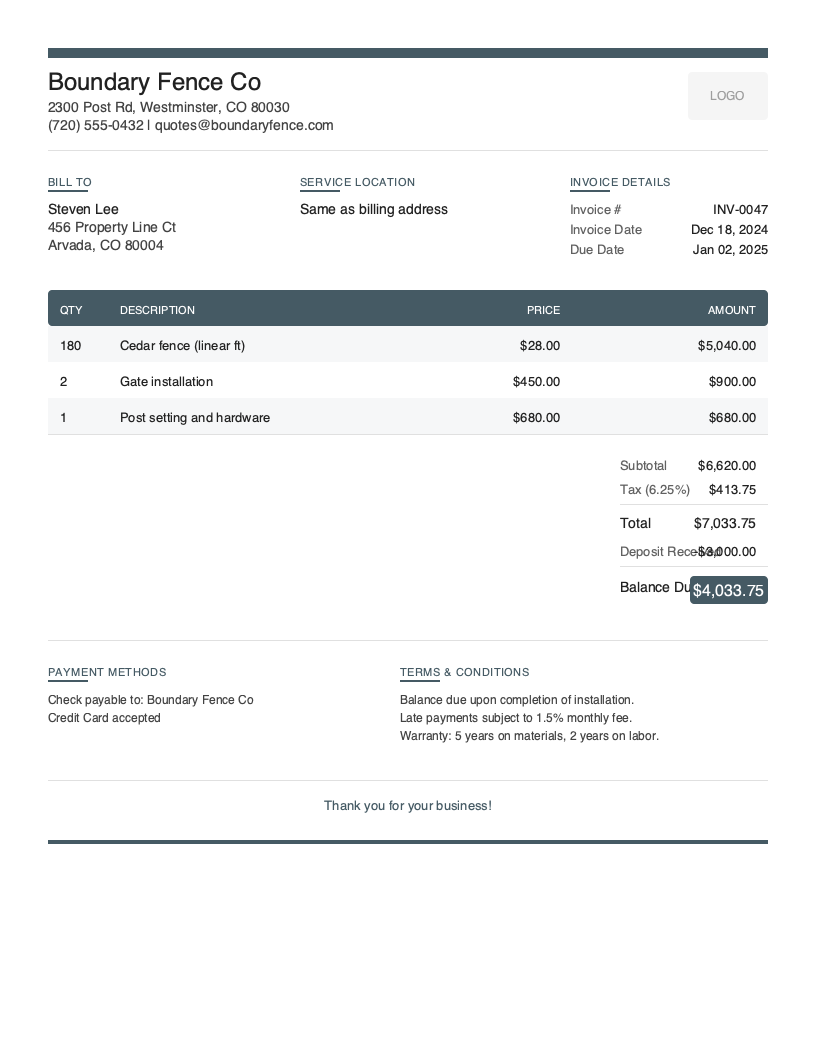
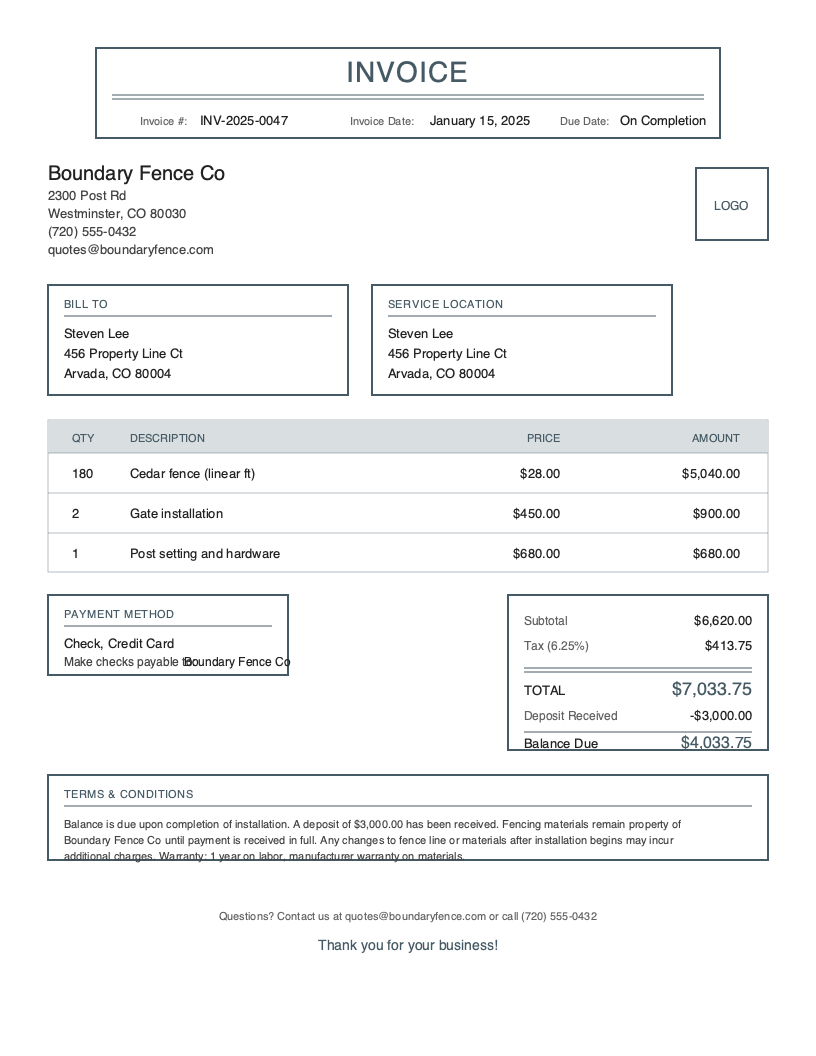
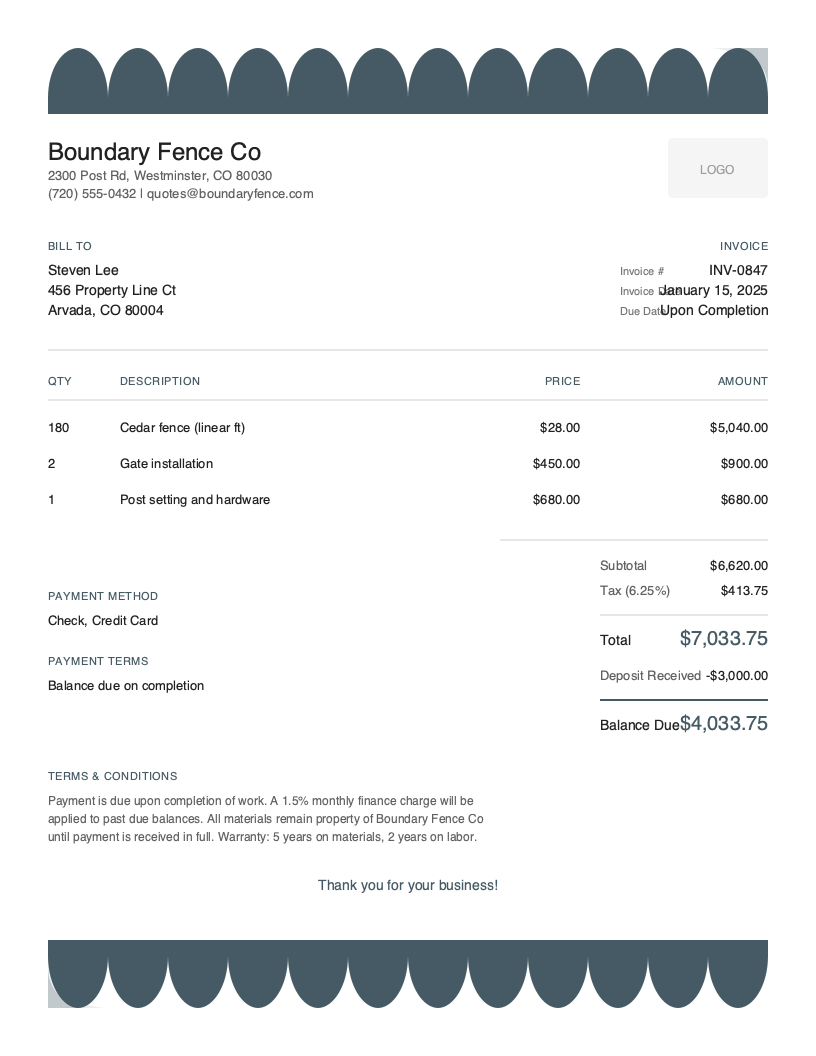
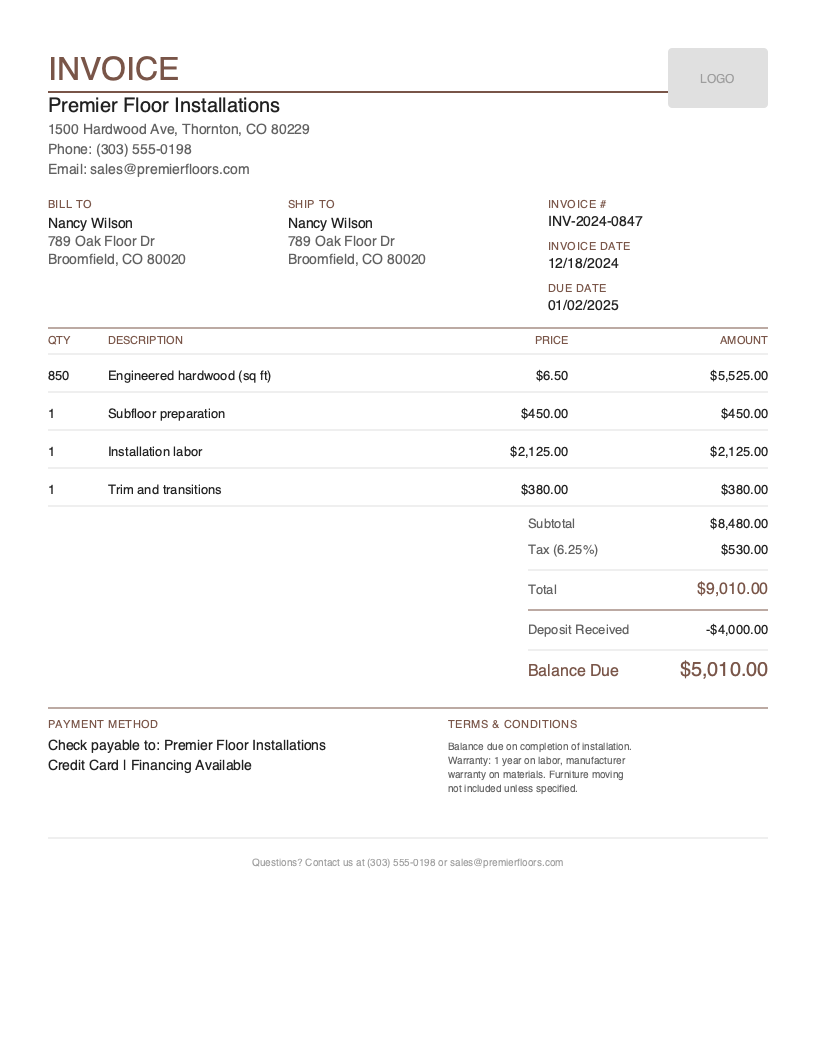
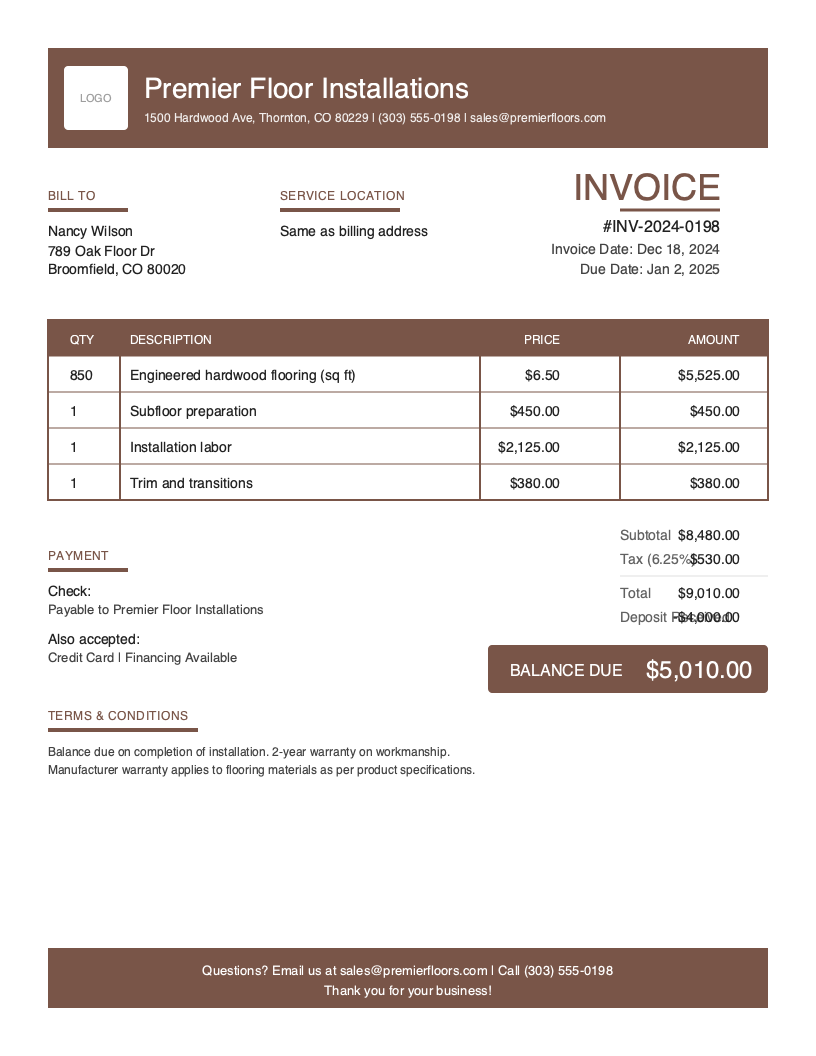
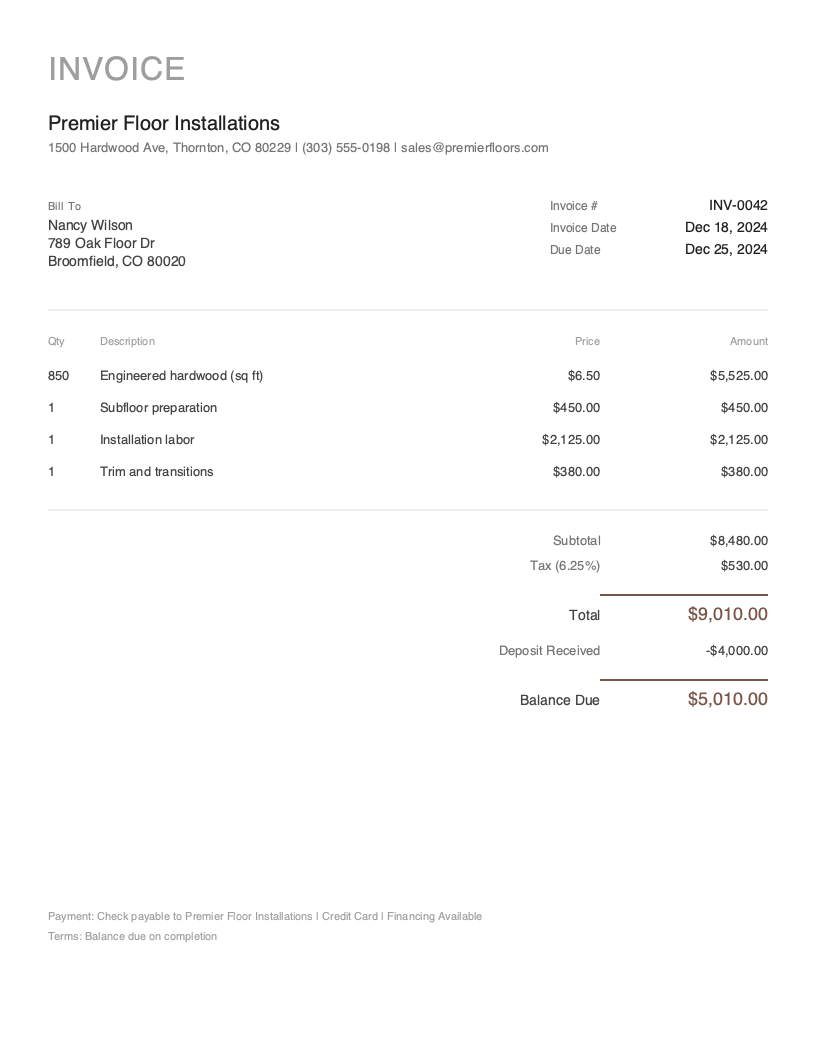
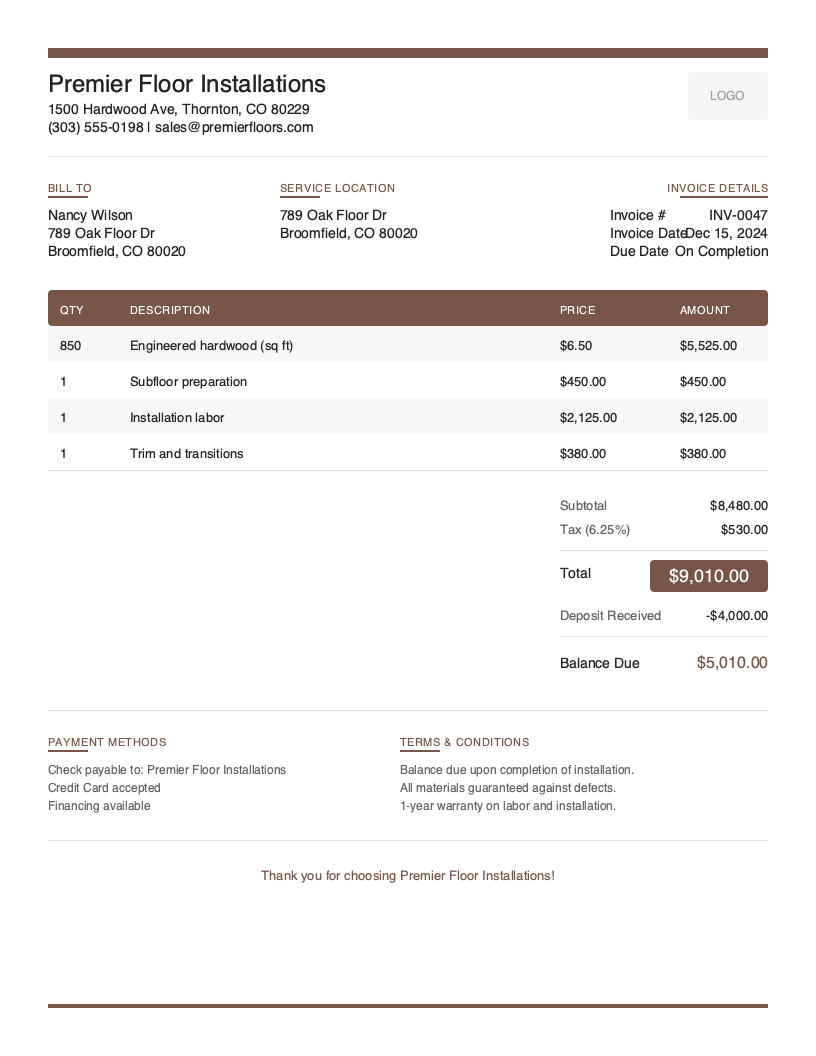
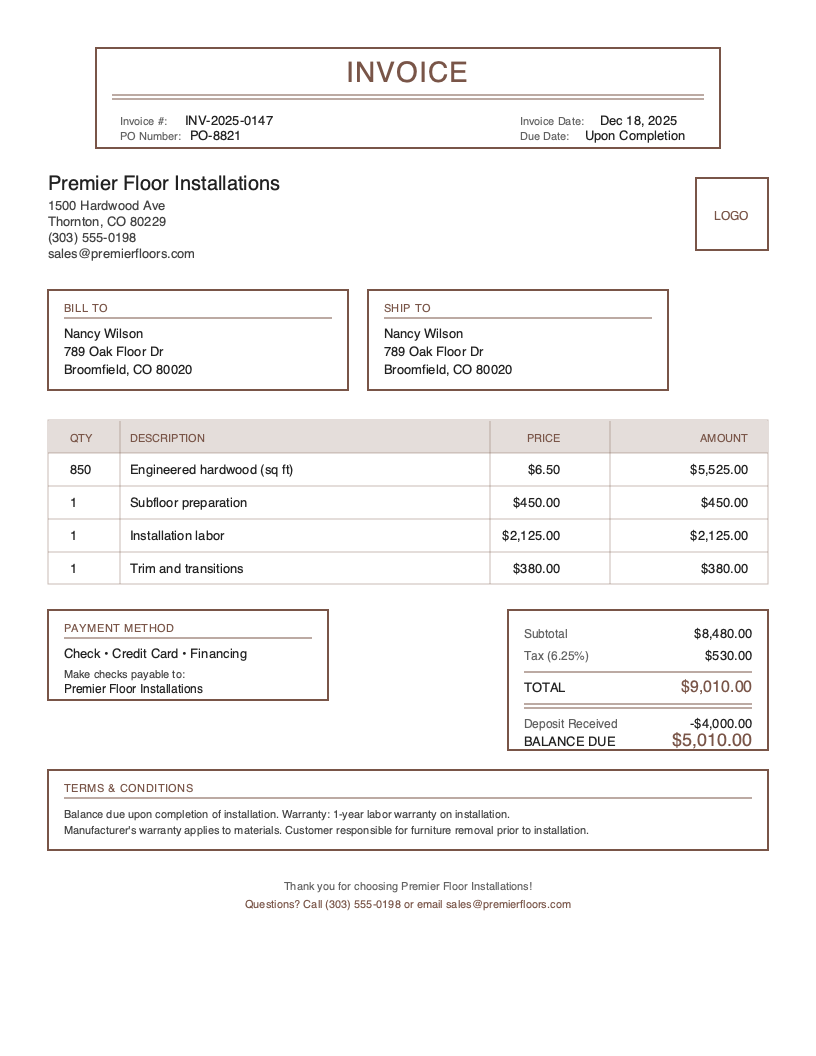
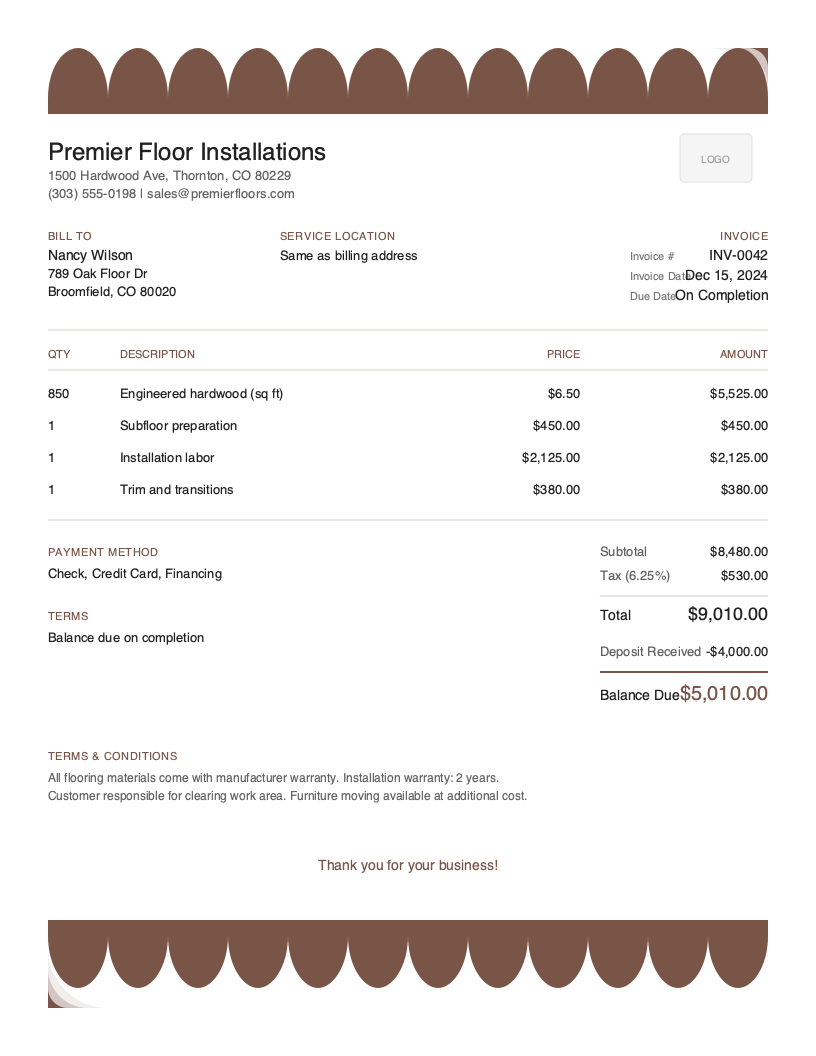
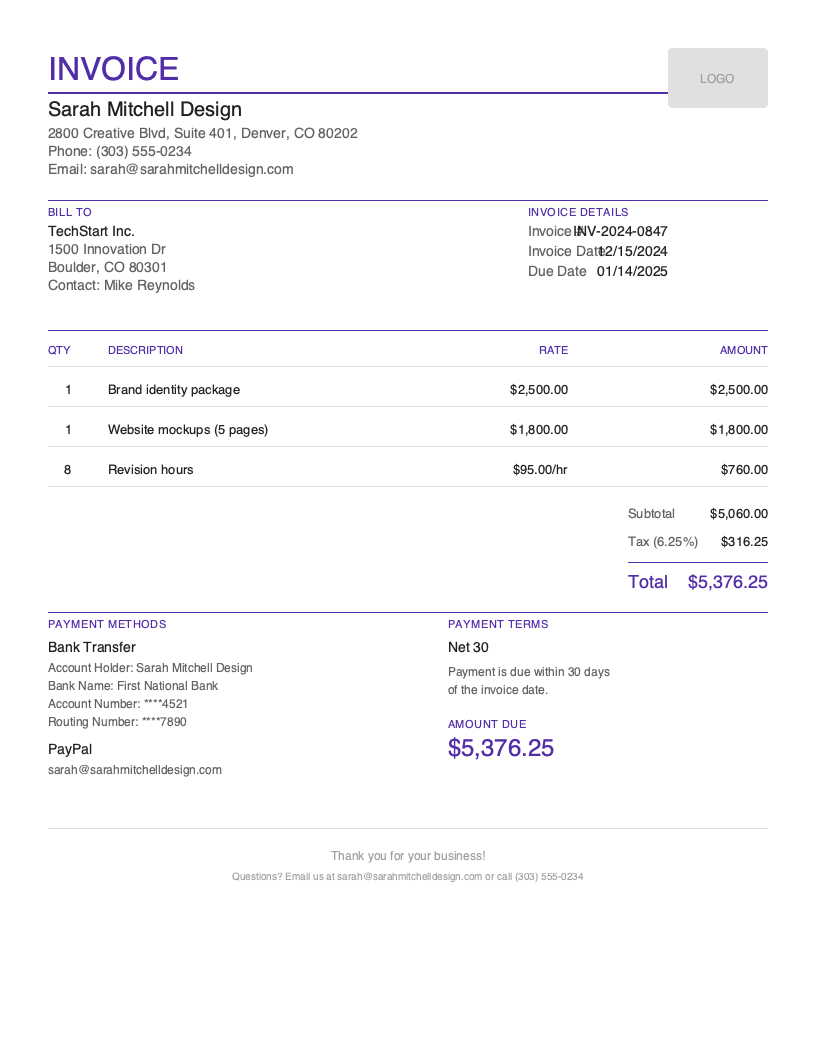
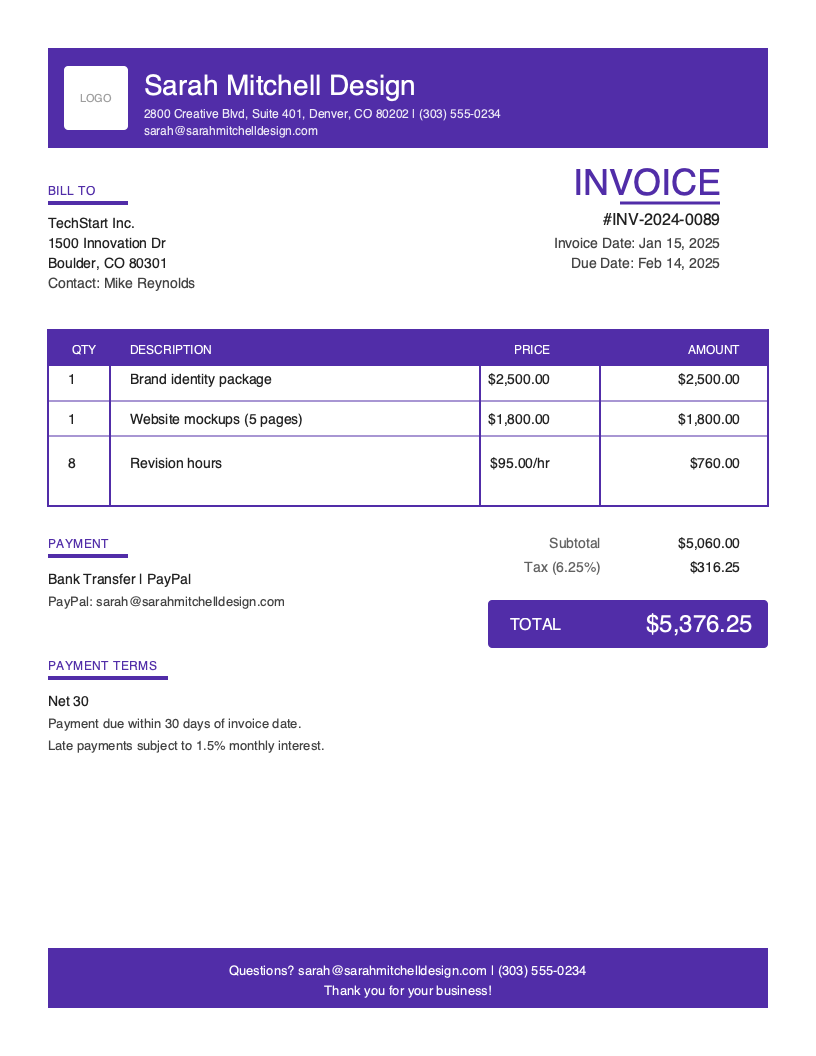
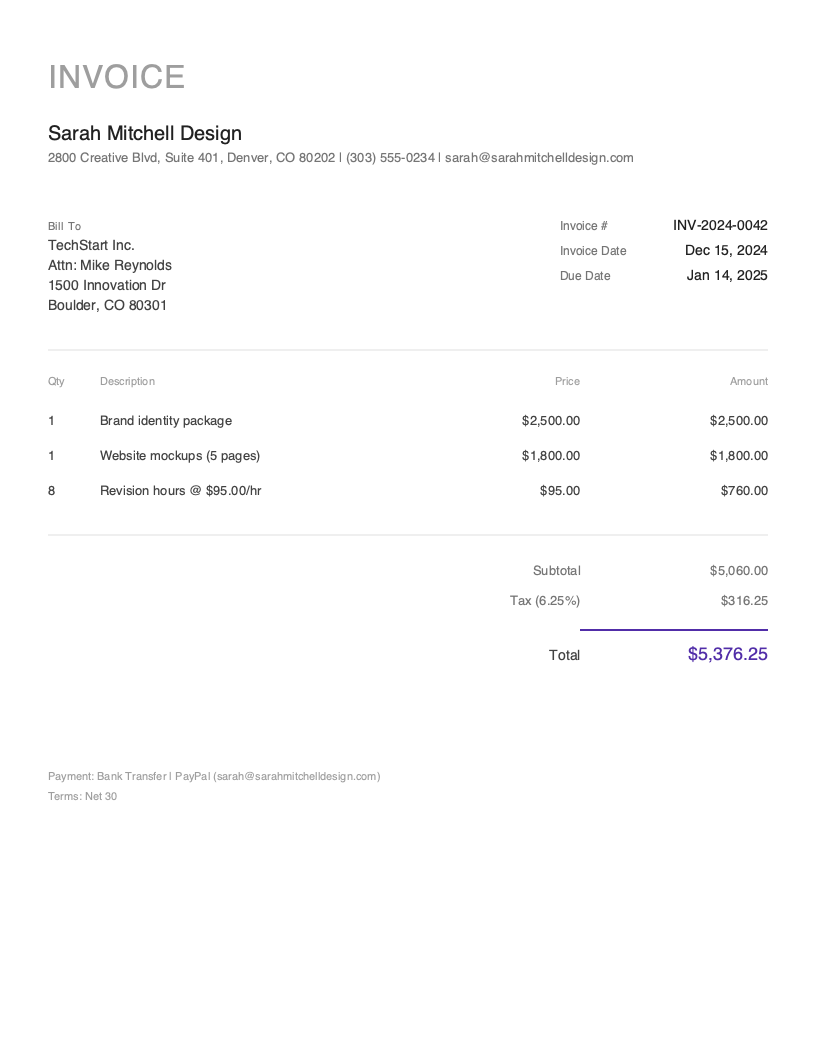
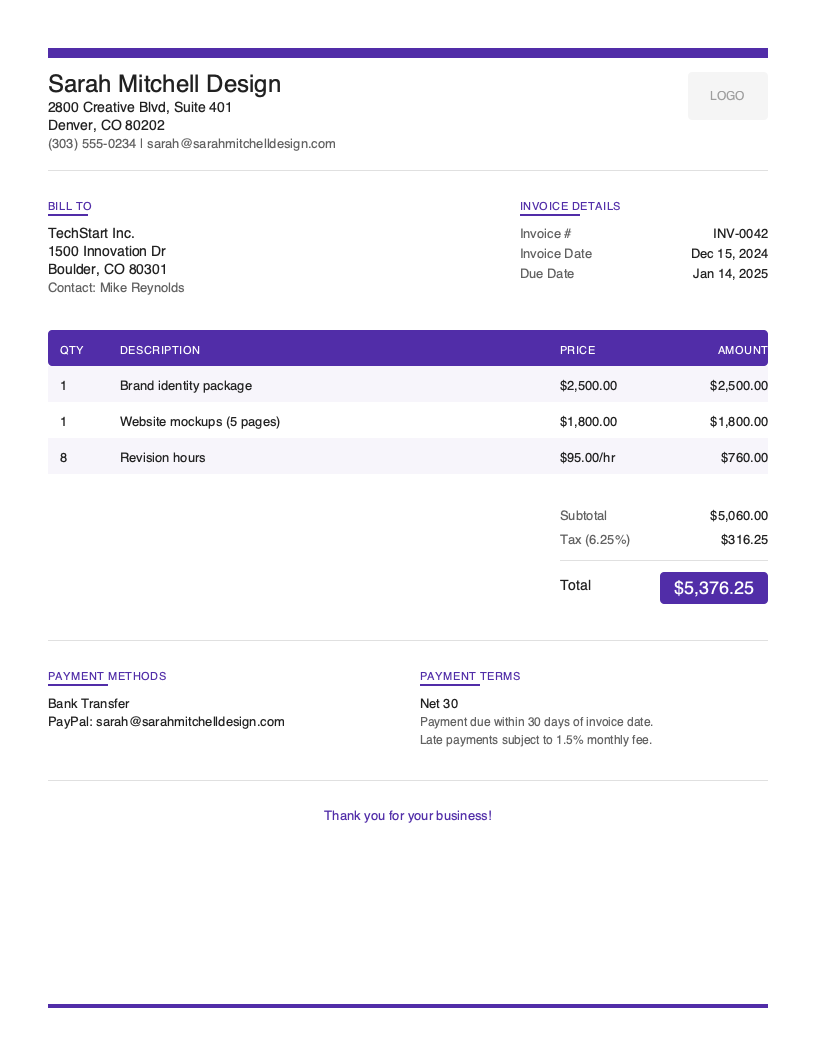
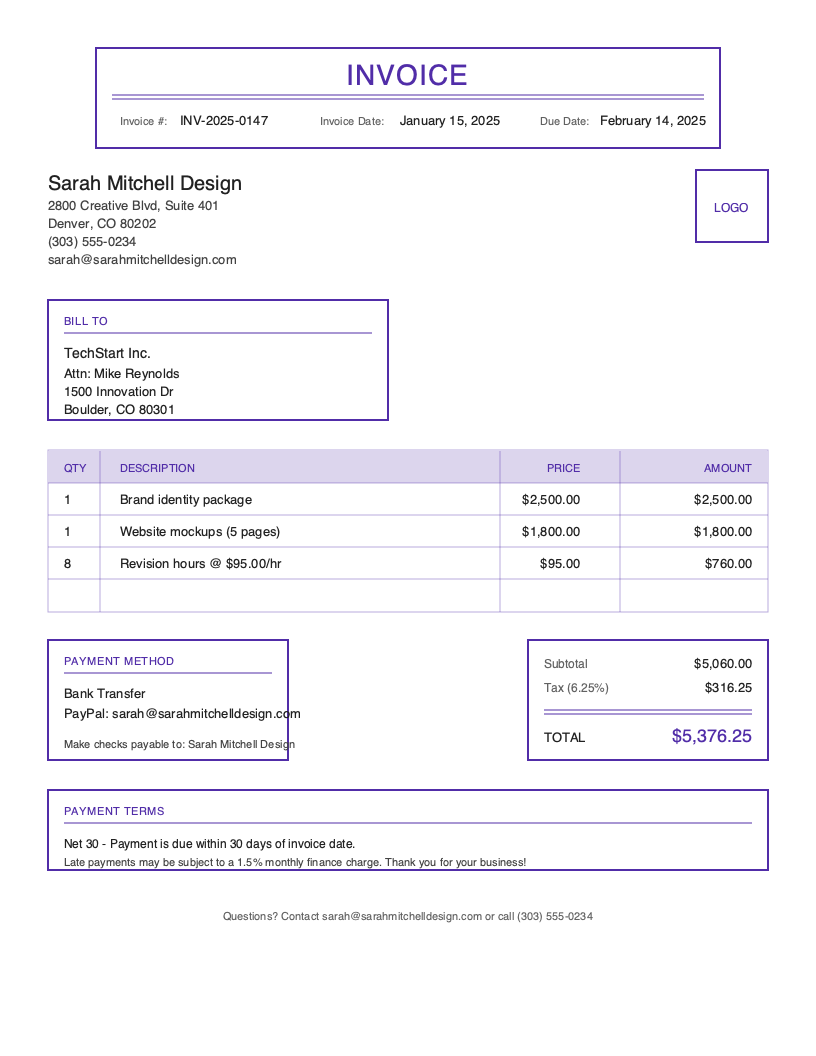
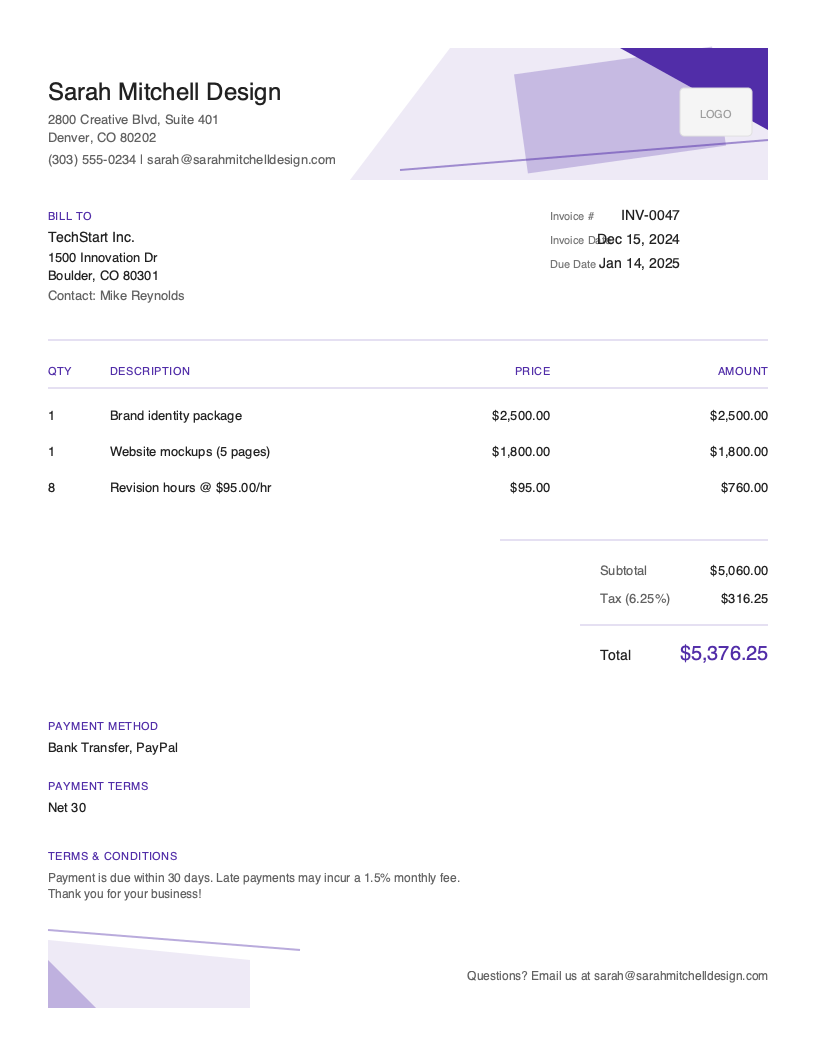
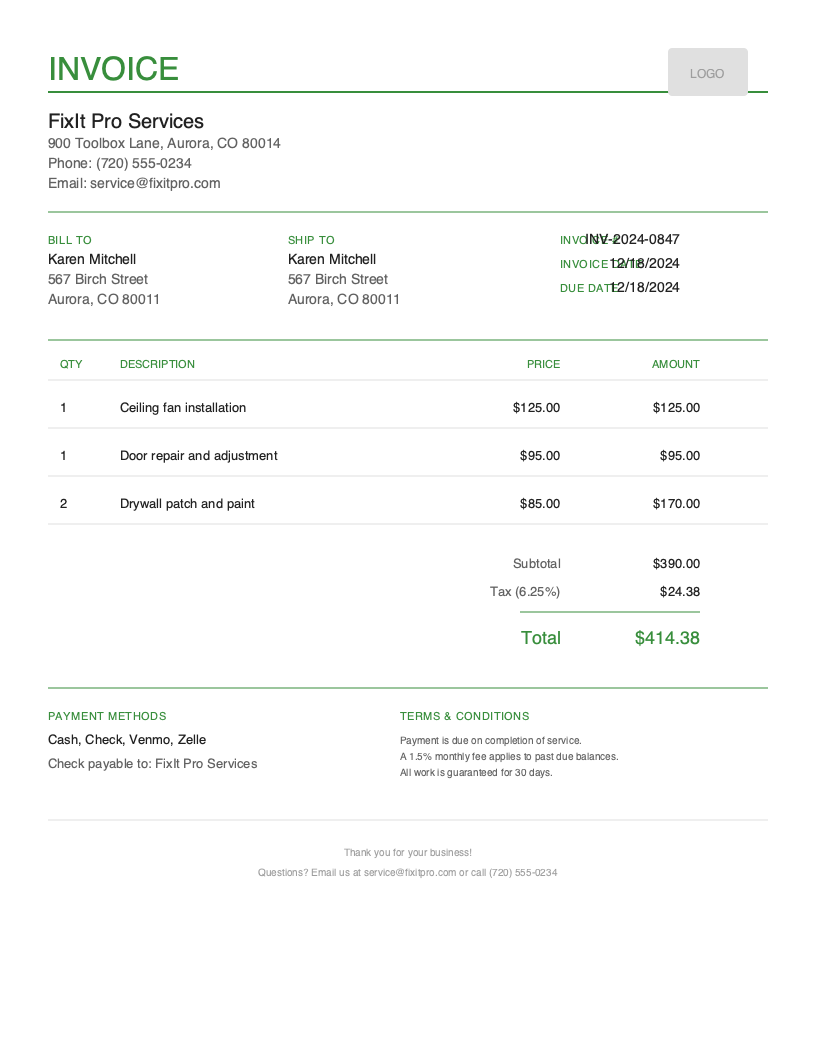
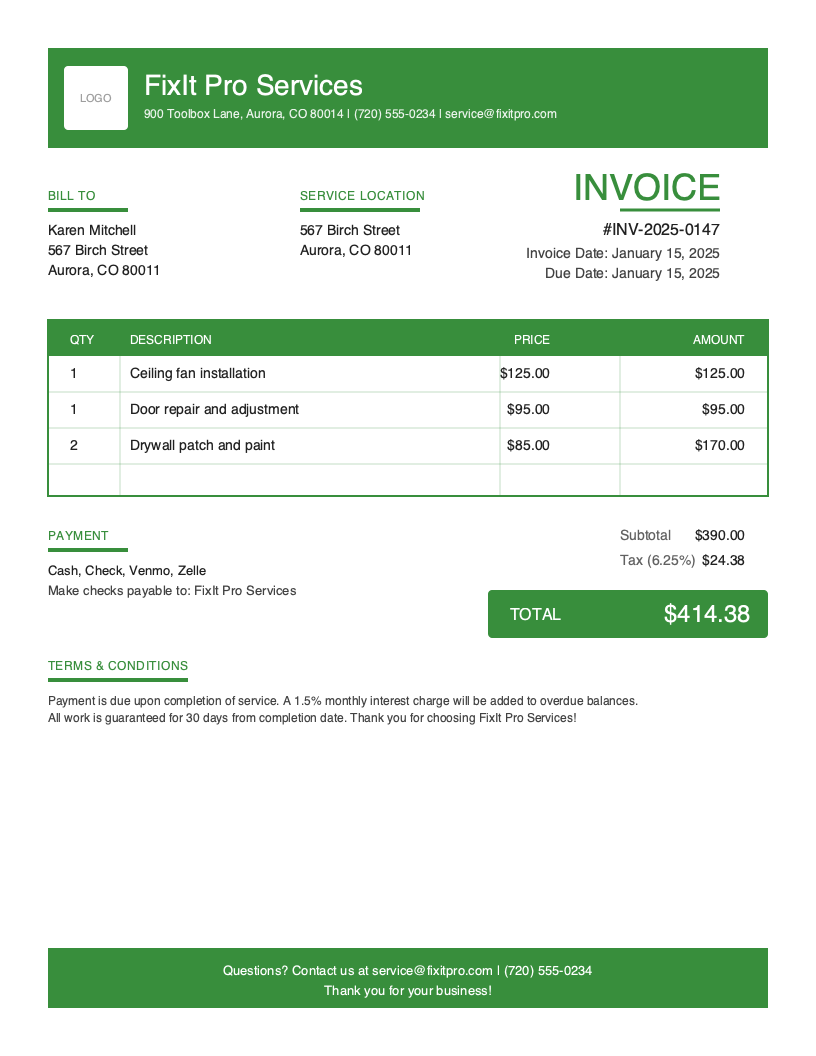
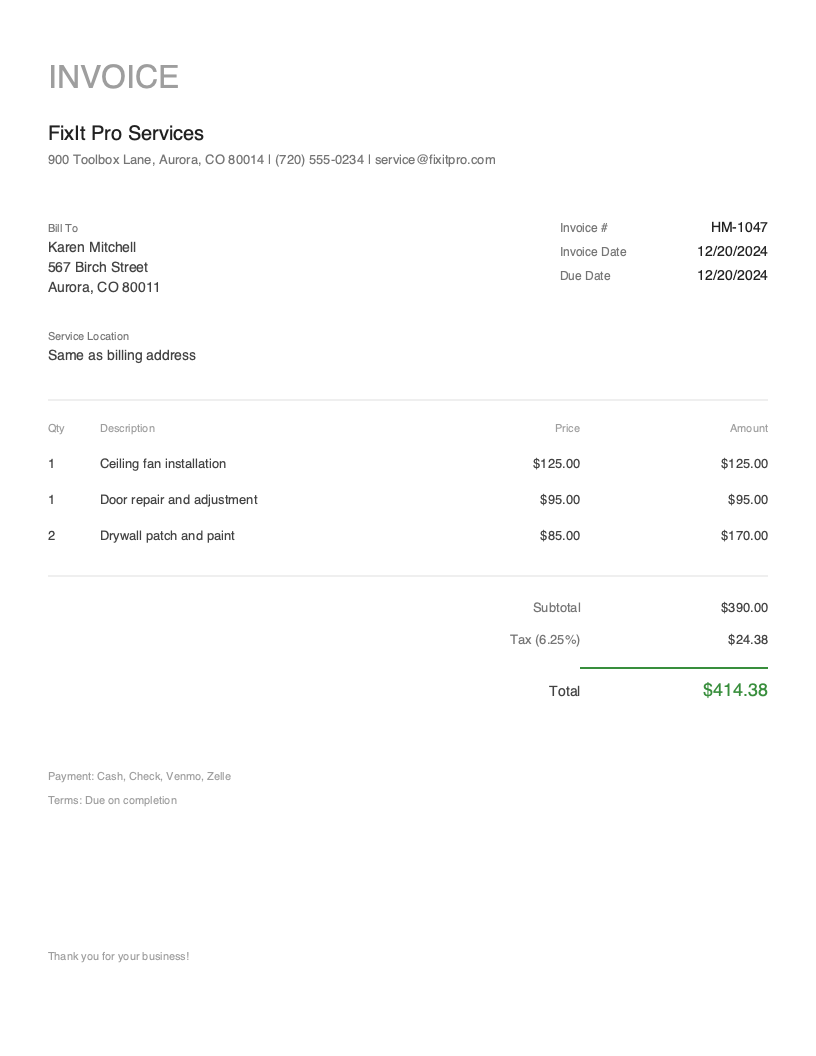
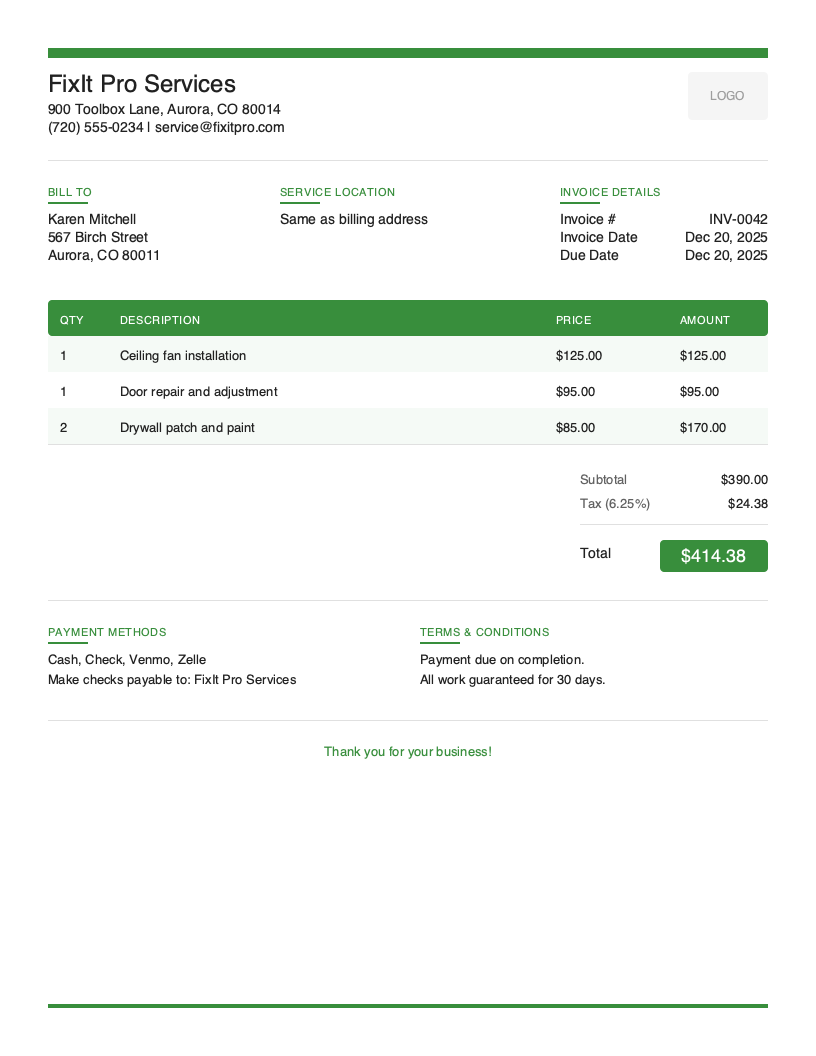
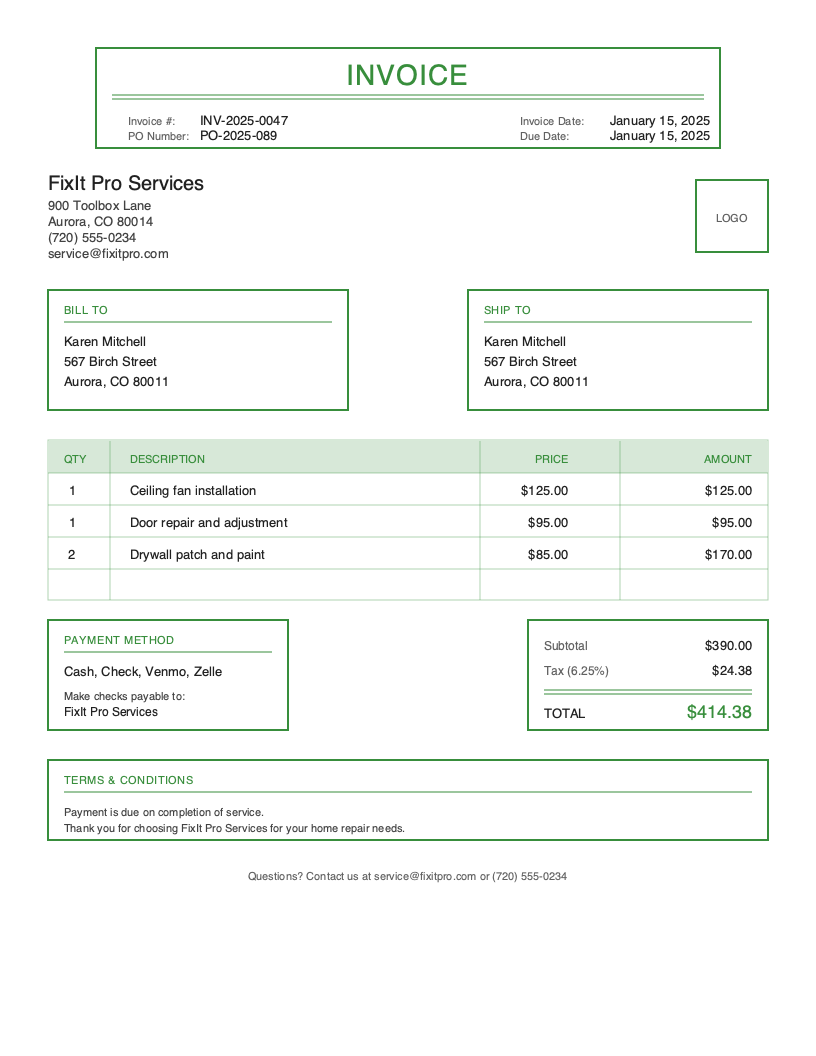
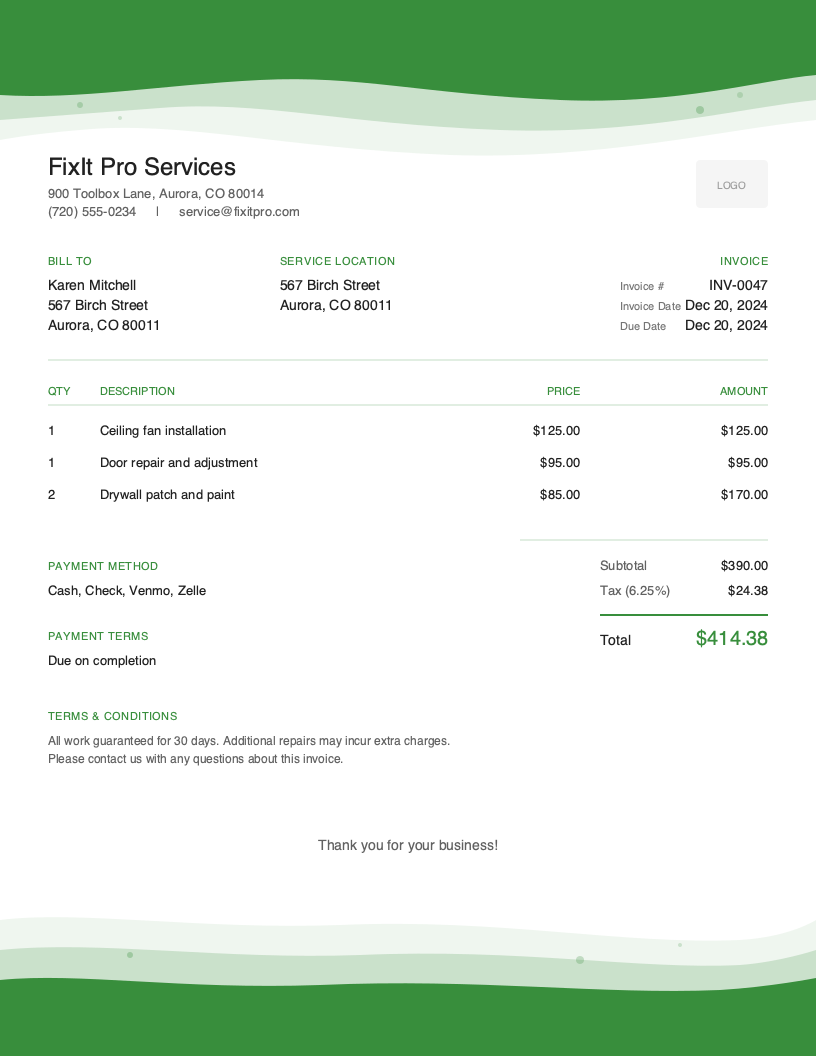
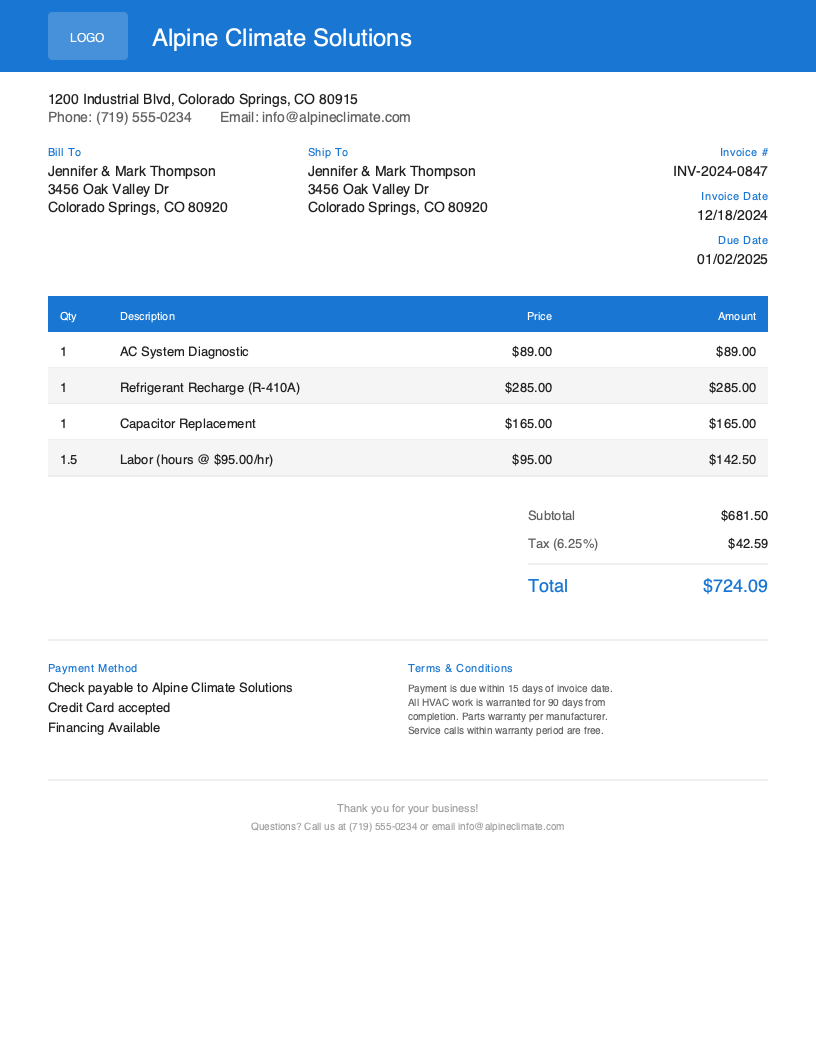
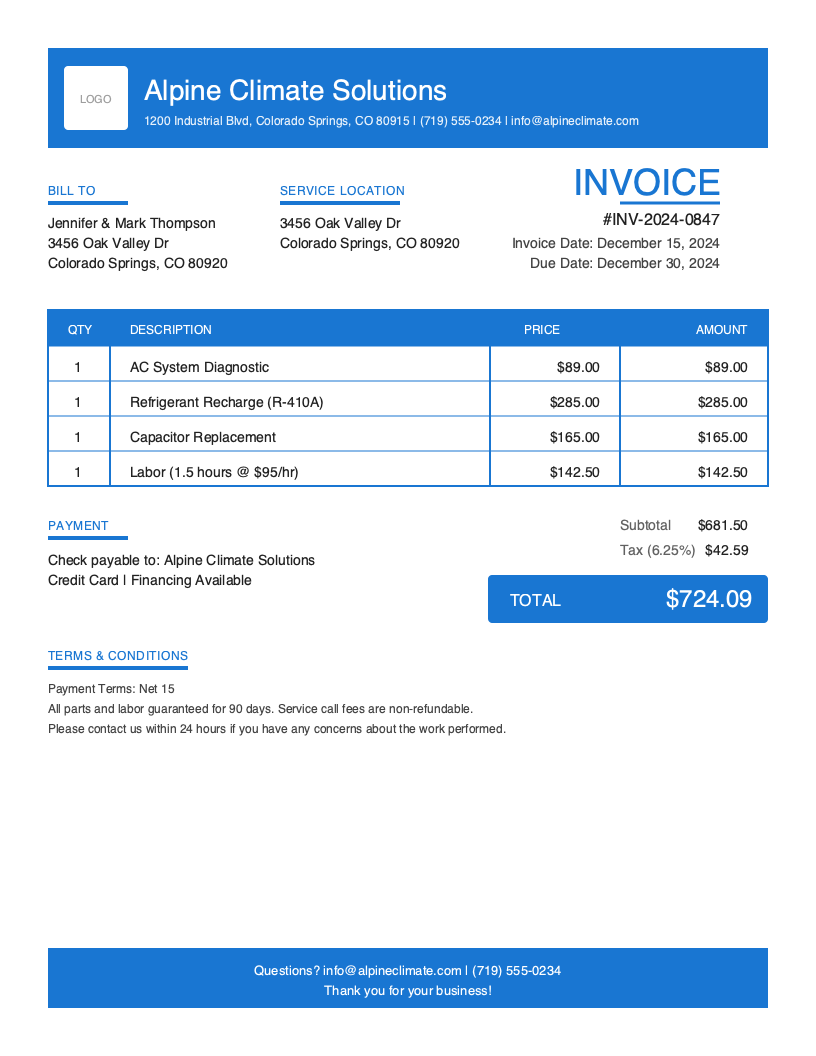
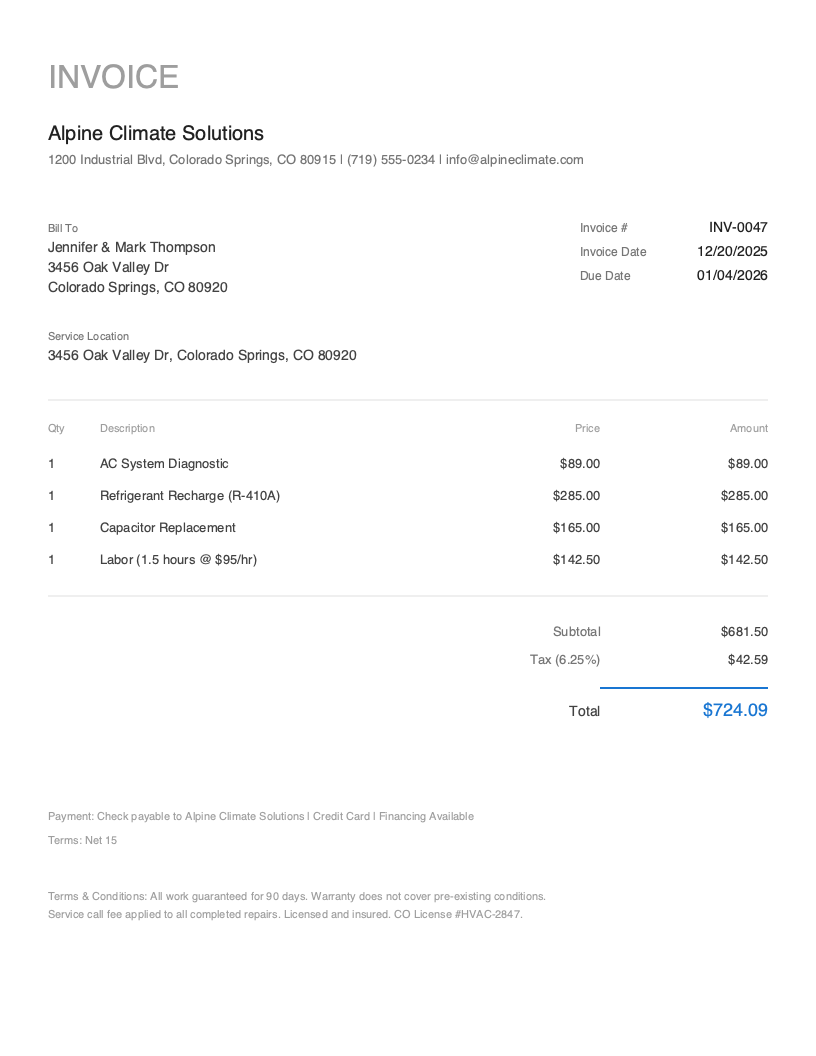
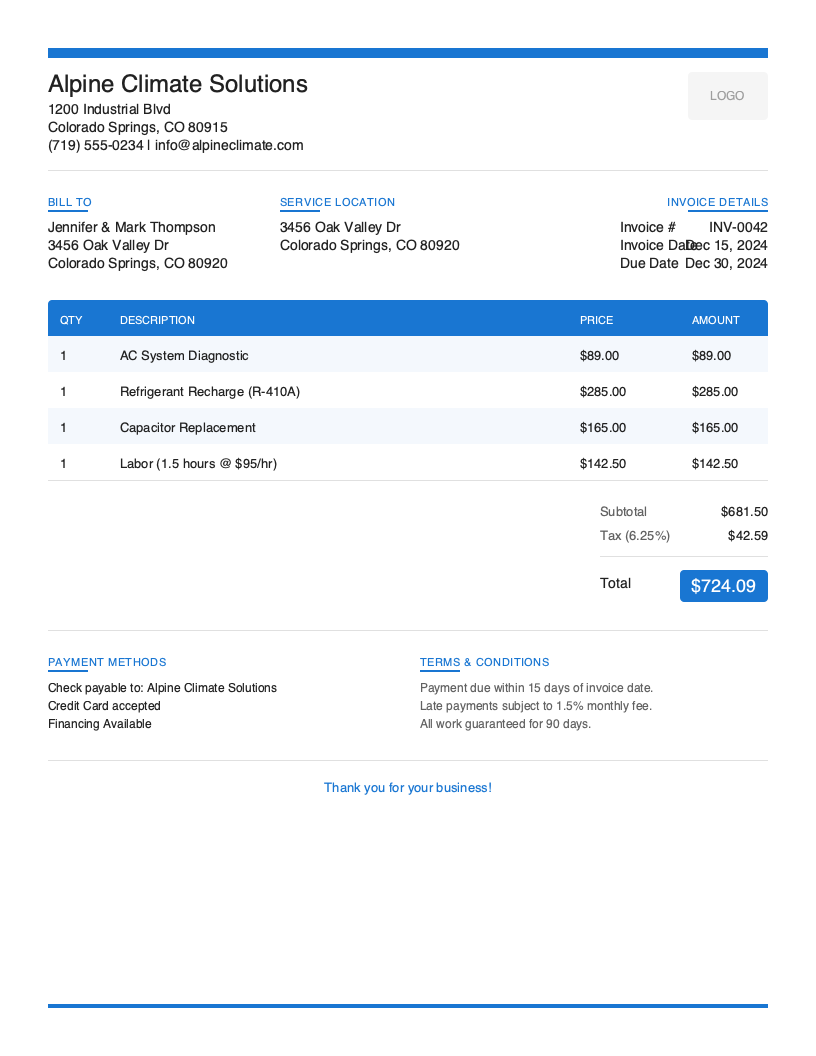
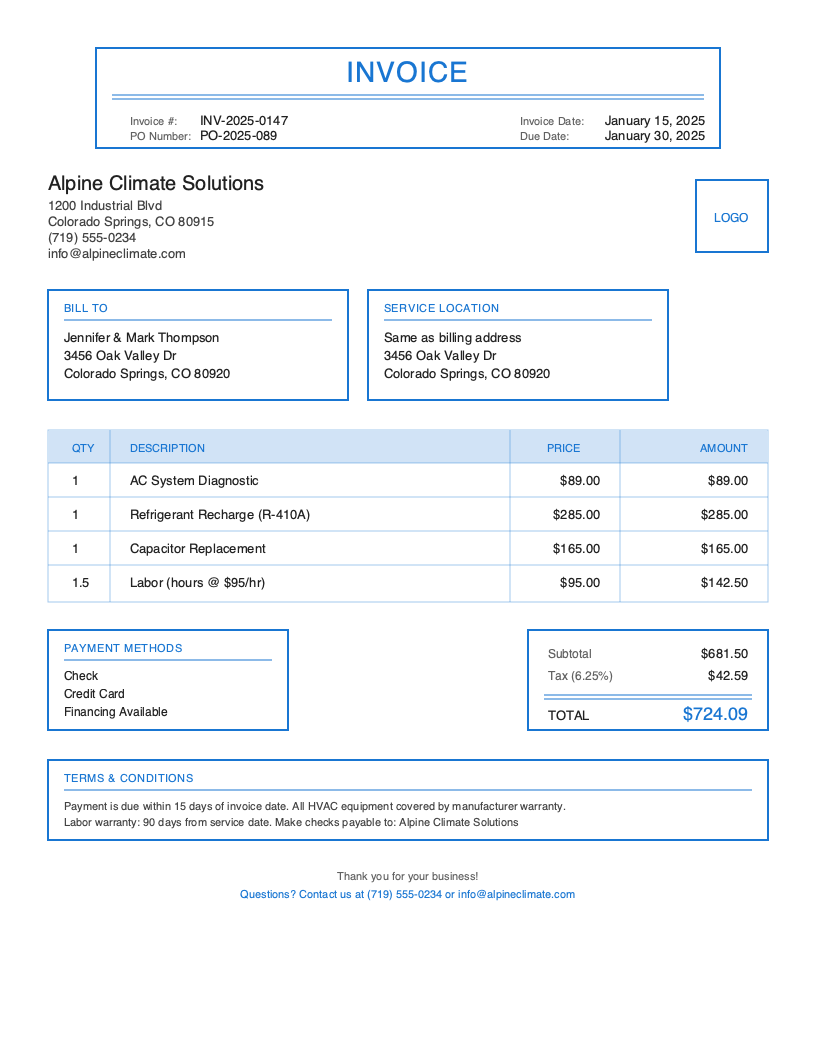
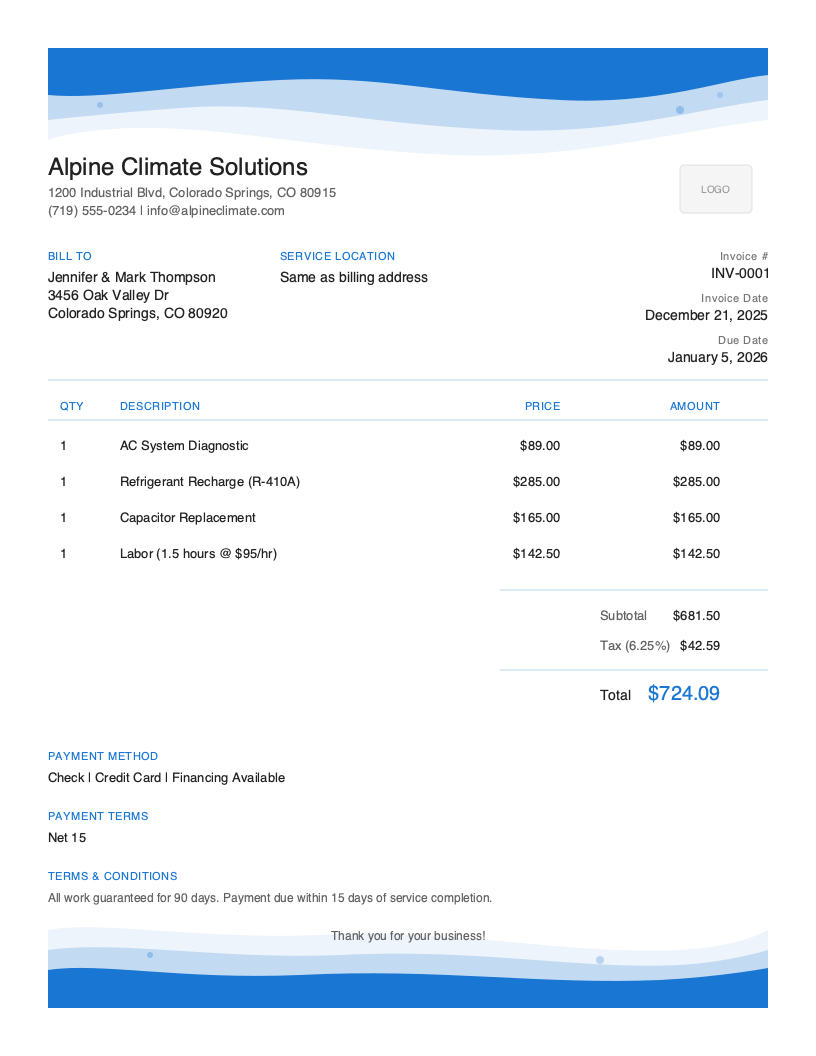
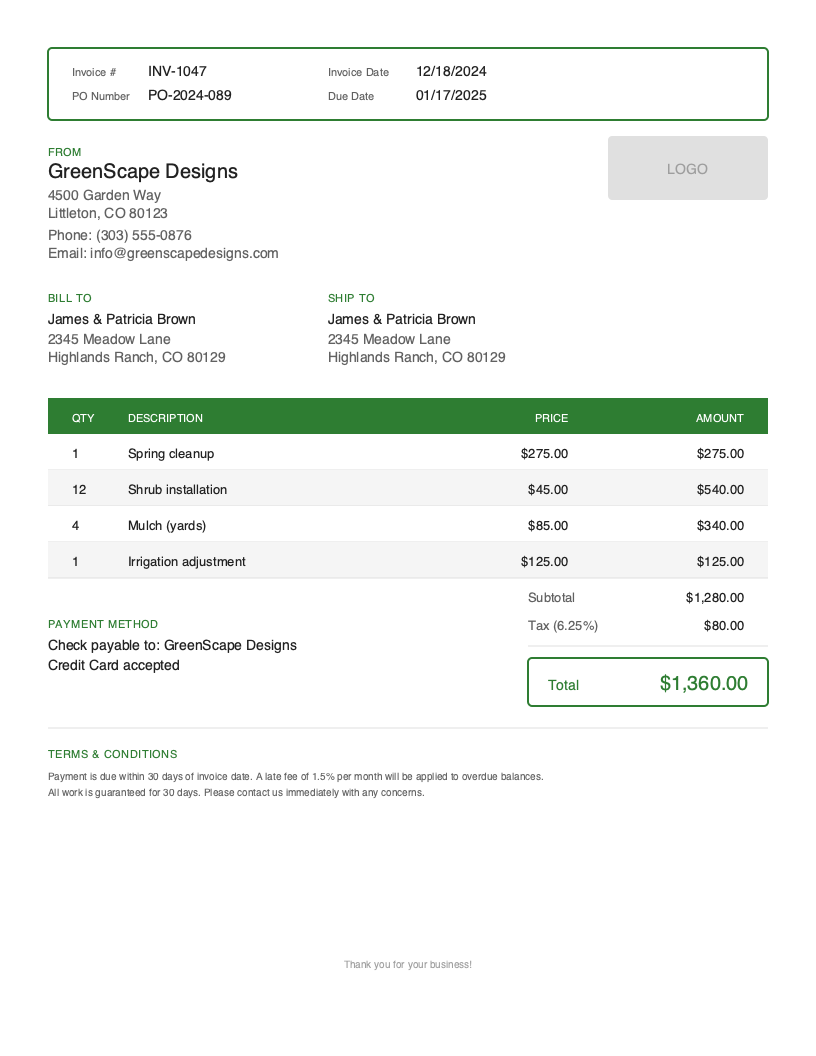
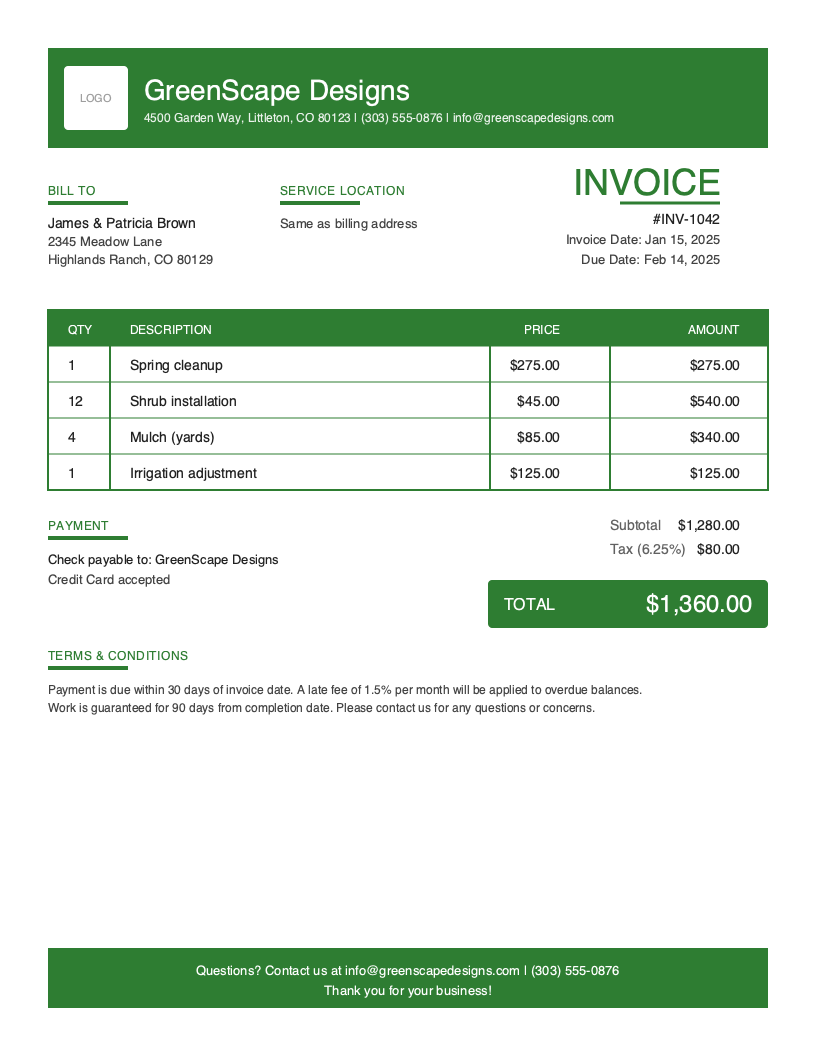
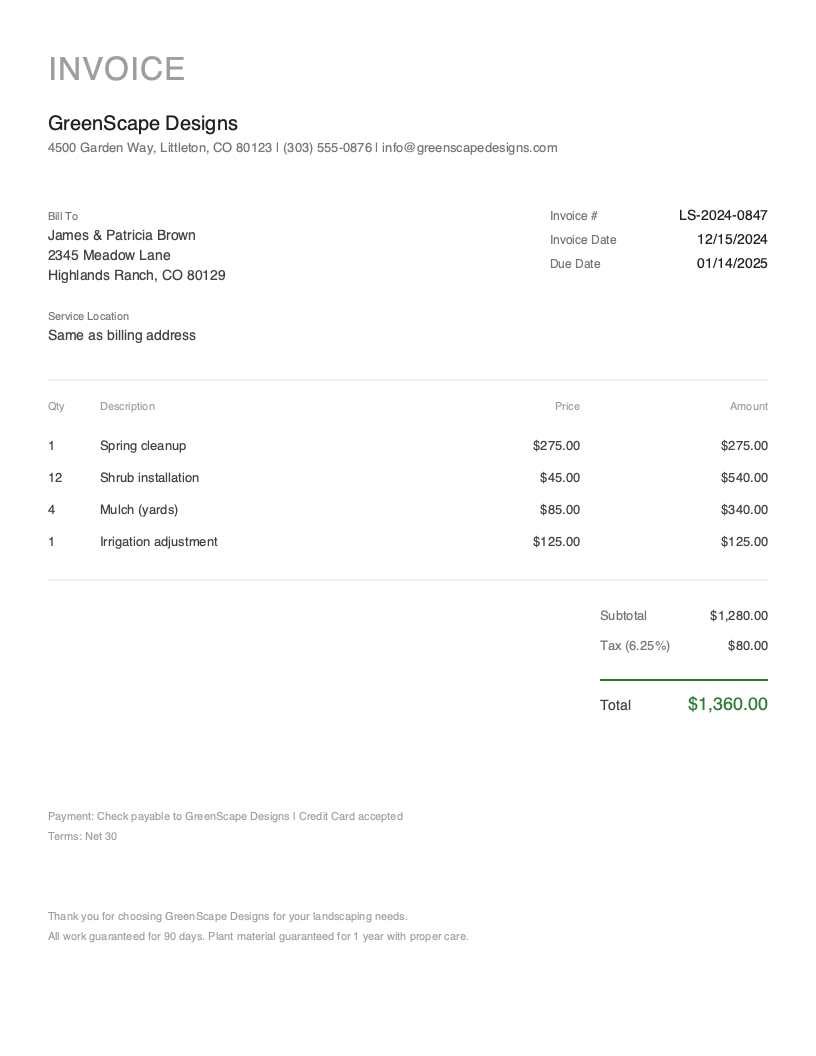
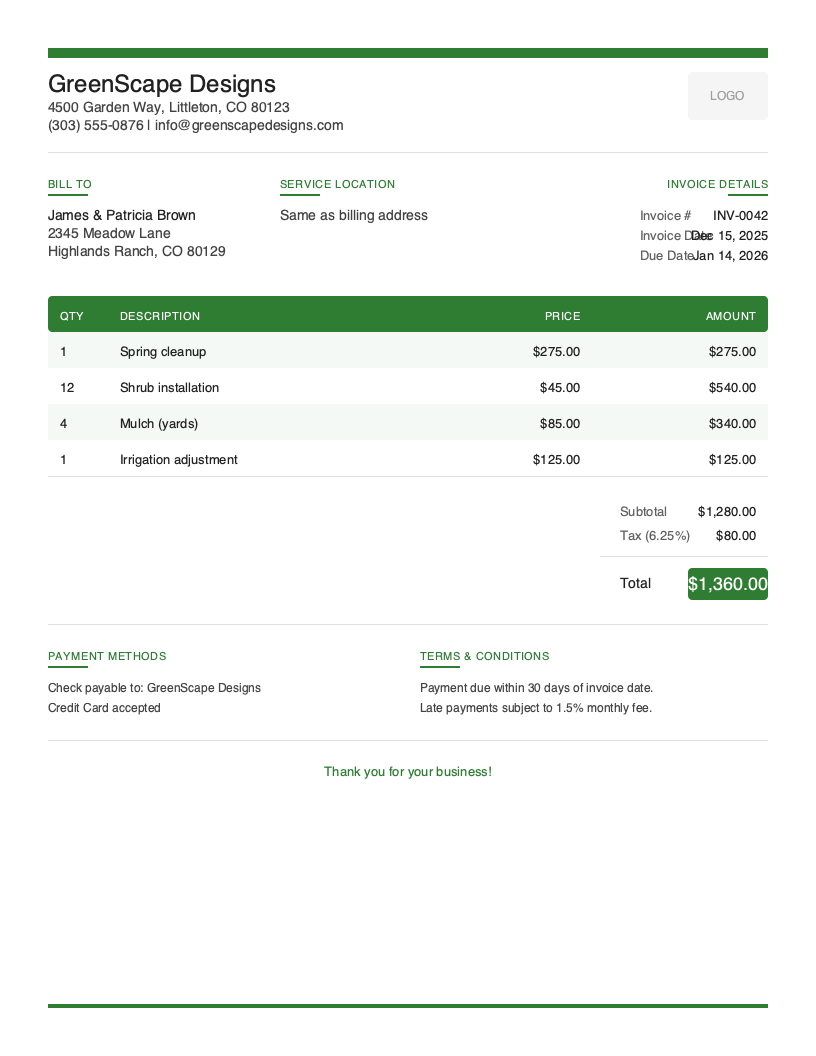
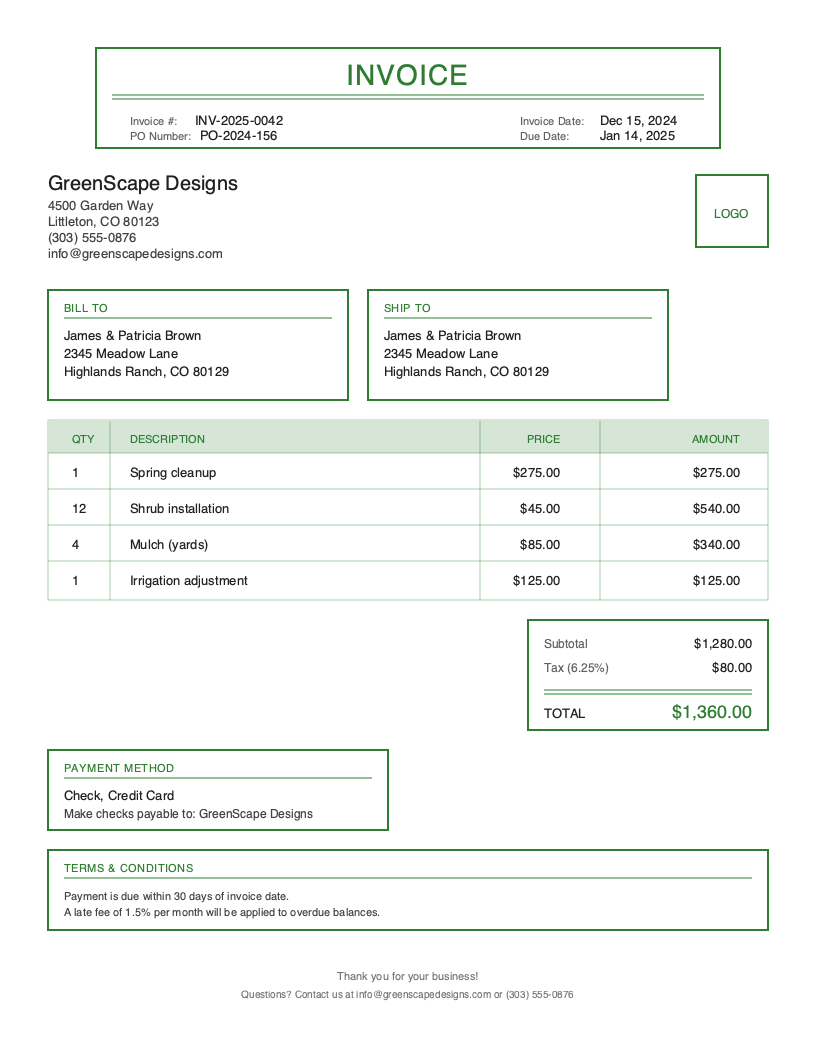
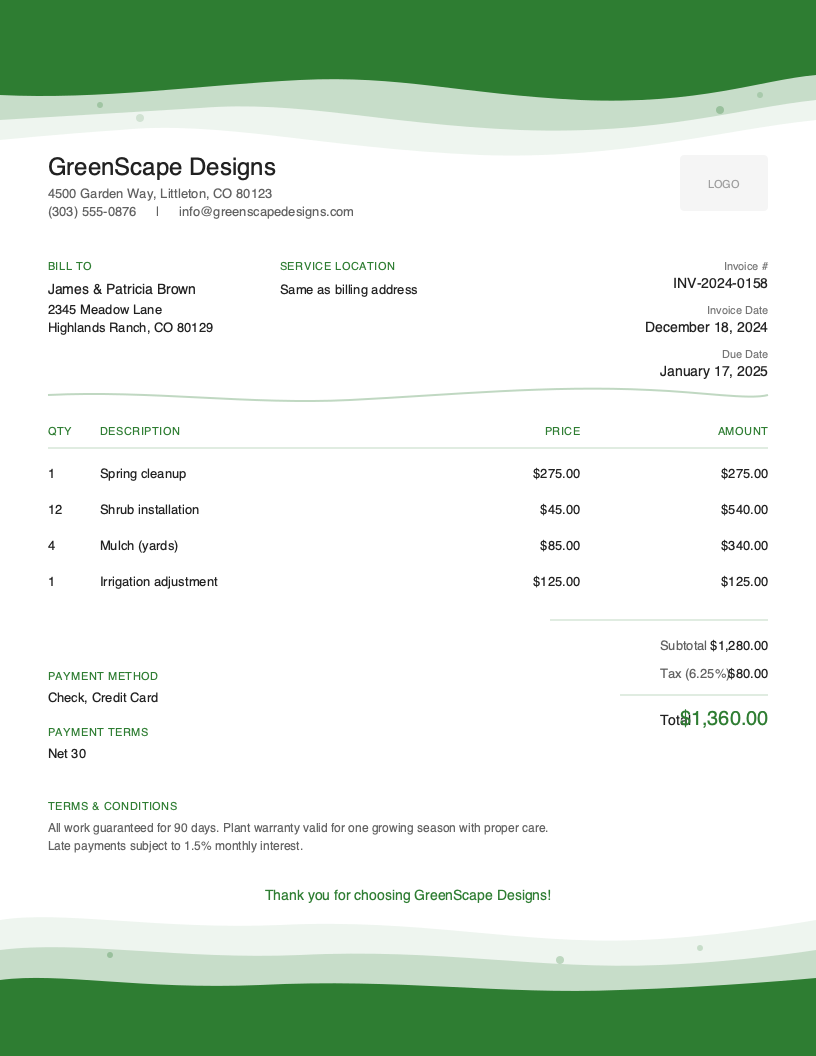
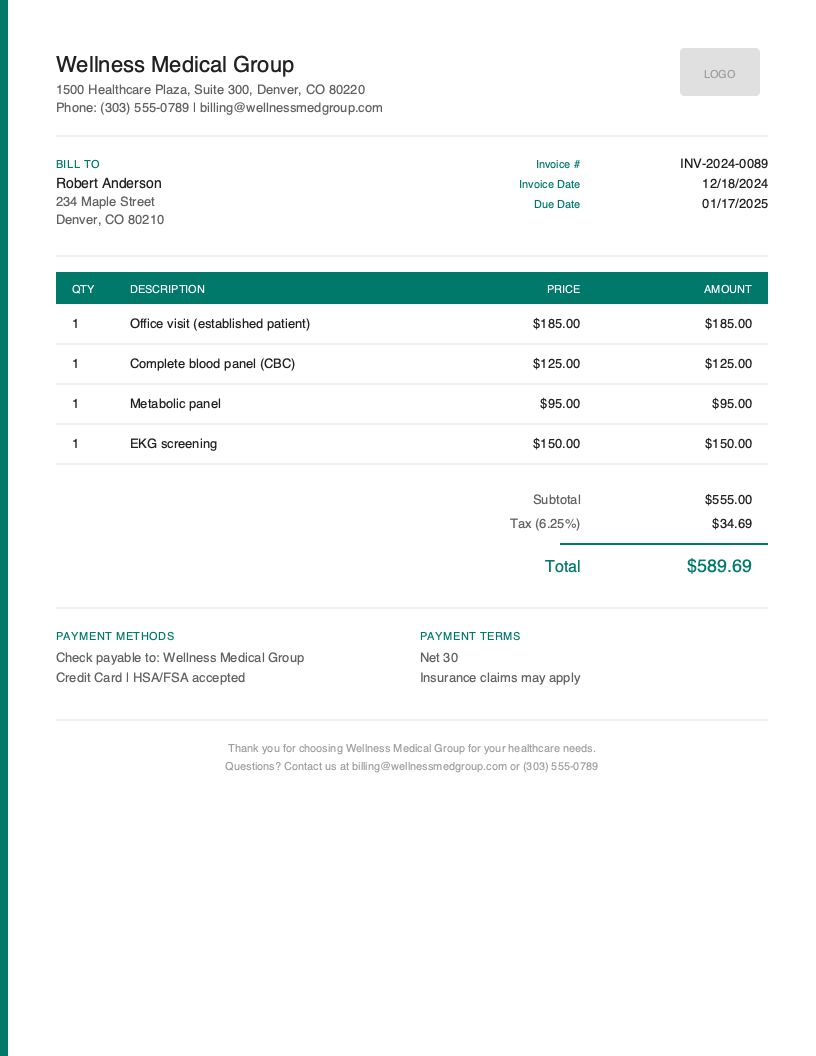
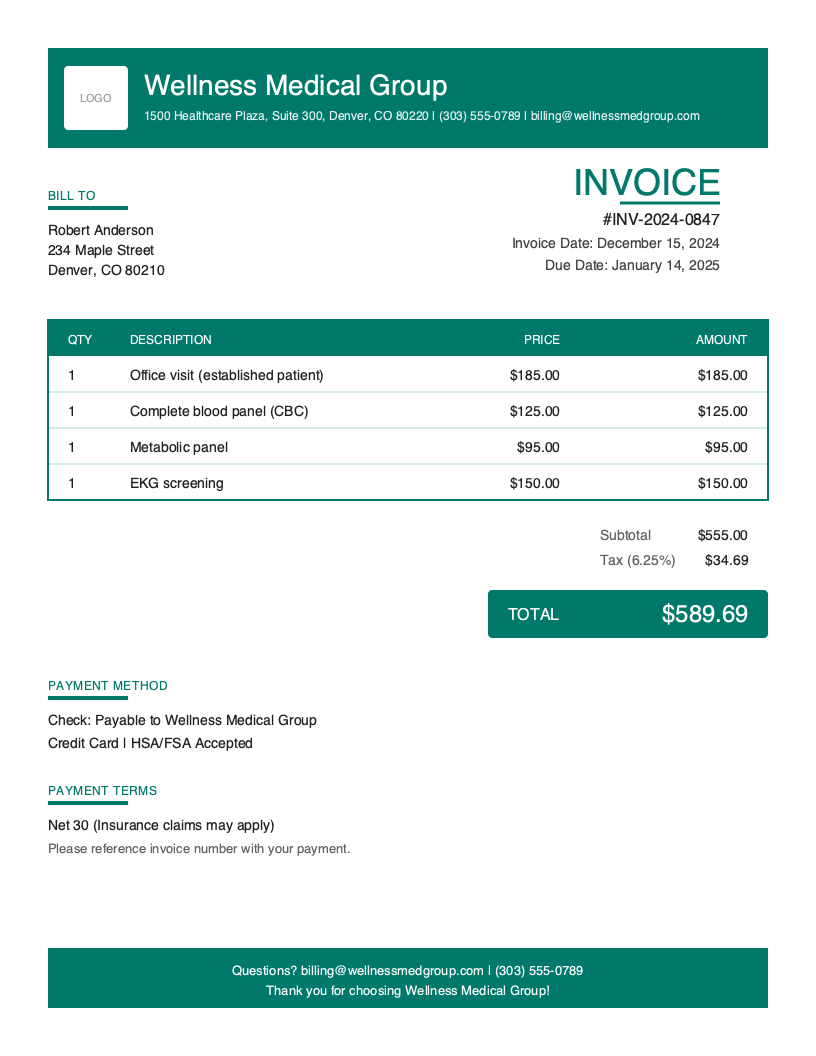
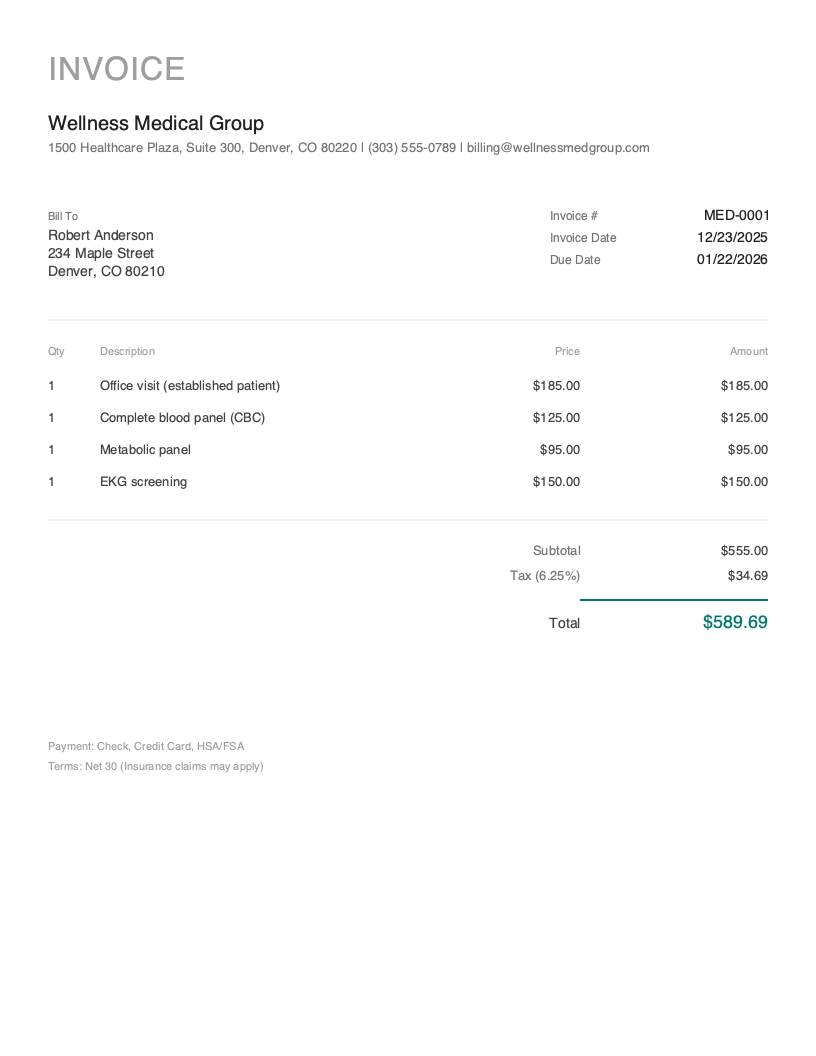
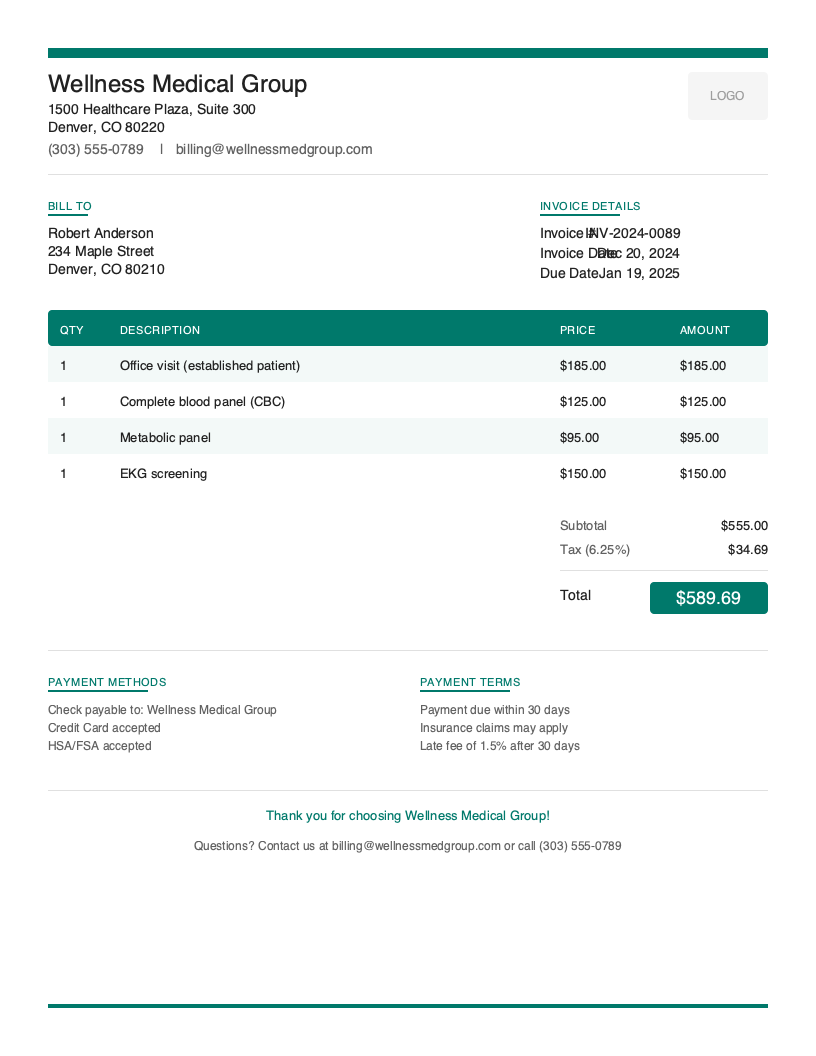
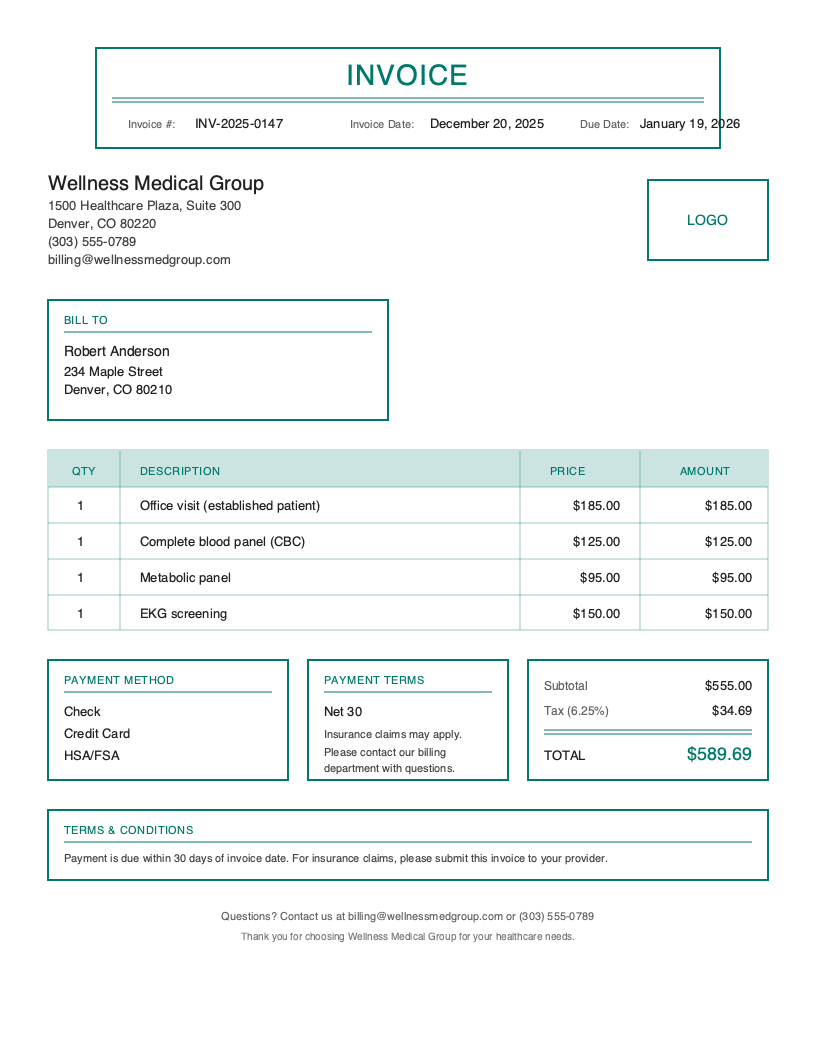
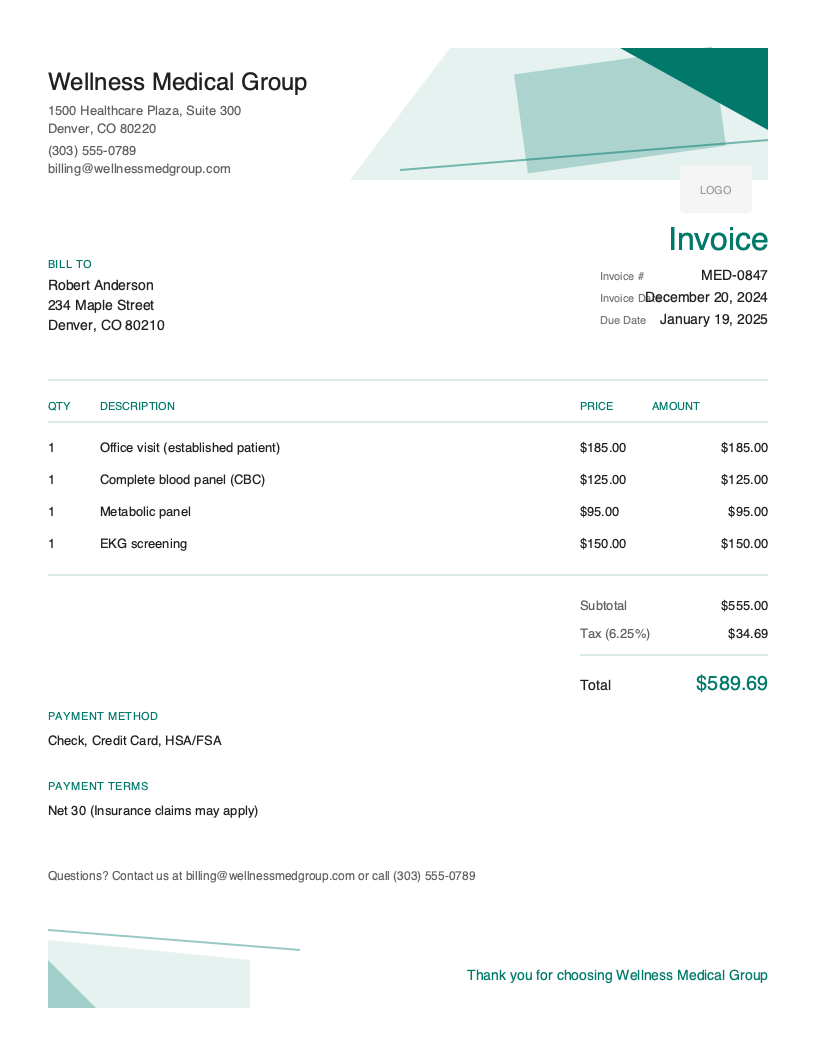
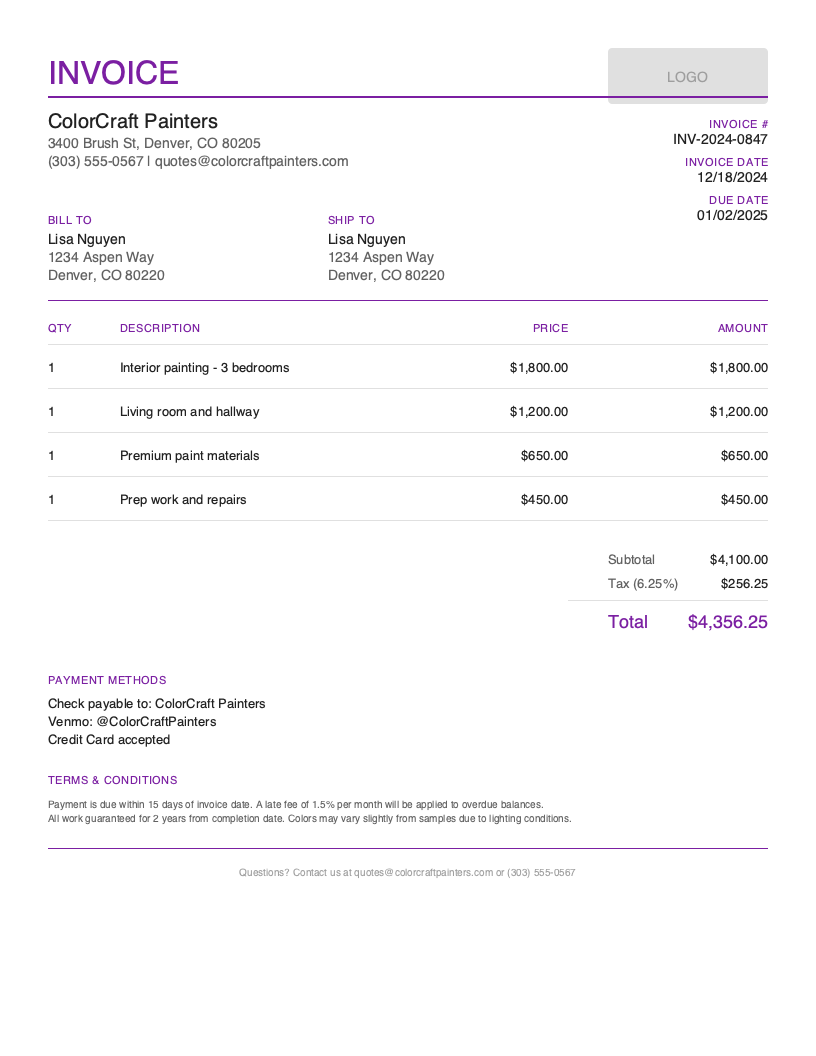
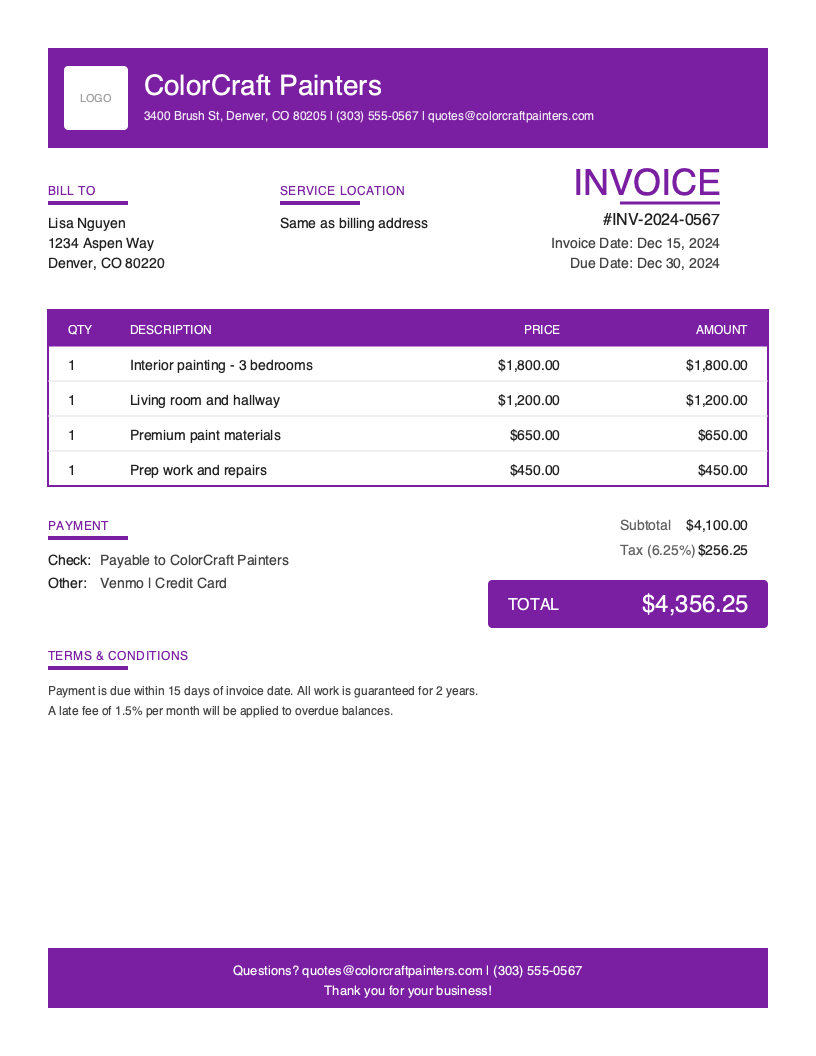
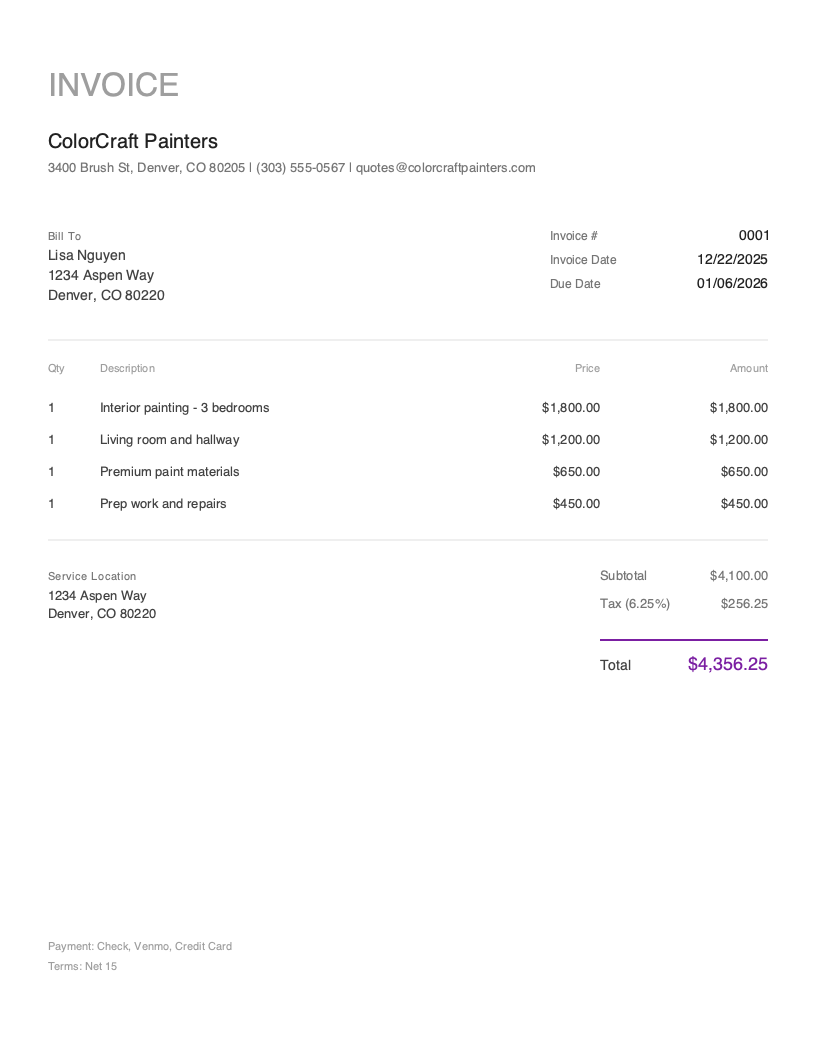
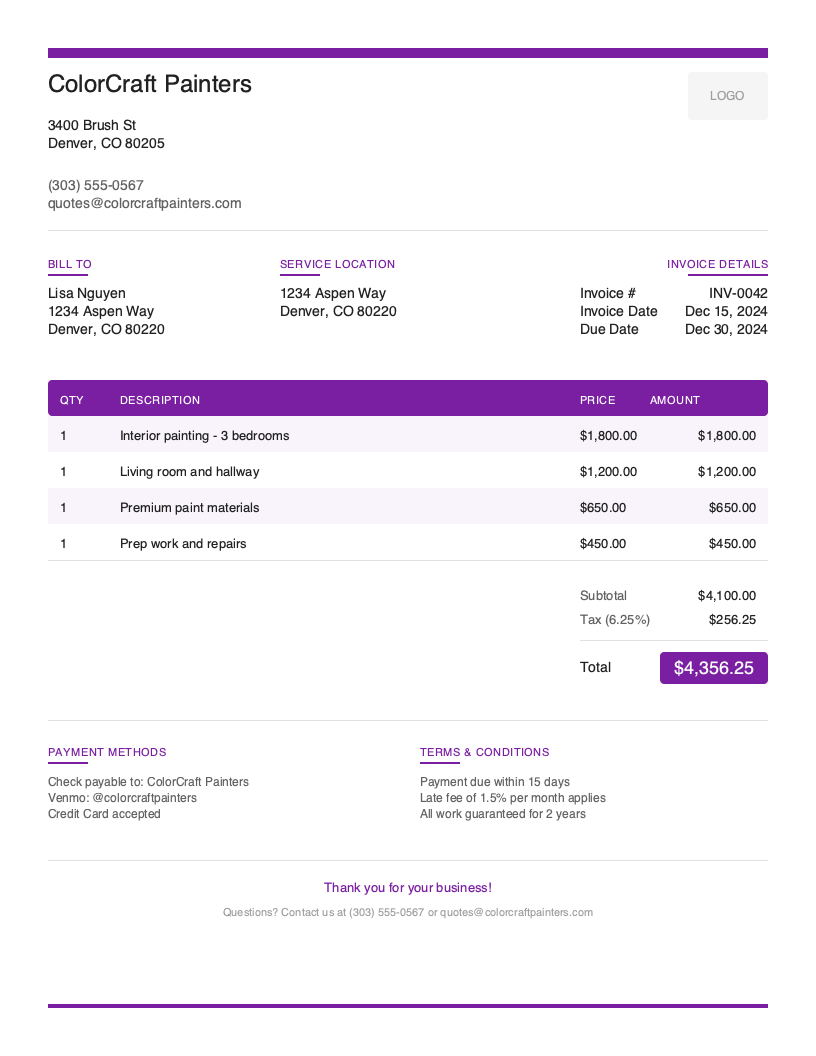
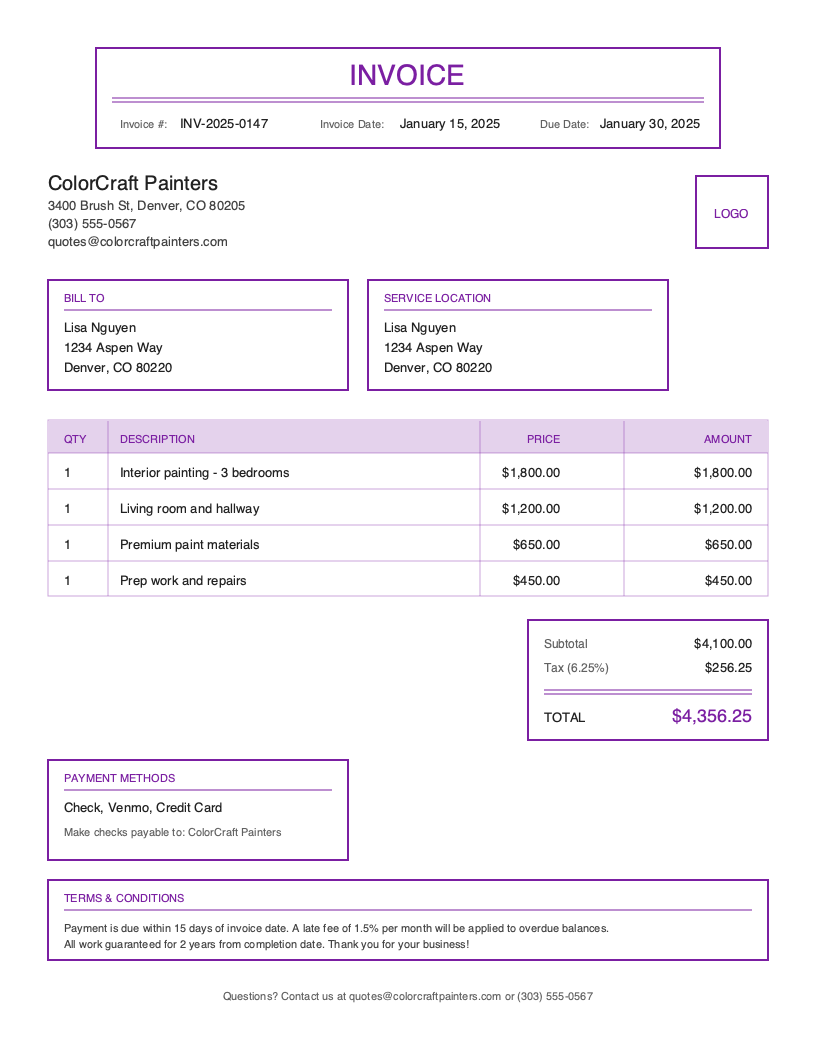
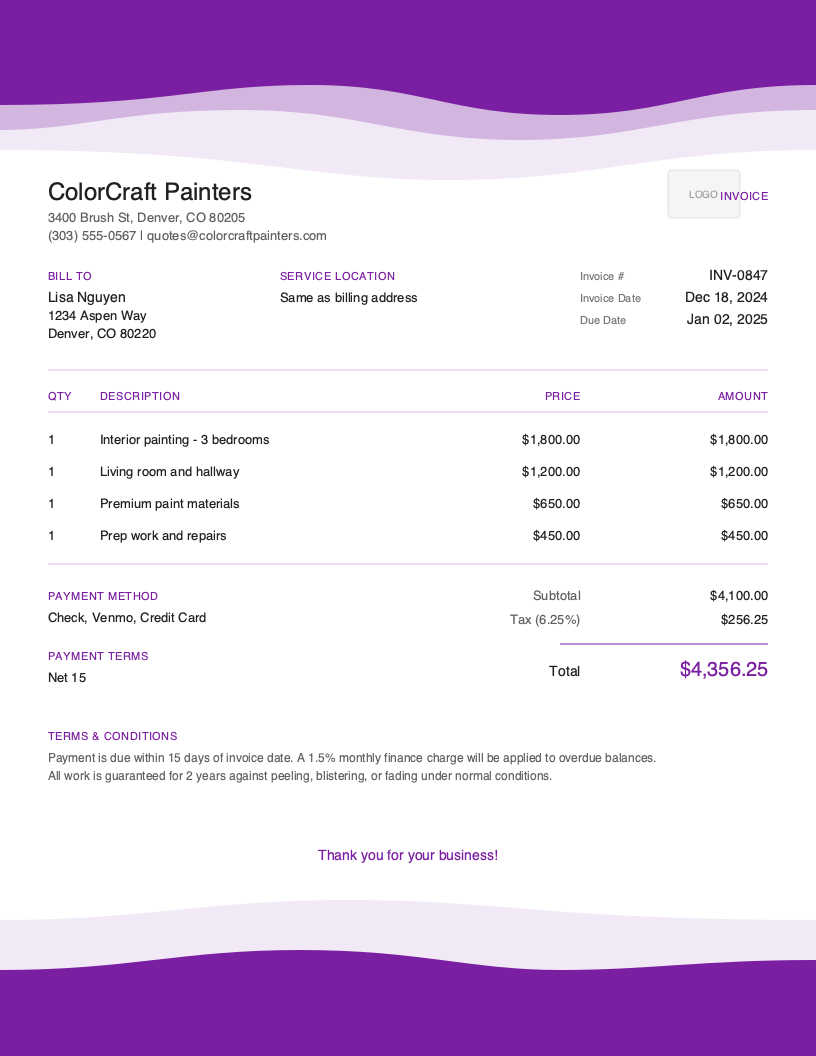
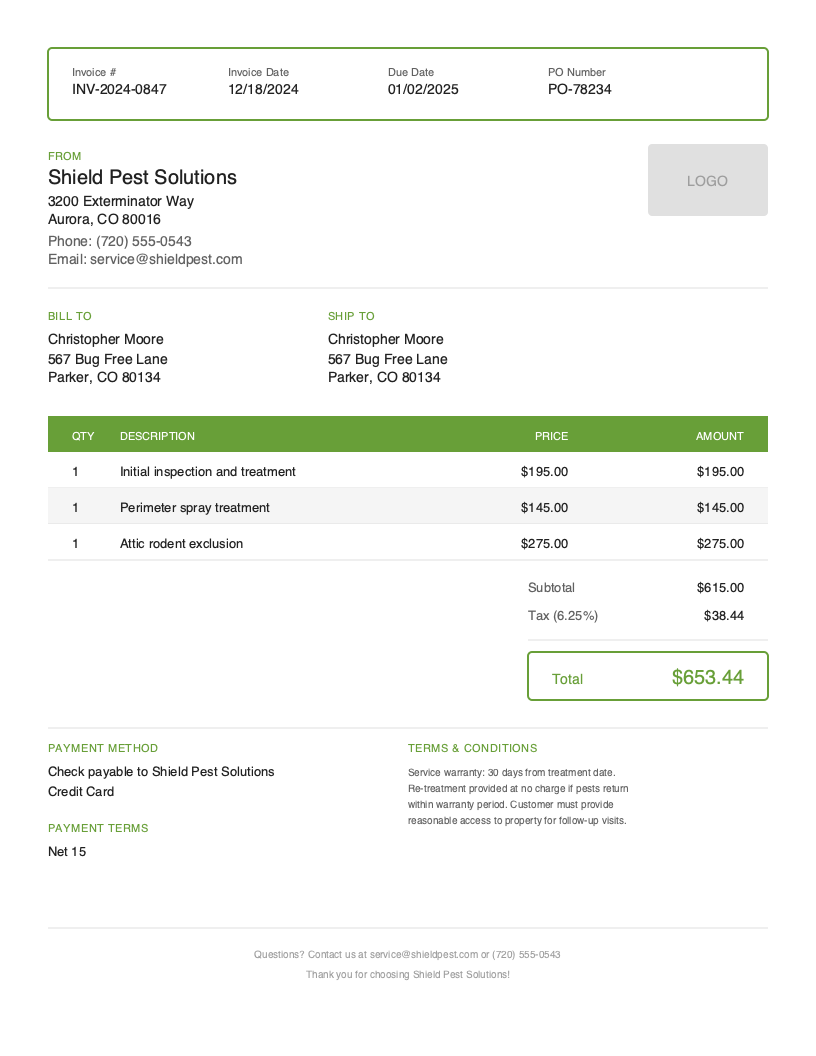
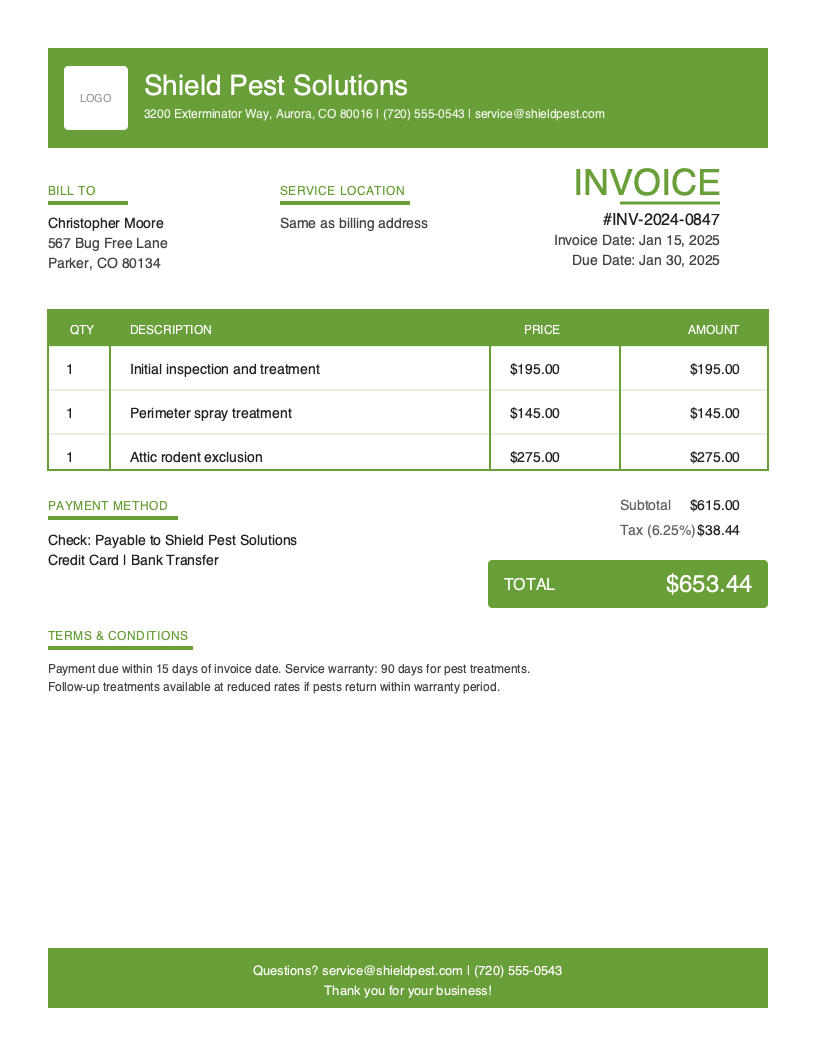
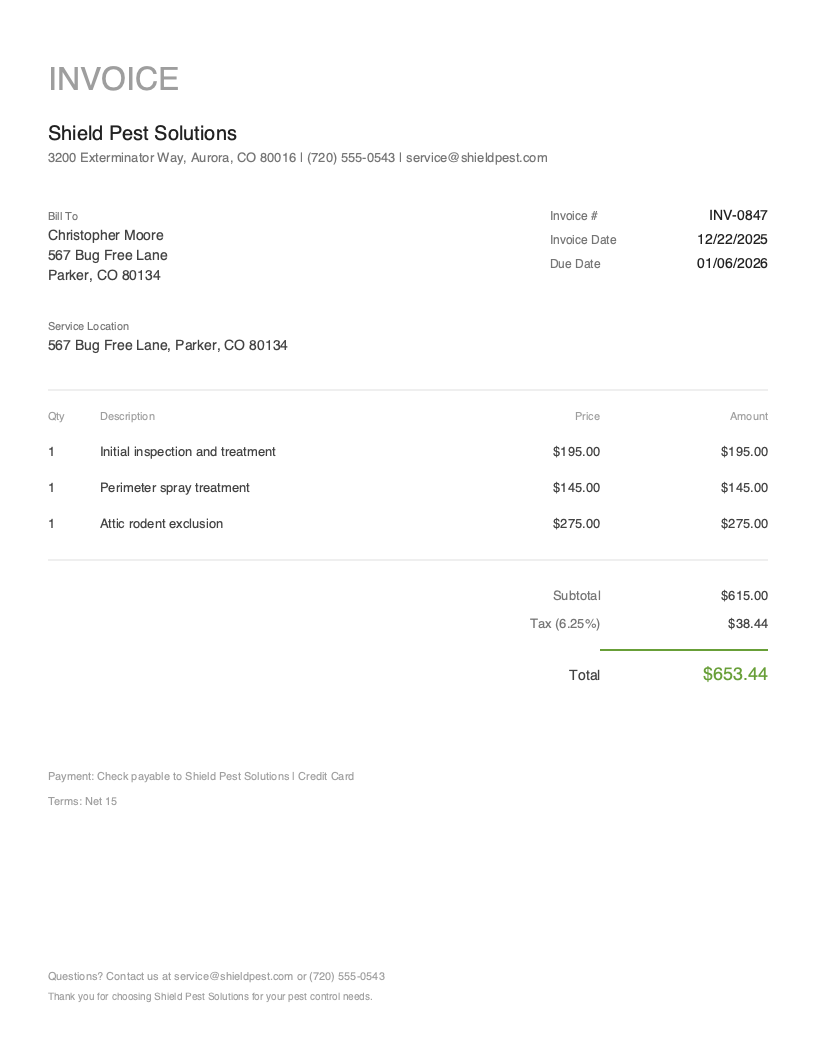
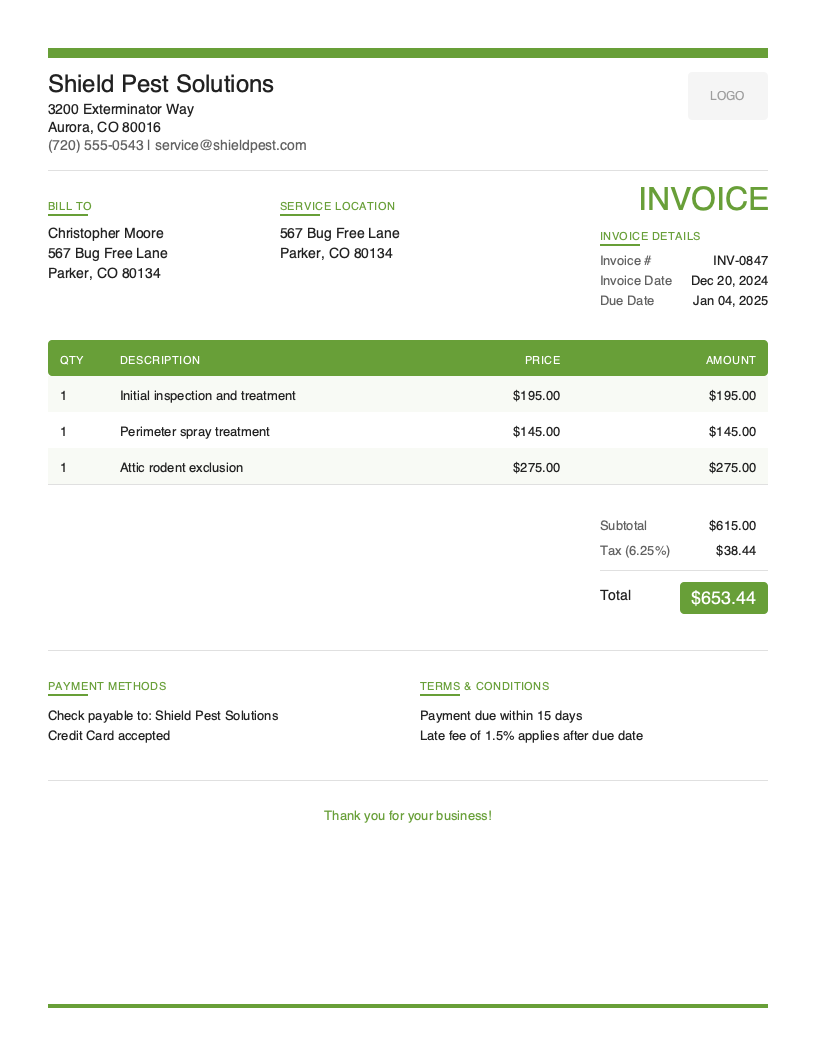
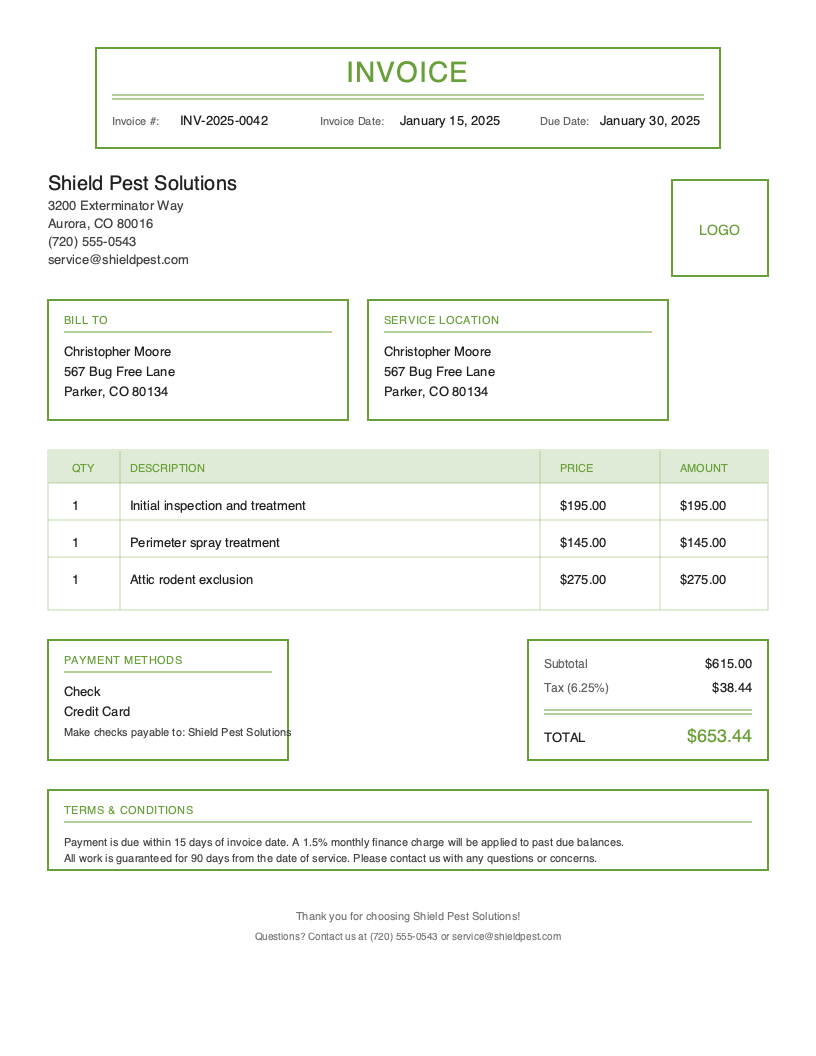
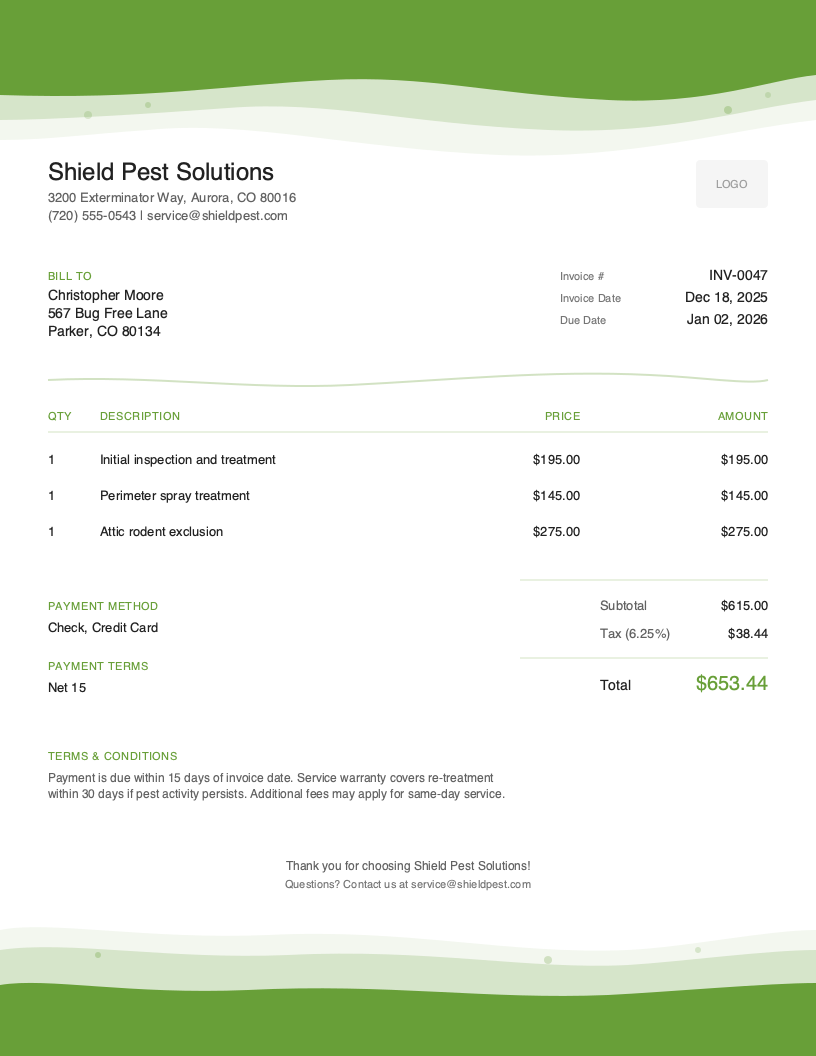
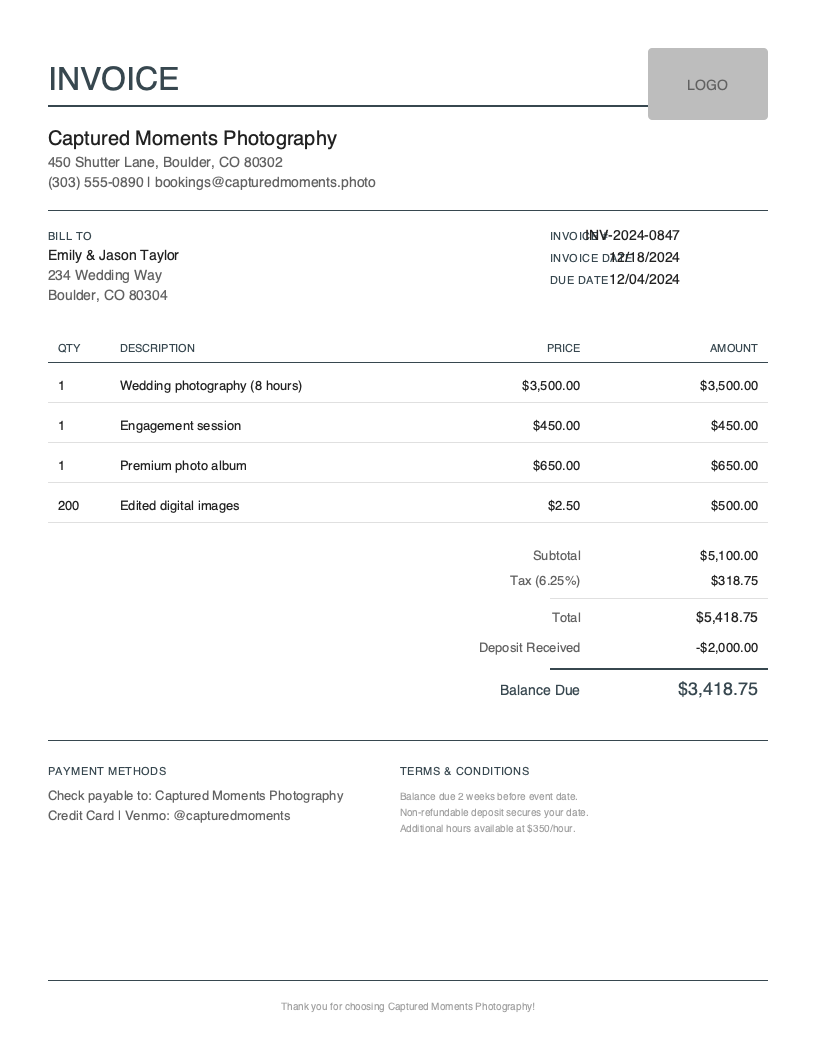
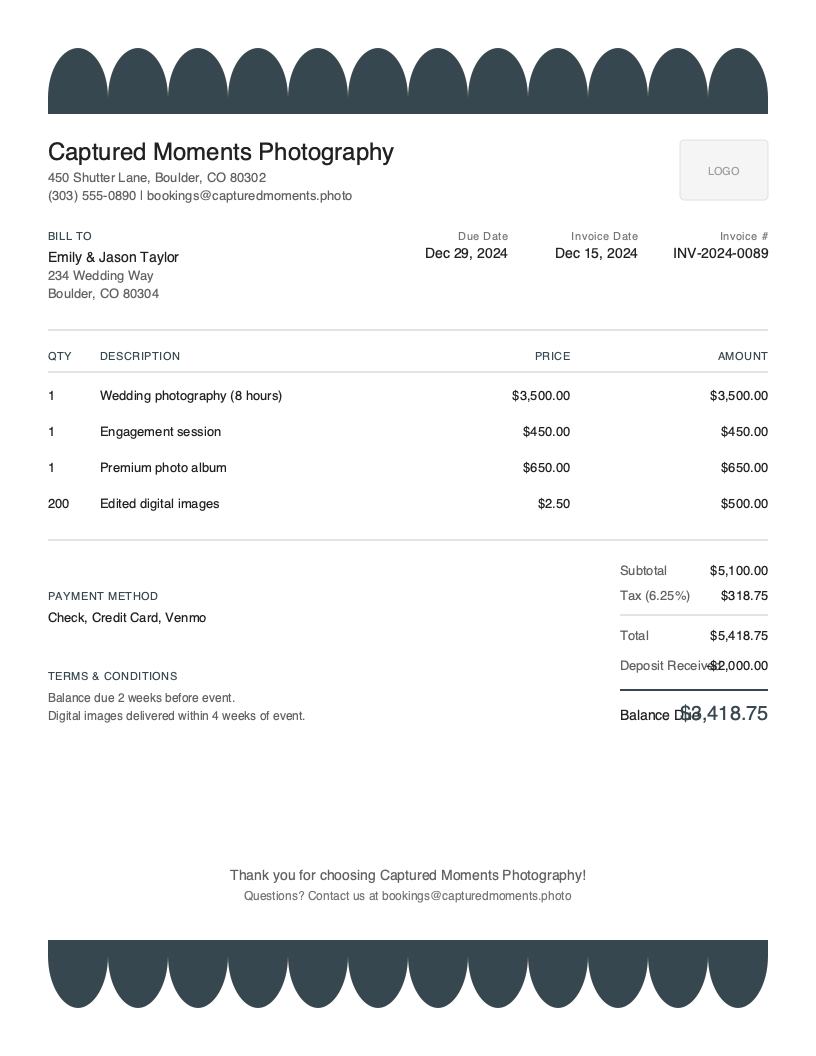
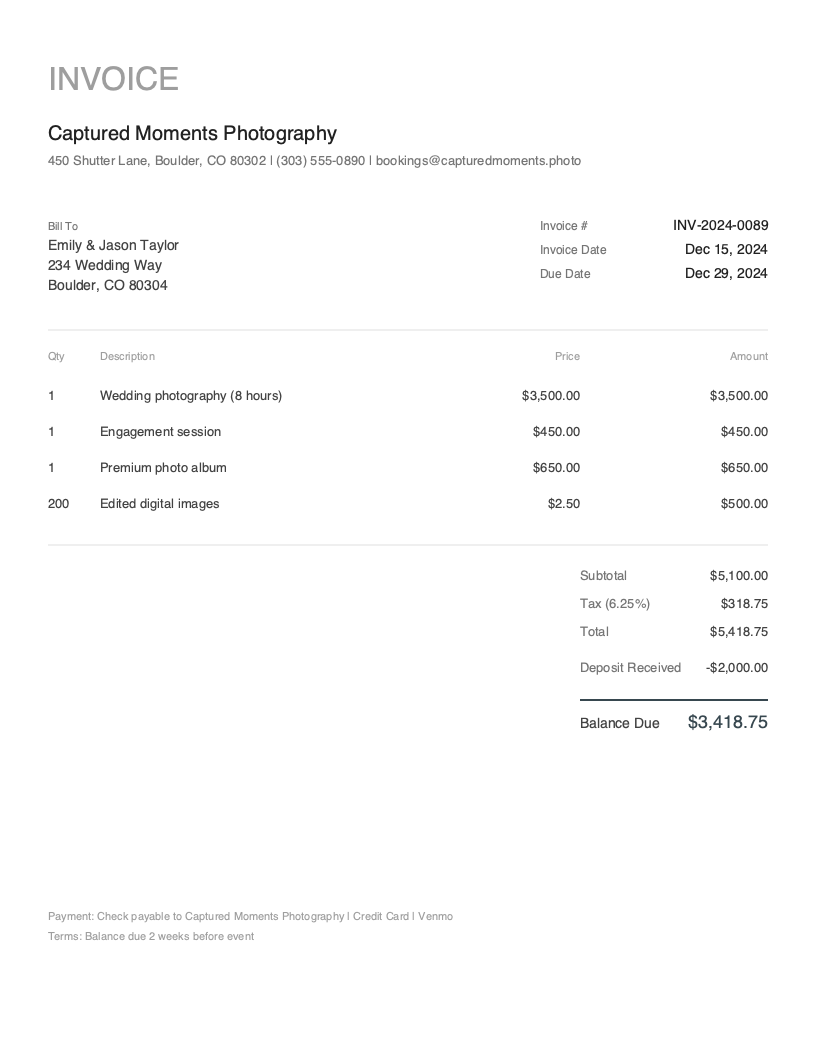
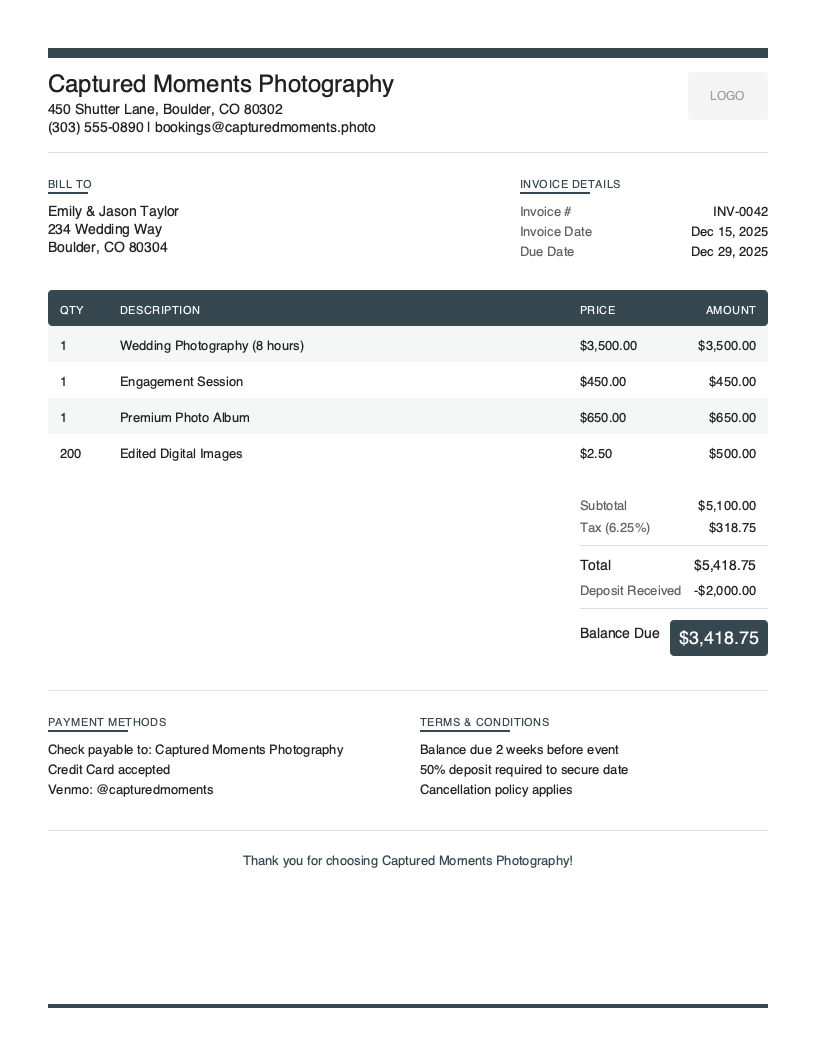
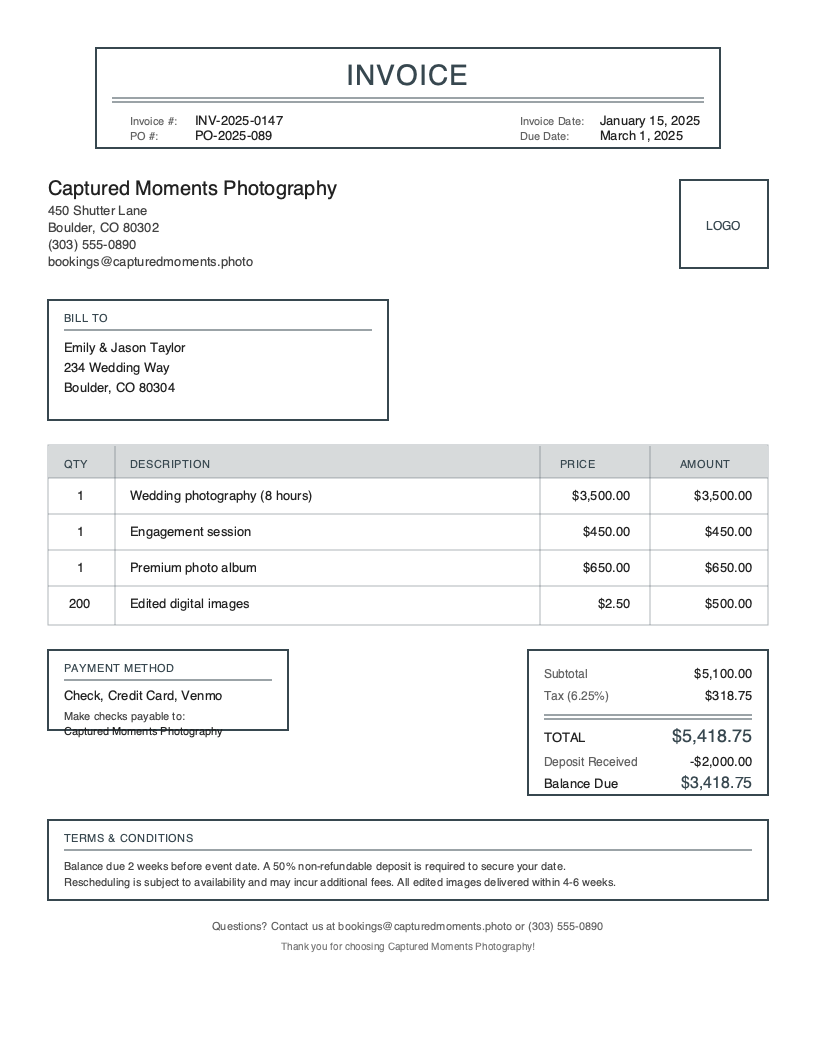
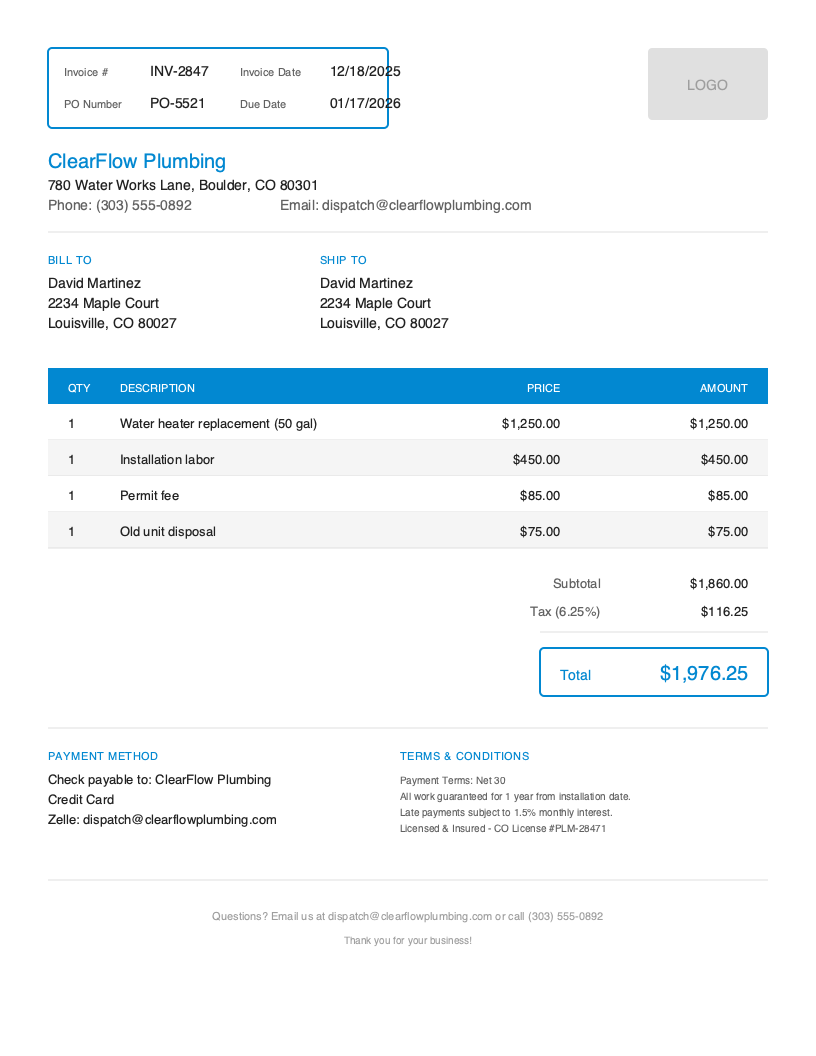
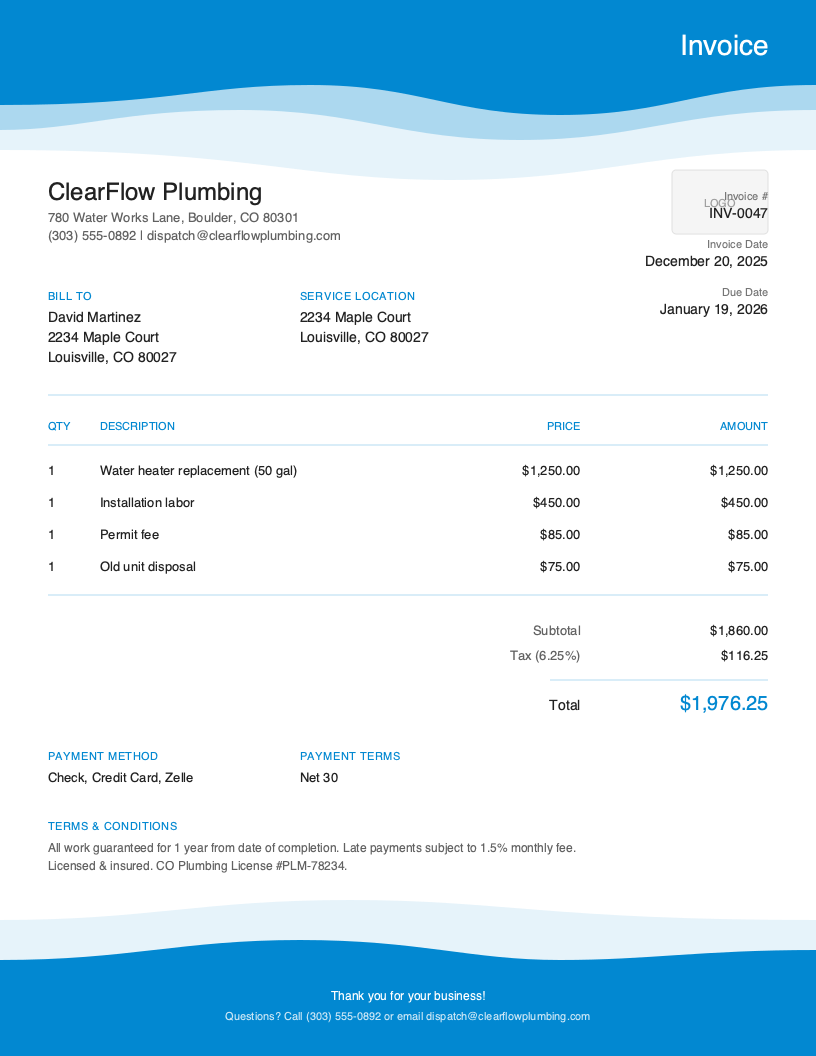
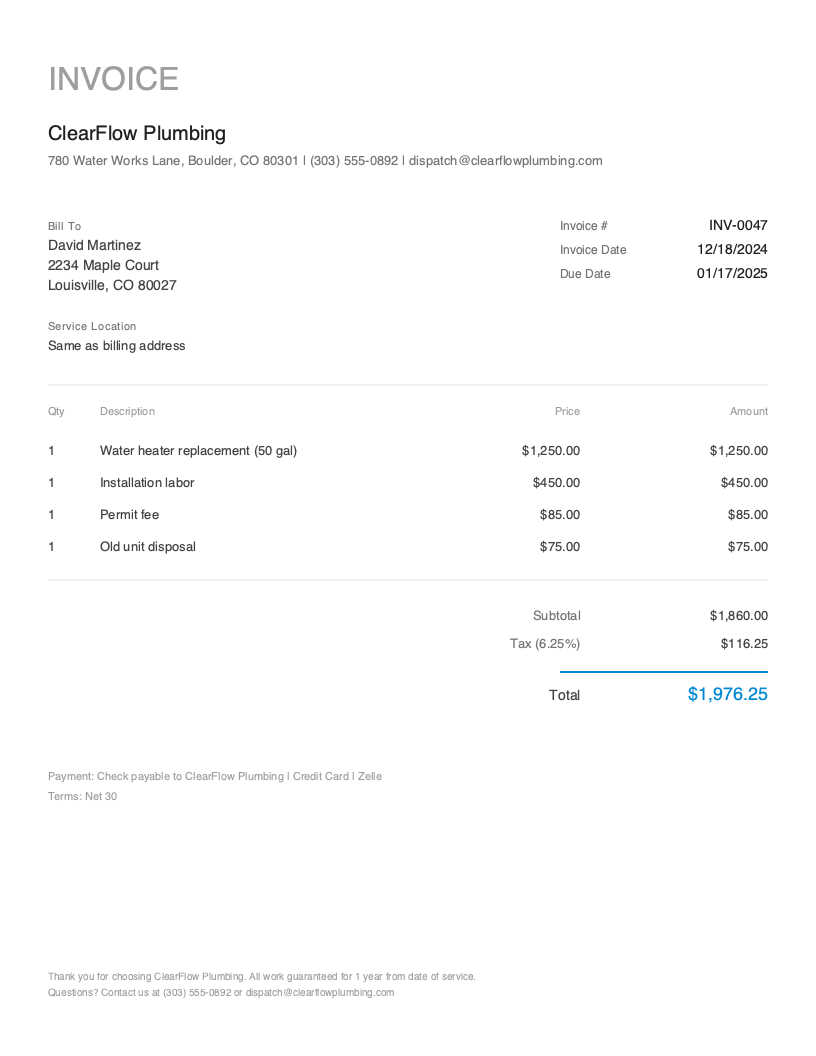
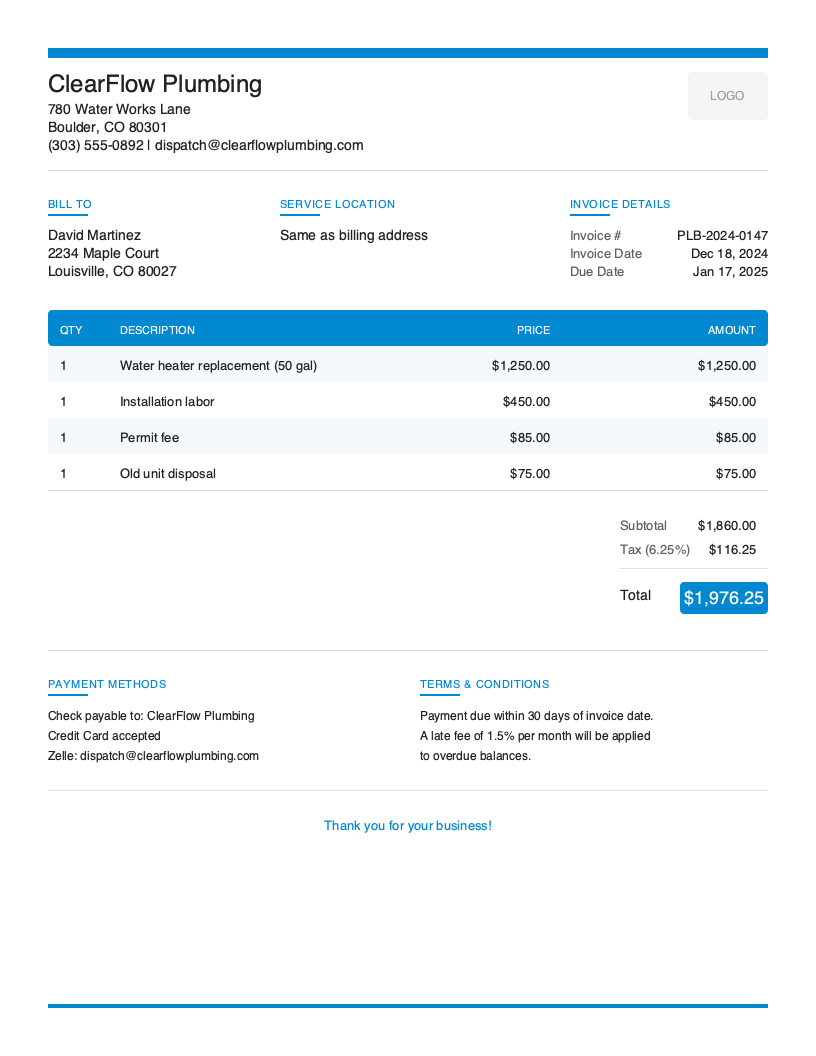
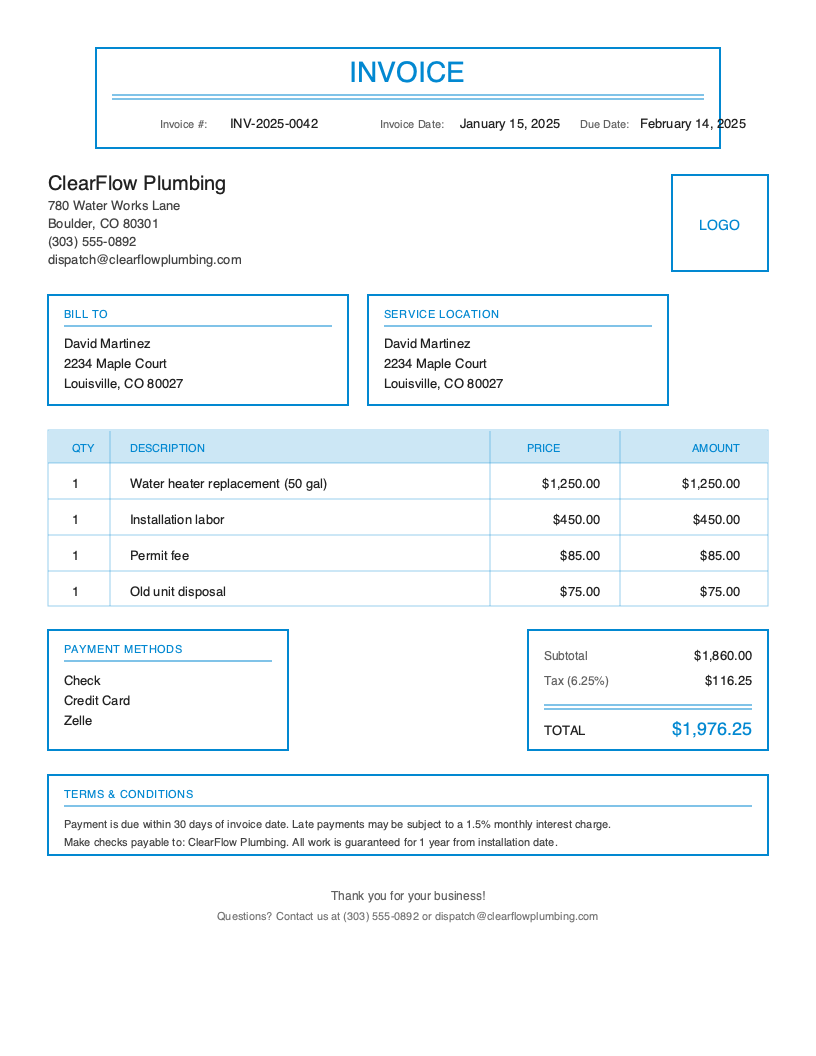
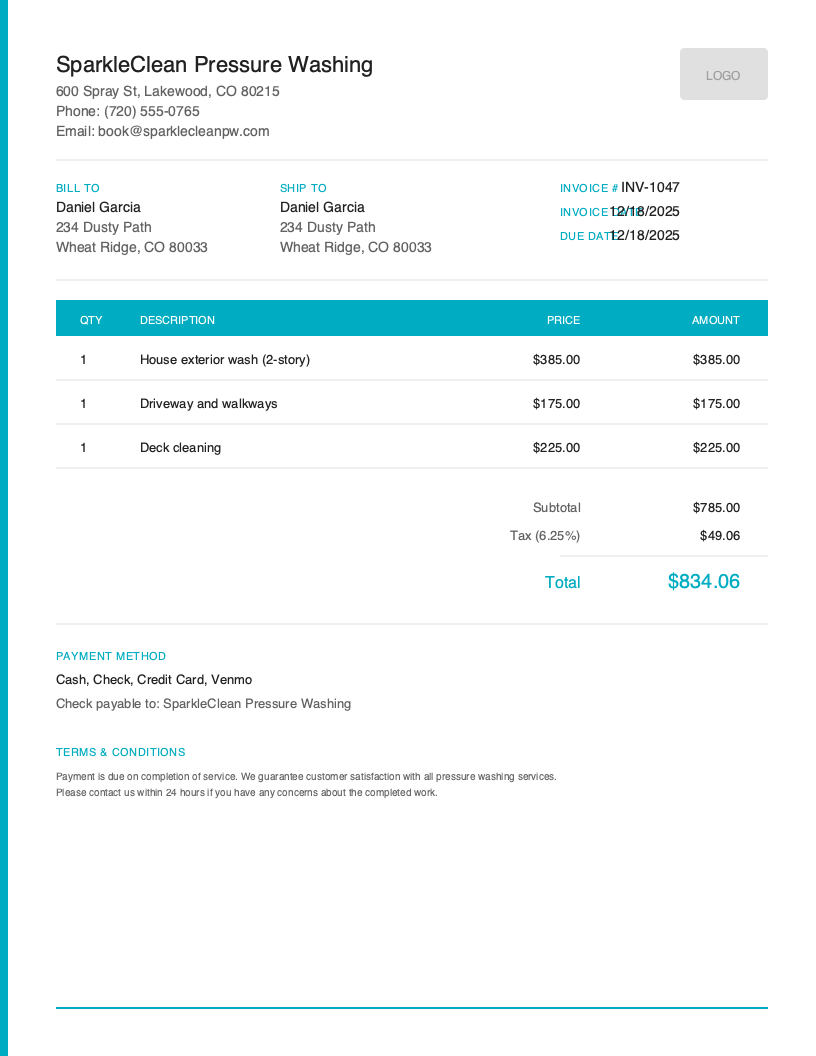
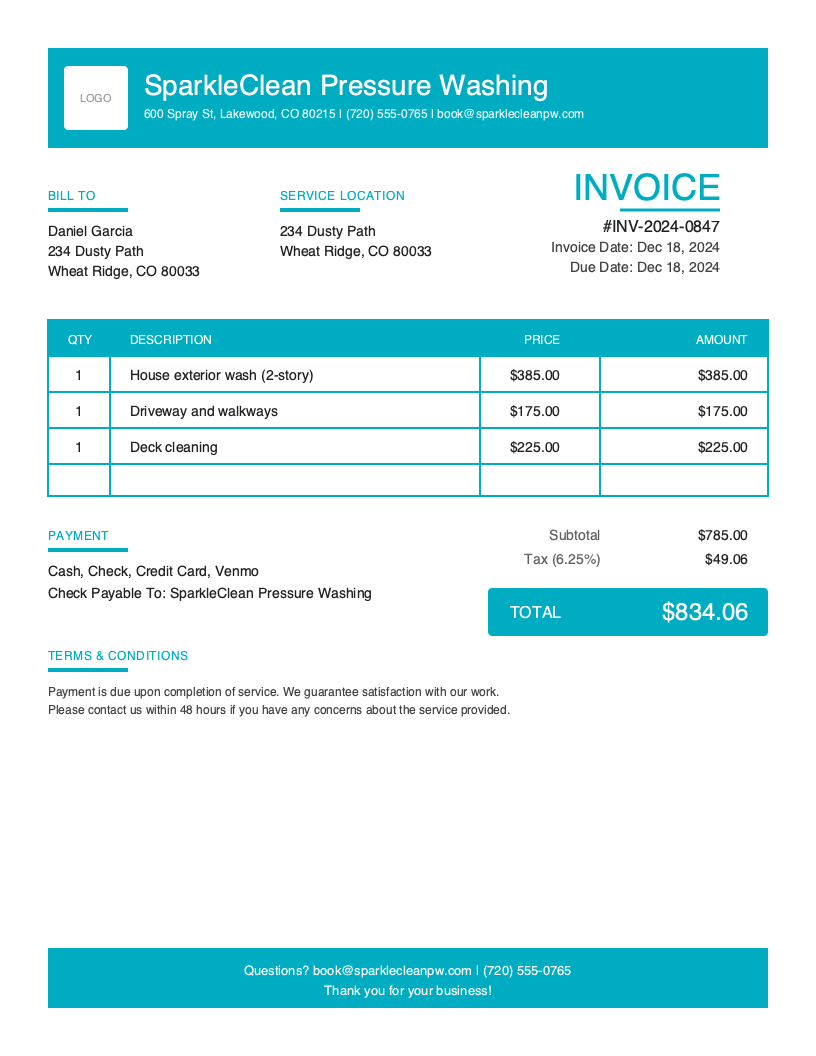
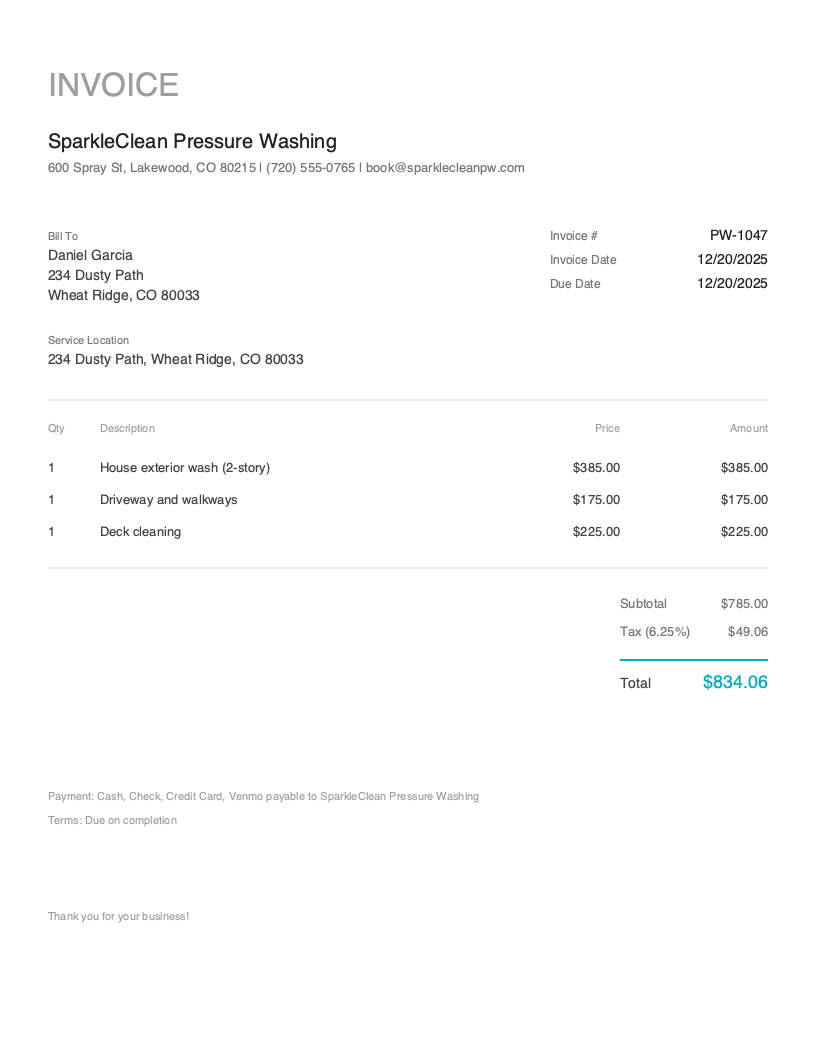
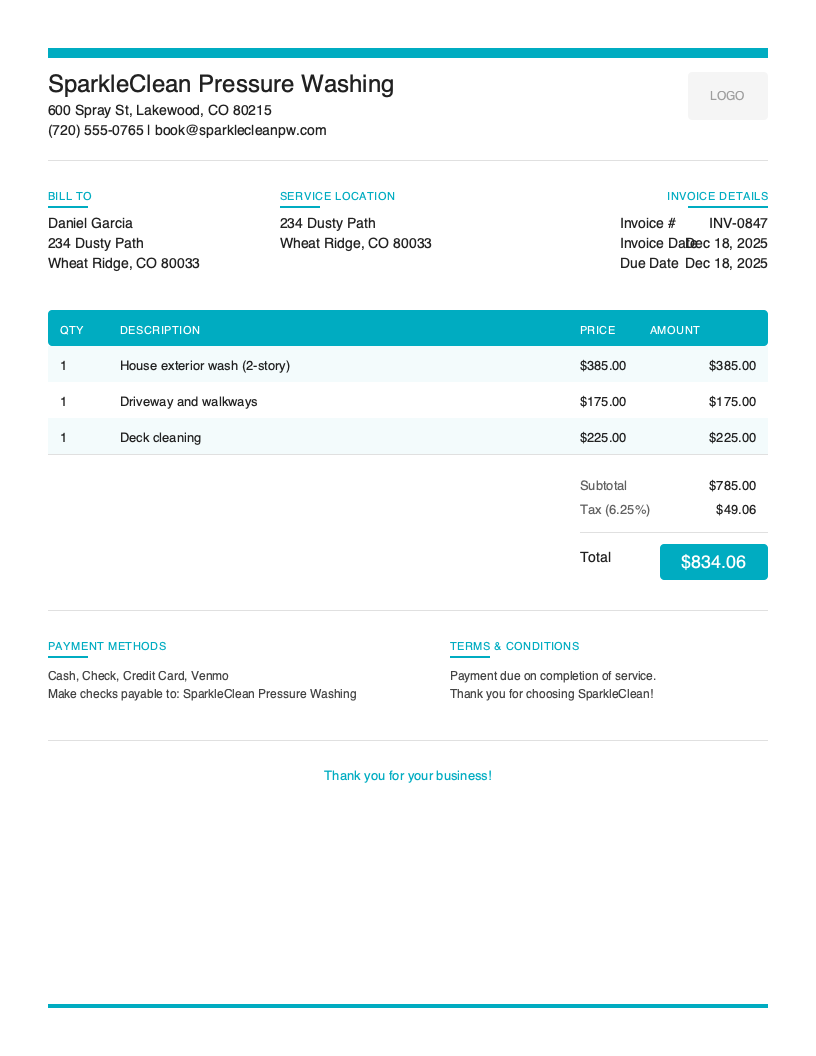
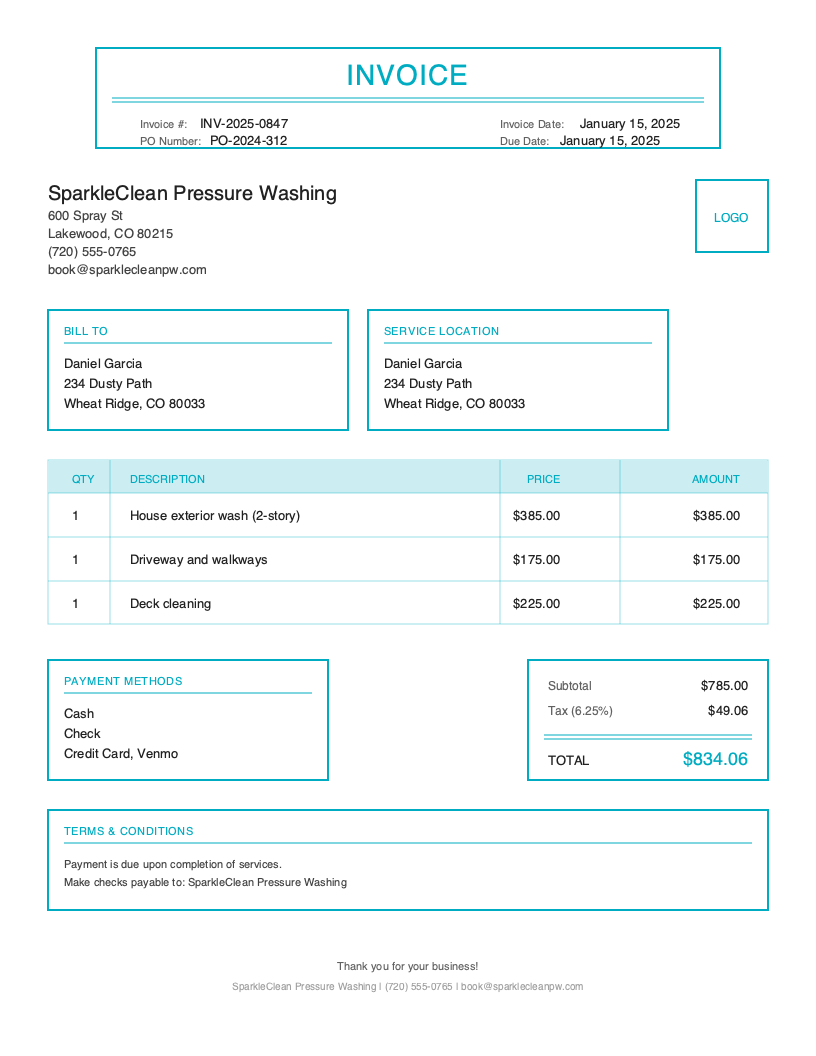
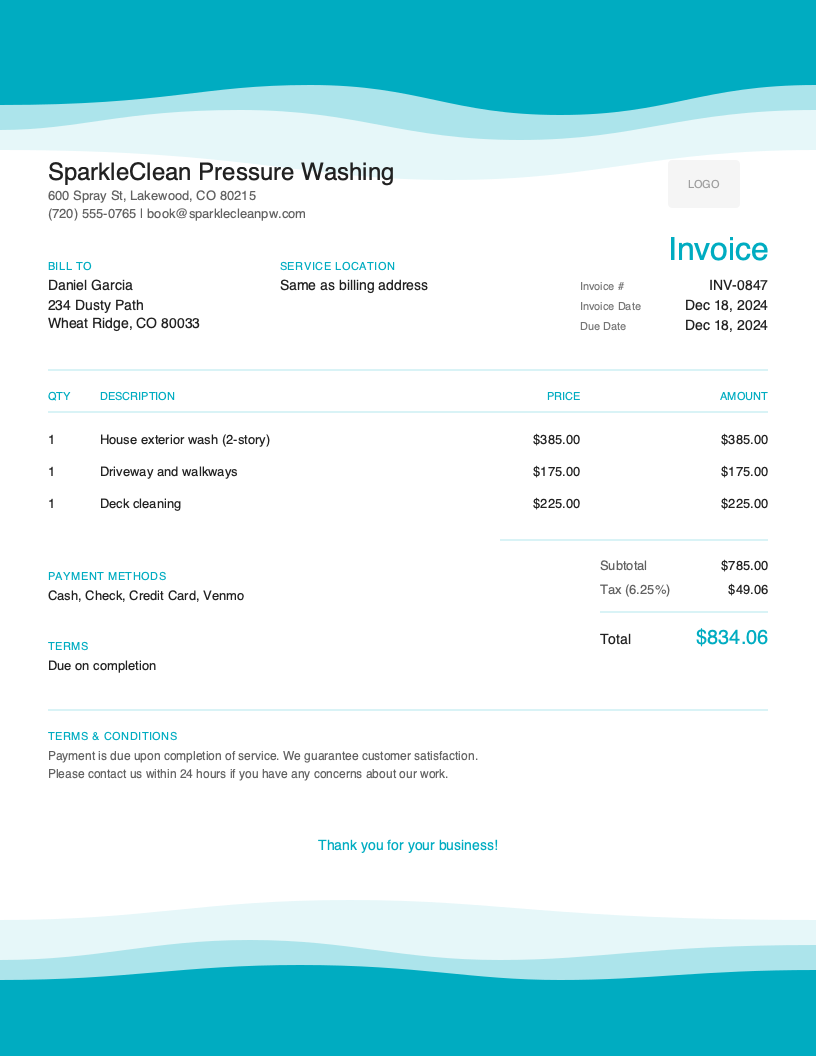
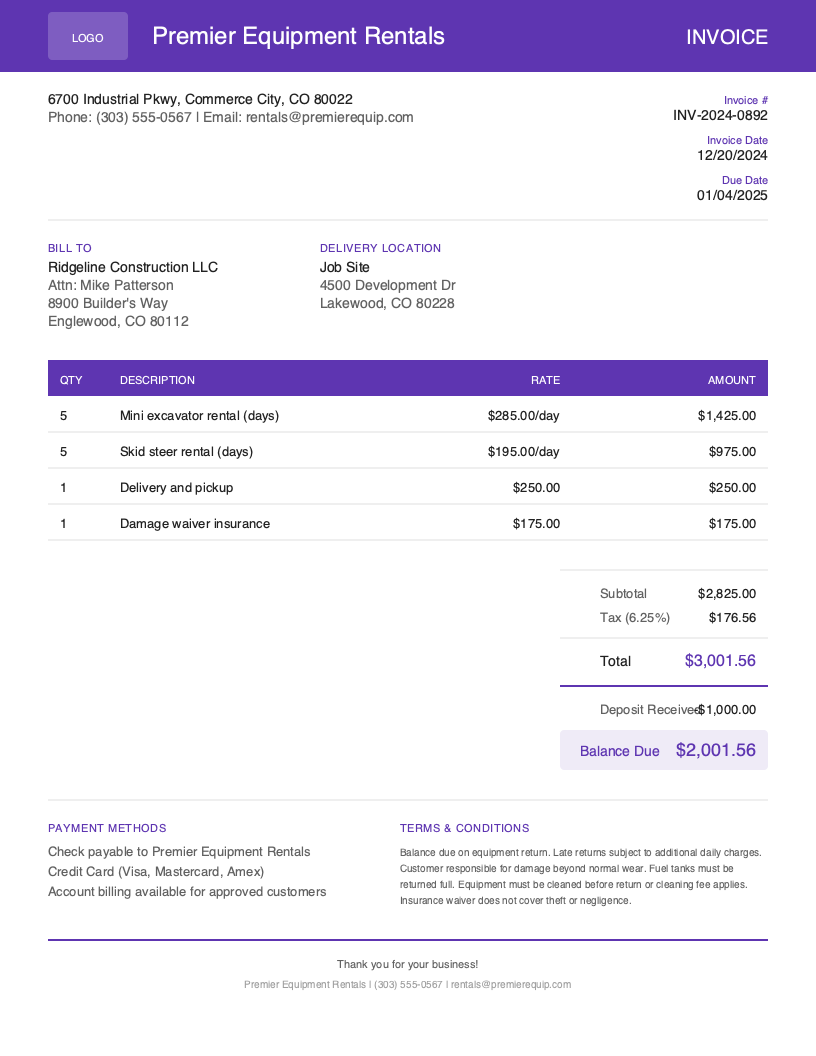
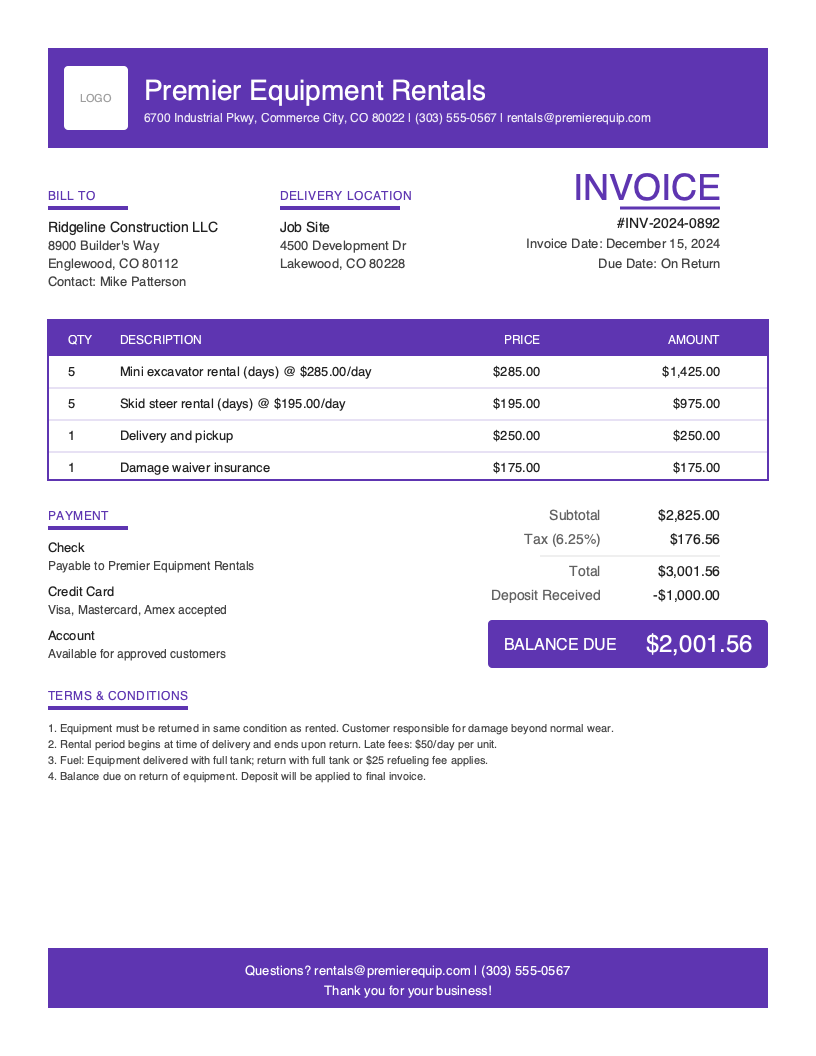
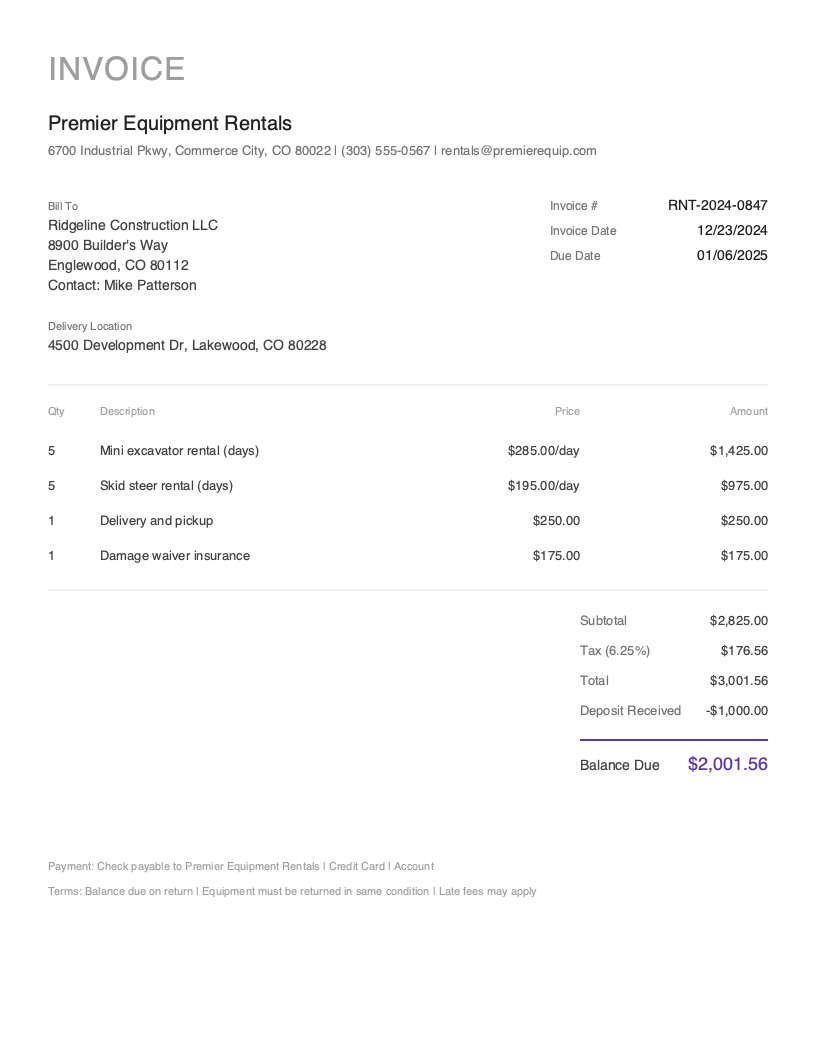
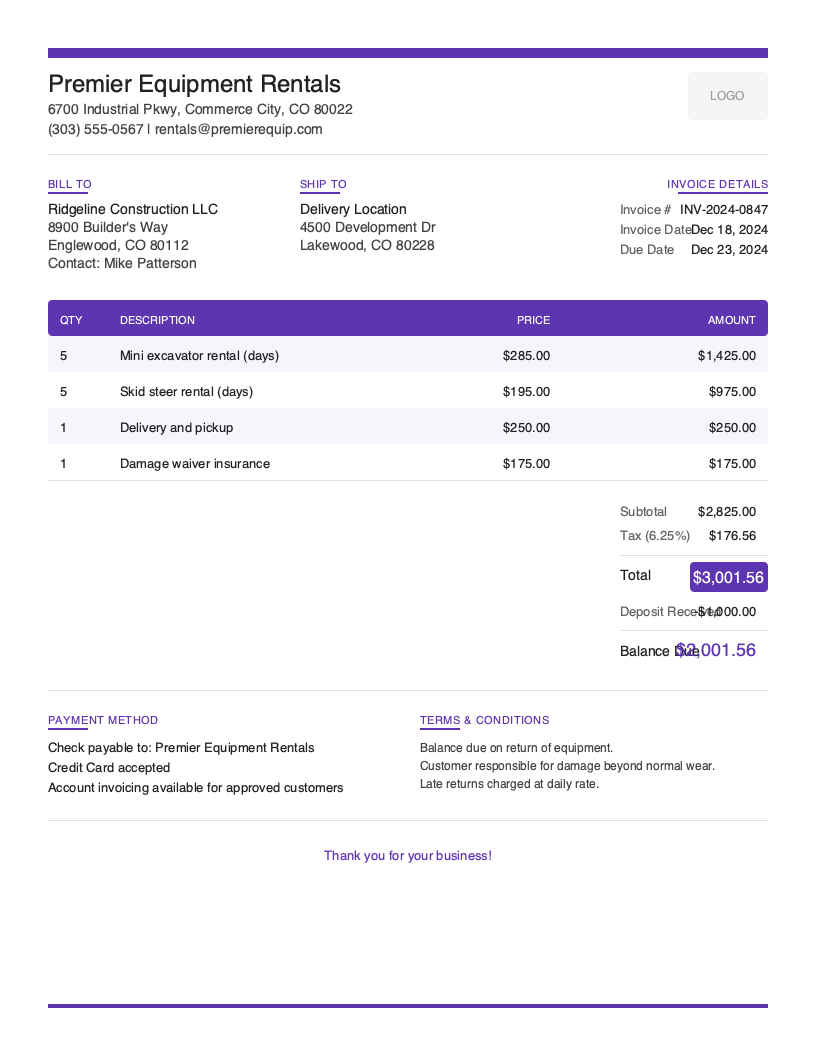
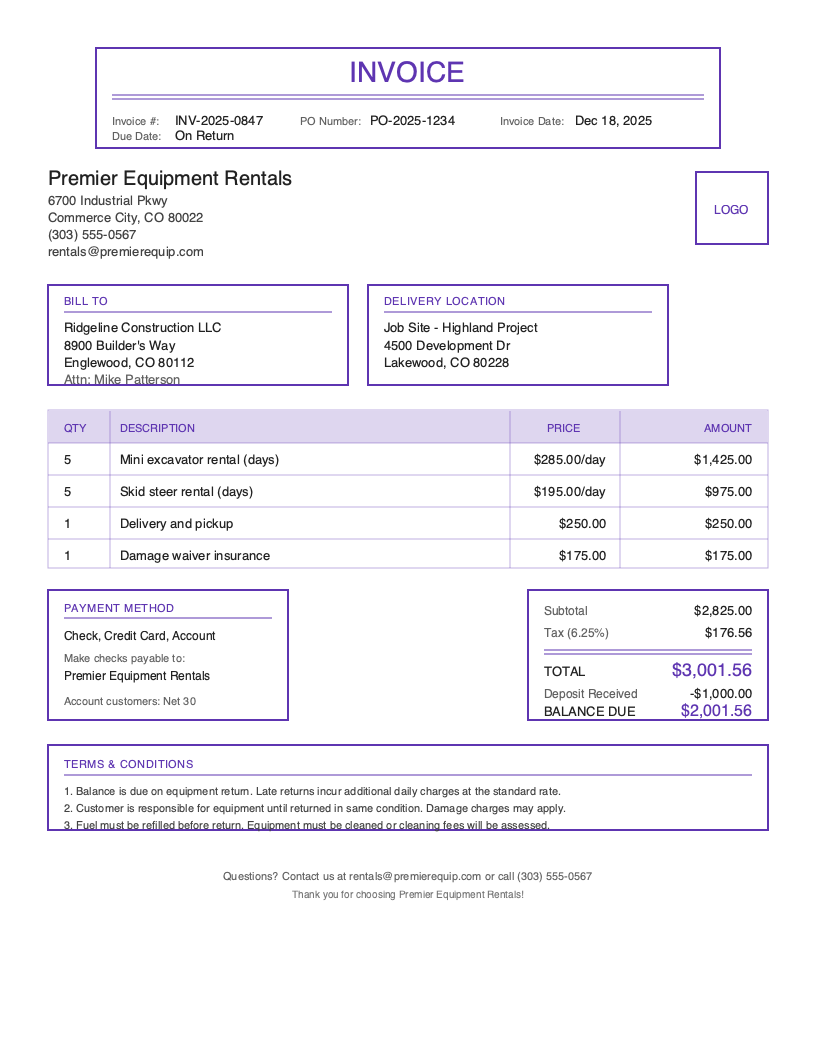
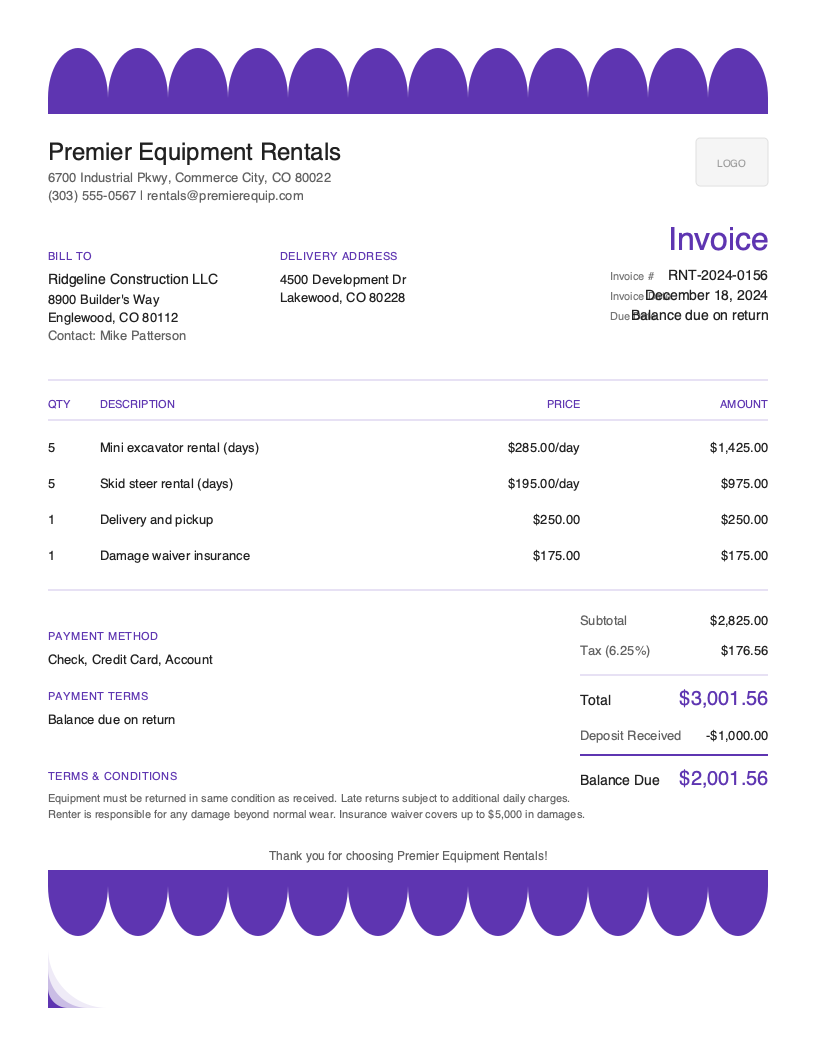
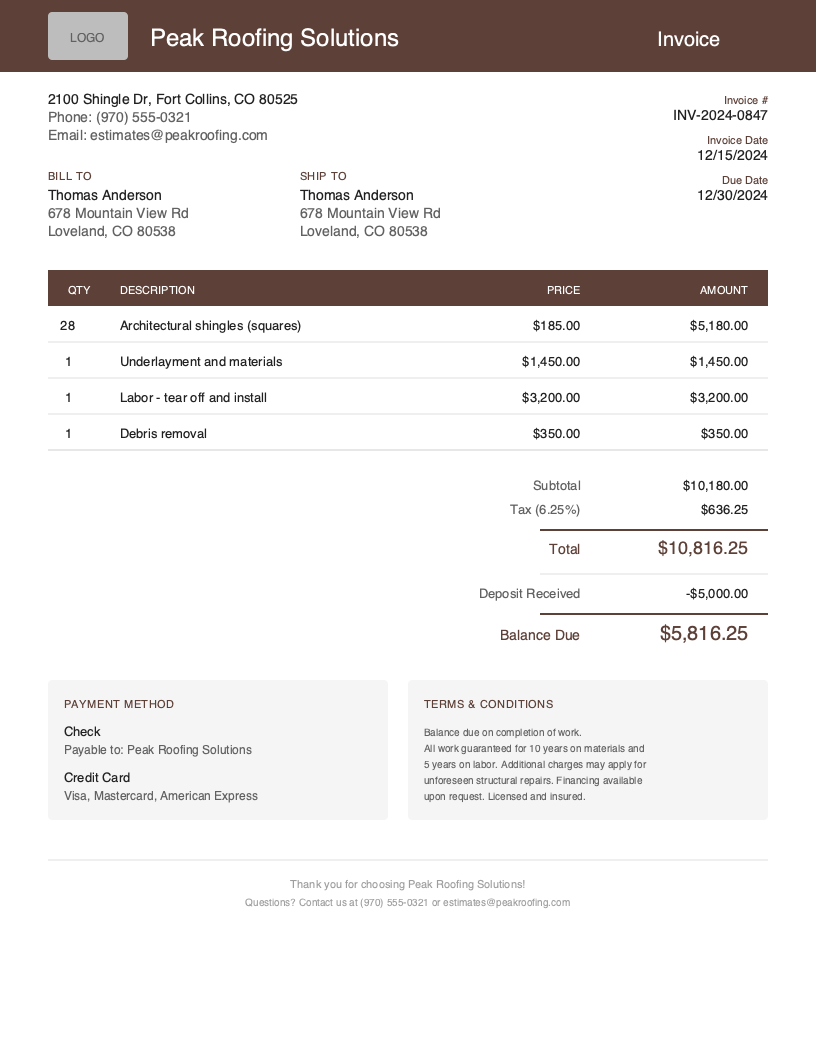
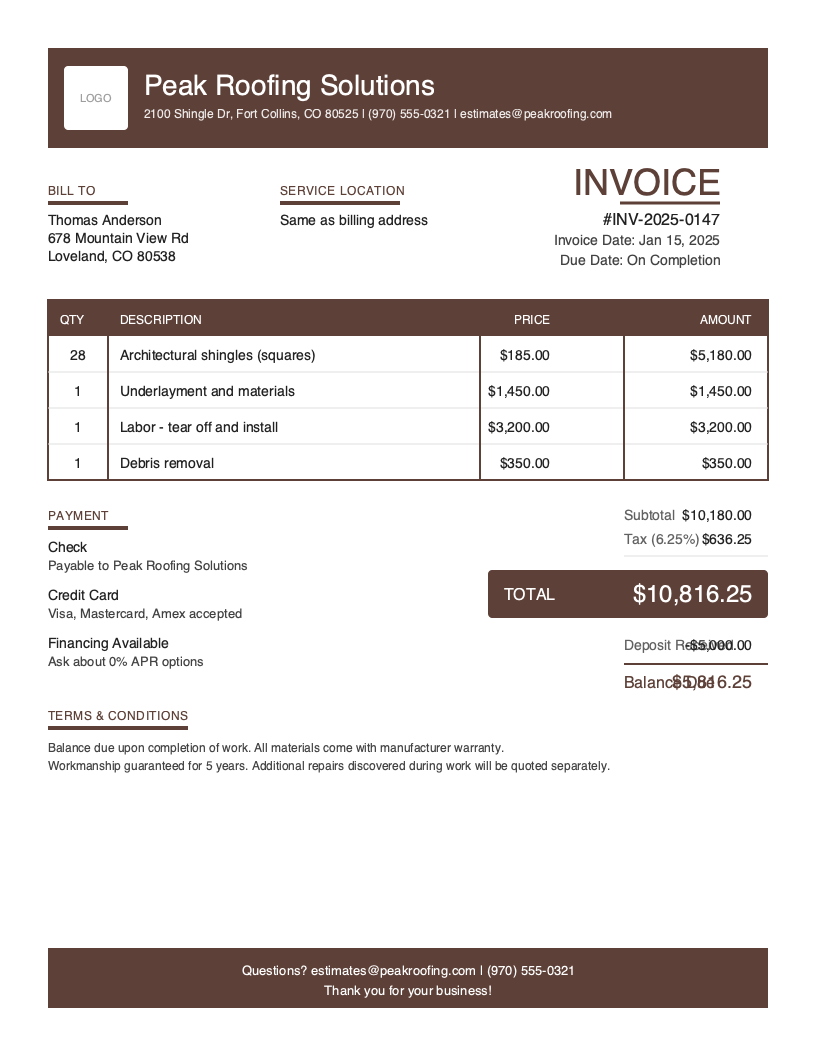
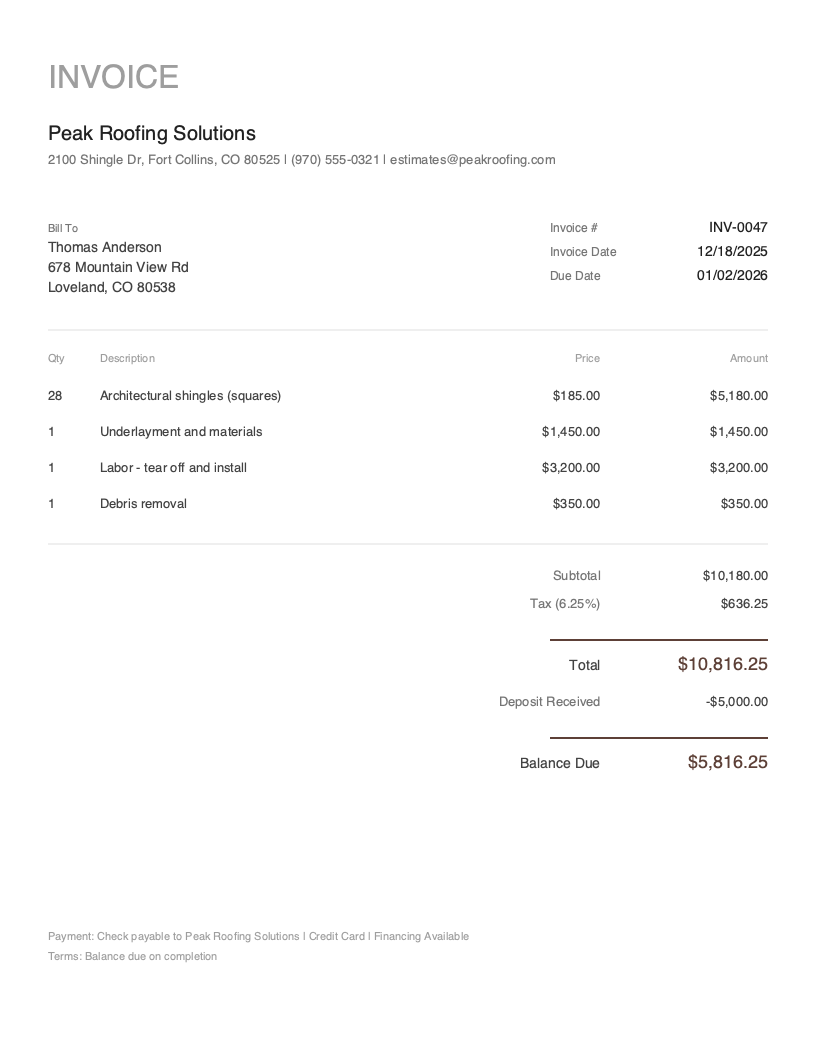
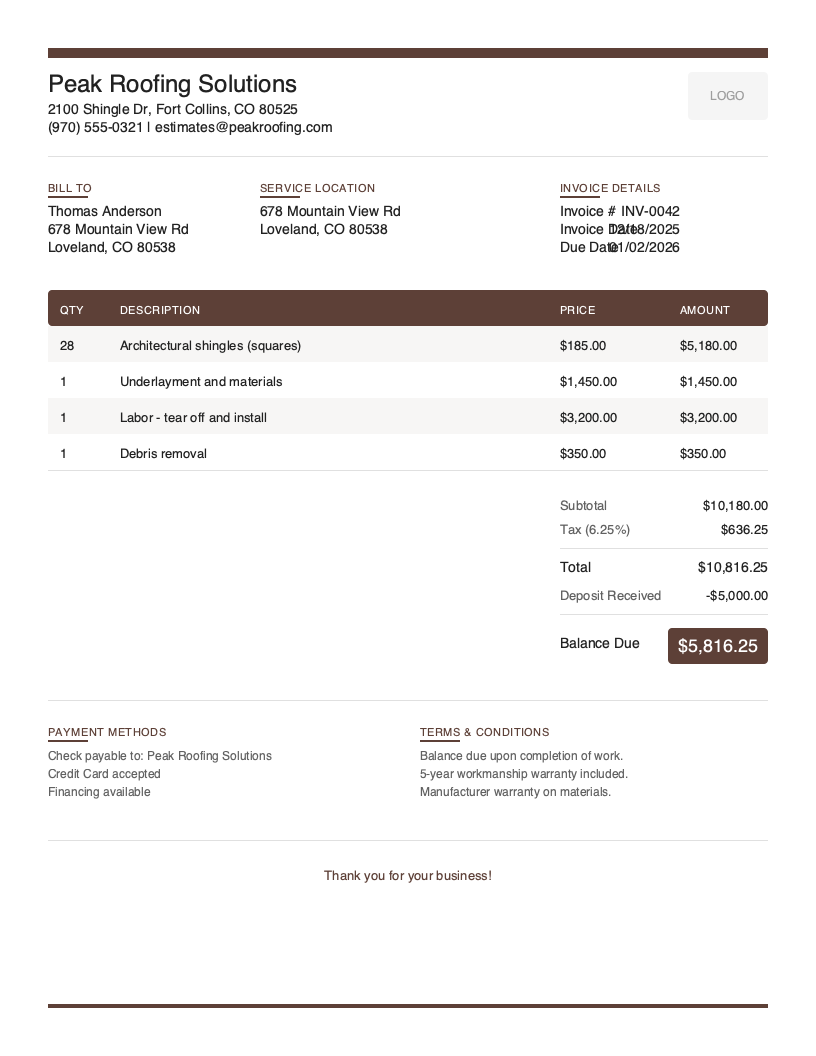
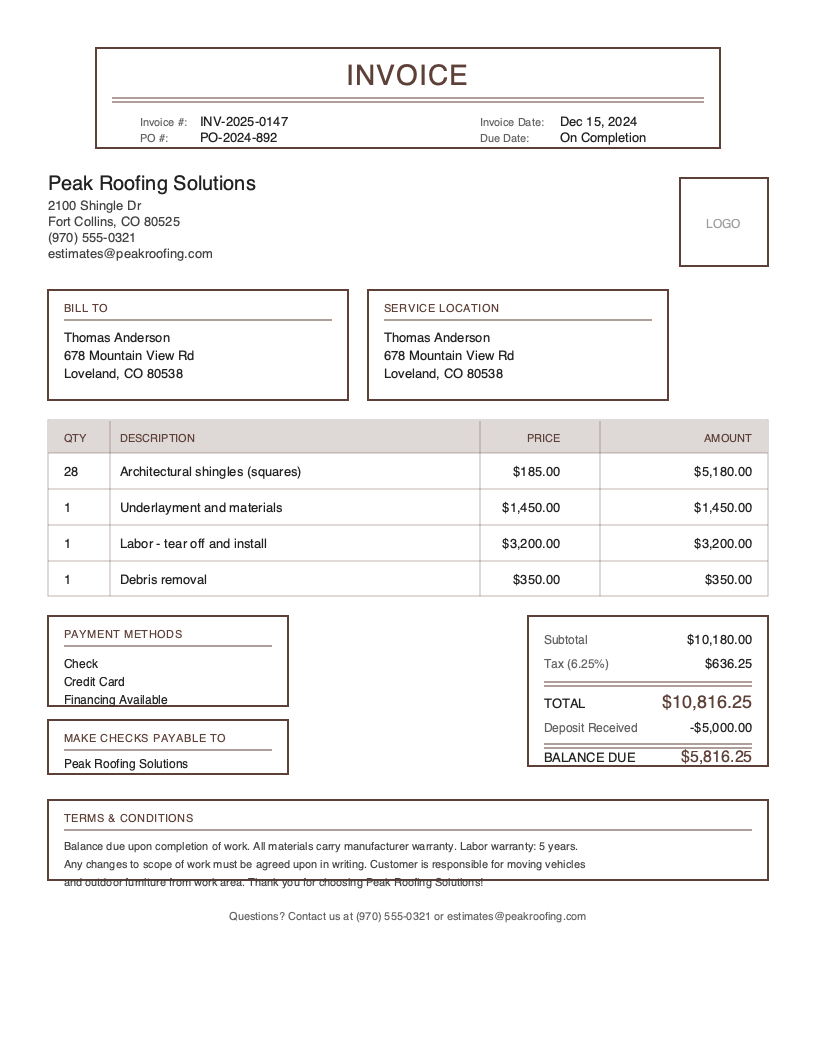
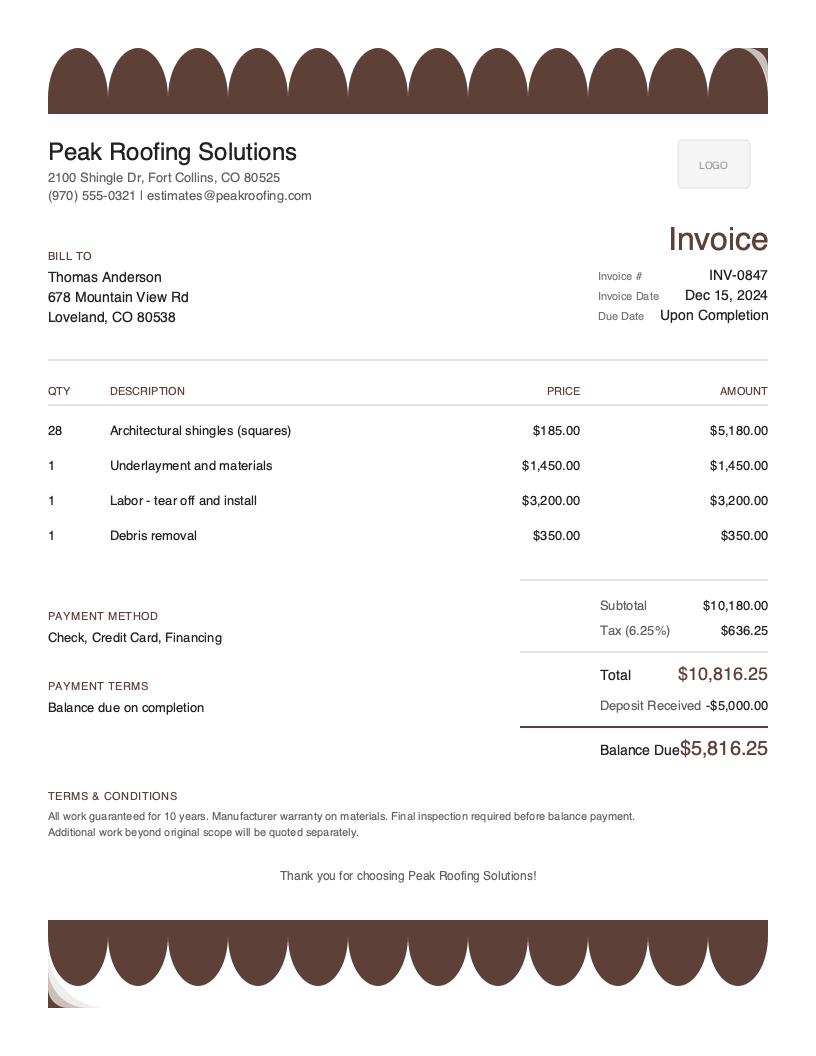
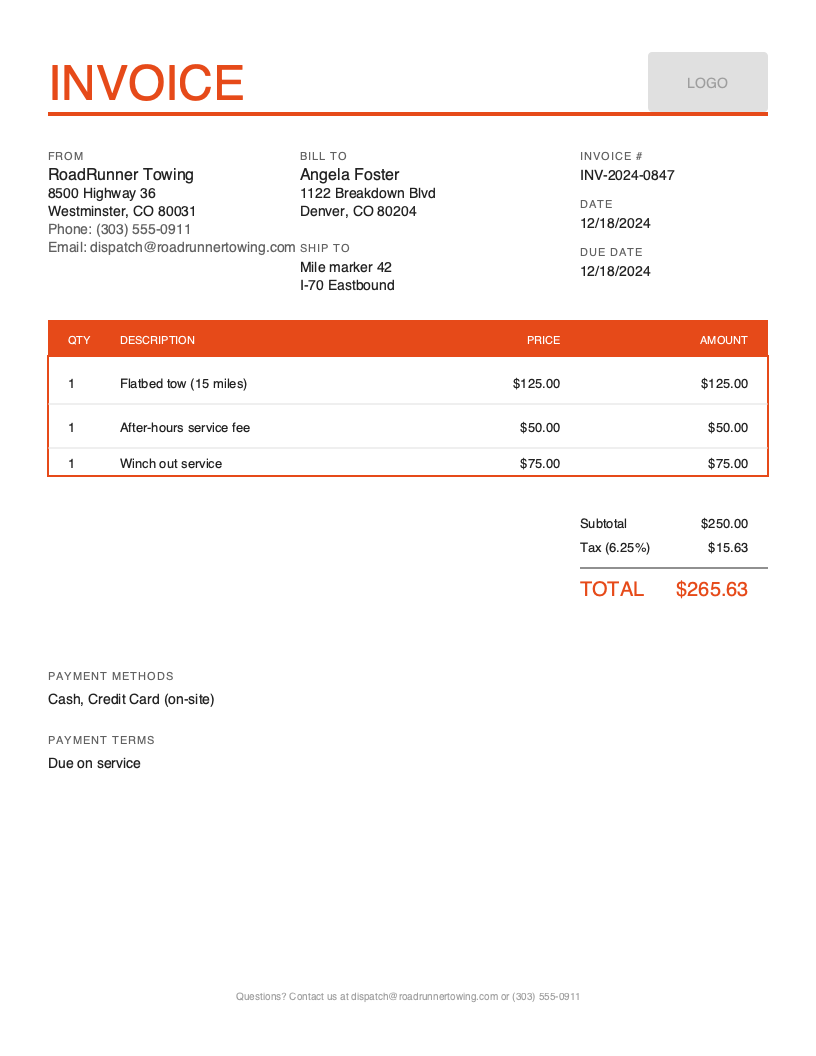
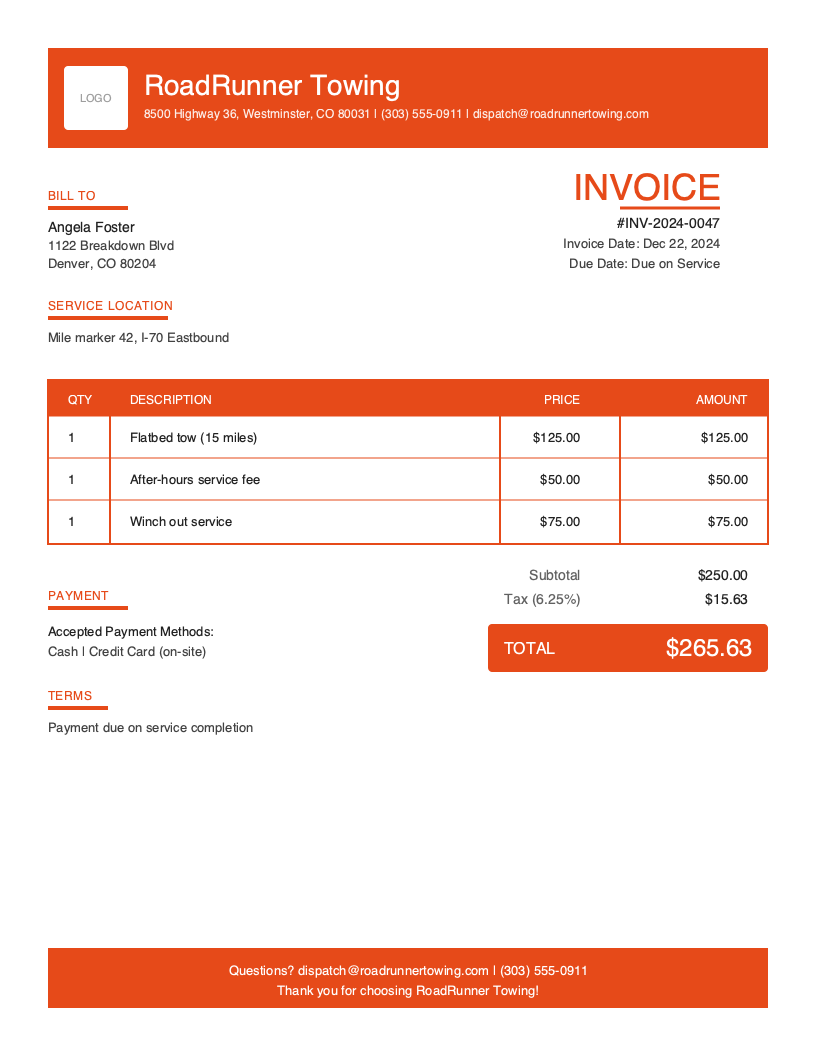
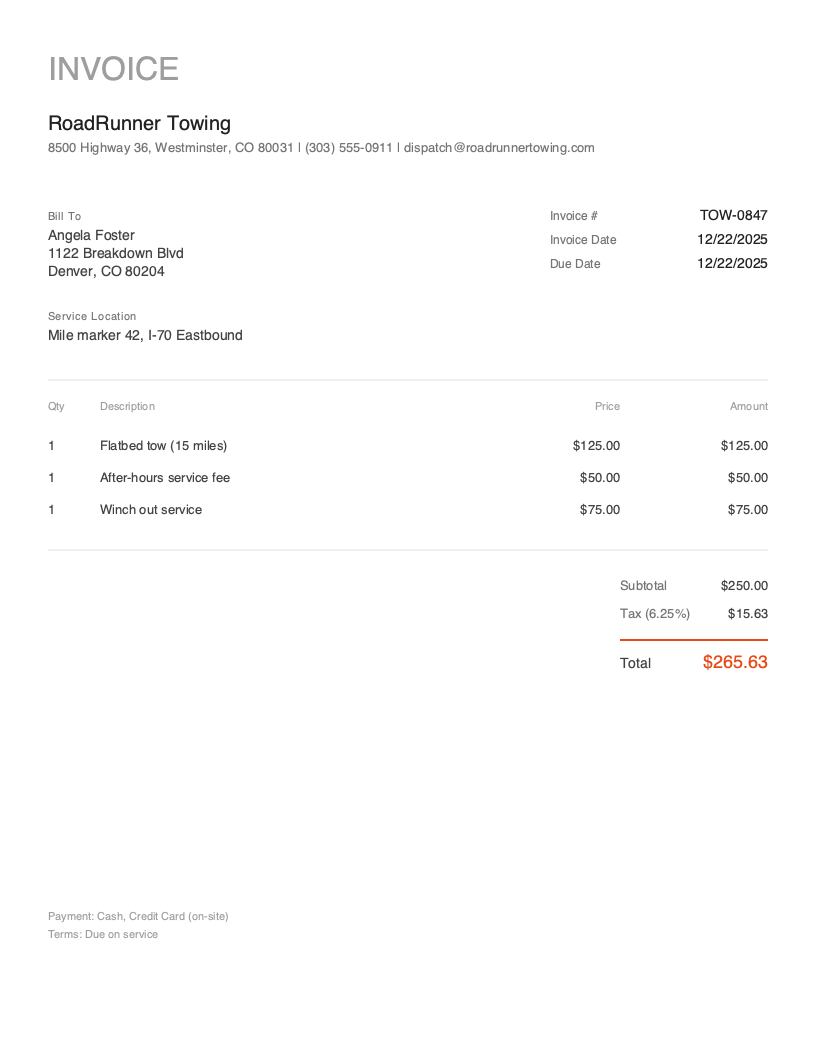
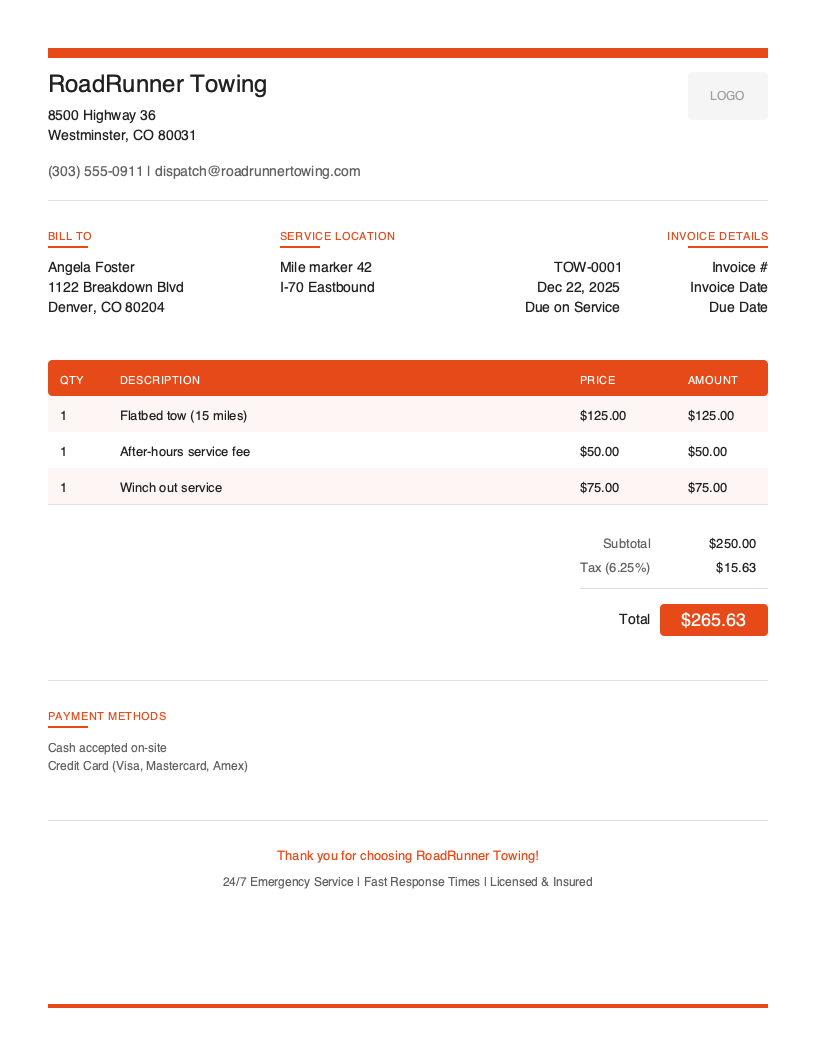
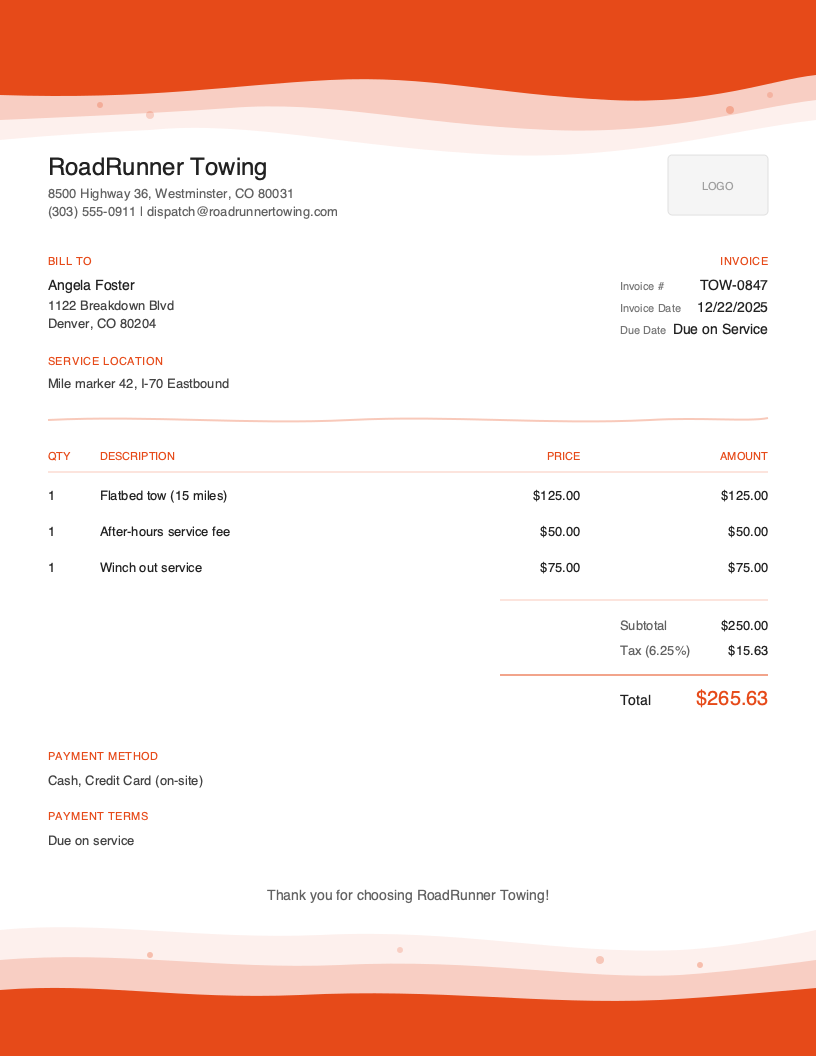
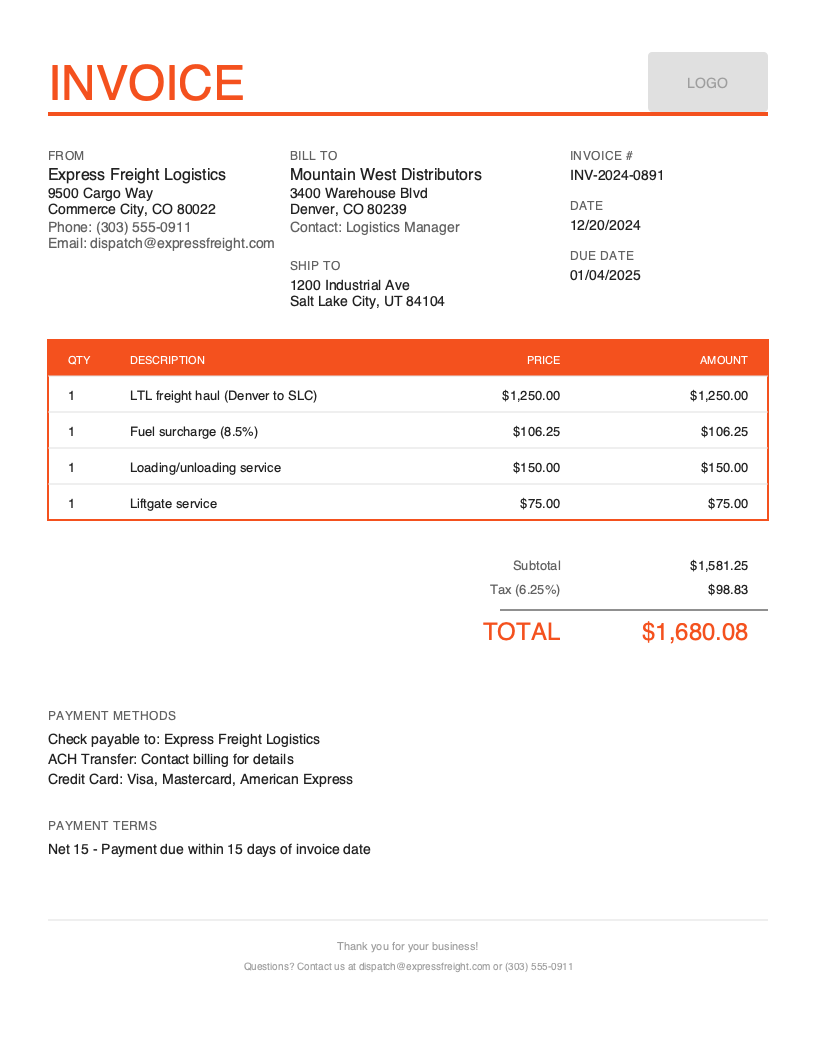
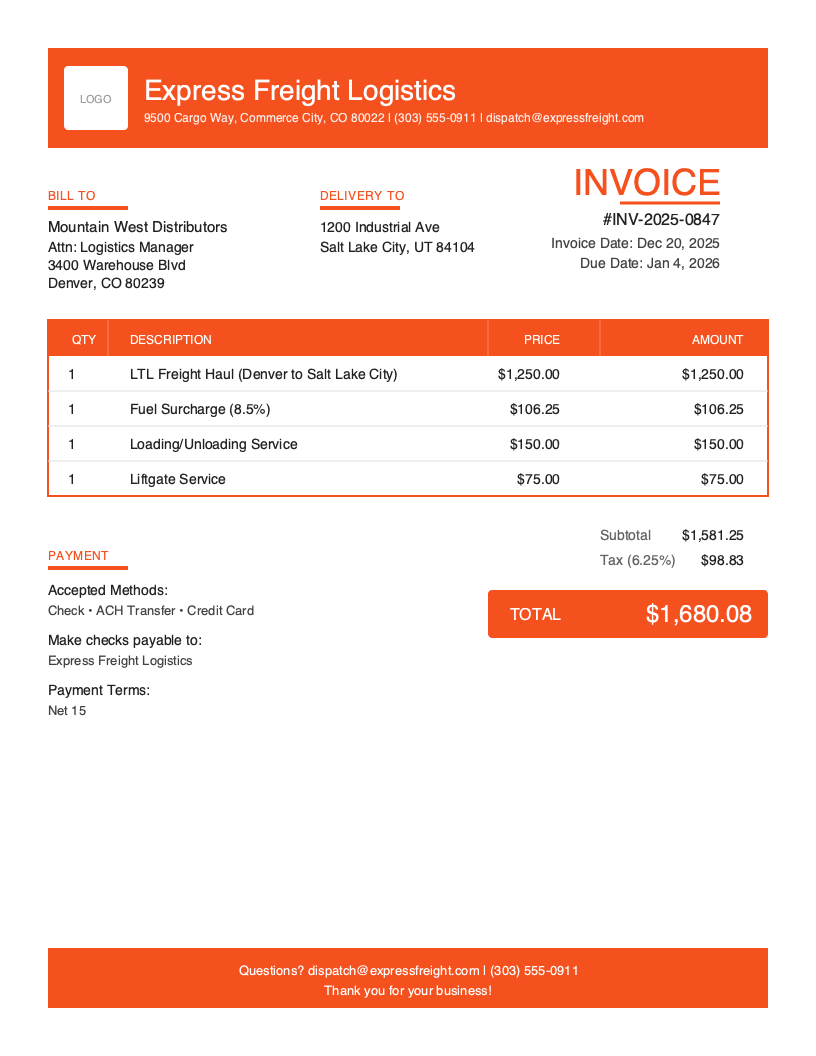
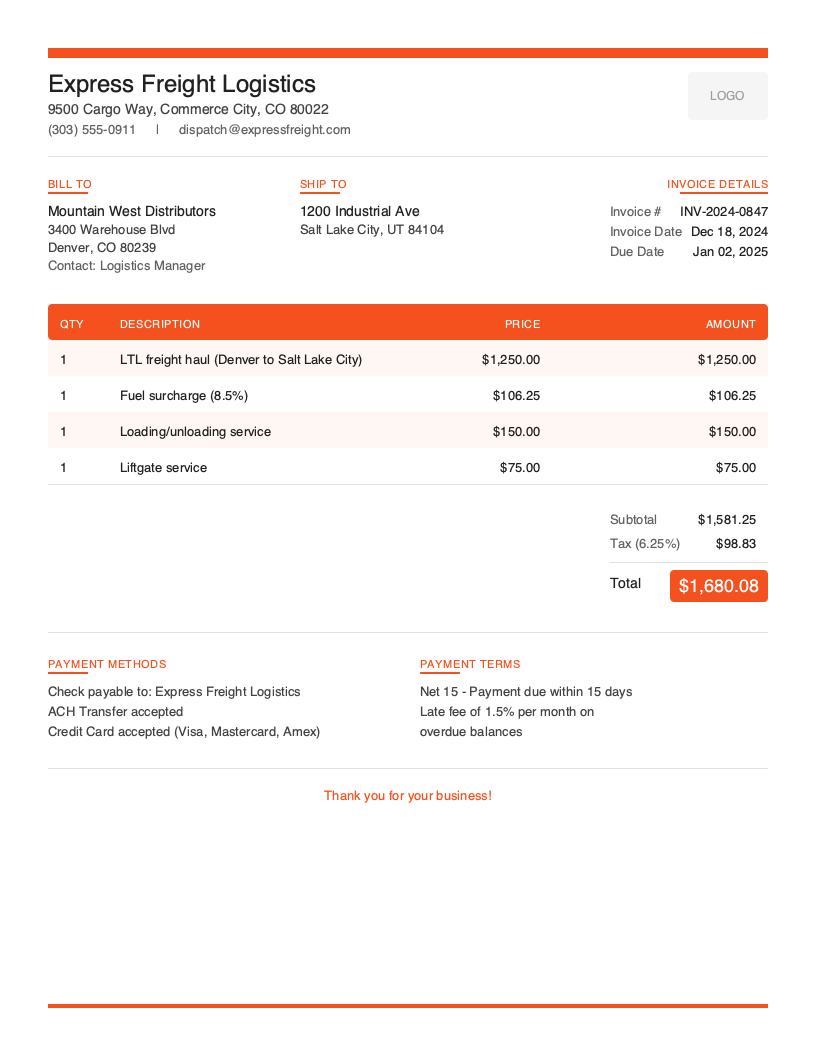
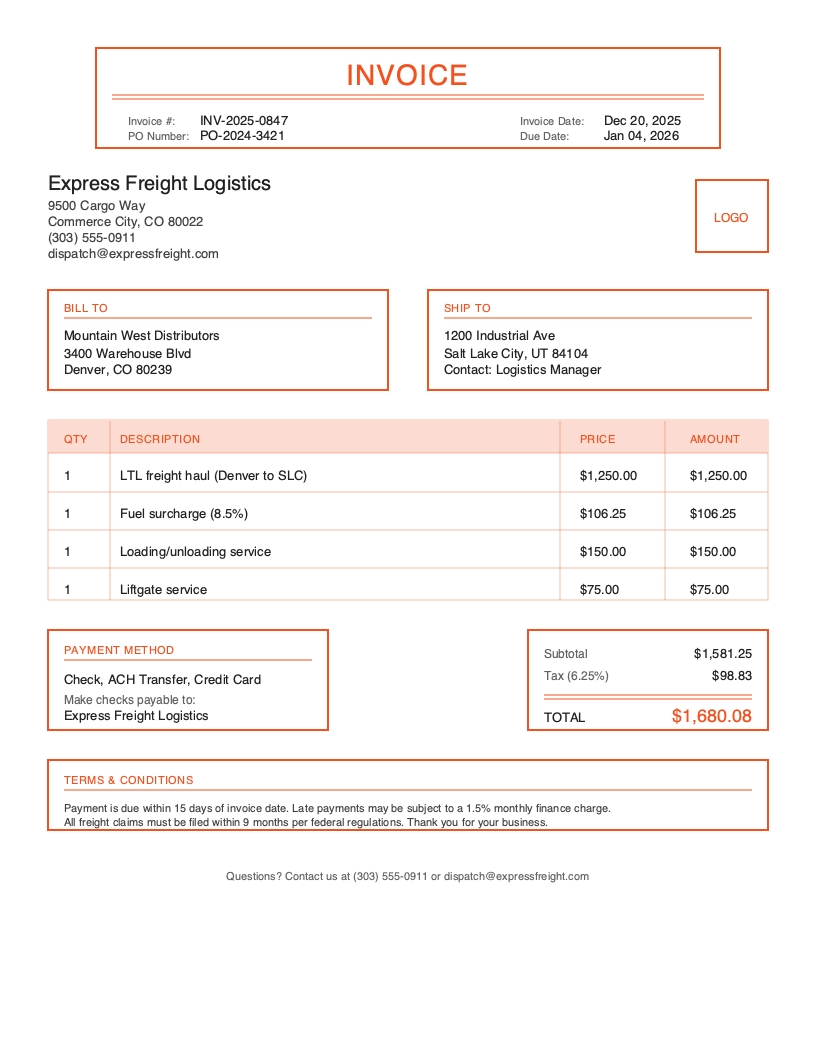
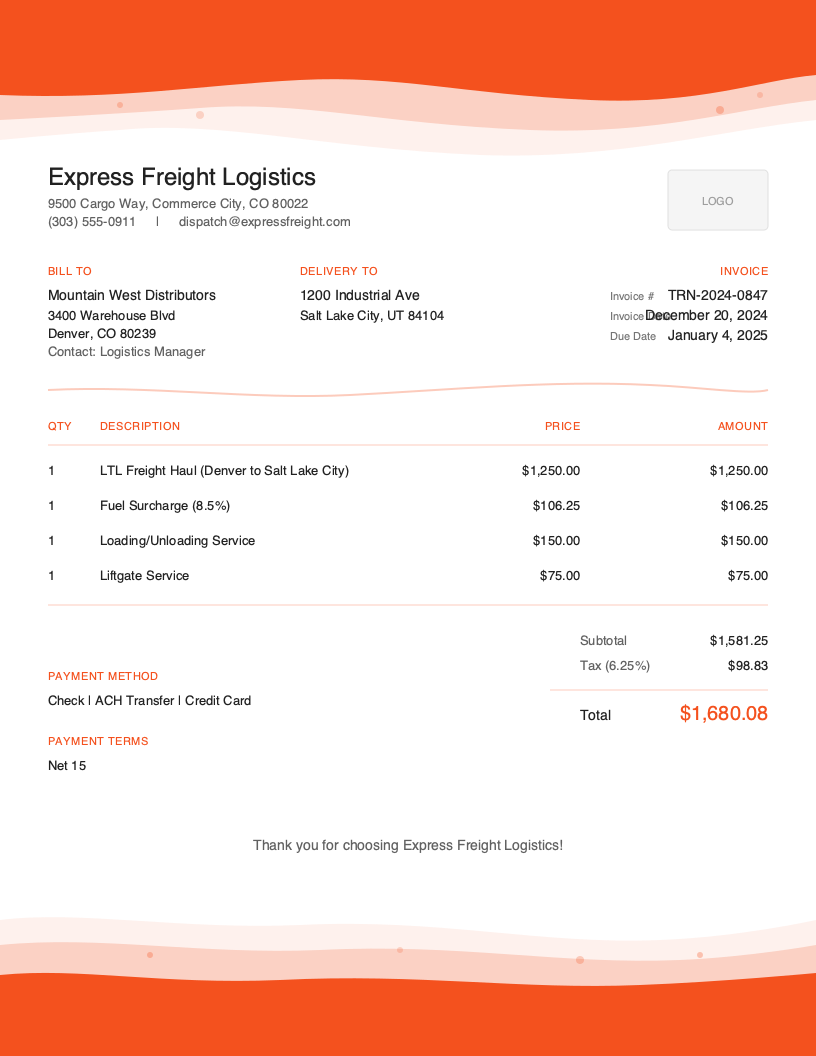
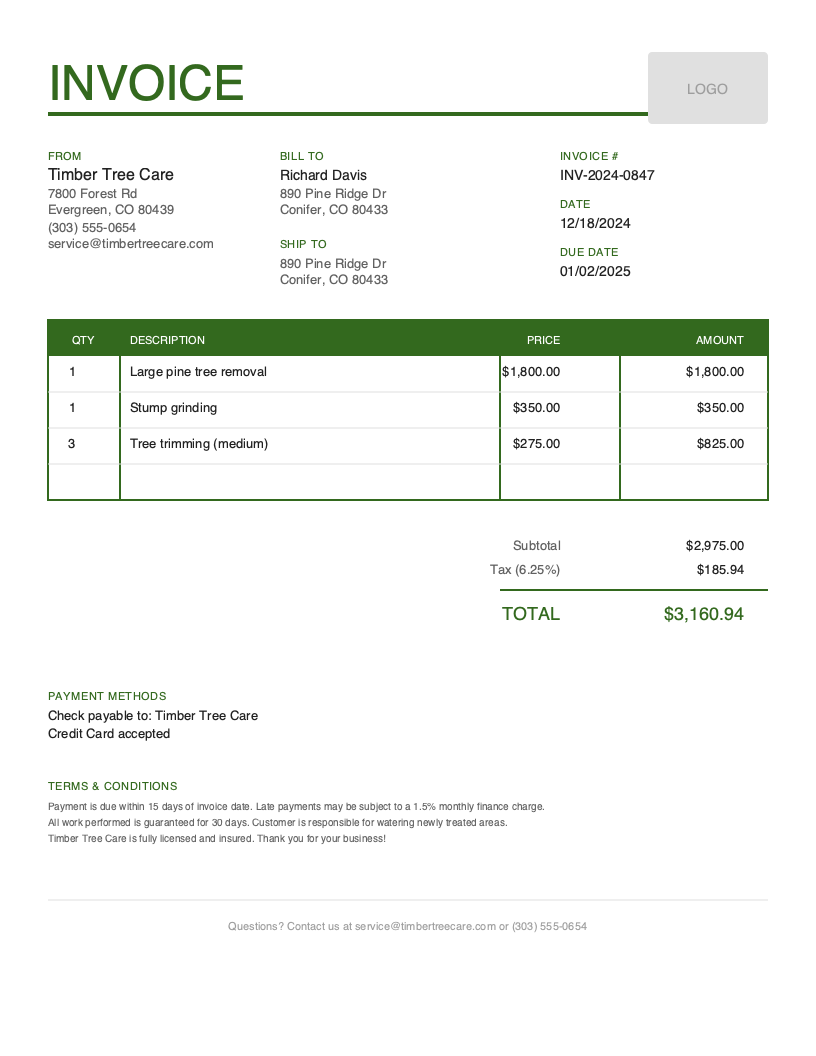
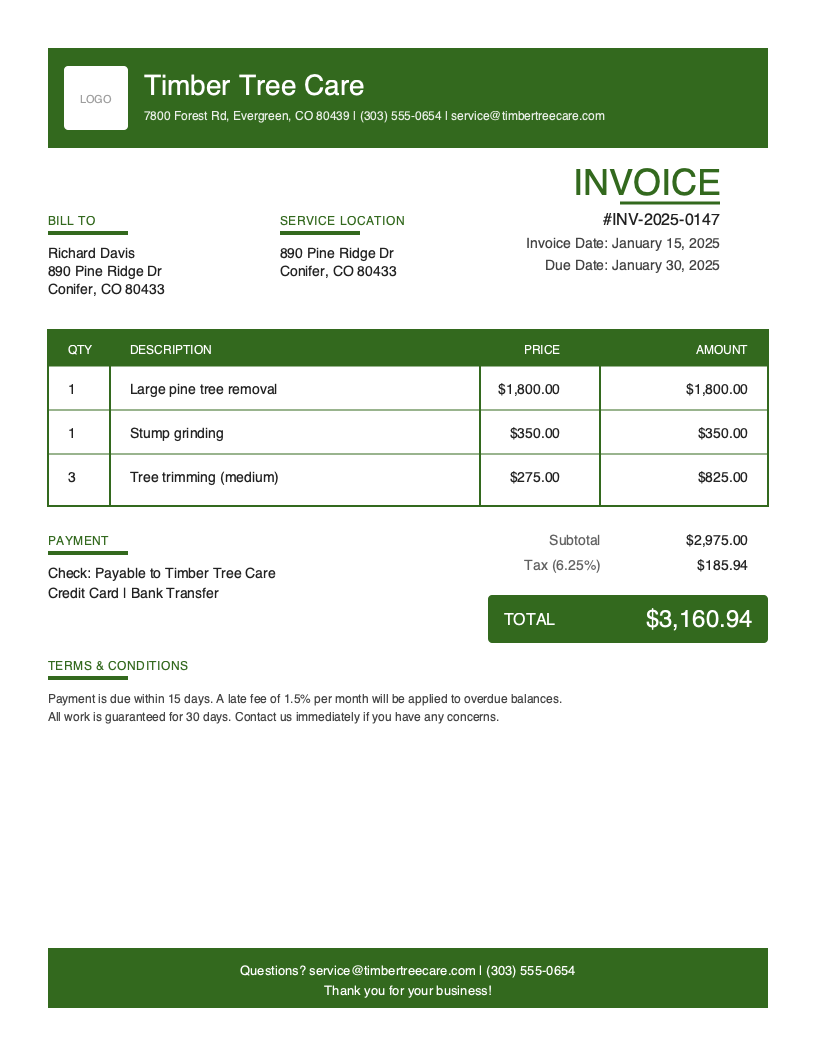
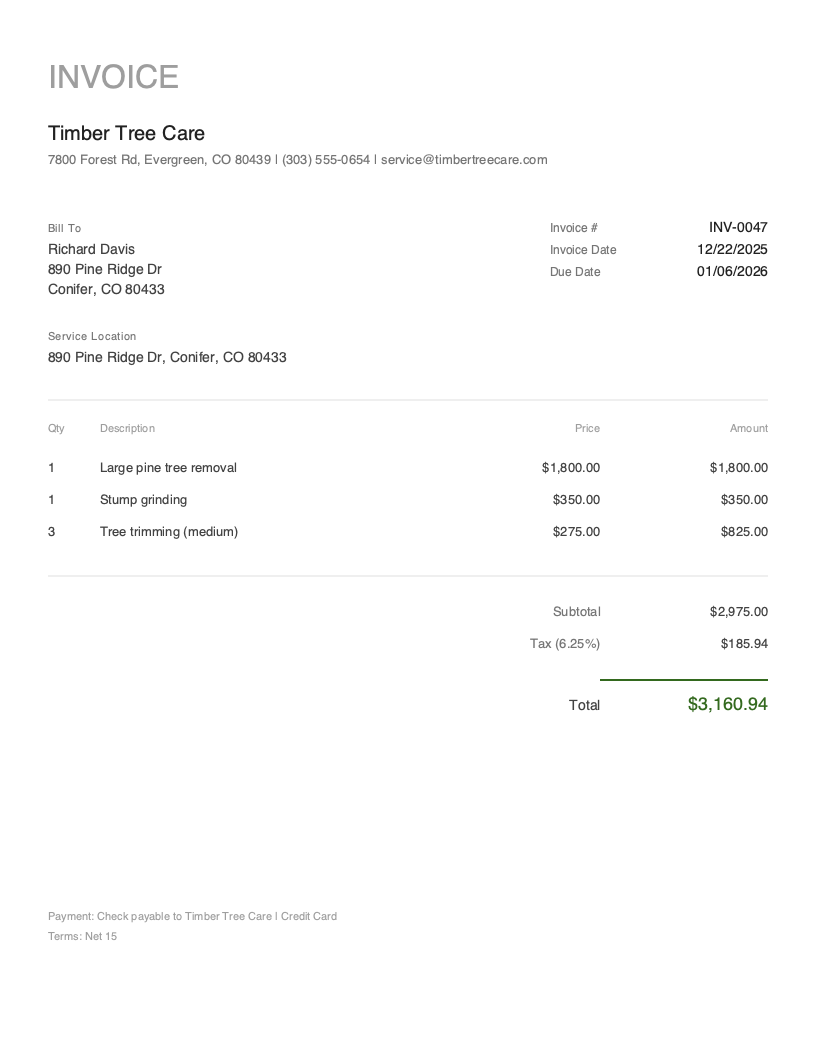
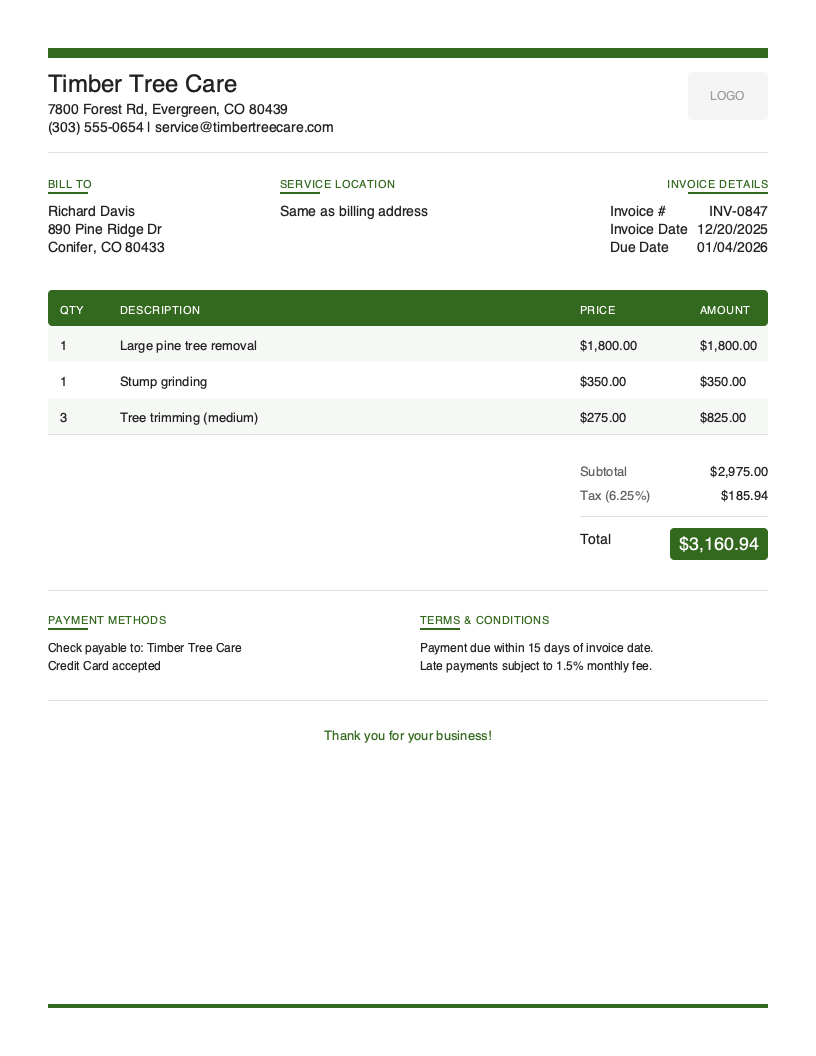
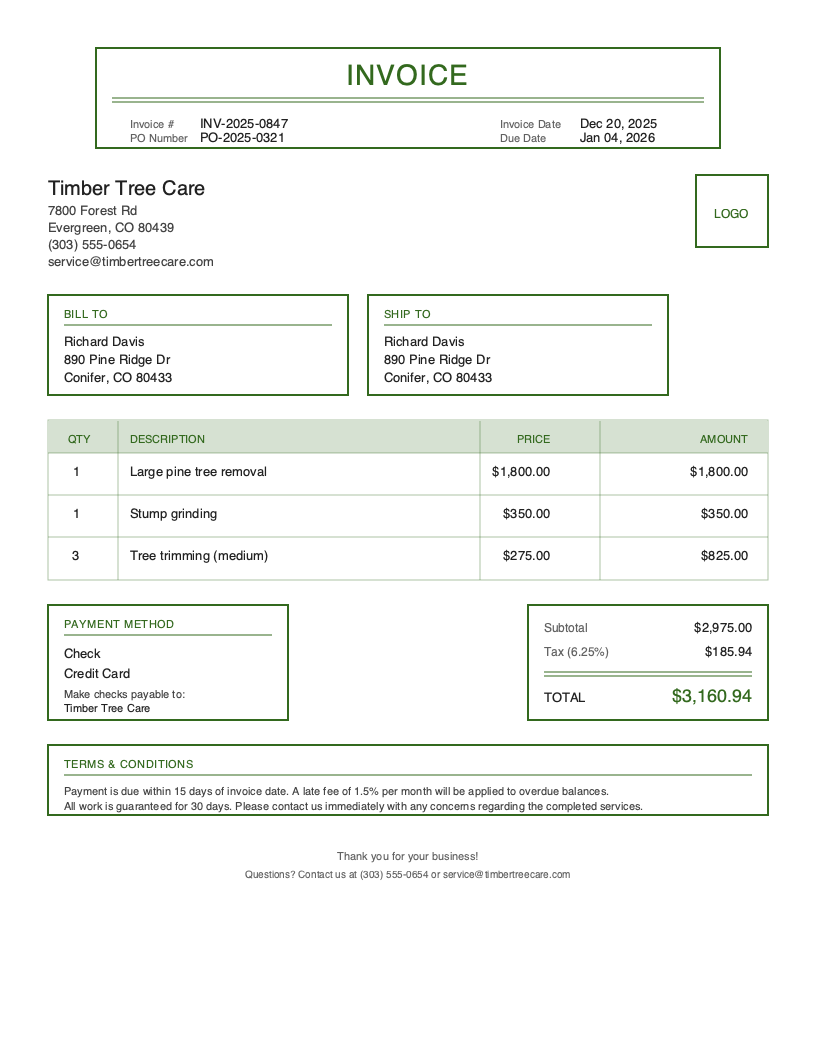
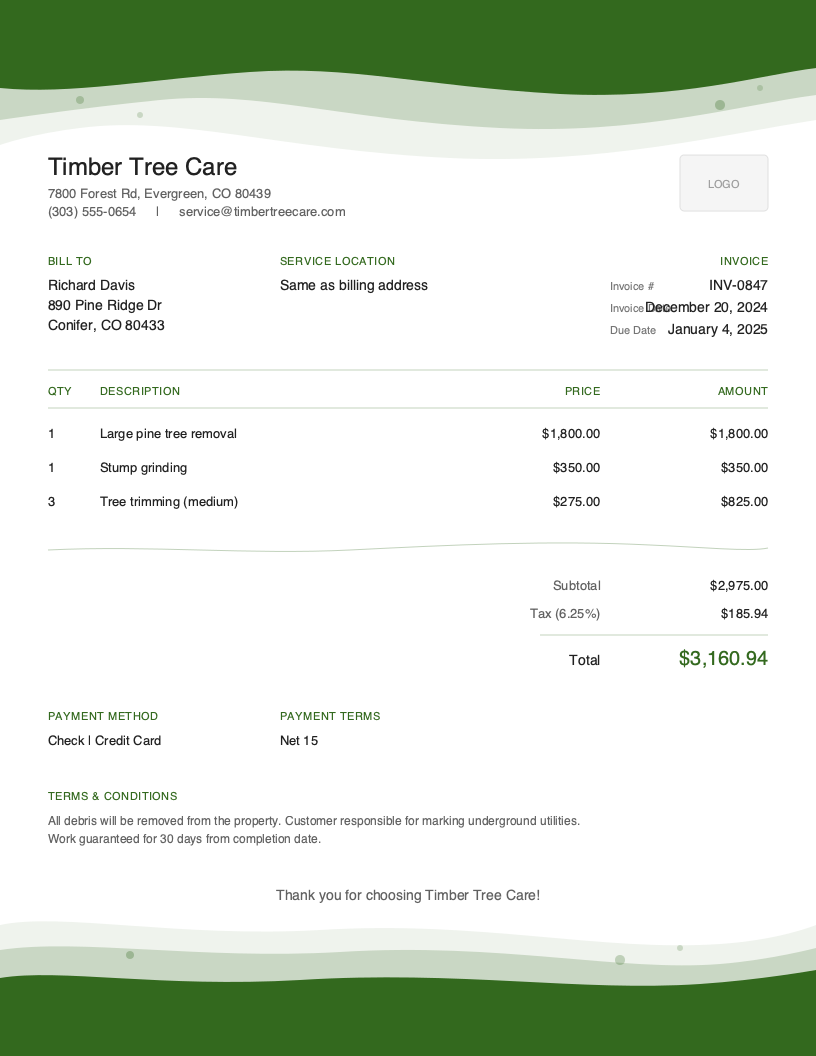
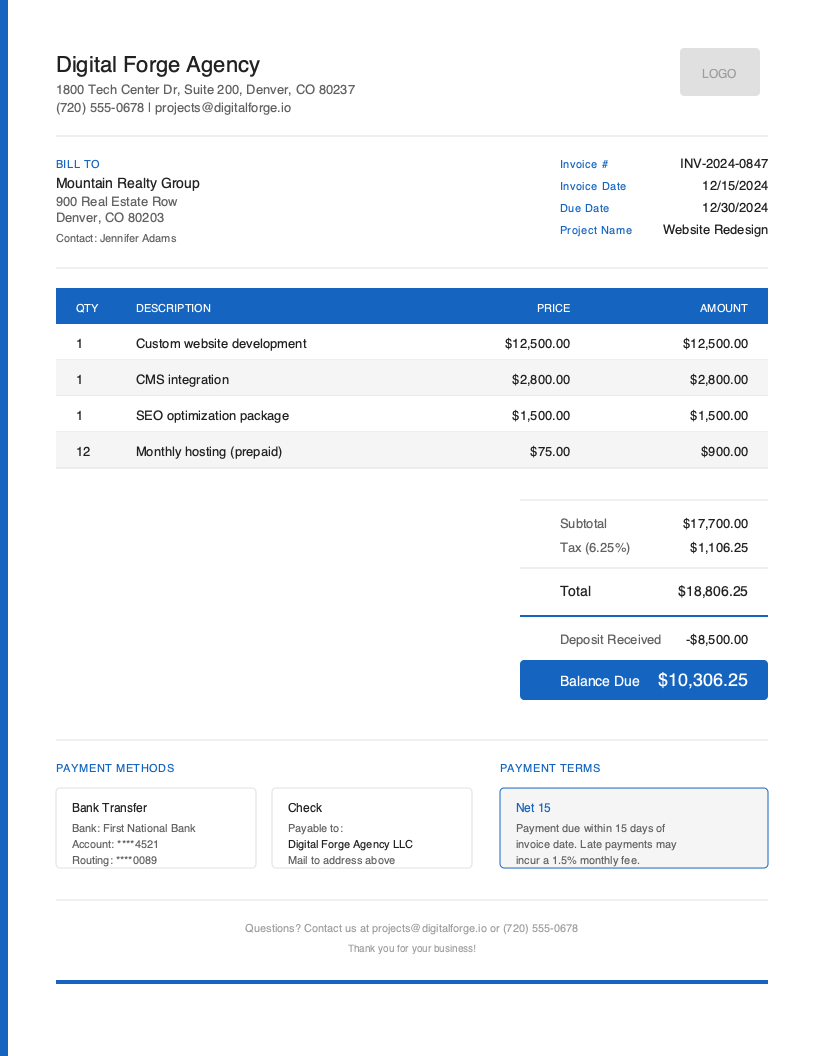
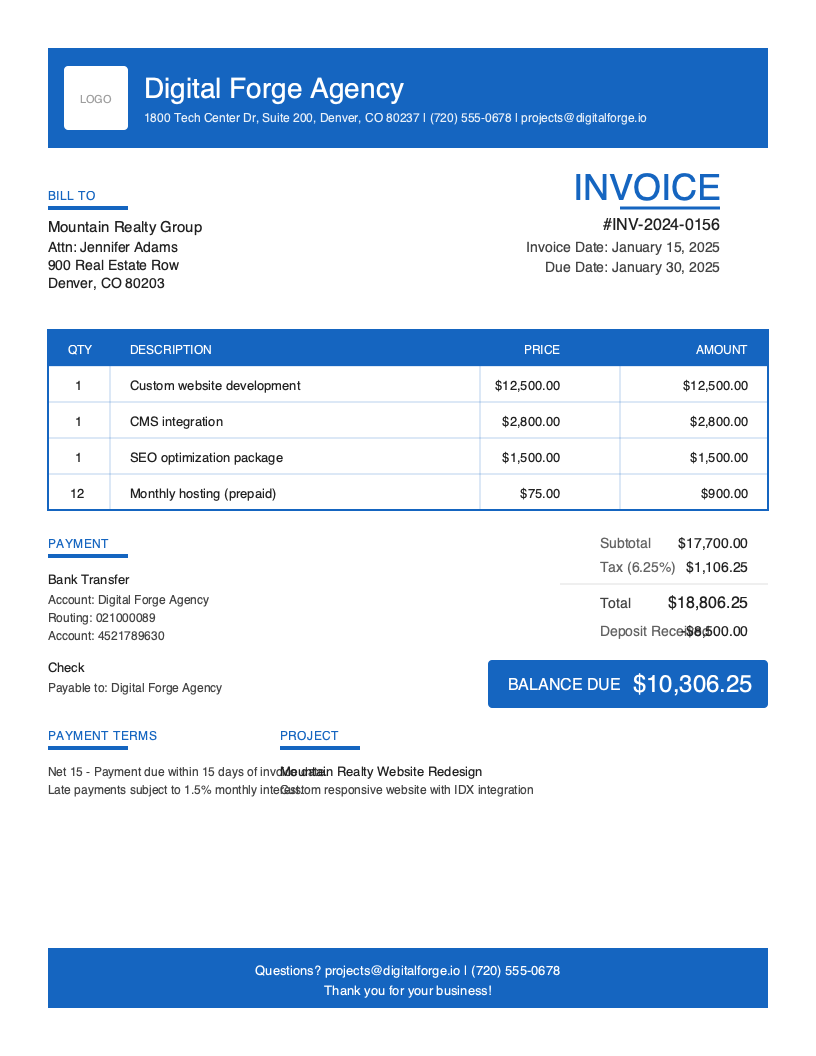
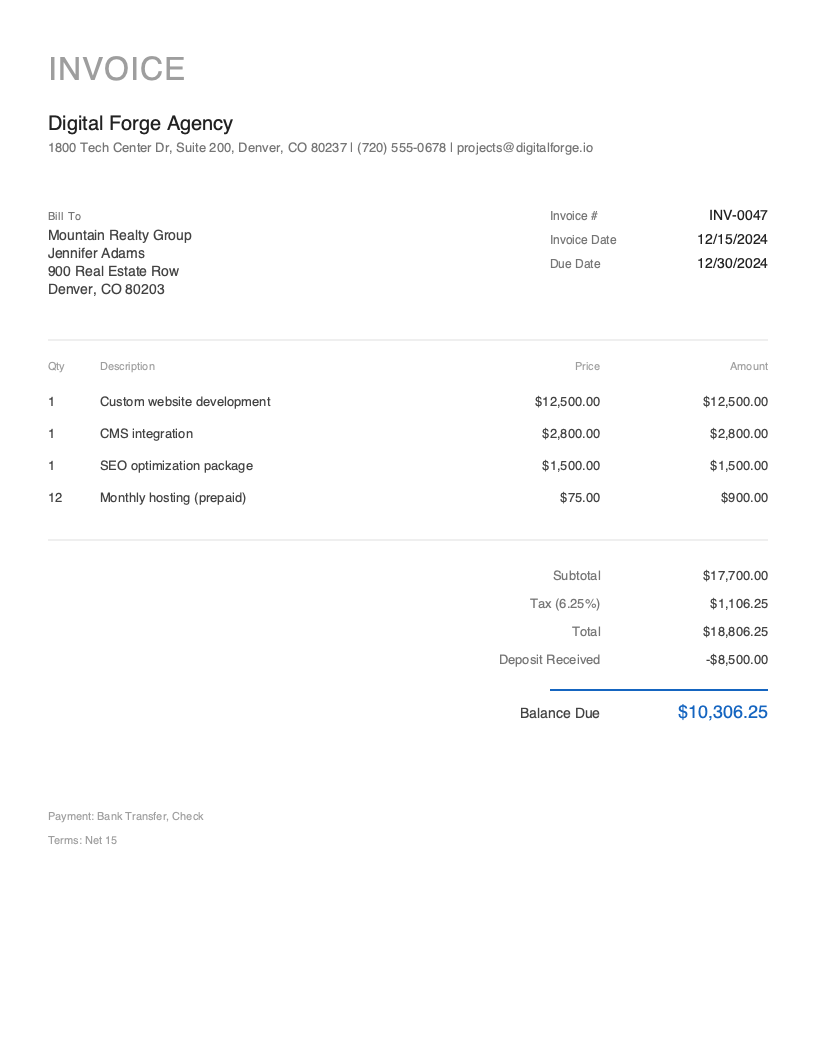
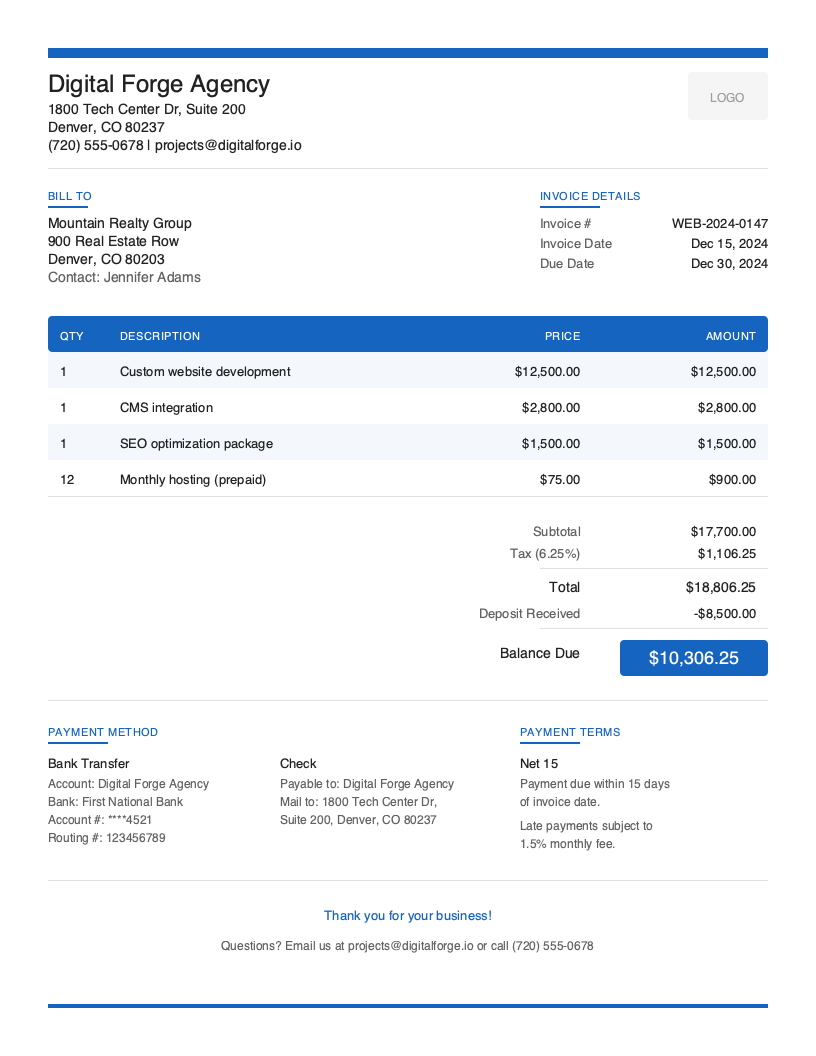
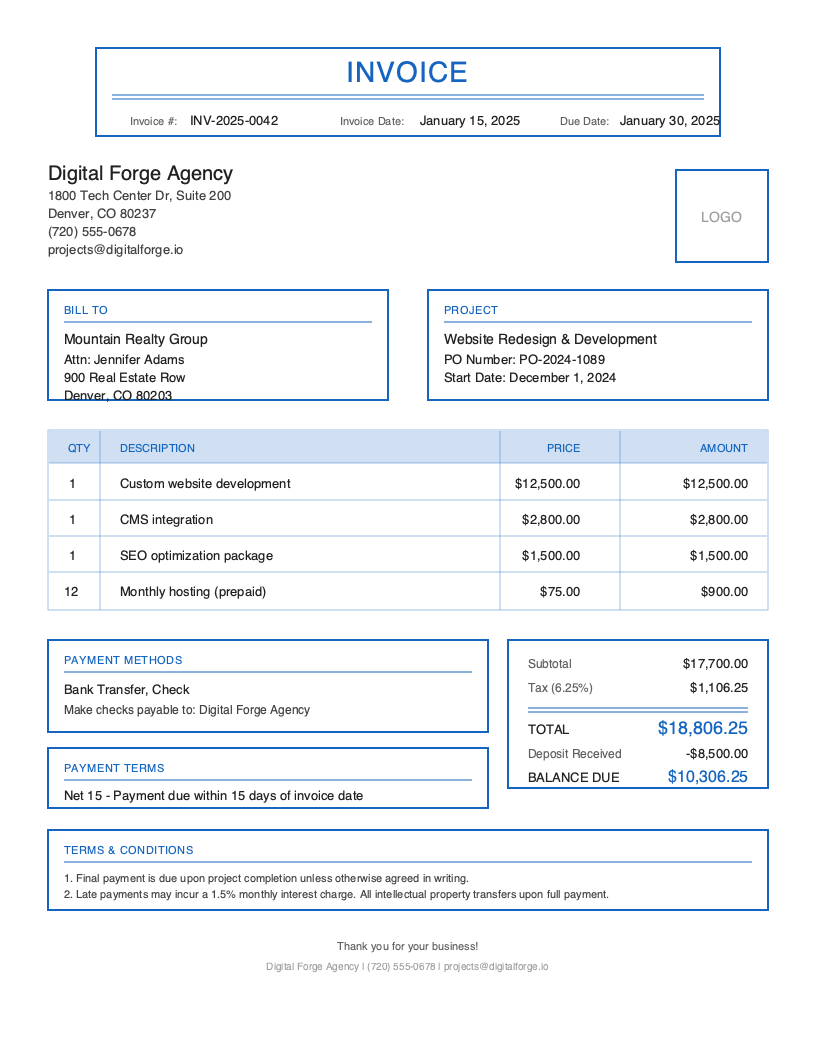
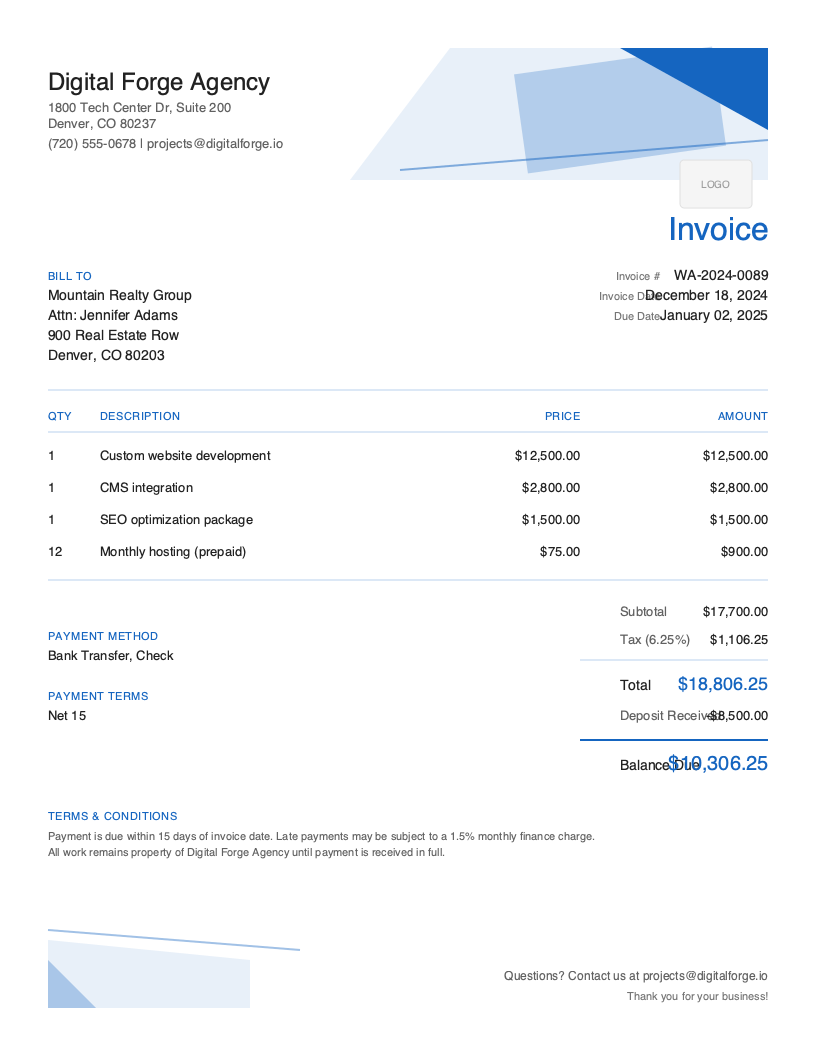
Pick your industry, customize and download.
No templates for yet — view all templates.
No templates match the current filters.
How it works
Three simple steps to a professional invoice.
Browse 140+ designs across 25 industries and choose the one that fits.
Add your logo, line items, and client details — no account needed.
Download the PDF free, no sign-up. Send it and track payments in the app.
See it in action
Watch how the mobile app makes invoicing in the field as fast as in the office.
By trade
One-tap access to the templates designed for your business.
Free Tools
No install, no password, no credit card.
Customize a template and download a PDF in your browser.
Open generator
Generate professional receipts for any transaction.
Open generator
Calculate compliant late fees by jurisdiction.
Coming soon
Yes, if you send invoices, estimates, or receipts from your phone — a one-person trade, a small crew, a freelancer, or a side business.
Probably not, if you need full bookkeeping, payroll, or project management, or you run a large team. An accounting suite like QuickBooks or FreshBooks will fit better. Pronto syncs with QuickBooks Online if you use both.
Is Pronto Invoice really mobile-first?
Yes. Pronto Invoice was built mobile-first from the ground up — not a desktop app crammed onto a small screen. The native iOS and Android apps include every feature: invoicing, estimates, recurring billing, client management, expense tracking, and reports. Create a complete, professional invoice in under 60 seconds with the 5-step workflow, even without an internet connection. One-handed design puts every action within thumb's reach, purpose-built for field workers on job sites.
Is there a free plan?
Yes, and it's a plan, not a trial. The Free plan includes 5 invoices a month, 3 clients, and the mobile apps, with no credit card. The free plan is your trial: paid plans start at $5/month and begin as soon as you subscribe. Annual billing saves 20%. Every limit is on the pricing page.
Can I accept payments through Pronto?
Yes. Connect your existing Stripe or PayPal account and every invoice you send includes an embedded payment link. Clients pay by credit card, debit card, ACH bank transfer, or PayPal directly from the invoice — no account creation required on their end. Pronto never takes a cut — you pay only your Stripe or PayPal rate. Cash, check, Venmo, Zelle, and other payment types can also be recorded manually.
What types of businesses use Pronto?
Pronto Invoice serves businesses across dozens of industries including HVAC, plumbing, electrical, landscaping, construction, roofing, flooring, painting, photography, consulting, web design, handyman services, pest control, auto repair, catering, and freelancers. Industry-specific templates and workflows are built in, so whether you're billing by the hour, by project, or by line item, Pronto has you covered.
Is my data secure?
Yes. Pronto Invoice runs on Amazon AWS infrastructure with industry-standard encryption in transit and at rest. Our mobile apps follow Apple App Store and Google Play security standards, including biometric authentication (Face ID, Touch ID, fingerprint), PIN code protection, and automatic app locking. If your device is ever lost, you can remotely sign out all devices from the web dashboard.
Can I use Pronto on my desktop?
Yes. In addition to the native iOS and Android apps, Pronto includes a full-featured web dashboard accessible from any browser. It offers complete feature parity — invoices, clients, payments, reports, and settings — so you can seamlessly switch between your phone and computer. All changes sync automatically across every device.
Does Pronto support recurring billing?
Yes. Recurring invoices are available on the Growth and Pro plans. Set any invoice to generate automatically on a daily, weekly, monthly, or custom schedule — Pronto creates and sends them without any manual work. Perfect for retainer clients, subscription services, or any business with predictable recurring revenue.
Can I track time with Pronto?
Timesheets are coming soon and currently on our product roadmap. In the meantime, you can add hourly service line items to any invoice with custom descriptions, quantities, and rates to bill for your time accurately today.
Start simplifying your business invoicing with Pronto Invoice. Download now and send your first professional invoice in minutes.