Cash App Business Account: Rules and Fees
Cash App business account rules, the 2.6% + $0.15 fee with worked examples, 1099-K basics, and a simple routine for tracking payments to invoices.


You have been getting paid through Cash App for months, and now a customer wants to pay for a $500 job that way. A Cash App business account is a free account type for people who sell goods or services. It marks your account as a business, and it takes a fee out of each payment you receive (2.6% + $0.15 per payment, as of October 2026). Here are the rules, the math, and a simple routine for keeping your records straight.
What is a Cash App business account?
A Cash App business account is the same app with a business label, for sellers of goods or services. Per Cash App’s Terms of Service, a seller can open, use or switch to a business account, and Cash App may ask for extra identifying information. The terms also say a Prepaid Account or Debit Flex Account is needed to open or keep one.
It is a payment tool. It is not a business checking account and it does not send invoices. You still need to know who owes you, who has paid, and what you charged for.
How do you set up Cash App for business?
You create a business account (or switch your existing one) from your phone in a few minutes. Cash App’s switch to Cash App for Business help page walks through the current steps, which can change, so follow the screens in your app. In outline:
- Open Cash App and go to your profile.
- Choose the option to create or switch to a business account.
- Verify your business details when asked.
- Pick a $cashtag for the business, or transfer your existing one.
Have your legal name, business details and a bank or debit card ready before you start. Customers see your $cashtag when they pay, so pick one that looks professional, such as your business name.
Can you have more than one Cash App account? Cash App’s terms address people with multiple accounts: Cash App reserves the right to combine balances and limits across accounts tied to the same person. Read the current terms before setting up a second account to get around a limit.
Business vs personal Cash App: which one are you really using?
If you take money for work, you should be on the business account. Cash App’s Tap to Pay fee page says to use the business account for sales of goods and services only.
| Personal account | Business account | |
|---|---|---|
| Meant for | Splitting dinner, paying friends | Selling goods or services |
| Fee on payments you receive | Check Cash App’s current personal fees | Charged per payment, see below |
| Marked as a business | No | Yes |
| Where your work income goes | Mixed with personal money | Easier to separate |
Mixing the two causes the real trouble at tax time. Business payments land next to rent splits and birthday gifts, and you spend an evening sorting them out. A separate business account keeps the activity list readable. Cash App can also ask for more account information, so keeping the account type honest avoids surprises later.
What are Cash App business account fees?
Cash App charges 2.6% + $0.15 per payment from a customer’s Cash App account, as of October 2026, per Cash App’s business fees page. Tap to Pay costs 3% per transaction, with no fee charged to the customer, per the Tap to Pay page. Cash App deducts the fee before it credits your balance.
| Payment | Fee | You keep |
|---|---|---|
| $100 customer payment | $2.60 + $0.15 = $2.75 | $97.25 |
| $100 Tap to Pay sale | $3.00 | $97.00 |
| $500 customer payment | $13.00 + $0.15 = $13.15 | $486.85 |
| $500 Tap to Pay sale | $15.00 | $485.00 |
The fee for any payment shows under Activity when you select that payment. Some third-party sites quote different rates, such as 2.75% per transaction. Use Cash App’s own pages, and check them again before you rely on a number, because Cash App does not date its help pages. Deposit fees to your bank, like instant transfers, are separate. Check the screen in the app before you cash out.
On the processing side, Pronto Invoice takes no cut of your payments. It does not process Cash App payments, so the 2.6% + $0.15 comes from Cash App either way.
What are the limits on a Cash App business account?
Cash App shows your current limit in the app when you send, transfer or withdraw, and that number is the one that counts. Cash App does not publish one universal business limit that we could confirm, and some blogs claim “no limits.” Treat that with caution.
To check yours:
- Try a transfer or withdrawal and read the limit message on screen.
- Ask Cash App’s in-app support if the number is unclear.
- Plan for large jobs: ask for a deposit or a bank payment so one big payment does not hit a limit on the day you need it.
What records do you have to keep?
You keep the records, not Cash App. The Cash App payment terms put the responsibility for compiling and retaining permanent records on the business. The same terms mention receipt requirements for in-person sales, with different dollar levels for a written receipt and for a signature request. Read the current terms for the exact amounts, since they can change. If you sell in person, give the customer a receipt anyway. See how to write a receipt of payment and invoice vs receipt for what goes on one.
A simple routine keeps you out of trouble:
- Invoice first. Send an invoice for each job with a number, date, and what you charged for.
- Mark it paid when the money lands. Note the date, the amount, and that it came through Cash App.
- Save the transaction. Keep the Cash App activity entry or monthly statement that matches the invoice.
- Note the fee. The fee is a business cost, so record the gross amount and the fee separately.
- Check monthly. Compare your list of paid invoices to the Cash App activity. Anything unmatched needs a look.
This gives you a clear answer to “who’s paid and who hasn’t,” and a clean list when you do your estimated tax payments. Keep what you save for as long as the rules require: see how long to keep business records.
Does Cash App send a 1099?
Cash App may send you a Form 1099-K if you cross the IRS reporting threshold. The IRS Form 1099-K FAQs list a federal threshold of more than $20,000 and more than 200 transactions for third-party settlement organizations. States can set lower thresholds, so a form can arrive below the federal level. Check the IRS page for the current figure, since earlier plans used lower numbers.
The threshold decides whether a form is issued, not whether income is taxable. You owe tax on what you earned either way. Cash App’s own 1099-K FAQ page explains how it handles forms. For deductions and what you owe, see self-employment tax explained and talk to a CPA if your situation is not simple.
When is a Cash App business account not enough?
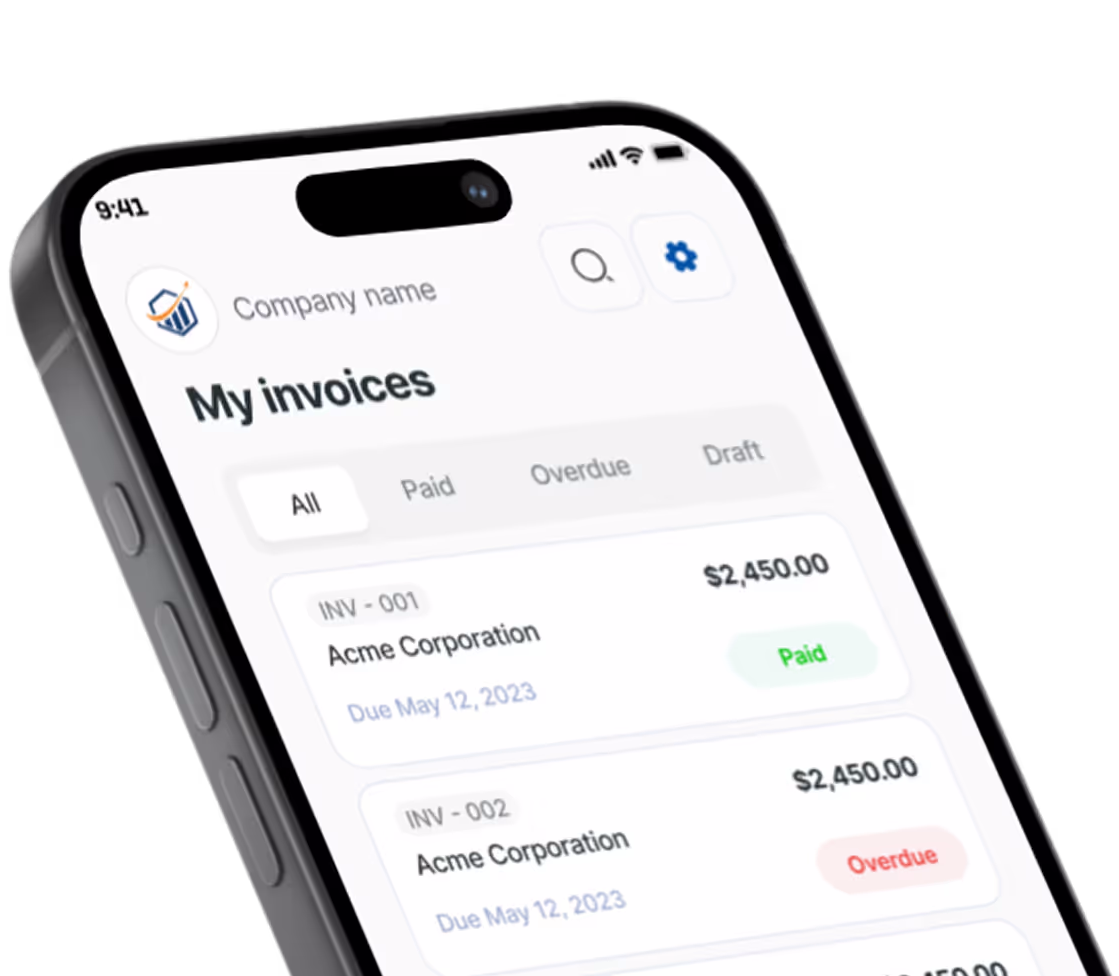
Cash App Business is not enough when you need invoices, due dates, reminders, or a clear list of unpaid jobs. It moves money. It does not send a professional invoice before you leave the driveway, and it does not track which customers still owe you.
Pairing it with an invoicing app fills that gap. With Pronto Invoice, you build an invoice on your phone, list Cash App as a payment option, and mark the invoice paid when the money lands. For other ways customers can pay, see Venmo for business and mobile payment methods for small business.
If you want one place that holds your money, a bank account does that, and Cash App is not a replacement for one.
Frequently asked questions
Can I use my personal Cash App for my business? You can, but Cash App says to use the business account for sales of goods and services. Mixing them also makes your records harder to sort.
How much does a Cash App business account cost? Opening one is not what costs money. The cost is per payment: 2.6% + $0.15, or 3% for Tap to Pay, as of October 2026.
Do I need to report Cash App income if I never get a 1099-K? Yes. A missing form does not make the income tax-free.
Get paid, then keep the proof
Take Cash App payments on the business account, write down each one against an invoice, and check the list once a month. That is most of the work. If you want invoices that look professional and a paid or unpaid status for every job, try Pronto Invoice.
Fees and rules as of October 2026. Check Cash App’s help pages and the IRS for current information.
There is always something more to read

10 Steps to Set Up a Small Business: The Complete Startup Checklist for 2025
Learn 10 steps to set up a small business with this checklist covering LLC, banking, invoicing, insurance, and pricing.

1099 Requirements for Small Business (2026): Complete Guide
$600 threshold is now $2,000 for 2026. Learn 1099 requirements: 1099-NEC, W-9 rules, deadlines, filing.

How to Accept Payments Online
No website needed. Here is how to start accepting online payments as a small business — processors, payment links, and invoicing in one afternoon.