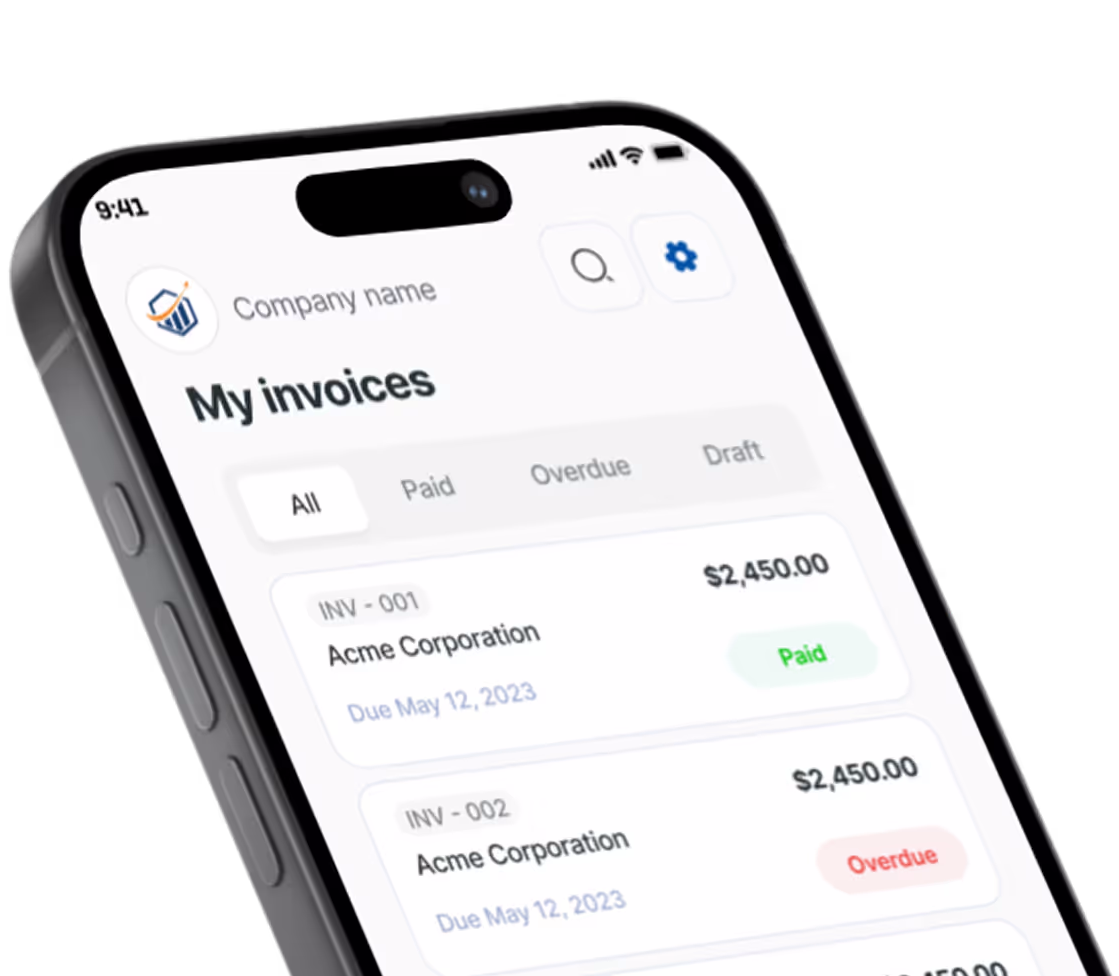
Convert an Estimate Into an Invoice
Convert an estimate into an invoice from your phone: what carries over, how deposits work, and what to do when the job changes after you convert.


The homeowner just said yes to your quote. To turn an estimate into an invoice, open the accepted estimate, tap convert, check that the line items, tax, and deposit carried over, then send the new invoice. No retyping. In Pronto Invoice that is one tap on your phone, with or without signal.
Here is the full sequence, plus what to do about deposits and job changes.
What Changes When an Estimate Becomes an Invoice?
An estimate is a price promise before the work. An invoice is a request for money after (or during) the work. The content is nearly identical, which is exactly why retyping it is a waste. For the longer version of the distinction, see quote vs estimate.
| Estimate | Invoice | |
|---|---|---|
| Purpose | Win the job, set the price | Get paid for the job |
| When you send it | Before work starts | At completion, or at agreed stages |
| Client pays from it? | No | Yes |
| What changes on acceptance | Becomes your agreed scope | Becomes the bill for that scope |
Some people search “quotation vs invoice” for the same thing. A quotation is just another word for an estimate or quote. Same document, same conversion.
Before You Convert: Quick Checklist
Check three things before you tap anything. Each one prevents a bad invoice from going out.
- Scope is final. If the client changed the job while approving, update the estimate first.
- Price is final. Parts costs, trip charges, and tax should match what you agreed. If you are unsure how to price extras, read trip charge vs service call fee.
- Deposit status is known. Did the client already pay something? You want that on the invoice.
Skip this and you end up fixing a sent invoice, which is harder than fixing a draft.
How Do You Convert an Estimate to an Invoice on Your Phone?
Open the accepted estimate in the app and tap convert. The new invoice inherits the client, line items, quantities, prices, tax settings, deposit amounts, notes, and payment method setup from the estimate. Your original estimate stays untouched as the record.
Here is the sequence in the truck or driveway:
- Open the estimate from your list and confirm its status is accepted.
- Tap convert to invoice. A new invoice appears. The estimate does not change.
- Scan the line items. Add anything extra, like a disposal fee, before it goes out.
- Check the deposit line and the balance due.
- Pick how you want to get paid. Cash, check, bank transfer, or your own Stripe or PayPal. Pronto takes no cut of payments.
- Send. Text or email it before you leave.
That is the same five-step shape as any invoice in the app: client, items, payment info, document info, review and send. Steps one and two are already filled in. Need the send mechanics? See how to send an invoice.
No signal in a basement or on a rural property? The app works offline, so you can convert and prepare the invoice there and it syncs when you are back in range.
One honest note on cost: free apps often let you build the estimate and then block the invoice at send. Check the current free-tier limits on the Pronto Invoice pricing page before you rely on any app for a big job, and ask the same question of every competitor. A converted estimate counts as an invoice, so invoice caps apply to it.
Converting on a Desktop
The idea is identical on a computer. In QuickBooks Online, for example, you open the estimate, choose Convert to invoice, and pick the entire estimate, a percentage or amount, or specific line items, per Intuit’s progress invoicing help. QuickBooks also expects the estimate to be accepted first, per its conversion guide. Menu names differ by app, but accepted-first is a common rule.
When Should You Send the Invoice After Acceptance?
Send it when the work is done, unless you agreed on a deposit or stage payments. Acceptance means the client agreed to the price. It does not mean you have earned the money yet.
Pick one of three moments and tell the client up front:
- On acceptance, for a deposit. Convert, send a deposit request, and start the job once it clears.
- At milestones, for big jobs. Bill in stages. The progress invoicing guide walks through it.
- At completion, for a normal job. Convert, adjust, send before you leave the driveway.
For plumbers, landscapers, photographers, and cleaners the moment is the same: the client says yes, you finish, you bill. Only the deposit and stage choices change.
What Happens to a Deposit the Client Already Paid?
The deposit shows on the invoice as already paid, leaving a balance due. The math is simple: invoice total plus tax, minus the deposit, equals what the client still owes.
Say the work is $5,000 and a $750 change order was approved, making $5,750. The client paid $1,500 up front. The balance due is $4,250. (Illustrative numbers, not a real job.)
A few notes that keep deposits clean:
- Keep the paper trail. Reference the estimate number on the invoice, such as “Based on estimate 1042.” You do not need matching numbers. Invoice numbers should stay unique and in order. See invoice number best practices.
- Know your state’s deposit rules. California, for example, caps a home-improvement down payment at the lesser of $1,000 or 10% of the contract price, per the CSLB sample contract. Rules vary, so check yours.
- Taxes can lag the invoice. Under the cash method, income counts when you receive it, per IRS Publication 538. A deposit can be income before the final invoice goes out. Ask a CPA about your situation.
More on collecting money before the job in the deposit invoice template guide and partial payment invoicing.
What If the Job Changed After You Converted?
Use one rule: edit the invoice if it is still a draft, start a new document if it was already sent, and leave the original estimate alone as your record.
| Where the invoice is | What to do |
|---|---|
| Converted, not sent | Edit it. Add or remove lines before sending. |
| Sent, unpaid, small correction | Fix it and resend, noting the correction to the client. |
| Sent, scope grew | Write a separate invoice for the extra work and reference the original. |
| Partly or fully paid | Do not rewrite it. Bill the extra on a new invoice, or issue a credit memo if you owe money back. |
Never overwrite the estimate to match the new job. It shows what the client agreed to, and that matters if there is a dispute. QuickBooks works the same way: creating a progress invoice leaves the original estimate in place and tracks what has been billed against it, and you cannot bill more than 100% of it, per Intuit’s help page.
Get extra work approved in writing before you do it. California’s contractor board says price or scope changes need a signed written change order before the extra work begins, per the CSLB contract guidance. Other states differ, but the habit protects you everywhere. For more on keeping scope under control, read scope creep prevention.
Quick Answers
Can I convert an invoice back into an estimate? Usually not. Some apps do not allow it, and Wave’s help center says to duplicate instead. Build the estimate correctly the first time, and copy it if you need a variant.
Is a pro forma invoice the same thing? Close, but not what you need here. A pro forma invoice is a quotation laid out like an invoice, and it is not a request for payment. See pro forma invoice template if a customer or customs office asks for one.
Do I need both an estimate and an invoice? Yes, if you quote before work. The estimate wins the job and sets the price. The invoice collects. Good estimate fields make the conversion painless.
Will converting create duplicate records? It creates one new invoice. The estimate stays as it was, so you will see both. That is the point: one is the agreement, one is the bill.
Bill It Before You Leave the Driveway
The gap between “yes” and “invoice sent” is where money slips. Late invoices get paid late. Close the gap by having the estimate ready, converting it when the work is done, and sending from your phone.
Pronto Invoice does this in one tap, saves your clients and items, and works offline. Try it free at prontoinvoice.com, and read the pricing page first so you know exactly what the free tier covers.
There is always something more to read

How to Accept Payments Online
No website needed. Here is how to start accepting online payments as a small business — processors, payment links, and invoicing in one afternoon.

ACH Bank Transfer for Small Business: The Complete Guide to Low-Cost Payments
ACH bank transfer for small business saves 2-3% vs credit cards. Setup guide, fees, timing, and when to use ACH.

ACH vs Wire Transfer: Which to Accept
ACH vs wire transfer — which costs less when you're getting paid? Real fee math, Same-Day ACH explained, and when wires make sense for small business.