Zelle for Business: Rules, Limits, Risks
Can you use Zelle for business? See what you need to enroll, how bank limits work, the risks, and why an invoice should back every payment.


The job is done, the customer is at the door, and they say, “Just Zelle me.” You can use Zelle for business, but only if your bank offers it on business checking accounts. Zelle is free to use, fast, and has no purchase protection, no invoice, and no undo button. Here is what to check before you say yes.
Can You Use Zelle for Business?
Yes, you can use Zelle for business if your bank or credit union supports it for business accounts. Zelle works only through participating banks, and your bank sets availability, limits, and fees. Zelle’s standalone app shut down on April 1, 2025, so your bank’s app is now the only way in.
Here is what you need to get set up:
- A business checking account at a participating bank. Chase, for example, does not allow savings accounts for business enrollment.
- A business email or U.S. mobile number to enroll. Customers send money to that contact.
- Your bank’s business app or online banking. Your bank decides what you can do, so check there first.
Not sure your bank is on the list? Search “zelle participating banks” or open your business app and look for a Zelle option. Your bank’s own business page is the source of truth.
How Does Zelle for Business Work?
Zelle moves money from one enrolled bank account to another, usually within minutes. Your customer opens their own bank app, picks your email or phone number, types an amount, and sends. The money lands in your business checking account. You do not need a separate app, and there is nothing to install.
Both sides must be enrolled through their own bank. If your customer is not enrolled yet, the payment waits until they sign up, and that is the one window where a payment can be cancelled.
Zelle Business Limits: How to Check Yours
Zelle limits are set by each bank, not by Zelle, and the recipient’s bank can have its own rules. That means your limit, your customer’s limit, and the limit on receiving can all be different. Banks generally do not publish receiving limits.
A few published examples, so you can see the range:
| Bank | Published sending limit | Fee for Zelle | Source status |
|---|---|---|---|
| Chase (business) | Daily tiers from $1,000 to $15,000 depending on account tier | No extra Zelle fee; account fees still apply | Chase, page date unconfirmed |
| Bank of America (small business) | Up to $15,000 per day for eligible clients; daily, weekly, and monthly limits may apply | No fee to send or receive; ordinary account fees can apply | Bank of America, page date unconfirmed |
| Wells Fargo, TD Bank, credit unions | Check your bank’s business page | Check your bank; some banks may charge | Not verified here |
Treat those numbers as examples, not promises. Banks change limits, and a new account often starts lower.
Run this routine before a big job, not after:
- Open your business banking app and look up your Zelle limits (daily, weekly, monthly).
- Ask a repeat customer to check their own sending limit.
- If the job is bigger than either limit, split the payment or ask for a different method.
A customer who hits a cap halfway through paying a $4,000 bill is a problem you can avoid with two minutes of checking.
Does Zelle Charge Business Fees?
Zelle itself is free, and most banks do not add a Zelle fee on business accounts. Chase says it charges no extra Zelle fee, and Bank of America lists no fee to send or receive. “No Zelle fee” does not mean a free account, though. Monthly maintenance and other account fees still apply, and some banks do charge, so read your bank’s fee schedule.
That is the real appeal. Unlike a card payment, there is no percentage coming out of your pay. The trade-off is everything else Zelle leaves out.
What Are the Risks of Using Zelle for Business?
Zelle has no purchase protection, and a payment to an enrolled recipient cannot be cancelled. Zelle’s own guidance says to send money only to people you know and trust and to treat unexpected requests as suspicious. For a business, that adds up to four risks:
- No purchase protection. If a customer pays and then disputes the work, there is no card-style chargeback process to lean on, and the same rule applies to you when you pay a supplier.
- No cancelling. Once the recipient is enrolled, the money is gone. A typo in an email or phone number is a permanent mistake.
- No paper trail built in. Zelle has no invoice number field. The note is a short message, and its length varies by bank.
- Scam patterns. Fake payment screenshots, overpayment-and-refund requests, and “upgrade your account to receive payment” messages all target small businesses.
Is Zelle Safe for Business Payments?
Zelle is safe when you receive money from someone you know and confirm it in your bank account. It is risky when you trust a screenshot, refund an overpayment early, or pay a request you did not start.
The wider picture is mixed. The CFPB dropped its lawsuit against Zelle’s operator and three large banks on March 4, 2025. The suit had alleged more than $870 million in customer losses to fraud and scams. Zelle says participating banks must reimburse confirmed fraud and qualifying imposter scams after investigation, but that is a company claim and your bank’s investigation decides. Consumer Reports found more than 61,000 CFPB complaints about Zelle and Cash App in the first eight months of 2025.
Four habits keep you out of trouble:
- Confirm the money is in your bank account before you hand over goods or leave the job.
- Never trust a screenshot or a texted receipt.
- Do not refund an overpayment until the original payment clears.
- Confirm any changed vendor payment details by calling a number you already know.
Zelle vs. an Invoice: Why You Need Both
Zelle moves money, and an invoice is the record of what the money was for. A deposit in your bank feed shows a name and an amount, not which job it covered. A Zelle invoice does not exist as a Zelle feature, so you send your own.
| What you need | Zelle alone | Invoice with payment instructions |
|---|---|---|
| Invoice number | None | Yes |
| Due date | None | Yes |
| Line items | None | Yes |
| Reminders | None | Yes, if your invoicing tool sends them |
| Card or ACH options | No | Yes, if you add a payment link |
| Matches deposit to job | You do it by hand | The invoice number does it |
Put the Zelle email or phone number on the invoice as one way to pay, and ask the customer to put the invoice number in the note, like “INV-1042.” That is practical advice, not a Zelle rule, and it makes matching the deposit easy. See invoice number best practices for a numbering system that stays tidy, and how to send an invoice if you are starting from scratch.
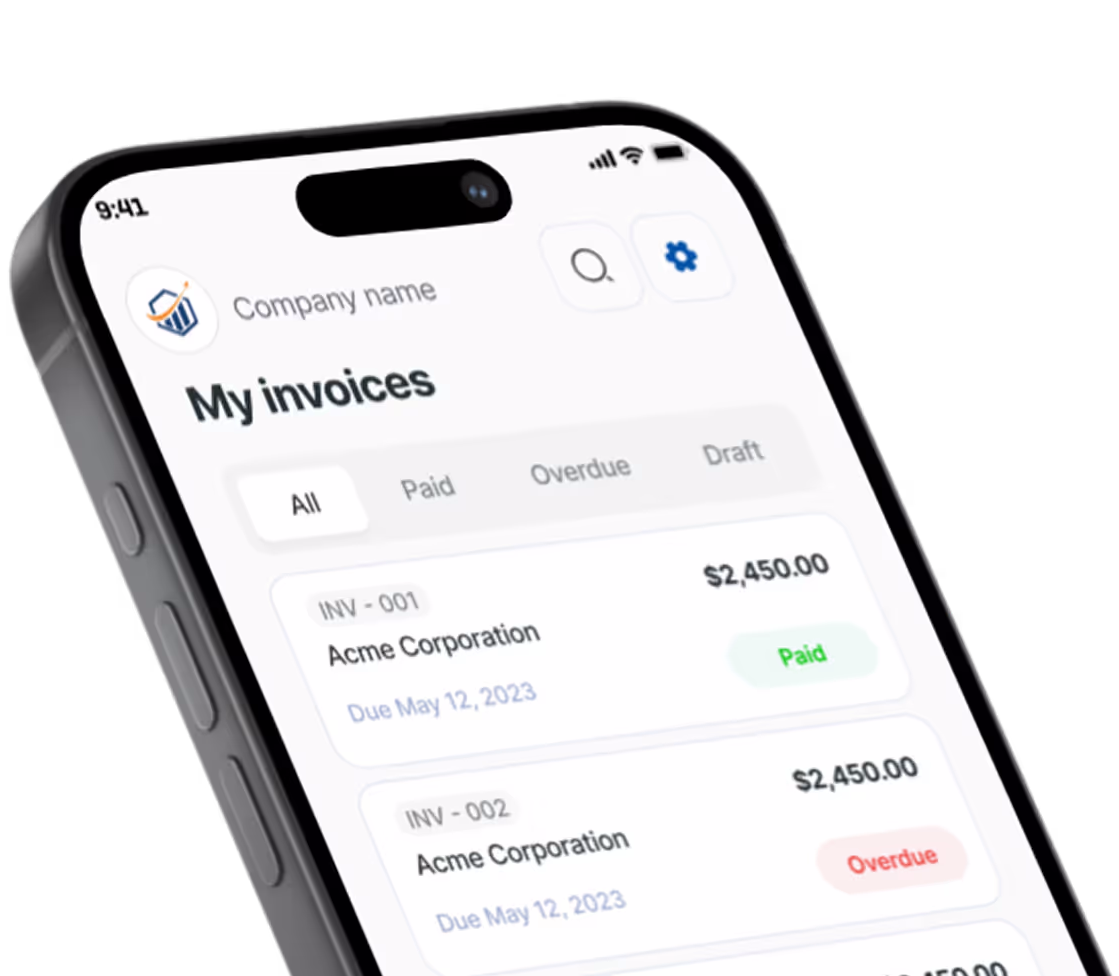
With Pronto Invoice, you can build the invoice on your phone and add your payment information before you send it, so the customer sees every way to pay in one place. You decide whether Zelle is one of them. Pronto does not process or integrate with Zelle; the invoice simply tells the customer where to send the money and stays as your record.
Does Zelle Work With QuickBooks?
No, Zelle has no native integration with QuickBooks or other accounting software. Zelle deposits show up in a connected bank feed like any other transaction, and you match them to invoices yourself. The invoice number in the note is what makes that quick. Without it, you are guessing which “Mike S.” paid which job.
Can You Pay Subs and Suppliers With Zelle?
You can, if your bank allows it, but check your bank’s business rules first. Zelle is not a payroll system. For subcontractors, get a W-9, keep the invoice and the Zelle confirmation, and talk to your CPA about 1099-NEC reporting. Zelle does not replace those duties. Our guide on subcontractor management covers the paperwork, and the 1099 requirements guide covers the thresholds.
Because payments are final, confirm the recipient’s email or number against a past invoice before you send.
Do Zelle Payments Count as Taxable Income?
Yes, business income you receive through Zelle is taxable, even without a Form 1099-K. The IRS explains that taxable income is taxable whether or not you get a form. The IRS’s 2024 reporting notice also says interbank transfers such as Zelle are not Form 1099-K third-party settlement transactions, so verify the exact wording with your tax pro. Your invoices and bank records are what back up your income, which is one more reason to keep them. For planning, see estimated tax payments.
When to Use Zelle and When to Send a Real Invoice
Zelle fits a known customer who has already enrolled and is paying a small amount. A real invoice with a payment link fits everything else.
Zelle makes sense when:
- The customer is a repeat client you trust.
- The amount sits well under both banks’ limits.
- You will still send an invoice for the record.
Send an invoice with a card or bank payment link when:
- The customer is new and you have no history.
- The job is large or paid in stages.
- The customer needs a receipt or has to submit the bill to someone else.
You are also not stuck with one payment method. Cash, check, bank transfer, a card link, and Zelle can all appear on the same invoice. If you are comparing apps, our guides to Venmo for business and Cash App for business cover the same record-keeping questions, and payment links cover the card option.
Zelle for Business FAQ
Can I use Zelle for business? Yes, if your bank offers Zelle on business checking. Check your bank’s business app.
Can you cancel a Zelle payment? Only if the recipient has not enrolled yet. Once enrolled, the payment is final.
Does Zelle report to the IRS? Interbank transfers are not Form 1099-K transactions, but income is still taxable. Ask your CPA about your own situation.
Can I get my money back if a customer disputes it? There is no purchase protection. If you sent money in a scam, contact your bank right away. Reimbursement depends on the bank’s investigation.
Who do I call for Zelle customer service? Your bank. Zelle works through banks, so your bank handles disputes.
Get the Record, Not Just the Money
Zelle is a decent way to collect from a customer you know. It is a poor way to keep track of who has paid and who has not. Send an invoice first, put your Zelle details on it, and ask for the invoice number in the note. You can build and send one in minutes from your phone with Pronto Invoice, and see the pricing page for current plan details.
There is always something more to read

10 Steps to Set Up a Small Business: The Complete Startup Checklist for 2025
Learn 10 steps to set up a small business with this checklist covering LLC, banking, invoicing, insurance, and pricing.

1099 Requirements for Small Business (2026): Complete Guide
$600 threshold is now $2,000 for 2026. Learn 1099 requirements: 1099-NEC, W-9 rules, deadlines, filing.

How to Accept Payments Online
No website needed. Here is how to start accepting online payments as a small business — processors, payment links, and invoicing in one afternoon.