
Build a polished invoice in 60 seconds.
Edit it live below. Preview it free. Sign in only when you're ready to download or send.
How to create an invoice with Pronto Invoice
The Pronto Invoice generator is a free, online invoice maker that opens to a blank, editable invoice — no signup and nothing to install. The form you see is the invoice: type in any field and it updates live, so what you build is exactly what your client receives.
Fill it out in about a minute, preview it for free, then sign in only when you're ready to download a PDF or email it. Your draft autosaves in your browser as you go, so you can close the tab and pick up right where you left off.
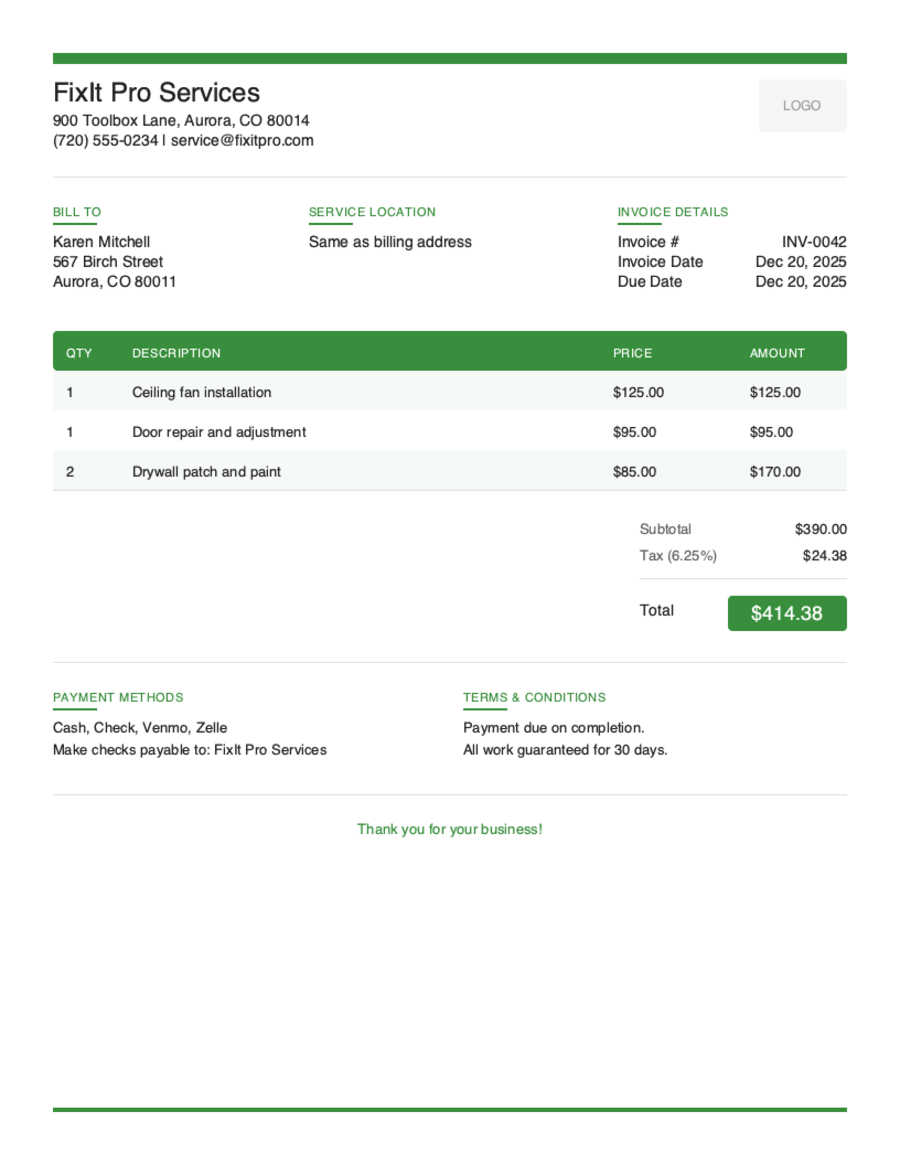
What's on your invoice
Every section below is editable right on the page:
- Logo & your business (From). Upload a logo (PNG, JPG or SVG) and add your business name, email, phone and address.
- Bill To. Add your client's name and contact details. Toggle “Is this a business client?” to include a company name, job title and contact person.
- Invoice details. Set the invoice number and issue date, then pick payment Terms — Due on Receipt, Net 7, 14, 30 or 60 — and the due date is calculated for you.
- Line items. List what you're billing for with a description, quantity and rate; the amount and totals calculate automatically. Use “+ Add details” for per-line notes, and drag rows to reorder.
- Tax, discount & currency. Add a tax rate or discount only when you need them — every total updates instantly.
- Totals. Subtotal, discount, tax and the grand total are tallied live as you type.
- Notes & terms. Add a thank-you note or payment instructions for your client at the bottom of the invoice.
Five Professional Template Styles
Your invoice represents your brand. Choose the style that matches your business personality.
Modern Clean
Sleek and contemporary for tech-savvy businesses
Minimal Utility
Simple and straightforward for those who value clarity
Professional Classic
Traditional elegance for established businesses
Bold Branded
Stand out with strong visual impact
Artistic Accent
Creative flair for design-forward professionals
Preview, then download or email
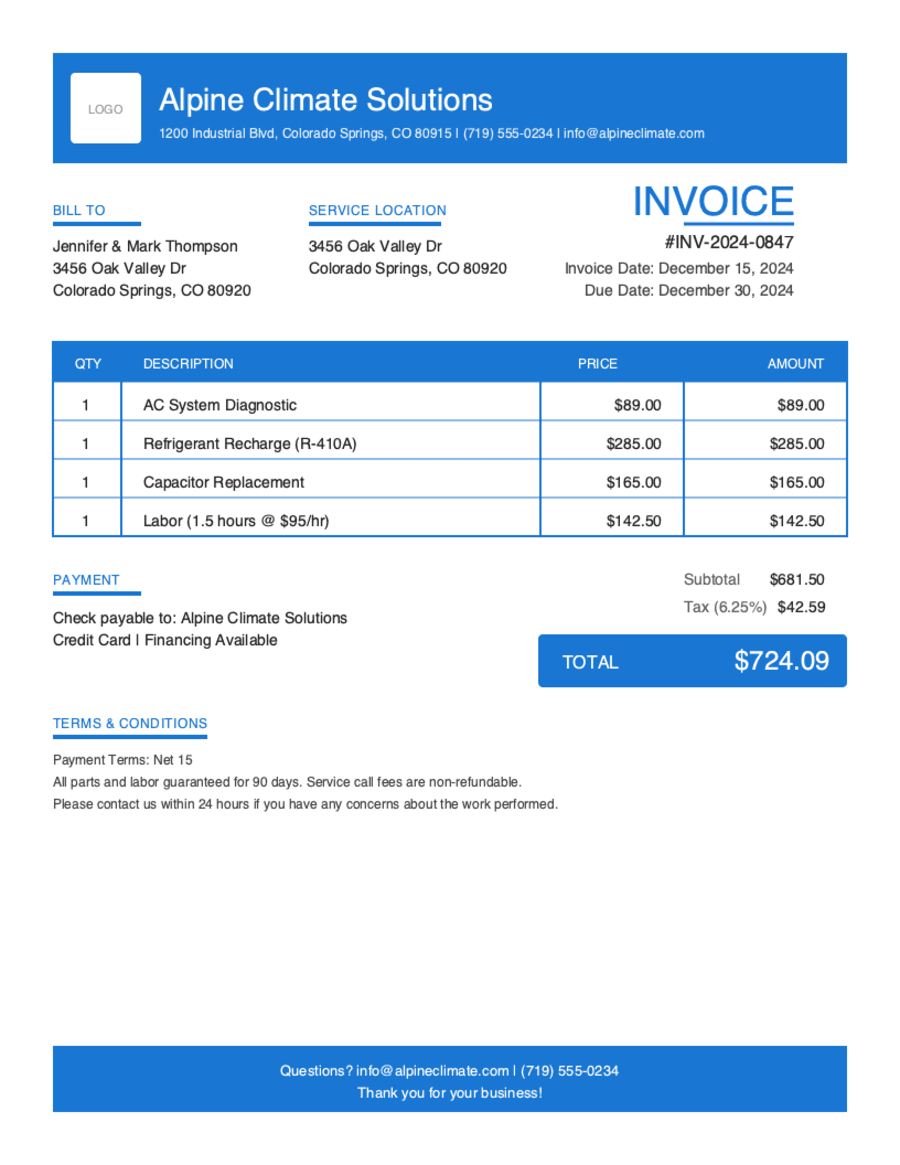
Hit Preview & Style to open a full-page, print-ready preview of your invoice. Switch the template style and brand color and watch the whole invoice retheme instantly — pick the look that fits your business, then send.
- Build & preview free — no signup required to design your invoice.
- Download a PDF or email it — sign in to your free account only at this final step; the app generates a polished PDF and can send it to your client.
- Autosave & resume — your draft is kept in your browser; create an account to access invoices across devices.
- Works on any device — build and send from your phone on the job site or from your desk.
Frequently Asked Questions
Everything you need to know about our online invoice generator.
Still have questions?
Contact our support team →Ready to Create Your First Invoice?
Join thousands of business owners who've simplified their invoicing with Pronto Invoice. No credit card required. No commitment. Just professional invoices in minutes.
Start Your Free Invoice NowGet Started Today
Start simplifying your business invoicing with Pronto Invoice. Download now and send your first professional invoice in minutes.


