
Construction Invoice Template
Create professional construction invoices in under 60 seconds. Download free templates or use Pronto Invoice's mobile app. Get paid faster on every job.
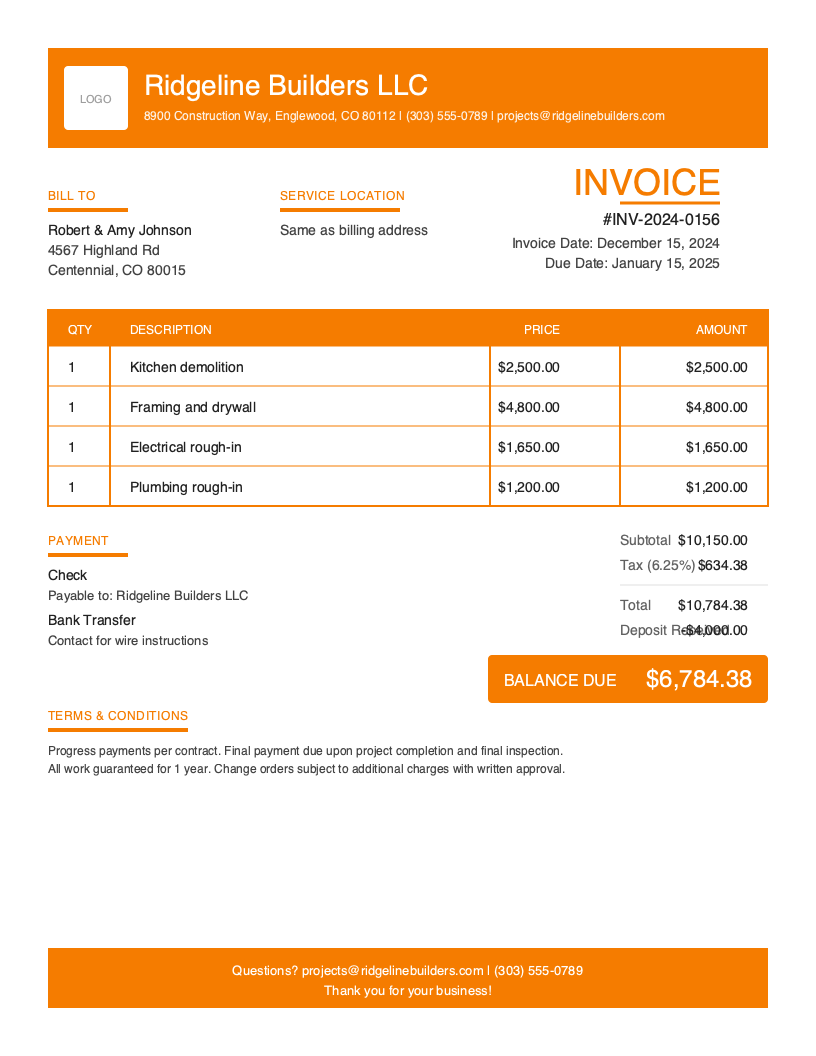
Download Free Construction Invoice Template
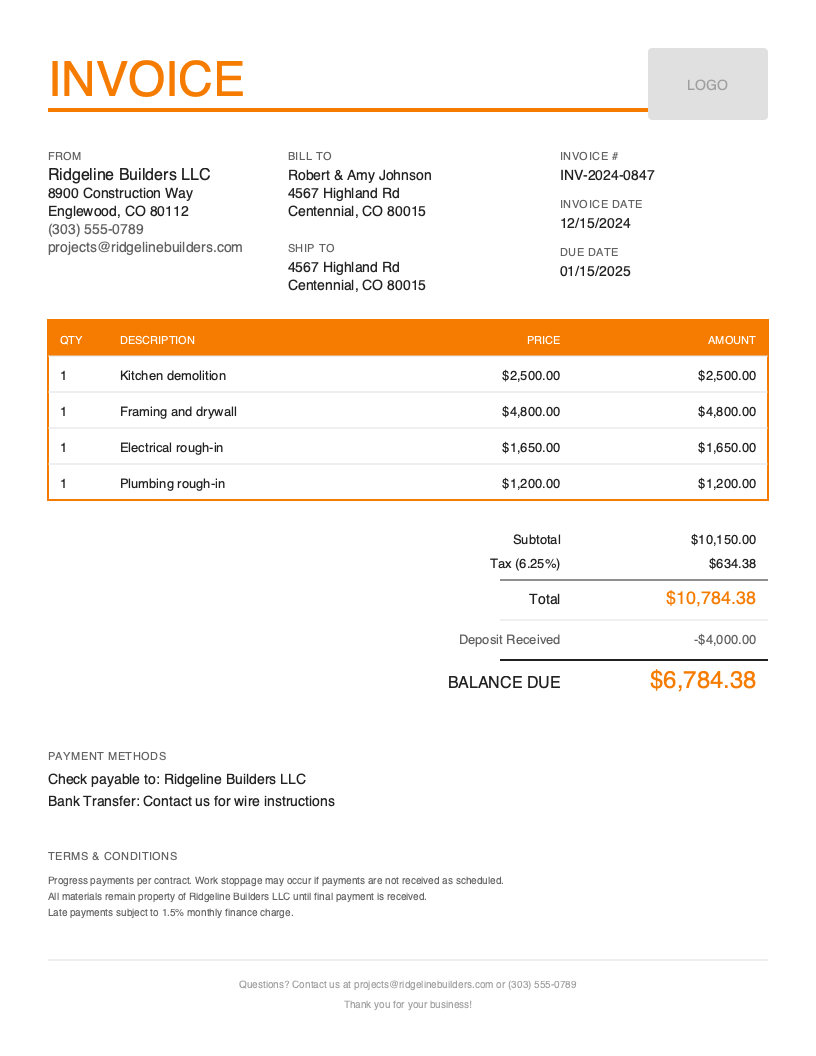
Get Your Free Construction Invoice Template
Download in your preferred format. Customize with your logo, colors, and business details. Start invoicing professionally in minutes.
Microsoft Word
Easy to customize, add your logo
Microsoft Excel
Auto-calculate totals and taxes
Construction Invoice Template Variations
Choose from multiple professional designs. Customize colors, add your logo, and make it yours.
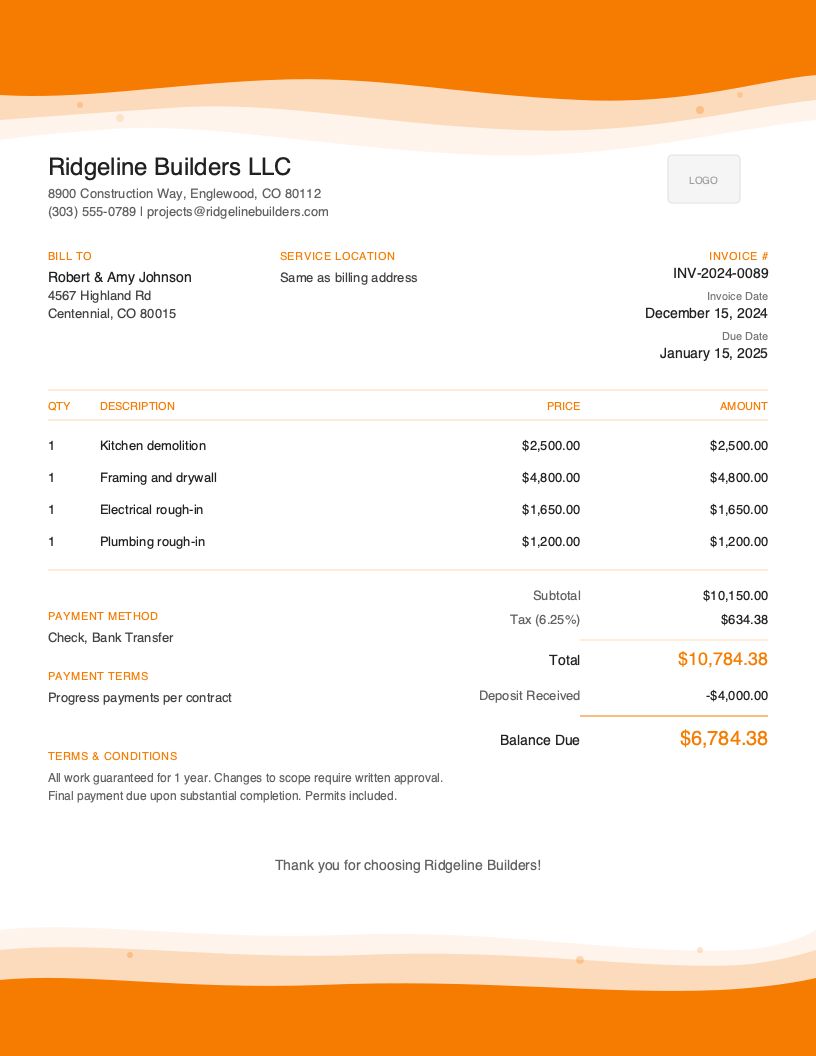
Artistic
Creative accent design
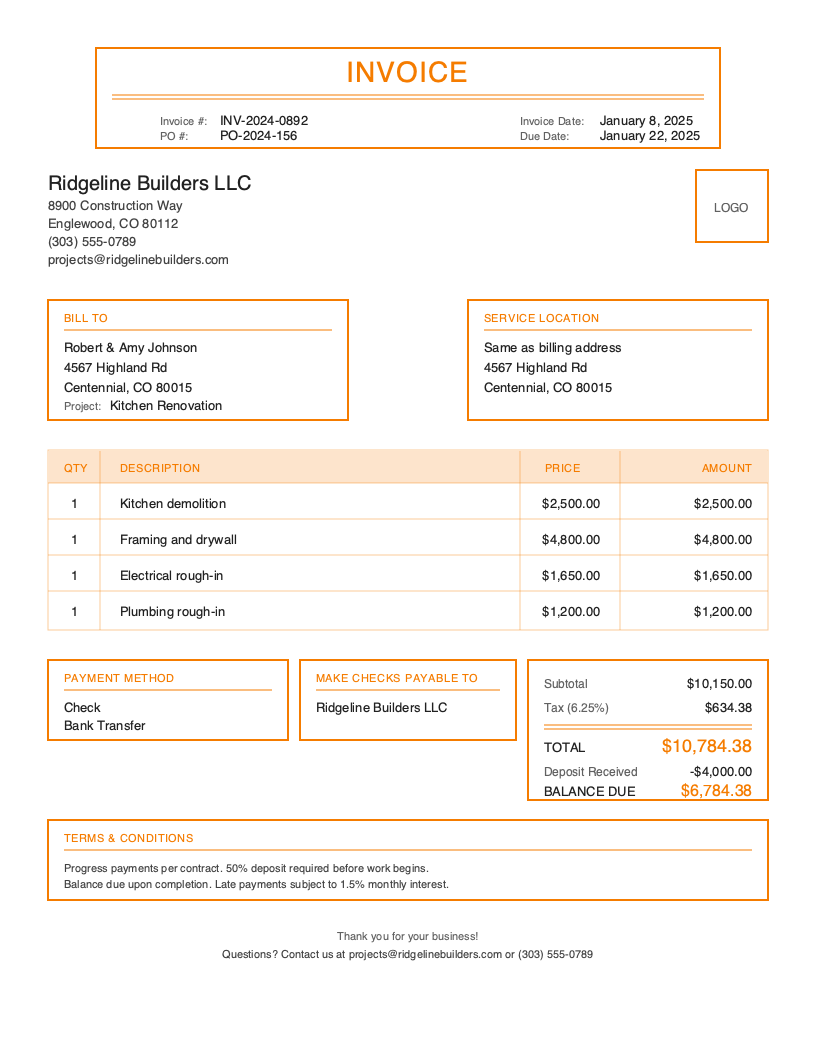
Classic
Traditional professional look
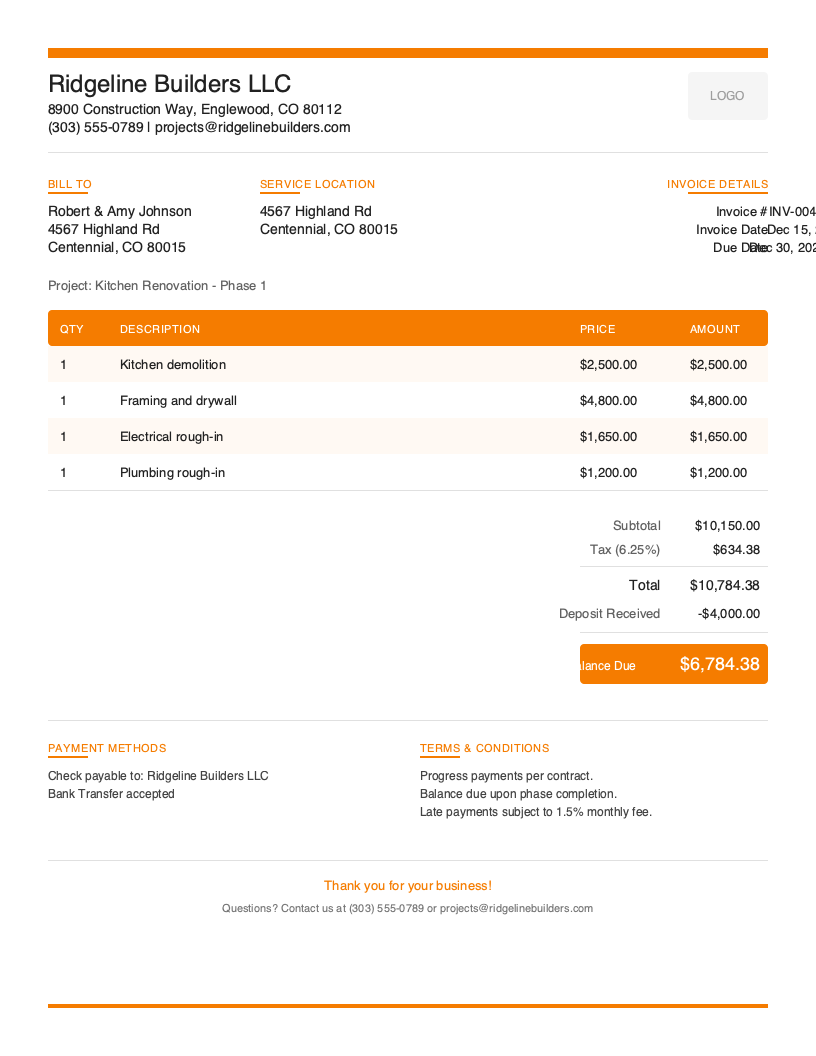
Modern
Clean contemporary style
Default
Clean default layout
Bold
Branded, high-contrast header
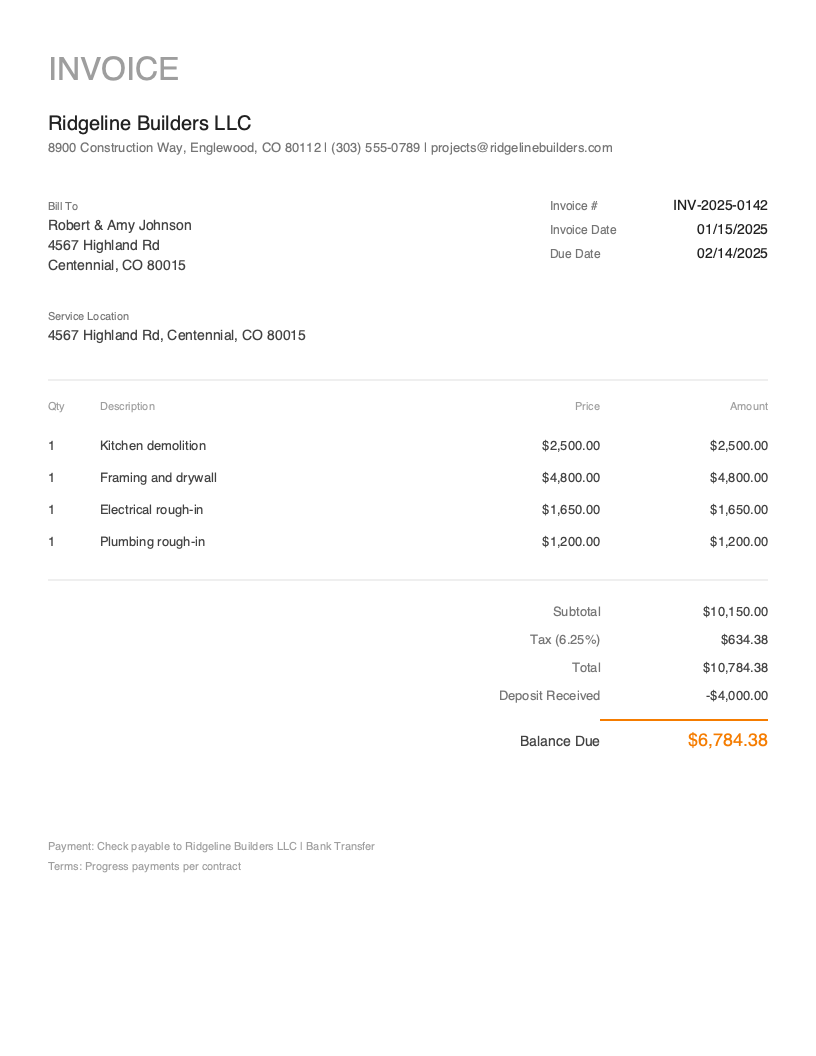
Minimal
Clean, utility-first design
No signup required. Create and download instantly.
You finished the foundation pour at 6 PM, your crew is packing up, and the homeowner asks when they can expect the invoice for this phase. You’re covered in concrete dust, your phone has 12% battery, and your office is 40 minutes away. Sound familiar?
Construction invoicing presents unique challenges that spreadsheets and generic invoicing tools simply cannot handle. Progress billing across project phases, tracking change orders, calculating retainage holdbacks, separating materials from labor for tax purposes, and documenting work at job site addresses separate from billing addresses—construction billing is fundamentally different from standard invoicing.
Poor invoicing practices cost contractors thousands in delayed payments, disputed charges, and even lost lien rights. When you are managing multiple job sites, juggling subcontractors, and tracking materials, your invoicing needs to be fast, professional, and comprehensive enough to protect your business.
What You’ll Find on This Page
- Free downloadable construction invoice templates (PDF, Word, Excel, Google Docs)
- Essential fields every construction invoice needs
- Progress billing and retainage best practices
- Change order documentation requirements
- How to create professional invoices in under 60 seconds from any job site
Download Free Construction Invoice Templates
Get started immediately with our professionally designed construction invoice templates. Excel and Google Sheets versions include built-in formulas for automatic materials markup calculations, labor cost totals, progress billing percentages, and retainage deductions.
What to Include in a Construction Invoice
Construction invoices require significantly more detail than standard service invoices. Your clients—whether homeowners, property developers, or general contractors—need documentation that ties to contracts, tracks project progress, and satisfies accounting and legal requirements.
Required Invoice Sections
Invoice Identification - Link to contracts, building permits, and approved change orders for audit trails.
Business Information - Contractor license number, insurance certificates, and bonding info establish credibility and legal compliance.
Client Information - Include property owner AND general contractor if working as subcontractor.
Job Site Address - Project location separate from billing address for materials delivery and inspections.
Line Items Breakdown - Separate materials, labor, equipment rental, and subcontractor costs.
Project Phase/Milestone - Progress billing by phase (foundation, framing, finish) for payment schedules.
Pricing Summary - Subtotals by category, markup percentages, and running project totals.
Tax Information - Materials often taxable; labor may be exempt depending on state and project type.
Deposit and Retainage - Track deposits received, show retainage held (typically 5-10% until completion).
Change Orders - Reference approved change order numbers with associated costs.
Payment Methods - Multiple options for large payments—checks, ACH, wire transfers.
Terms and Conditions - Lien rights notice, warranty terms, and scope limitations.
Construction-Specific Fields Explained
Job Site Address - Your invoice must clearly identify the project location for materials delivery verification, building inspection coordination, permit compliance, and mechanics lien filing. Include full street address, city, state, and ZIP code.
Contractor License Number - Most states require license disclosure on all invoices. Include your license number prominently—it establishes legitimacy and prevents payment delays.
Progress Billing and Phase Information - Each invoice should indicate project phase being billed, percentage of overall completion, cumulative amounts billed to date, and remaining contract balance.
Change Order References - Reference approved change order numbers specifically, include approval date, and show additional cost clearly. This documentation protects you legally.
Retainage Tracking - Show retainage percentage, amount withheld from this invoice, cumulative retainage held, and conditions for release.
Materials vs Labor Breakdown - Tax treatment differs in many states. Create distinct line item categories for materials, labor, equipment, and subcontractor costs.
Understanding Construction Industry Invoicing
The U.S. construction industry represents approximately $2 trillion in annual spending. Business models vary from general contractors managing entire projects to specialty trade contractors working as subcontractors.
Cash Flow Challenges - The typical construction payment cycle stretches 45-60 days from invoice submission to payment receipt. Clear, accurate invoices accelerate payment by reducing questions. Incomplete invoices get returned, restarting the payment clock.
Legal Protection - Mechanics lien laws provide contractors with powerful payment protection, but require proper documentation including accurate invoices. Your invoice is a legal document—treat it accordingly.
Construction Invoicing Best Practices
Invoice by Project Phase, Not Monthly
Align invoicing with project milestones rather than calendar dates. Progress billing by phase (foundation complete, framing complete, rough-in complete) ties payment to visible, verifiable work. Use a detailed estimate upfront to define these milestones clearly. Invoice immediately when milestones complete—waiting until month-end extends your payment timeline.
Document Change Orders Separately
Never absorb change order costs into standard line items. Reference change orders with approval number, date, and amount as distinct invoice items. Maintain the paper trail even for small changes.
Track Retainage Meticulously
10% retainage on a $500,000 project means $50,000 withheld until completion. Track retainage on every invoice: show amount withheld, cumulative balance, and release conditions. At project completion, submit a final invoice specifically for retainage release.
Separate Materials and Labor for Tax Purposes
Many states tax materials but exempt labor for new construction, while taxing both for repair work. Creating separate line items ensures accurate tax calculations.
Include License and Insurance Information
Every construction invoice should include your contractor license number and insurance coverage confirmation. This prevents payment delays from clients or GCs requesting documentation.
Reference Permits and Inspection Approvals
Document permit compliance on invoices. Reference building permit numbers, list inspections passed, and note approvals required before next payment phase.
Protect Your Lien Rights
Your invoices should include exact job site addresses, clear scope descriptions, and accurate amount breakdowns. In many states, lien filing deadlines run from last date of work or last invoice.
Create Construction Invoices in Under 60 Seconds
Stop driving back to the office to create invoices. Pronto Invoice’s mobile-first app is designed for construction professionals who need to invoice from job sites—even without internet connection.
Pronto Invoice was built for contractors who invoice between jobs. Our mobile-first approach means you create professional invoices from your phone in five simple steps:
- Select Client - Choose from saved contacts or add new ones in seconds
- Add Line Items - Materials, labor, equipment with automatic calculations
- Set Payment Info - Due dates, retainage, payment methods
- Add Project Details - Job site address, permit numbers, phase information
- Review and Send - Email or print instantly
Features Contractors Need
Offline Capability - Invoice from job sites with no cell signal, basements, or rural properties. Everything syncs automatically when you reconnect.
Progress Billing - Track project phases with running totals. Show cumulative amounts billed and remaining contract balance.
Retainage Tracking - Automatic calculations and balance tracking. Submit retainage release invoices at project completion.
Change Order Management - Reference approved change orders with numbers and dates. Maintain clear documentation.
Materials and Labor Categories - Separate line items for accurate tax treatment and client transparency.
Photo Attachments - Attach job site photos directly to invoices documenting work completed.
Payment Processing - Accept credit cards, ACH transfers, and digital payments directly from invoices. Clients tap a button and pay.
Construction Invoicing Best Practices
Invoice by Project Phase, Not Monthly
Align invoicing with project milestones rather than calendar dates. Progress billing by phase ties payment to visible, verifiable work and reduces disputes.
Document Change Orders Separately
Never absorb change order costs into standard line items. Reference change orders with approval number, date, and amount as distinct invoice items.
Track Retainage Meticulously
Show retainage withheld from current invoice, cumulative balance, and release conditions. At completion, submit a final invoice specifically for retainage release.
Separate Materials and Labor
Tax treatment differs in many states. Create distinct line items for materials, labor, equipment, and subcontractor costs for accurate tax calculations.
Include License and Insurance Information
Every invoice should include contractor license number and insurance coverage. Many states legally require license disclosure on invoices.
Frequently Asked Questions
A professional construction invoice should include: business information with contractor license number, client billing information, job site address, invoice number and date, contract reference, detailed line items separating materials, labor, equipment, and subcontractor costs, project phase being billed, pricing summary with taxes, retainage calculation, payment terms, and payment methods.
Progress billing invoices work at project milestones rather than time intervals. Establish a payment schedule tied to completion milestones—typically deposit, then payments at foundation, framing, rough-in, and final completion. Each invoice references the milestone achieved and shows cumulative amounts billed.
Retainage is a percentage (typically 5-10%) withheld until project completion to ensure contractors complete punch lists. Each invoice shows gross amount earned, retainage withheld, and net payment due. At completion, submit a final retainage invoice after satisfying release conditions.
Related Invoice Templates
Start Creating Professional Construction Invoices Today
Join thousands of professionals who use Pronto Invoice to get paid faster. Create your first invoice in under 60 seconds.
This guide is for informational purposes only and does not constitute legal or tax advice.