
HVAC Invoice Template
Create professional HVAC invoices in under 60 seconds. Download free templates or use our mobile app with offline capability.
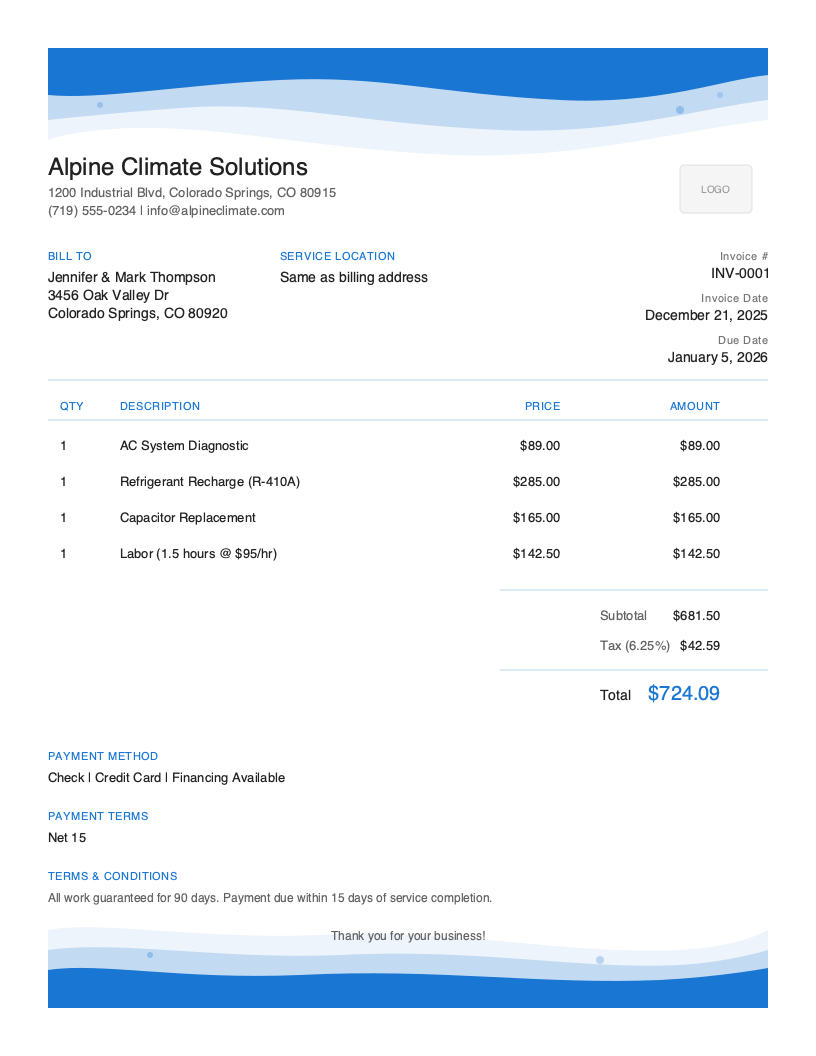
Download Free HVAC Invoice Template
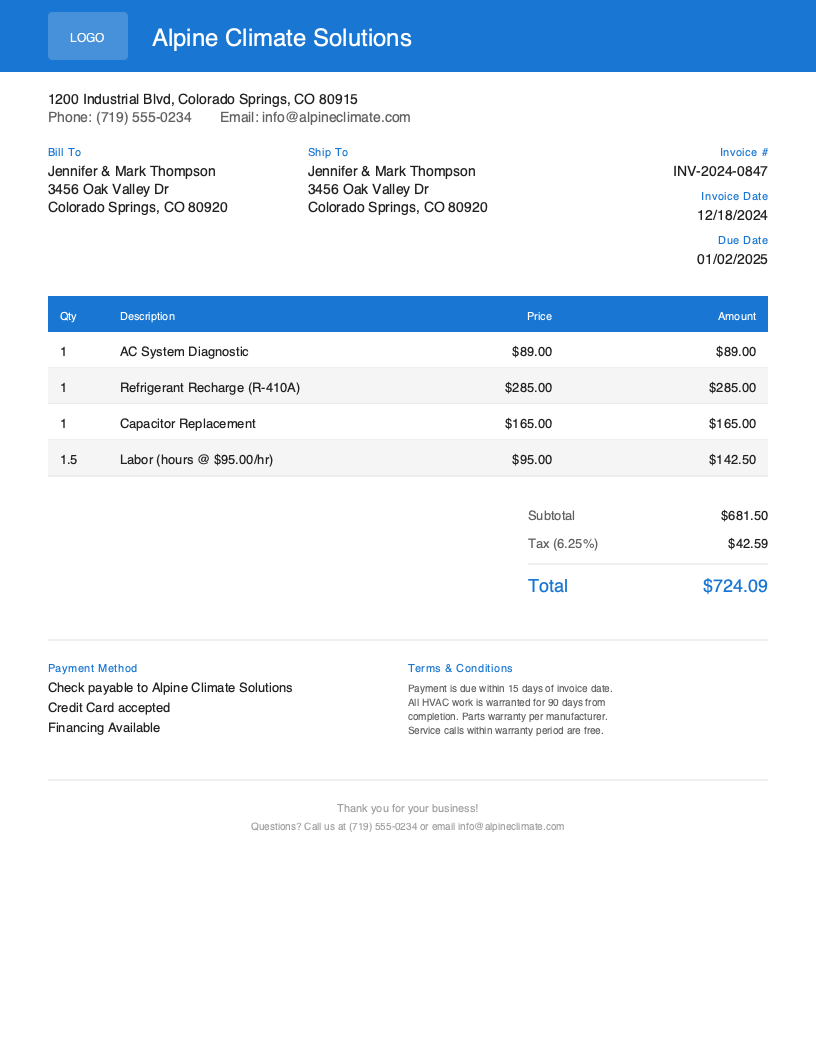
Get Your Free HVAC Invoice Template
Download in your preferred format. Customize with your logo, colors, and business details. Start invoicing professionally in minutes.
Microsoft Word
Easy to customize, add your logo
Microsoft Excel
Auto-calculate totals and taxes
HVAC Invoice Template Variations
Choose from multiple professional designs. Customize colors, add your logo, and make it yours.
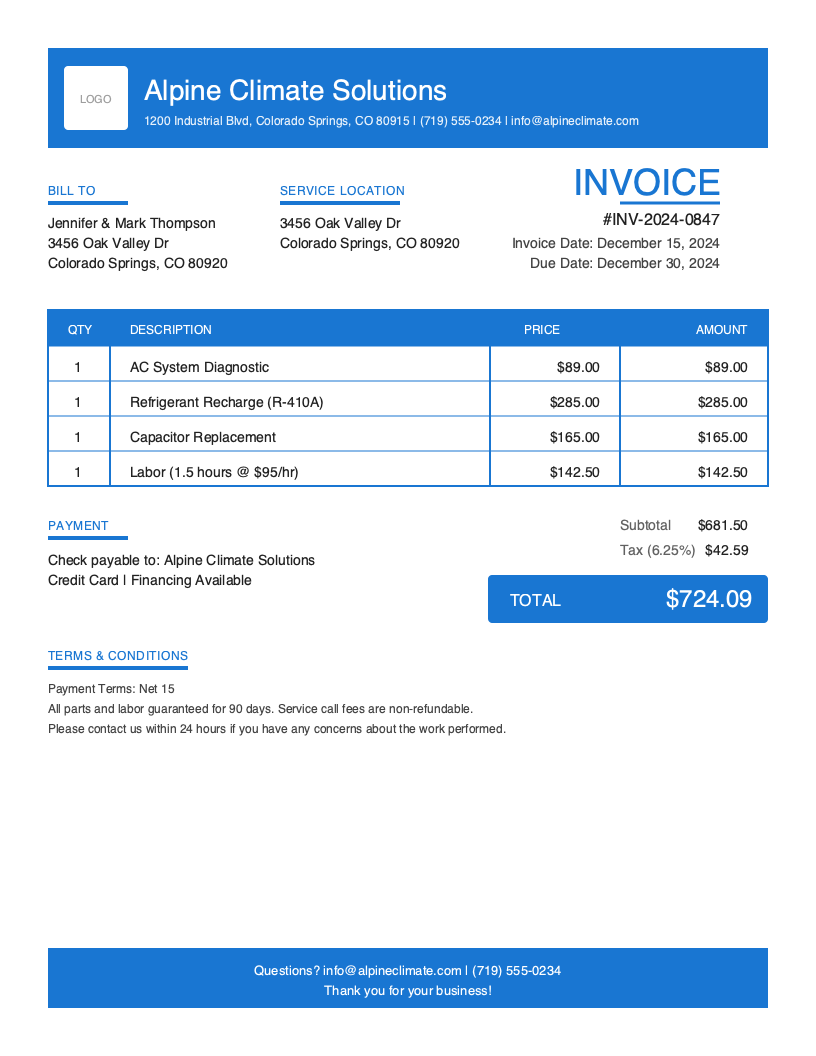
Bold
Bold and branded design
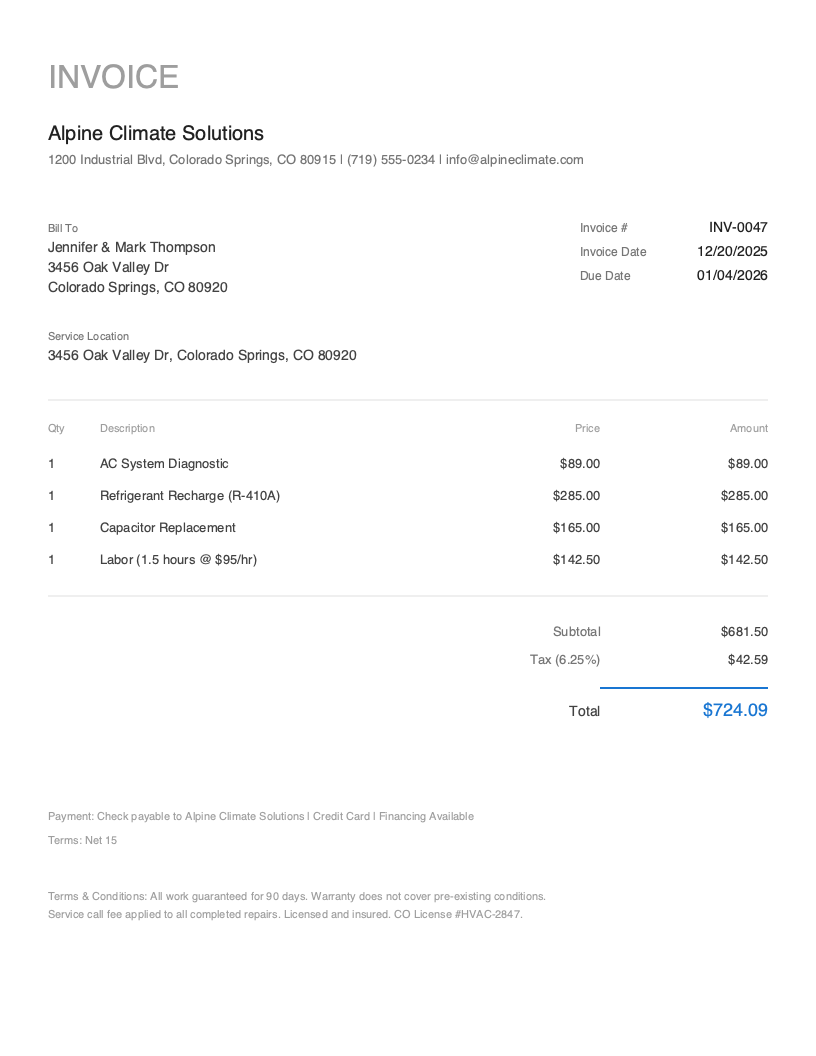
Minimal
Minimal utility look
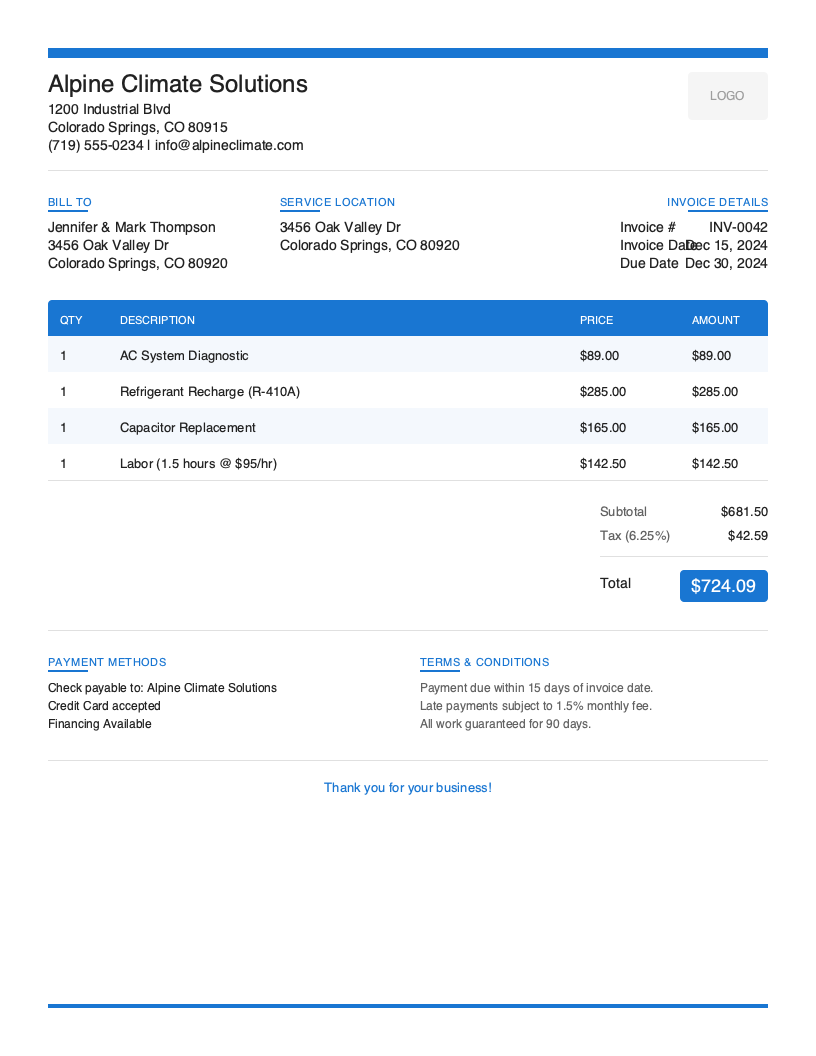
Modern
Clean contemporary style
Default
Clean default layout
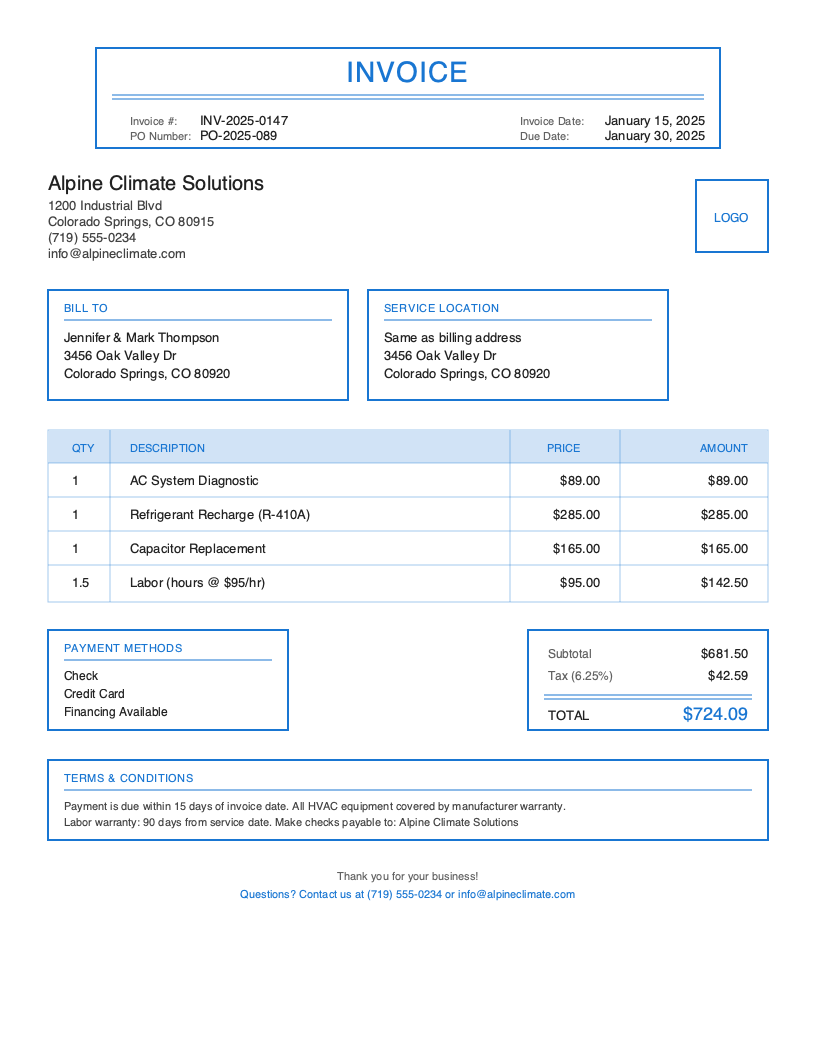
Classic
Traditional professional layout
Artistic
Eye-catching color accent
No signup required. Create and download instantly.
When you’re finished installing a new AC unit in a sweltering attic or repairing a furnace in a freezing basement, the last thing you want to worry about is paperwork. But getting paid quickly depends on sending professional invoices promptly—ideally before you leave the job site.
HVAC work involves complex pricing with equipment costs, refrigerant charges, labor rates, and warranty documentation. For a detailed breakdown, see our HVAC invoice requirements guide. A disorganized invoice leads to client questions, payment delays, and accounting headaches. Professional HVAC invoices communicate the value of your work, protect your business legally, and help you collect payment faster.
That’s why we’ve created free HVAC invoice templates and a complete guide to HVAC invoicing. Whether you’re a solo technician or running a multi-truck operation, this page will help you invoice like a pro.
What You’ll Find on This Page
- Free downloadable HVAC invoice templates (PDF, Word, Excel, Google Docs)
- Essential fields every HVAC invoice needs
- Industry-specific invoicing best practices
- How to create professional invoices in under 60 seconds from your phone
Download Free HVAC Invoice Templates
Get started immediately with our professionally designed HVAC invoice templates. Choose your preferred format—Excel and Google Sheets templates include built-in formulas that automatically calculate labor costs (hourly rate × hours), parts totals, and tax amounts.
What to Include in an HVAC Invoice
A professional HVAC invoice must include specific information to ensure quick payment and protect your business. Unlike generic invoices, HVAC invoices need equipment details, warranty information, and clear separation of parts versus labor.
HVAC-Specific Fields to Include
Equipment Information - Document the make, model, and serial number of every unit serviced or installed. This information is essential for warranty claims, parts ordering, and service history. For installations, include the date of installation and warranty start date.
Refrigerant Details - EPA regulations require documentation of refrigerant handling. Include the type of refrigerant (R-410A, R-22, etc.), amount added or recovered, and certification number if applicable.
Service Type Classification - Clearly indicate whether the service was repair, maintenance, installation, or emergency call. This affects pricing (emergency rates), warranty coverage, and helps clients understand what they’re paying for.
Permit and Inspection Information - For installations and major repairs, include permit numbers and inspection status. This demonstrates compliance and professionalism.
System Performance Readings - Professional HVAC technicians document temperature differentials, refrigerant pressures, and airflow readings. Including these on your invoice demonstrates thorough service and provides a baseline for future visits.
Understanding HVAC Business Invoicing
The HVAC industry generates over $130 billion annually in the United States, with more than 100,000 HVAC businesses employing over 380,000 technicians. The industry continues to grow at approximately 4% per year, driven by construction growth, aging equipment replacements, and increasing focus on energy efficiency.
Cash flow challenges plague many HVAC businesses. According to industry surveys, the average HVAC invoice takes 45+ days to collect. Professional invoices with clear payment terms, multiple payment options, and prompt delivery can reduce collection time by 30% or more.
HVAC Invoicing Best Practices
Invoice Before You Leave the Job Site
The single most effective way to get paid faster is invoicing immediately after completing service. While the work is fresh in the client’s mind and they’re grateful for restored comfort, present your invoice and offer immediate payment options.
Separate Parts and Labor Clearly
HVAC clients expect to see exactly what they’re paying for. Create separate line items for parts (with part numbers when applicable), labor hours, and any additional charges like diagnostic fees or emergency rates.
Document Equipment Thoroughly
Every HVAC invoice should include equipment make, model, and serial number. This information is essential for warranty claims, future service calls, and building a service history.
Include Visual Documentation
Photos tell a powerful story. Capture before and after images of major repairs, document the condition of equipment you service, and photograph your completed installations.
Offer Multiple Payment Options
Make it easy for clients to pay on the spot. Accept credit cards, debit cards, and digital payments like Apple Pay or Google Pay. Getting paid immediately is worth the 2-3% cost compared to waiting 45+ days.
Create HVAC Invoices in Under 60 Seconds
Stop wasting time on paperwork. Pronto Invoice’s mobile-first app is designed for HVAC professionals who need to invoice on-site, even from an attic with no cell signal.
Works Offline - Invoice from basements, attics, and crawl spaces with zero cell signal. Your data syncs automatically when you’re back online.
HVAC-Specific Features - Separate parts and labor tracking, equipment database for quick serial number lookup, photo attachments for documentation, refrigerant tracking for EPA compliance, and maintenance agreement management.
Get Paid On-Site - Accept credit cards, debit cards, and ACH bank transfers directly from your invoice. Clients receive a professional invoice with a “Pay Now” button.
HVAC Invoicing Best Practices
Invoice Before Leaving
The single most effective way to get paid faster. While work is fresh and clients are grateful, present your invoice and offer immediate payment.
Separate Parts & Labor
HVAC clients expect to see exactly what they're paying for. Create separate line items for parts, labor, and additional charges.
Document Equipment
Every invoice should include equipment make, model, and serial number. Essential for warranty claims and building service history.
Include Visual Proof
Capture before and after images. Photos reduce disputes, support warranty claims, and demonstrate the value of your work.
Offer Multiple Payment Options
Accept credit cards, debit, and digital payments on-site. Getting paid immediately is worth the 2-3% processing fee.
Frequently Asked Questions
A professional HVAC invoice should include your business information (including license number and insurance), client name and service address, date of service, detailed line items separating parts from labor, equipment information (make, model, serial number), tax calculations, payment terms, and warranty information.
Calculate HVAC labor costs by multiplying your hourly rate by the time spent. For example, $95/hour x 2.5 hours = $237.50. Many businesses use flat-rate pricing for common repairs instead, providing predictability for clients.
For residential service calls, 'Due on Receipt' or 'Due Upon Completion' is standard. For commercial accounts, Net 30 is common. For equipment installations over $5,000, consider progress payments: 50% deposit, 40% at installation, 10% at completion.
Related Invoice Templates
Start Creating Professional HVAC Invoices Today
Join thousands of professionals who use Pronto Invoice to get paid faster. Create your first invoice in under 60 seconds.
This guide is for informational purposes only and does not constitute legal or tax advice.