
Rental Invoice Template
Create professional rental invoices in under 60 seconds. Download free templates or bill daily, weekly, and monthly rates with deposits and late fees.
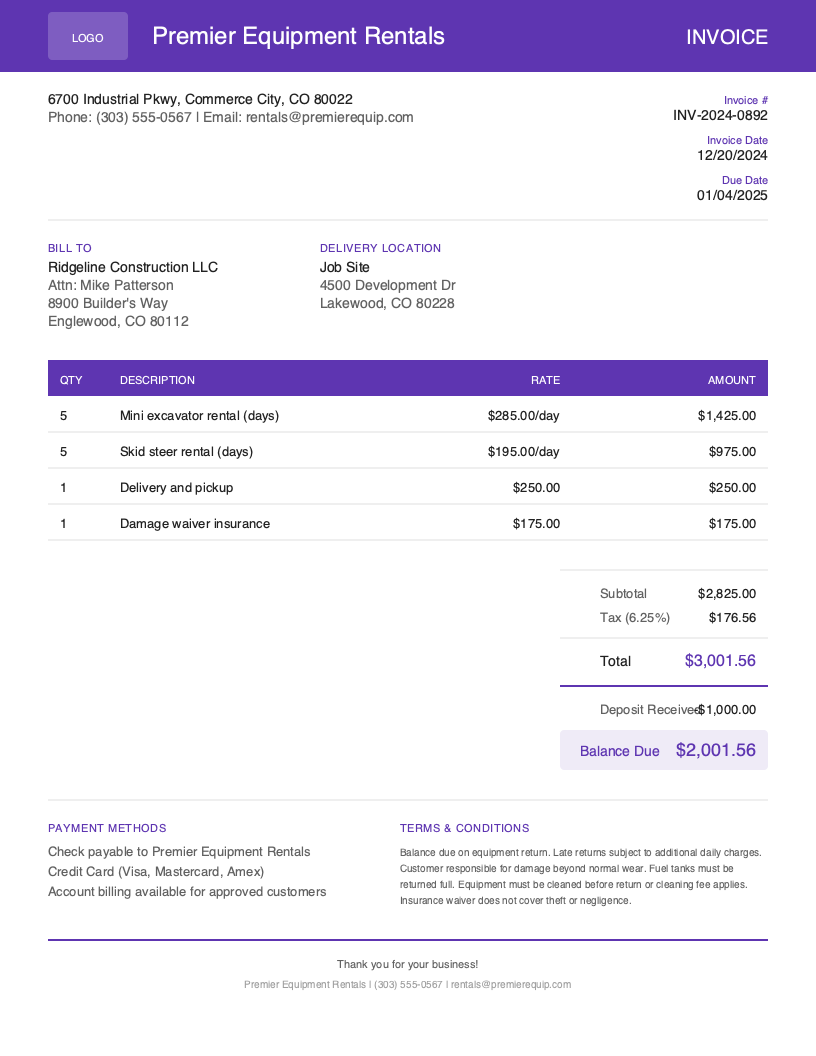
Download Free Rental Invoice Template
Get Your Free Rental Invoice Template
Download in your preferred format. Customize with your logo, colors, and business details. Start invoicing professionally in minutes.
Microsoft Word
Easy to customize, add your logo
Microsoft Excel
Auto-calculate totals and taxes
Rental Invoice Template Variations
Choose from multiple professional designs. Customize colors, add your logo, and make it yours.
Default
Clean default layout
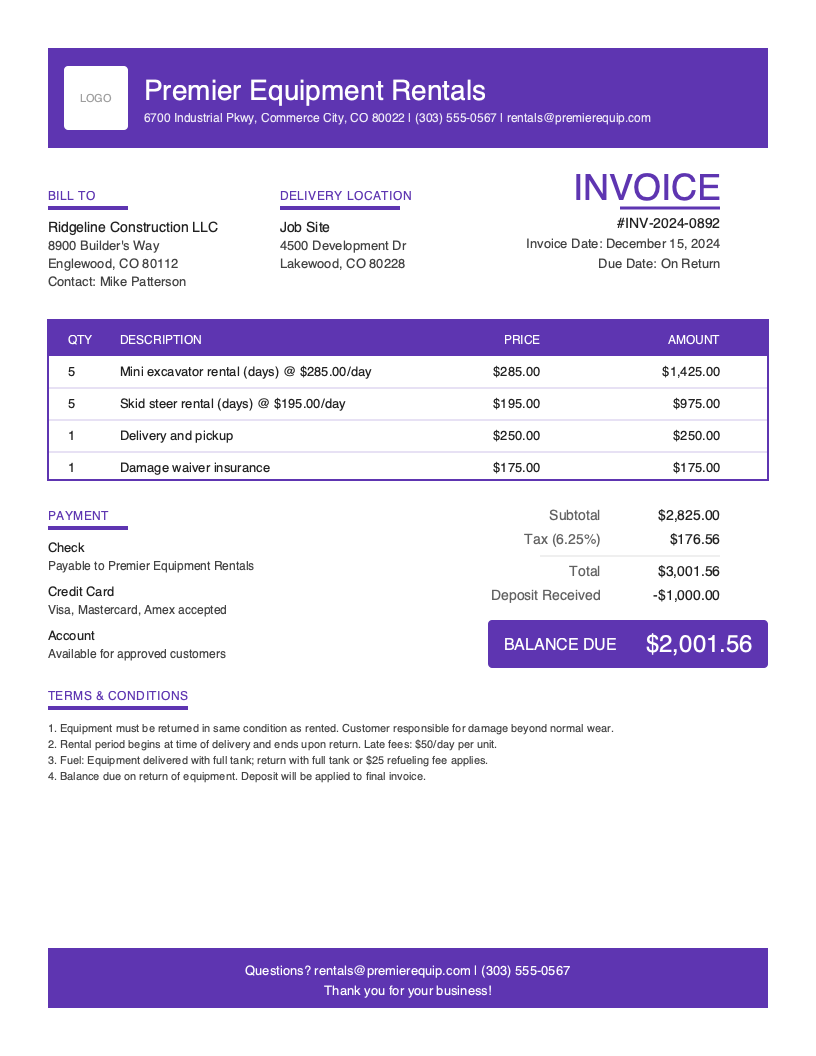
Bold
Branded, high-contrast header
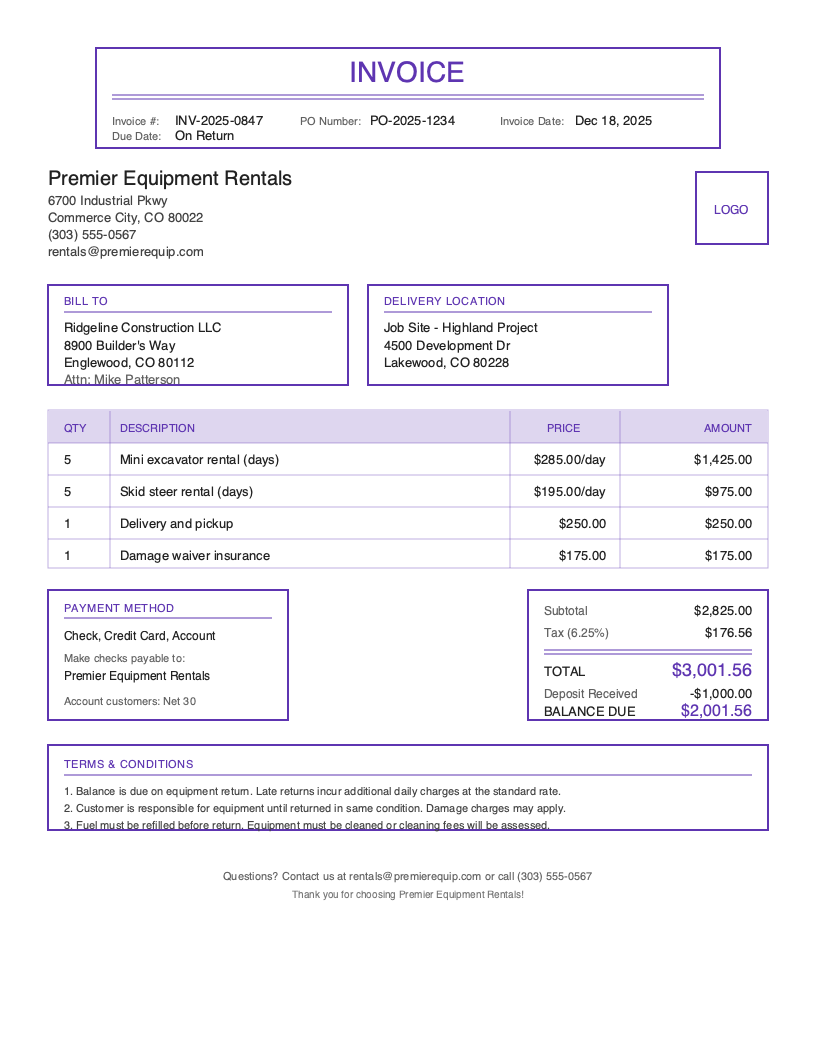
Classic
Traditional professional layout
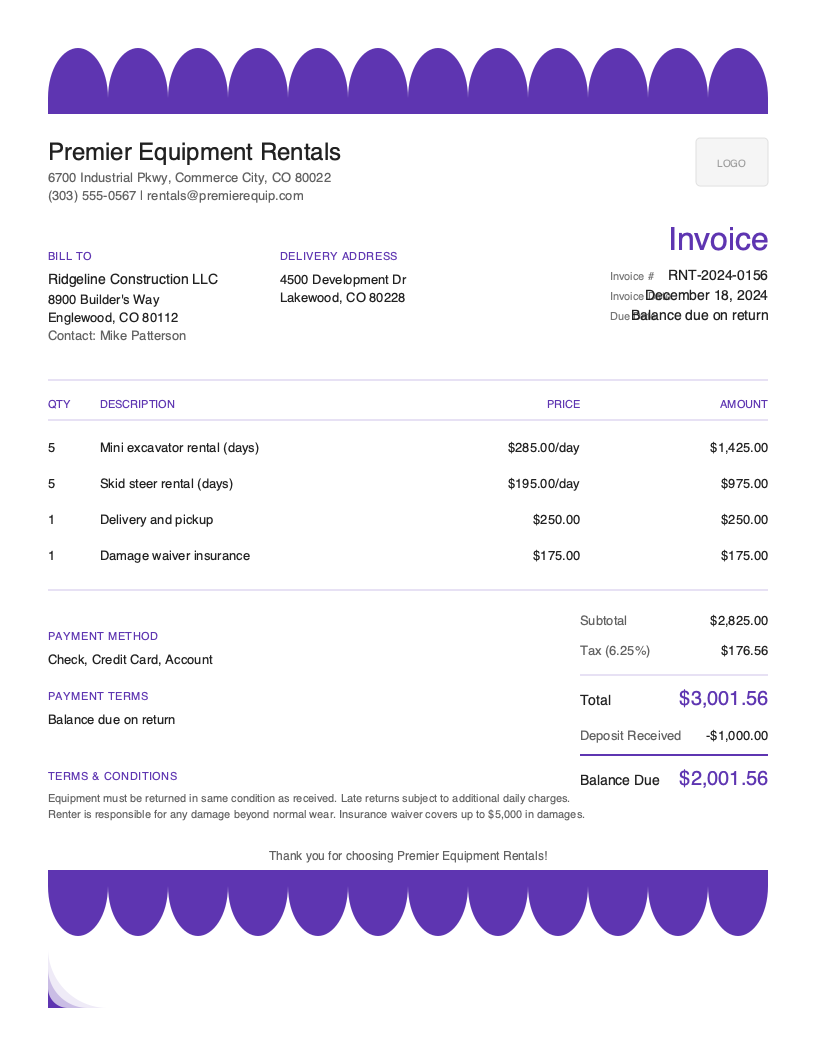
Artistic
Eye-catching color accent
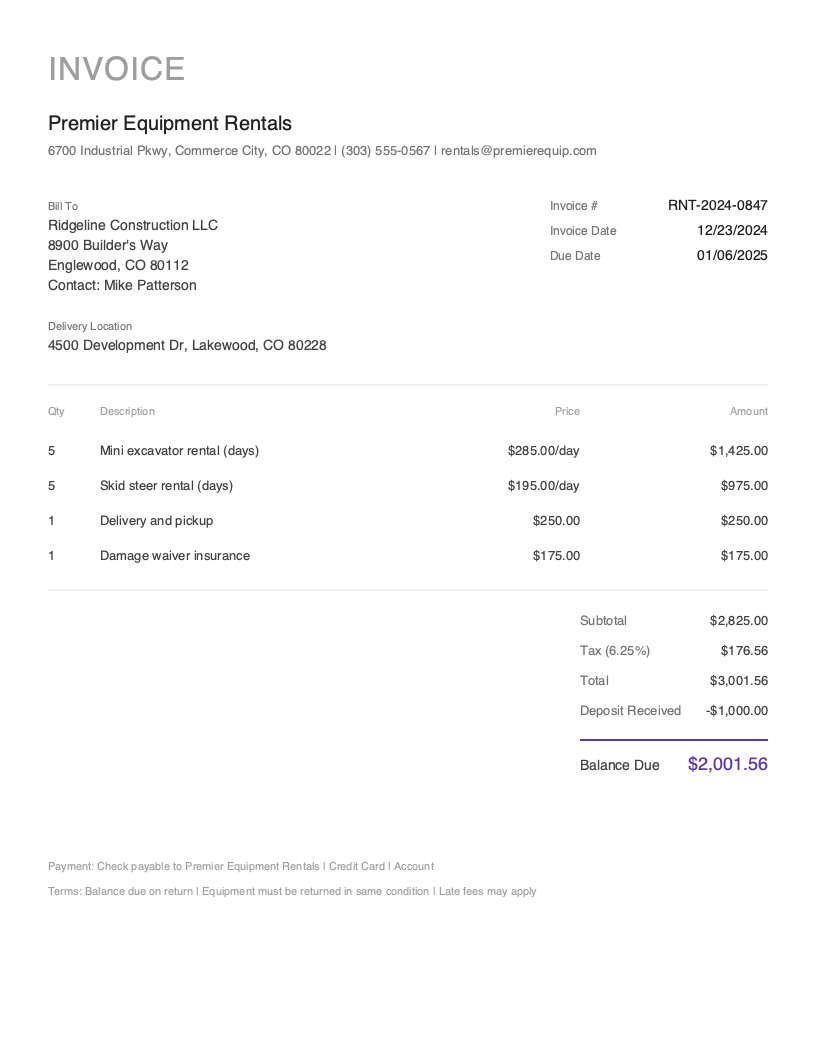
Minimal
Clean, utility-first design
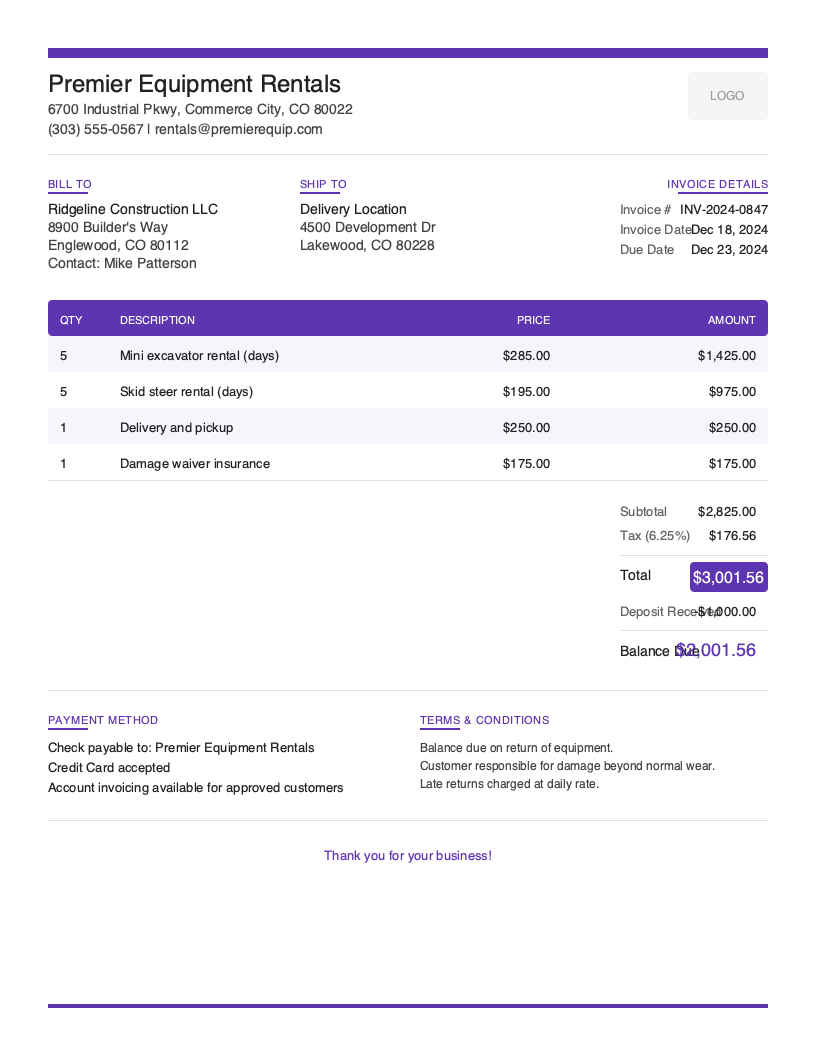
Modern
Clean, contemporary look
No signup required. Create and download instantly.
Running a rental business means your revenue lives and dies by the clock. Whether you rent excavators to contractors, power tools to weekend DIYers, or tables and tents for weddings, every invoice has to capture exactly when an item left your yard, when it came back, and what the customer owes for the time in between. Get the rental period wrong by a single day and you either lose money or spark a dispute.
The US equipment rental industry generates more than $60 billion a year, and the businesses that grow fastest are the ones that invoice cleanly and collect quickly. A rental invoice is more than a bill—it is a record of which asset went out, the rate that applied, the deposit you are holding, and the fees that kick in if equipment comes back late or damaged. A vague invoice invites haggling; a precise one gets you paid.
That is why we built free rental invoice templates and this complete guide to rental invoicing. Whether you operate a single tool counter or a fleet of party-rental trucks, this page will help you bill daily, weekly, and monthly rates with confidence and protect every piece of inventory you own.
What You’ll Find on This Page
- Free downloadable rental invoice templates (Word and Excel)
- Every field a rental invoice needs, from rental period to deposit
- Industry-specific best practices for billing rates, deposits, and late fees
- How to create professional rental invoices in under 60 seconds from your phone
Download Free Rental Invoice Templates
Get started immediately with our professionally designed rental invoice templates. Choose the format that fits your workflow—our Microsoft Word template gives you a clean, print-ready document for the front counter, while our Microsoft Excel template includes built-in formulas that automatically calculate rental charges (rate × number of periods), deposit totals, and tax.
Both versions leave room for the details that matter in rental: pickup and return dates, asset IDs, rate tiers, and a clearly labeled deposit line. Pick a template, drop in your logo, and you have a professional invoice ready in minutes.
What to Include on Your Rental Invoice
A professional rental invoice must capture specific information that generic invoices leave out. Unlike a one-time service bill, a rental invoice has to document a span of time, the asset that was out during that span, and the financial guardrails—deposits and fees—that protect your equipment.
Required Invoice Sections
Every rental invoice, regardless of what you rent, should contain these standard sections:
- Your business details — name, address, phone, email, and license number if your jurisdiction requires one for rental operations.
- Customer information — the renter’s name, billing address, and the delivery or job-site address if it differs.
- Invoice number and date — a unique number for your records and the date the invoice was issued.
- Line items — each rented item described clearly, with its rate and quantity of billing periods.
- Subtotal, tax, and total — the running math so the customer can see exactly how the final figure was reached.
- Payment terms — when payment is due and which payment methods you accept.
Critical Rental Invoice Elements
These are the fields that make a rental invoice different from any other invoice—and the ones that protect your revenue.
Rental Period Dates — State the exact pickup date and the return date or time. This single field determines how many days, weeks, or months you bill. For hourly or same-day rentals, include the time. When the period is in writing on the invoice, there is no argument about how long the customer kept the item.
Item / Asset ID — List every rented unit with its asset tag or serial number, not just a generic description. “Mini excavator – Asset #EX-204” is far stronger than “excavator.” Asset IDs let you track which specific unit is out, tie damage to the right item, and reconcile your inventory when gear comes back.
Daily, Weekly, and Monthly Rate — Show the rate tier you applied and the number of periods billed. A skid steer at $300/day for 5 days is $1,500; the same machine at $1,200/week is cheaper for the customer over 5–7 days. Spelling out the rate and tier removes confusion and demonstrates you billed fairly.
Security Deposit — Show the deposit as its own line item, separate from rental charges. Note whether it is refundable and the conditions for return. A deposit on the invoice signals that you take care of your inventory and gives you recourse if equipment is damaged or returned late.
Late-Return and Damage Fees — Put your late-return rate (often the daily rate plus a penalty), cleaning fees, and damage-waiver terms directly on the invoice. Customers who see the policy in writing are far more likely to return equipment on time and in the condition they received it.
Delivery and Pickup Charges — If you transport equipment, bill delivery and pickup as line items with the flat fee or mileage. This captures real revenue and keeps your rental rates honest.
Understanding Rental Business Invoicing
The US equipment rental industry brings in over $60 billion annually and continues to grow at more than 5% per year, fueled by construction demand, the boom in DIY home projects, and steady spending on events and parties. Equipment rental, tool rental, and party-and-event rental each have their own billing rhythms, but they all share the same core challenge: pricing time accurately and protecting expensive assets.
Cash flow is the make-or-break metric in rental. Common payment terms run from Due on Pickup for short, walk-in tool rentals to Net 15 for established contractor accounts. Clear due dates, a held deposit, and prompt invoicing keep your money moving and your equipment turning over. For more on structuring terms, see our payment terms guide.
Equipment and Tool Rental
Equipment and tool rental businesses bill primarily by rate tier—daily, weekly, and monthly—and live or die by asset tracking. A single missing serial number can turn a damage claim into a loss. These operators benefit most from invoices that pair each asset ID with its rate, plus a deposit large enough to cover repair or replacement. Contractors renting heavy equipment often expect Net 15 terms and itemized delivery to the job site.
Party and Event Rental
Party and event rental—tables, chairs, tents, linens, and audio gear—runs on fixed event windows and high item counts. A single invoice might list hundreds of chairs across a weekend rental. Here, deposits and damage waivers matter enormously because items leave in bulk and come back the same way. Clear delivery, setup, and pickup charges, plus a per-item damage fee, keep these jobs profitable. Many event rental companies require a deposit at booking and the balance before delivery.
Long-Term and Subscription Rentals
Some rental operators—think furniture rental or ongoing equipment leases—bill on a recurring monthly cycle. For these accounts, the invoice repeats predictably, so consistency and a stated rental period (the month being billed) are key. Automated recurring invoices save these businesses hours and prevent missed billing cycles that quietly erode revenue.
Rental Invoicing Best Practices
State the Rental Period in Writing
The most common rental dispute is “how many days am I actually paying for?” End it before it starts by printing the exact pickup date and return date or time on every invoice. When the period is documented, both you and the customer know precisely what is being billed—and there is no room for after-the-fact negotiation.
Track Every Asset by ID
List each rented item with its asset tag or serial number, not a vague category. Asset-level tracking protects your inventory, ties any damage to the correct unit, and makes reconciliation simple when equipment returns. It also builds a usage history for each machine that helps you plan maintenance and retirement.
Itemize Deposits and Make Refund Terms Clear
Show the security deposit as its own line item and state plainly whether it is refundable and under what conditions. Customers respect businesses that handle deposits transparently, and a documented deposit gives you a clear path to recover costs if gear comes back damaged, dirty, or late.
Put Late and Damage Fees on the Invoice
Don’t bury your late-return rate and damage policy in a contract the customer never reads. Print them on the invoice. When renters see that a late return costs the daily rate plus a penalty, and that damage is charged against their deposit, they return equipment on time and treat it with care.
Bill Delivery and Pickup as Line Items
If you drop off or collect equipment, charge for it openly with a flat fee or mileage rate. Hiding transport costs inside the rental rate makes your pricing look inconsistent and leaves money on the table. A separate delivery line is honest, easy to understand, and captures revenue you have earned.
Create Rental Invoices in Under 60 Seconds
Stop juggling spreadsheets and paper tickets at the rental counter. Pronto Invoice is a mobile-first app built for rental professionals who need to bill rate tiers, hold deposits, and get paid the moment equipment goes out the door—right from a phone or tablet.
Here is how fast it works:
- Pick the customer — select an existing renter or add a new one in seconds.
- Add the rented items — pull assets from your inventory with their IDs already attached.
- Set the rental period and rate — choose daily, weekly, or monthly and the app calculates the charge.
- Add deposit and fees — apply the security deposit, delivery charge, and any late or damage fees.
- Send and collect — email the invoice with a “Pay Now” button or take payment on the spot.
Features Rental Professionals Need
Works Offline — Write invoices at a job site, an event venue, or a yard with no signal. Your data syncs automatically once you are back online.
Rate-Tier Billing — Bill daily, weekly, and monthly rates without manual math. The app applies the right tier and multiplies it across the rental period for you.
Deposit and Fee Tracking — Add refundable deposits, delivery and pickup charges, and late-return or damage fees as clear line items so customers know exactly what they owe.
Asset and Inventory Records — Keep each rented unit tied to its asset ID, building a return-ready history for every machine you own.
Get Paid Faster — Accept credit cards, debit cards, and bank transfers directly from the invoice, so the customer can pay before they ever load the truck.
Rental Invoicing Best Practices
State the Rental Period in Writing
Every invoice should show the exact pickup date and return date or time. A clearly stated rental period prevents disputes over how many days, weeks, or months a customer is billed for.
Track Each Asset by ID
List every rented item with its asset or serial number. This protects your inventory, supports damage claims, and makes it obvious which unit went out and which one came back.
Itemize Deposits Separately
Show security deposits as their own line item, separate from rental charges. Note whether the deposit is refundable and what conditions apply so customers know exactly what they owe.
Spell Out Late and Damage Fees
Put your late-return rate, cleaning fees, and damage-waiver terms on the invoice in plain language. Customers who see the policy up front are far more likely to return gear on time and intact.
Charge for Delivery and Pickup
If you drop off or collect equipment, bill it as a line item with the mileage or flat rate. Bundling these into the rental rate hides revenue and confuses customers.
Frequently Asked Questions
A professional rental invoice should include your business information, the customer's name and delivery address, the rental period (pickup and return dates), each rented item with its asset or serial number, the applicable daily, weekly, or monthly rate, any security deposit, delivery and pickup charges, late-return and damage fees, tax, and your payment terms.
Calculate the rental charge by multiplying the rate by the number of billing periods. For example, a tool rented at $45/day for 4 days totals $180, while a $250/week rate over 3 weeks totals $750. Most rental companies apply the rate tier (daily, weekly, or monthly) that gives the customer the lowest total for the period they keep the item.
Yes. A refundable security deposit protects you against damage, theft, and late returns. List it as a separate line item, state whether it is refundable, and note that it will be returned once the equipment comes back on time and in good condition. Deposits typically range from 10% to 50% of the item's replacement value.
Related Invoice Templates
Start Creating Professional Rental Invoices Today
Join thousands of professionals who use Pronto Invoice to get paid faster. Create your first invoice in under 60 seconds.
This guide is for informational purposes only and does not constitute legal or tax advice.