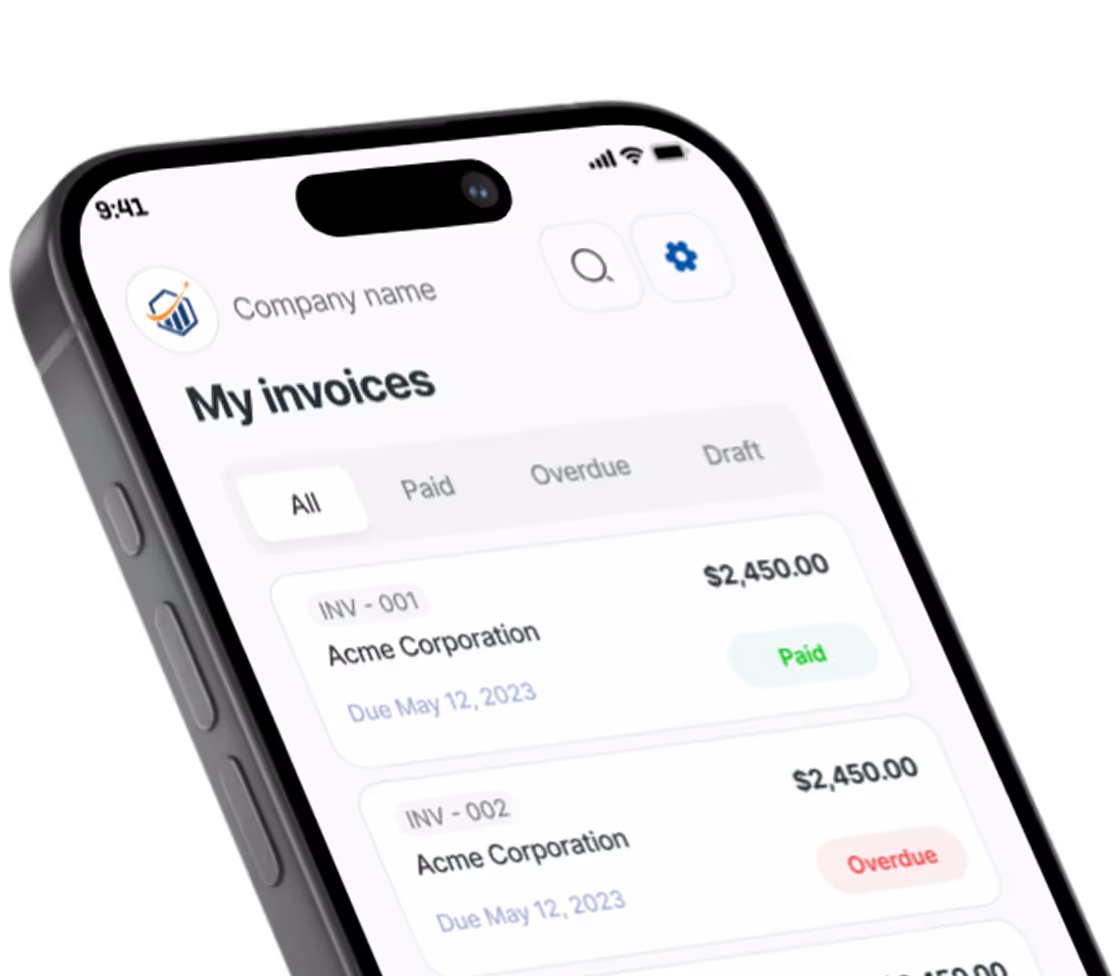
Free Auto Repair Invoice Generator. Just Your Email.
Diagnostic, brakes, oil change, parts and labor are already on the invoice. Fill in prices and the customer, then download the PDF.
What belongs on an auto repair invoice
A shop invoice gets read long after the car leaves the lot: by the customer comparing it to the estimate, by a warranty administrator, sometimes by a state consumer office. Build it so each of them finds the answer without calling you.
Bill labor by book time, parts by the piece
Enter labor as a quantity of hours from your labor guide at your posted door rate, so “Labor (book hours) × 2.4” matches the estimate the customer signed. List each part on its own line with the brand and part number in the details field; a customer who later buys rotors elsewhere can see exactly what came off the shelf. If the diagnostic fee is credited toward the repair, say so on that line.
Put the car on the invoice, not just the customer
Two Camrys in the same family look identical on paper. Type the year, make, model, 17-digit VIN, plate and odometer reading into the notes to client, or into the details of the diagnostic line, so the PDF ties every charge to one vehicle.
Match the invoice to the authorized estimate
Repair-shop rules differ from state to state. Many require a written estimate and the customer’s go-ahead before work starts, plus fresh approval when the price climbs past a set amount. Look up your state’s rules. When a job grows, write down who approved the extra work, when and how (“Approved by phone, 3:40 pm”) so the final total never surprises anyone.
Name the shop supplies charge
Rags, brake cleaner and disposal of used oil are real costs. If you recover them, bill a separate “Shop supplies” line, often a small percentage of labor with a cap, instead of quietly raising the parts prices.
Spell out the warranty
Write the coverage into terms and conditions, for example “12 months / 12,000 miles, parts and labor, this shop”. Say what voids it and whether a comeback has to return to you.
Prefer a Word or Excel file? Get the free auto repair invoice templates. Billing for other work? Use the free invoice generator.
Preview, then download
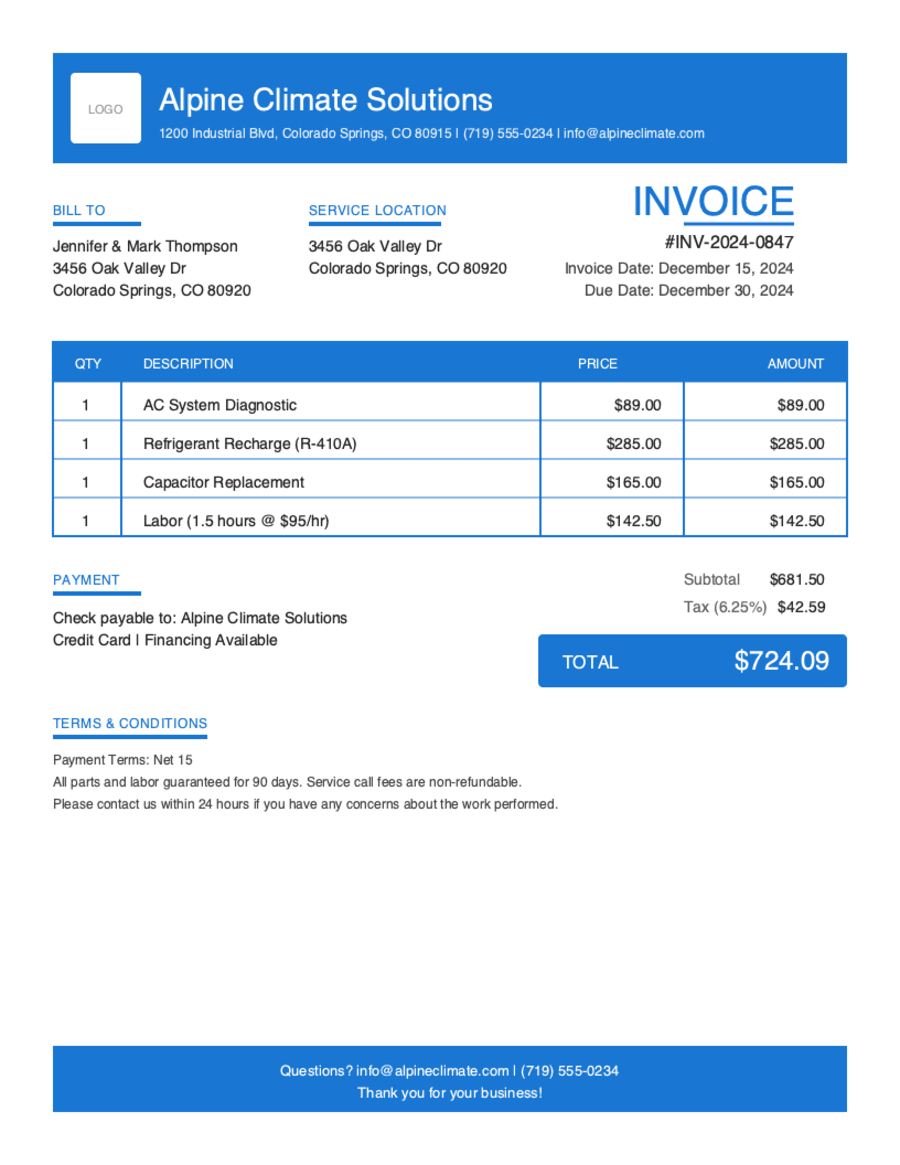
Hit Preview & Style to open a full-page, print-ready preview of your invoice. Switch the template style and brand color and watch the whole invoice retheme instantly — pick the look that fits your business, then download.
- Build & preview free — design your whole invoice before you share anything.
- Download with Google or just your email. No password, no credit card. Google gets your PDF in seconds.
- Your invoice is saved to your free Pronto account, so you can edit it, add a Pay Now button, and get notified when you're paid.
- Works on any device — build and send from your phone on the job site or from your desk.
Frequently Asked Questions
Quick answers on auto repair invoicing and the generator.
Still have questions?
Contact our support team →Ready to Send Your Auto Repair Invoice?
Free invoice generator. No credit card. Your draft saves as you type.
Start Your Free Invoice NowGet Started Today
Start simplifying your business invoicing with Pronto Invoice. Download now and send your first professional invoice in minutes.