Free Cleaning Invoice Generator. No Sign-Up.
Free. No sign-up. No watermark.
What belongs on a cleaning invoice
Cleaning service invoices are small and frequent, so the ones that cause trouble are the ones that look different from last time. Show the visit dates, price each extra separately and say where you cleaned, and most clients pay without asking a question.
House cleaning vs. commercial cleaning invoices
A homeowner often pays on the day or within a few days, so Due on Receipt usually fits a house cleaning invoice. An office, janitorial account or property manager may need the company name and a named contact on the invoice, and often expects Net 14 or Net 30. Switch on “Is this a business client?” to add both, and pick the term that matches your agreement.
Per visit, per hour or one monthly bill
Weekly and biweekly clients often prefer one invoice at month end. Use a single visit row, set the quantity to the number of cleans and the rate to your per-visit price, and list the dates in that row’s details. Hourly pricing works the same way with hours as the quantity (2.5 is fine). If you quote by square footage or charge a flat monthly rate, bill one row and put the square footage or period in its details. The generator does not bill on a schedule, but it remembers your business details, so each month you only change the dates, count and invoice number.
Price add-ons on their own rows
Inside the oven, inside the fridge, interior windows and baseboards take real time. Give each its own row instead of raising the base price, so the client sees what they asked for and can skip it next time.
Move-out cleans and supplies
For a move-out, write the unit address and move-out date in Notes to client, and be clear who pays: the tenant, the landlord or the property manager. If you bring your own supplies, say that the price includes them; if a client asks for special products, bill them as a separate line. The cleaning invoice guide covers more examples.
Access notes and tips
Note how you got in and how you left it, for example “Key returned to lockbox”. Never print alarm or door codes on an invoice. The generator has no tip field. The workaround is a line in Notes to client saying tips are welcome through your usual payment method.
Prefer a Word or Excel file? Get the free cleaning invoice templates. Billing for other work? Use the free invoice generator.
Preview, then download
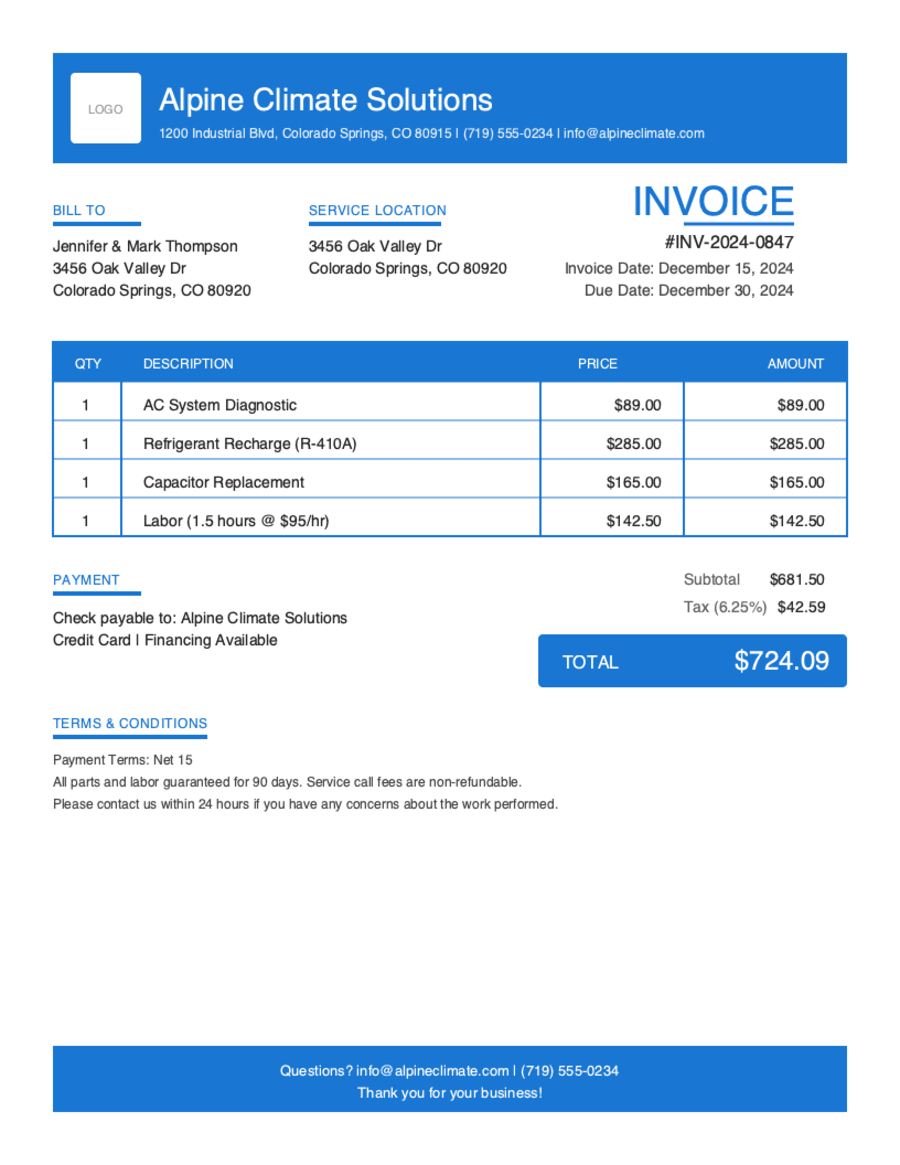
Hit Preview & Style to open a full-page, print-ready preview of your invoice. Switch the template style and brand color and watch the whole invoice retheme instantly — pick the look that fits your business, then download.
- Build & preview free — design your whole invoice before you share anything.
- Download the PDF free. No sign-up, no watermark.
- This browser remembers your business details and recent invoices, so the next one is quicker.
- Works on any device — build and download from your phone on the job site or from your desk.
Frequently Asked Questions
Quick answers on cleaning invoicing and the generator.
Still have questions?
Contact our support team →Ready to Send Your Cleaning Invoice?
Free invoice generator. No credit card. Your draft saves as you type.
Start Your Free Invoice NowGet Started Today
Start simplifying your business invoicing with Pronto Invoice. Download now and send your first professional invoice in minutes.