Free Construction & Contractor Invoice Generator. No Sign-Up.
Free. No sign-up. No watermark.
What belongs on a construction invoice
A construction invoice rarely stands on its own. It gets checked against a contract, a stack of change orders and, on bigger jobs, a lender’s draw schedule. Whether you send a general contractor invoice to the owner or a subcontractor invoice to the GC, these habits tie every bill back to what was agreed.
Bill progress payments one draw at a time
Jobs that run longer than a few weeks usually get paid in draws: a deposit, then payments at milestones like framing or rough-in, or by percent complete each month. The generator makes one invoice at a time, so send one per draw. Name the line by milestone (“Draw 3: rough-in complete”) and use its details for the contract sum, total billed to date and balance left. If the GC requires their own pay application form, use it.
Give every change order its own line
An added window, a moved wall or upgraded tile gets its own row with the change order number and approval date in the details. Folding extras into the next draw is how payment disputes start. Get the owner’s signature on the change order itself; the invoice only points to it.
Show retainage instead of burying it
Owners and GCs often hold back a percentage of each payment until the work is accepted. How much, and when it is released, varies by state and by contract. Price the draw line at the amount payable now and write the gross amount and retainage withheld in its details, then send a separate “Retainage release” invoice at closeout.
Split labor, materials and equipment
Time-and-materials work needs labor as hours at your rate (quantity can be 6.5), materials by item or supplier ticket, and equipment or dumpster rental on their own rows. Sales tax on construction varies widely by state, and the generator applies one tax rate to the whole invoice, so ask your accountant how your jobs should be taxed.
Add the job site, PO number and lien waiver
Type the job site address and the GC’s job or PO number into Notes to client, since accounts payable matches invoices by them. Many owners also want a lien waiver with each payment, usually a conditional waiver with the invoice and an unconditional one once funds clear. Some states require specific statutory wording, so check yours; our lien waiver guide explains the four types.
Prefer a Word or Excel file? Get the free construction invoice templates. Billing for other work? Use the free invoice generator.
Preview, then download
Hit Preview & Style to open a full-page, print-ready preview of your invoice. Switch the template style and brand color and watch the whole invoice retheme instantly — pick the look that fits your business, then download.
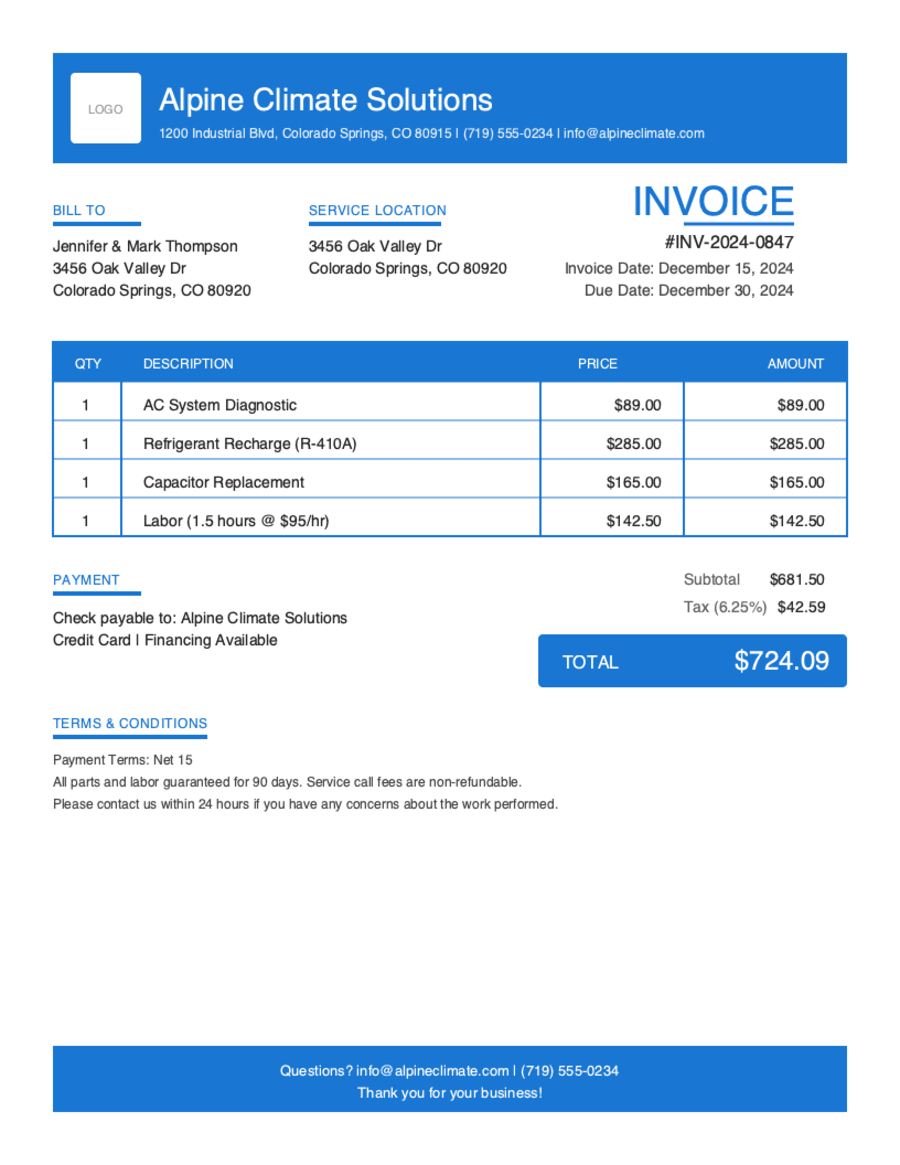
- Build & preview free — design your whole invoice before you share anything.
- Download the PDF free. No sign-up, no watermark.
- This browser remembers your business details and recent invoices, so the next one is quicker.
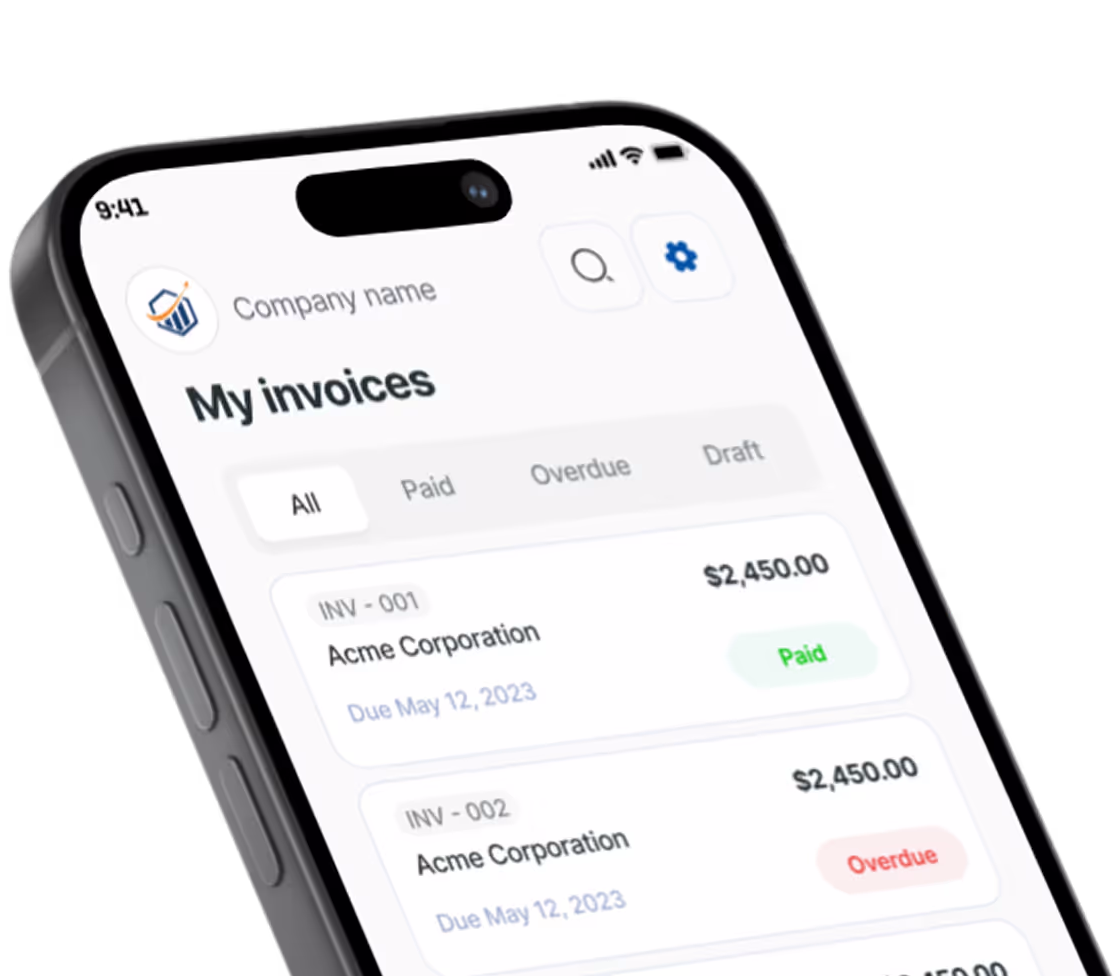
- Works on any device — build and download from your phone on the job site or from your desk.
Frequently Asked Questions
Quick answers on construction invoicing and the generator.
Still have questions?
Contact our support team →Ready to Send Your Construction Invoice?
Free invoice generator. No credit card. Your draft saves as you type.
Start Your Free Invoice NowGet Started Today
Start simplifying your business invoicing with Pronto Invoice. Download now and send your first professional invoice in minutes.