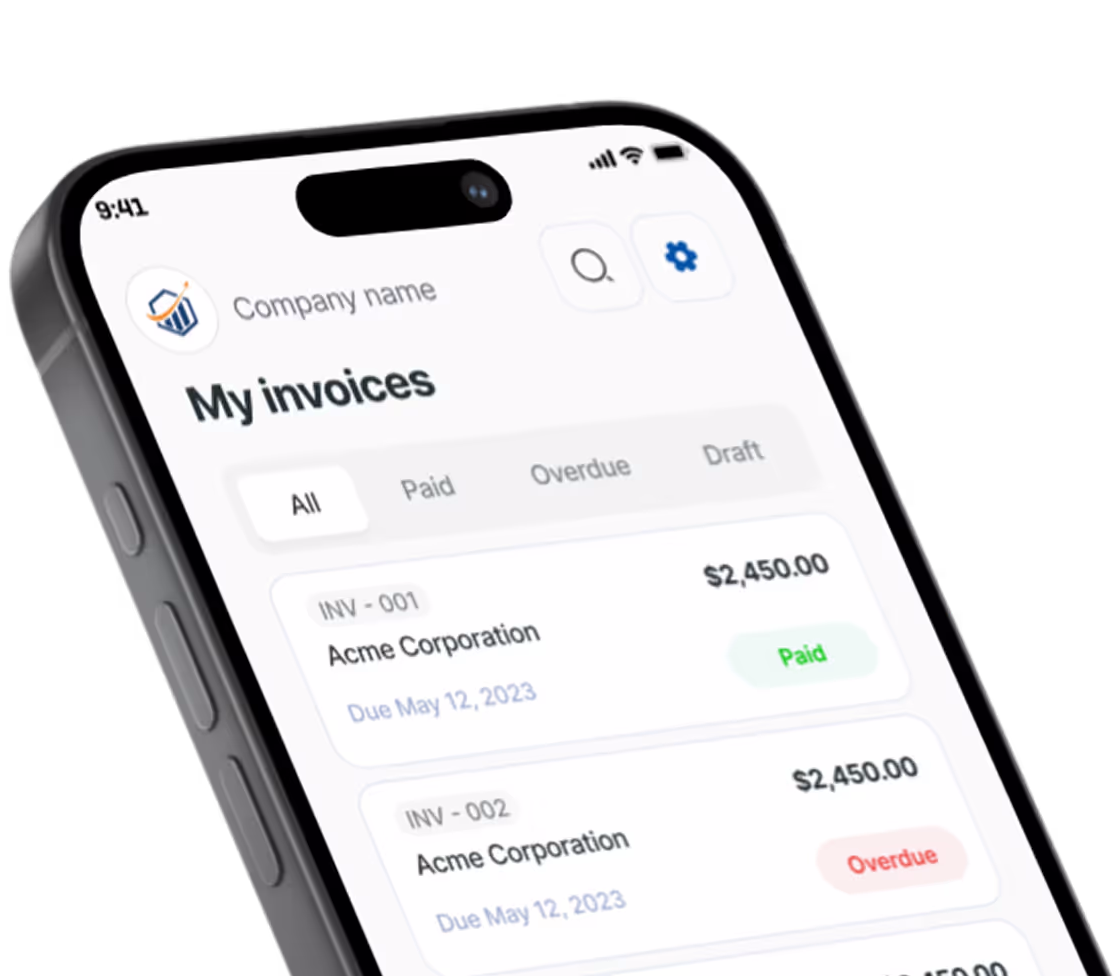
Free Consulting Invoice Generator. No Sign-Up.
Free. No sign-up. No watermark.
What belongs on a consulting invoice
A consultant invoice usually lands in an accounts payable queue, not with the person who hired you. The AP clerk has never met you and only pays what they can match to a contract and a purchase order. Give them everything they need on one page.
Bill consulting services the way you priced them
Hourly work goes on one line: quantity is the hours (decimals work, so 12.5 is fine), rate is your hourly rate, and the line details list the dates and what you worked on. Day rates work the same way with days as the quantity. A fixed-fee project is billed by milestone, one line per milestone, named exactly as it appears in your proposal. For more on each model, see how to write an invoice for consulting work.
Tie every charge to the SOW
Put the statement of work or engagement letter name and date in Notes to client, for example “Per SOW #3, Q4 pricing review, signed Sept 12”. When the client’s finance team asks what this invoice is for, the answer is already printed on it.
Give AP the PO number and the right contact
Many corporate clients reject any invoice without their purchase order number. The generator has no PO field, so type it at the top of Notes to client where it prints clearly. Switch on “Is this a business client?” to add the company name and the contact person, and send to the AP email address the client gave you rather than your project sponsor. Many US clients also ask for a Form W-9 before the first payment, because it gives them the taxpayer ID they may need for a 1099.
Send a retainer invoice each month
The generator does not bill on a schedule. Each month, start a new invoice with one retainer line for the period (“Retainer, November 2026”), and bill hours beyond the retainer as a separate hourly line so the overage is visible.
Pass expenses through at cost
Flights, hotels and software bought for the client go on their own lines at what you paid, unless your contract allows a markup. Keep the receipts; clients often ask for them before approving.
Prefer a Word or Excel file? Get the free consulting invoice templates. Billing for other work? Use the free invoice generator.
Preview, then download
Hit Preview & Style to open a full-page, print-ready preview of your invoice. Switch the template style and brand color and watch the whole invoice retheme instantly — pick the look that fits your business, then download.
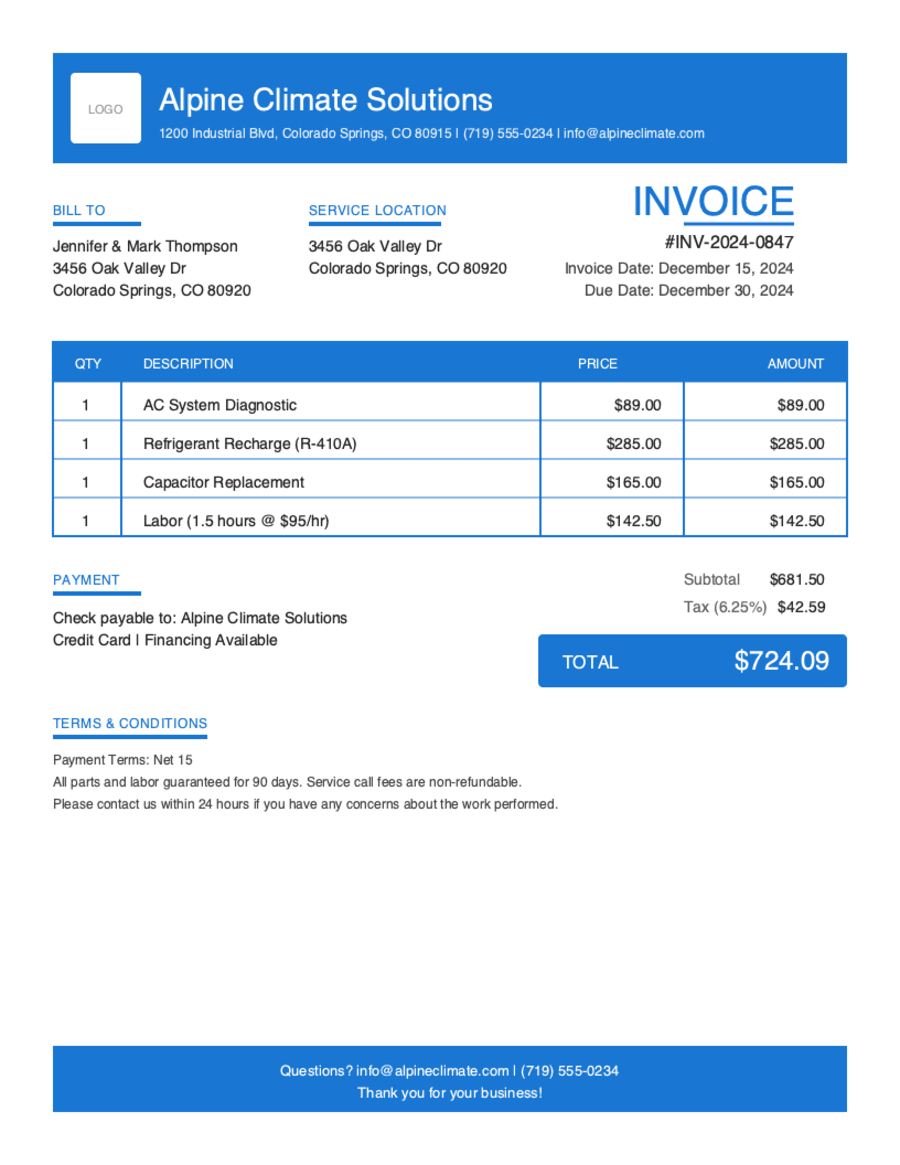
- Build & preview free — design your whole invoice before you share anything.
- Download the PDF free. No sign-up, no watermark.
- This browser remembers your business details and recent invoices, so the next one is quicker.
- Works on any device — build and download from your phone on the job site or from your desk.
Frequently Asked Questions
Quick answers on consulting invoicing and the generator.
Still have questions?
Contact our support team →Ready to Send Your Consulting Invoice?
Free invoice generator. No credit card. Your draft saves as you type.
Start Your Free Invoice NowGet Started Today
Start simplifying your business invoicing with Pronto Invoice. Download now and send your first professional invoice in minutes.