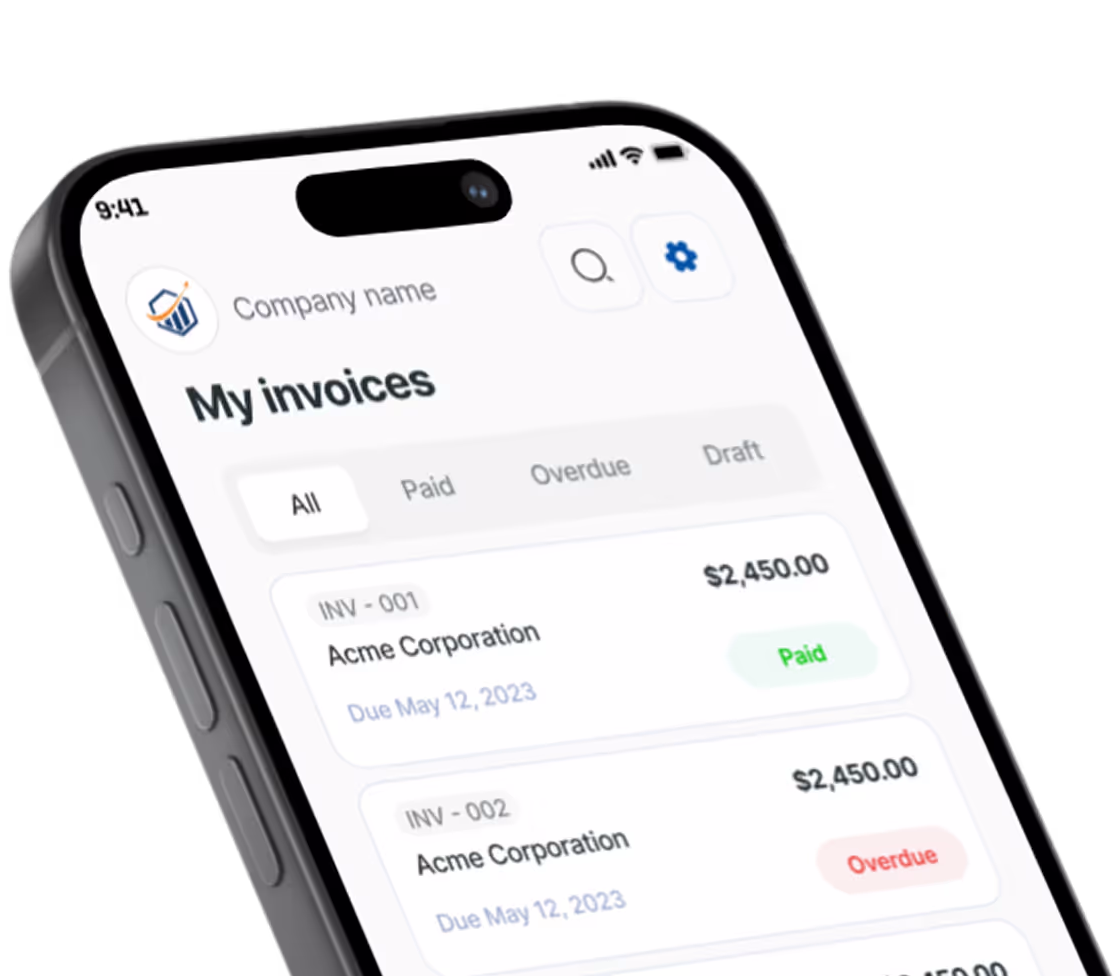
Free Freelance Invoice Generator. No Sign-Up.
Free. No sign-up. No watermark.
What belongs on a freelance invoice
The person who pays your invoice often never saw the work: an accounts payable inbox, a finance lead, a founder paying between meetings. Whether you write, design, code or run someone’s calendar, a freelance invoice has to explain itself well enough to clear on the first pass.
Bill freelance work the way you priced it
A flat project fee can be a single line, with the deliverables named in its details. Hourly work goes in as hours at your rate (quantity 12.5 works), with dates and tasks in the details. The generator doesn’t track time, so pull the hours from your own timer or timesheet. A retainer is one line per month with the period covered, say “Oct 1–31”, in the details; nothing bills on a schedule, so you make each month’s invoice yourself.
Invoice the deposit before you start
On project work, many freelancers ask for part of the fee up front, such as half, before opening the file. Send it as its own invoice marked “Deposit”. On the final invoice, bill only the balance and cite the deposit invoice number in Notes to client so nobody pays twice.
Make out-of-scope work visible
Extra revision rounds, rush turnaround and added pages belong on separate lines, not in a quietly higher project fee. When the client sees “Extra revision round (round 4)”, it matches the scope you agreed, and the next project is easier to quote.
Set the terms before the invoice is late
Choose Net 14 or Net 30 and the due date fills itself in. If your contract includes a late fee, repeat it in the terms so it prints on the PDF. A late fee usually needs to be agreed before the work starts, and some states limit late fees and interest, so check the rules where you work. List how you get paid, whether bank transfer, PayPal or check, so the client never has to ask.
Give the client’s AP team what it needs from a freelancer invoice
Turn on the business client toggle to add the company name and the contact who approved the work, and put their PO number in Notes to client. US clients usually ask for a W-9 before the first payment. Send it separately rather than printing your Social Security number on an invoice. Whether a client files a 1099 for you depends on how much and how they paid you; our self-employment tax guide covers what you owe either way.
Prefer a Word or Excel file? Get the free freelance invoice templates. Billing for other work? Use the free invoice generator.
Preview, then download
Hit Preview & Style to open a full-page, print-ready preview of your invoice. Switch the template style and brand color and watch the whole invoice retheme instantly — pick the look that fits your business, then download.
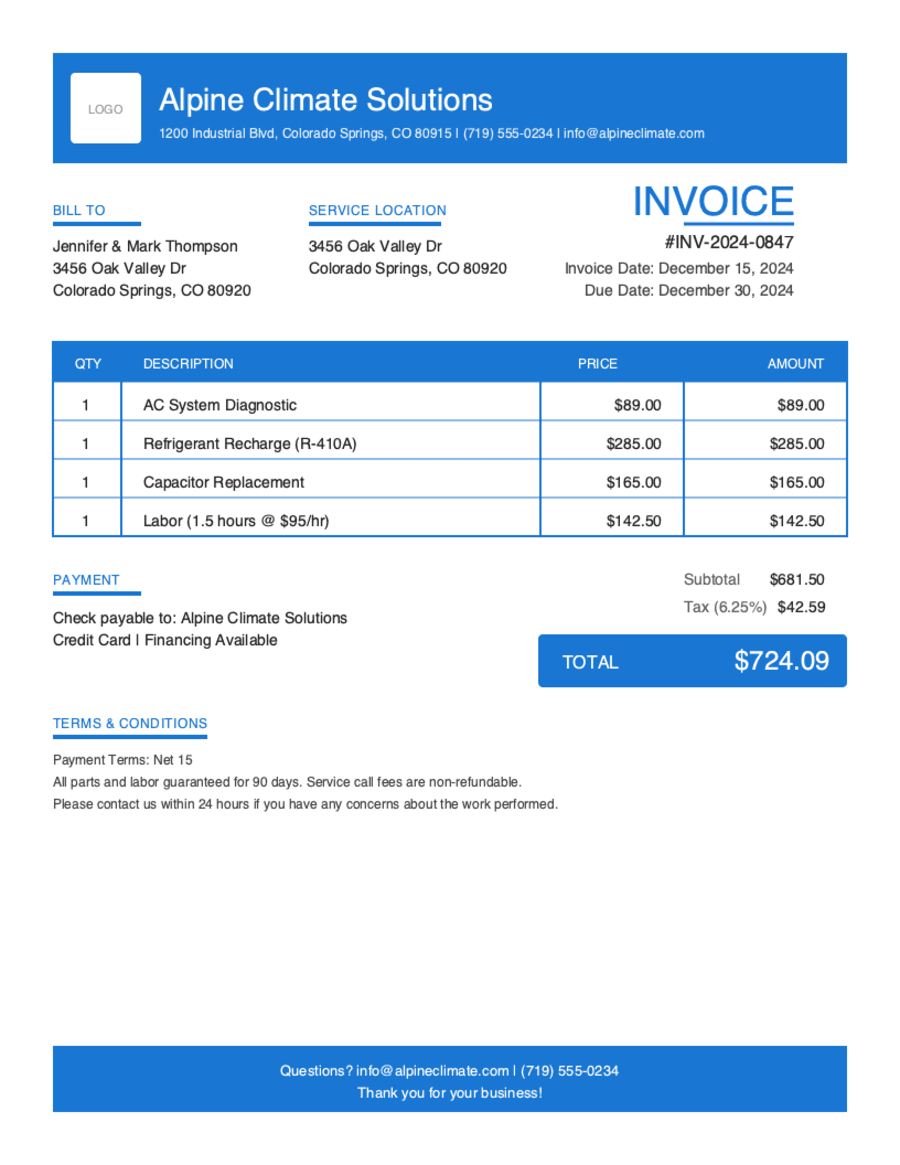
- Build & preview free — design your whole invoice before you share anything.
- Download the PDF free. No sign-up, no watermark.
- This browser remembers your business details and recent invoices, so the next one is quicker.
- Works on any device — build and download from your phone on the job site or from your desk.
Frequently Asked Questions
Quick answers on freelance invoicing and the generator.
Still have questions?
Contact our support team →Ready to Send Your Freelance Invoice?
Free invoice generator. No credit card. Your draft saves as you type.
Start Your Free Invoice NowGet Started Today
Start simplifying your business invoicing with Pronto Invoice. Download now and send your first professional invoice in minutes.