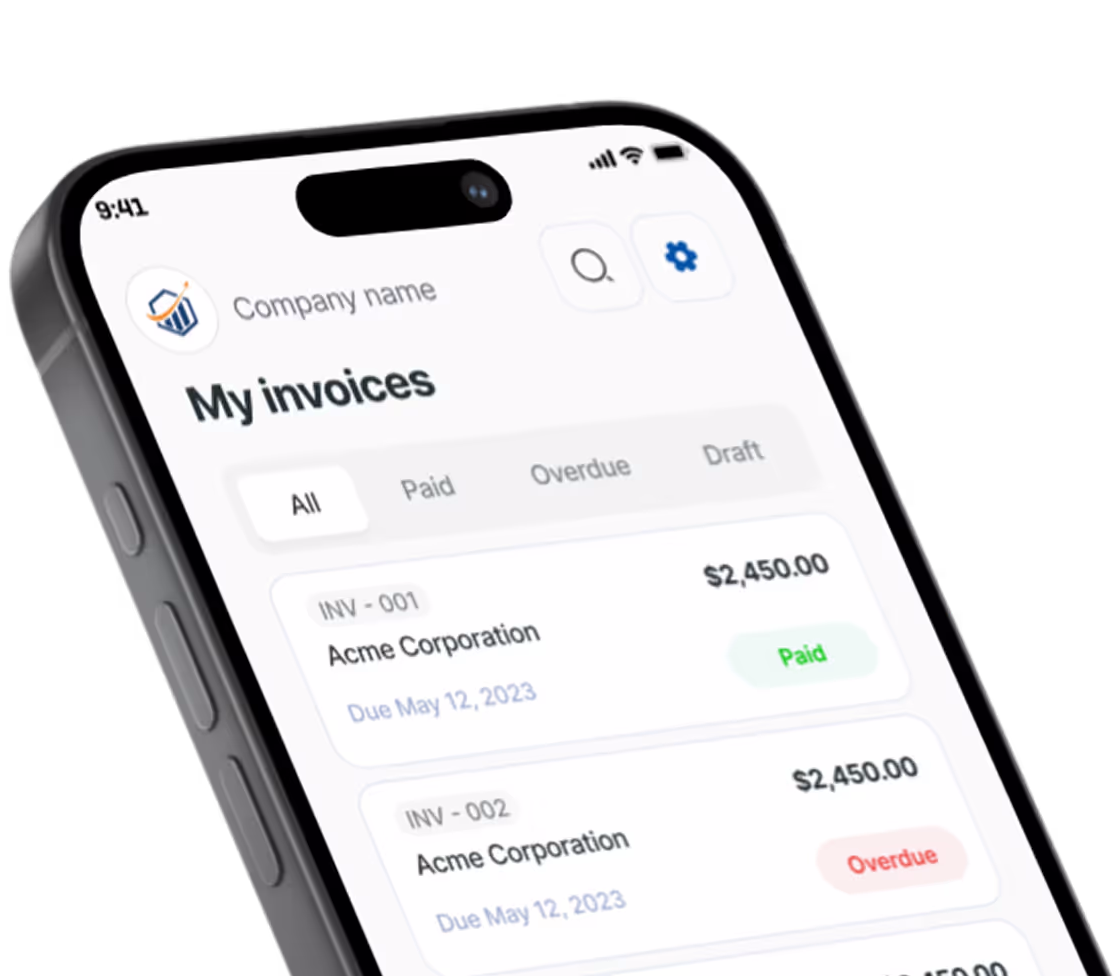
Free Handyman Invoice Generator. No Sign-Up.
Free. No sign-up. No watermark.
What belongs on a handyman invoice
Handyman services rarely come one job per visit. It is a list: hang the TV, fix the sticking door, patch the hole the old towel bar left, swap the kitchen faucet. Your invoice should read like that list checked off, so the client sees every task and nothing looks padded. For pricing a full day of small jobs, see the guide to billing for multiple small jobs.
One line per task on the list
Turn each item on the honey-do list into its own line, in the order the client wrote it. A $640 total next to seven named tasks gets paid; $640 next to “Handyman services” gets a text asking what that covered. Use the line details for what you found and did, such as “Hinge screws stripped, filled and reset.” The generator doesn’t attach photos, so text your before-and-after shots with the PDF and mention them in Notes to client.
Hourly, per task, or both
Flat prices suit jobs you have done a hundred times: a ceiling fan swap, a TV mount, a new toilet flapper. Hourly suits open-ended work like chasing a squeak or finishing someone else’s half-done project. One invoice can carry both. Price the known tasks flat, then put the rest on a “Labor (hourly)” line with the quantity in decimal hours, such as 2.5.
Set a minimum charge
A 15-minute fix still costs you the drive and a slot in your day. Many handymen charge a minimum, often the first hour, and fit small tasks inside it. Make it the first line and say in its details what it covers, such as “Includes first hour on site.”
Bill the materials run
Hardware store trips are part of the job. List materials per task, or as one “Materials & supplies” line with the store and receipt total in the details. Keep the receipts; clients sometimes ask and your accountant will. If you charge for shopping time or add a markup, tell the client before the job, not on the invoice.
Know your state’s dollar limit
Many states let unlicensed handymen take only jobs under a set dollar amount, and some require a license or registration for plumbing, electrical or any paid work at all. Limits vary widely; check your state’s contractor licensing board. Some states count the whole project: California’s board, for one, says a larger job can’t be broken into smaller amounts to fit under its limit. If you hold a license or registration, add the number after your business name so it prints in the header.
Prefer a Word or Excel file? Get the free handyman invoice templates. Billing for other work? Use the free invoice generator.
Preview, then download
Hit Preview & Style to open a full-page, print-ready preview of your invoice. Switch the template style and brand color and watch the whole invoice retheme instantly — pick the look that fits your business, then download.
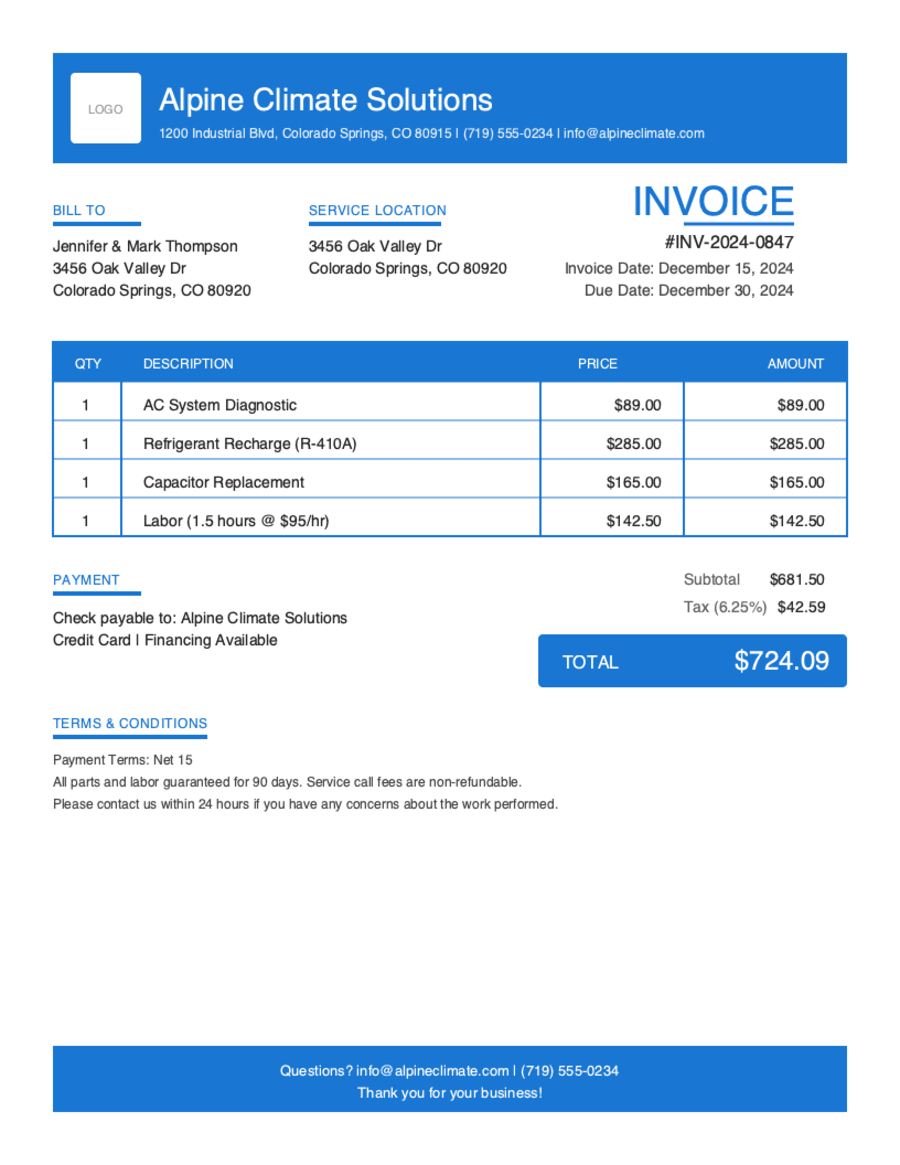
- Build & preview free — design your whole invoice before you share anything.
- Download the PDF free. No sign-up, no watermark.
- This browser remembers your business details and recent invoices, so the next one is quicker.
- Works on any device — build and download from your phone on the job site or from your desk.
Frequently Asked Questions
Quick answers on handyman invoicing and the generator.
Still have questions?
Contact our support team →Ready to Send Your Handyman Invoice?
Free invoice generator. No credit card. Your draft saves as you type.
Start Your Free Invoice NowGet Started Today
Start simplifying your business invoicing with Pronto Invoice. Download now and send your first professional invoice in minutes.