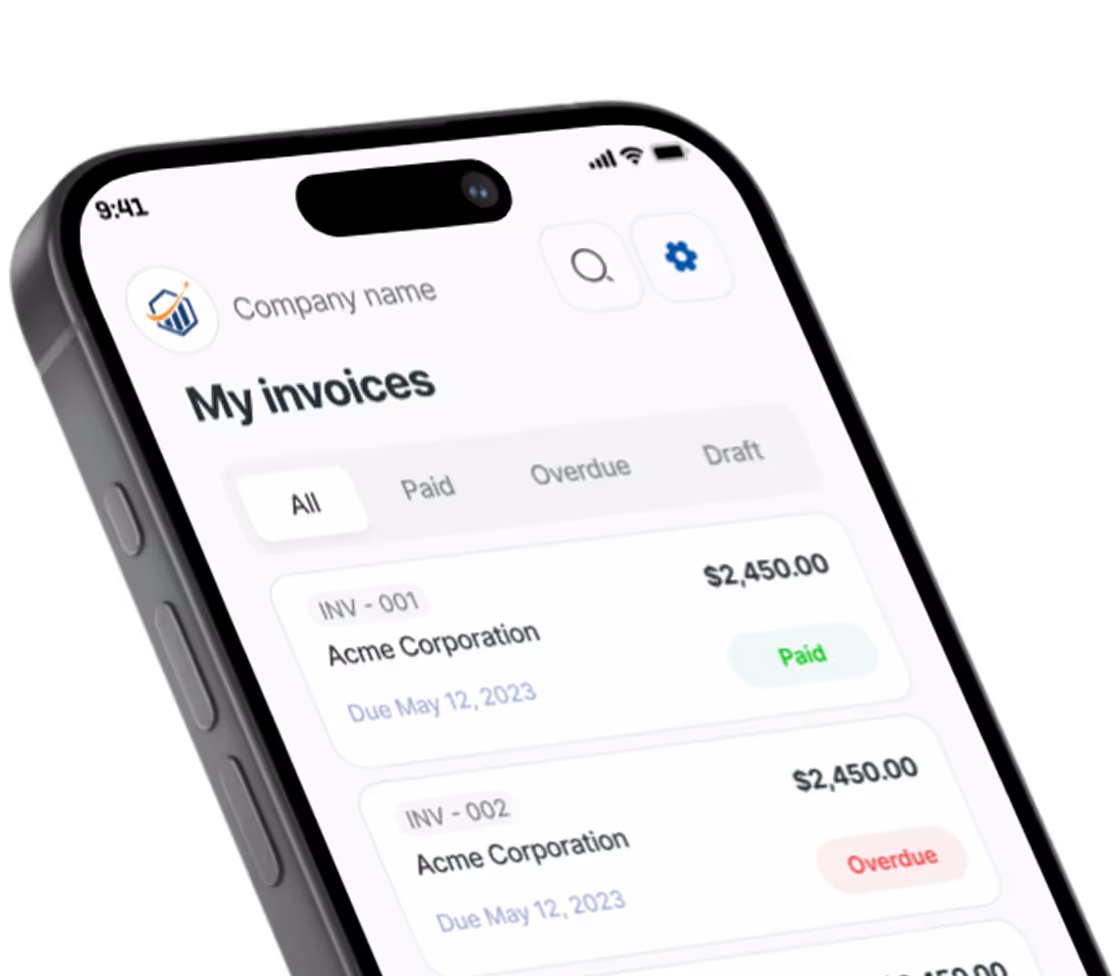
Free Landscaping Invoice Generator. Just Your Email.
Mowing, mulch, hedges, cleanup and materials rows are waiting. Set your rates, add who pays, and download the PDF.
What belongs on a landscaping invoice
Landscaping revenue arrives in two shapes: small charges that repeat all season and bigger one-off bills for installs. Either way, a good invoice tells the client which property, which visits and what went into the ground.
Per visit or once a month?
Per-visit billing fits clients who skip weeks or only call when the grass gets long. Steady routes usually prefer one invoice at month end. Keep a single mowing row, set the quantity to the number of cuts (4 or 5, depending on the month) and the rate to your per-cut price, then type the mow dates into that row’s details so a missed week is obvious.
The generator builds one invoice at a time and never bills on a schedule, so update the dates, visit count and invoice number each month.
Keep seasonal work visible
Spring cleanup, aeration and leaf removal belong on their own rows, not hidden in a higher mowing rate. When October costs more than July, the client can see why.
Materials and markup
Mulch and soil sell by the cubic yard, plants by the flat. Enter whole units as the quantity, say 6 for six yards, and fold your markup over supplier cost into the per-unit rate. How materials and landscaping labor are taxed varies by state, and the generator applies one tax rate to the whole invoice, so confirm the right treatment with your accountant.
Which property, and who pays
Property managers and absentee owners often pay for addresses they don’t live at. Use the client address for billing and write the service address in Notes to client. One invoice per property keeps each site’s history tidy.
Deposits before installs
Patios and planting plans mean buying stone and stock weeks ahead. Send a deposit invoice first; once the job is finished, bill the remaining balance and cite the deposit invoice number in the notes. Some states cap deposits on home improvement work, which can include landscaping, so check yours.
Prefer a Word or Excel file? Get the free landscaping invoice templates. Billing for other work? Use the free invoice generator.
Preview, then download
Hit Preview & Style to open a full-page, print-ready preview of your invoice. Switch the template style and brand color and watch the whole invoice retheme instantly — pick the look that fits your business, then download.
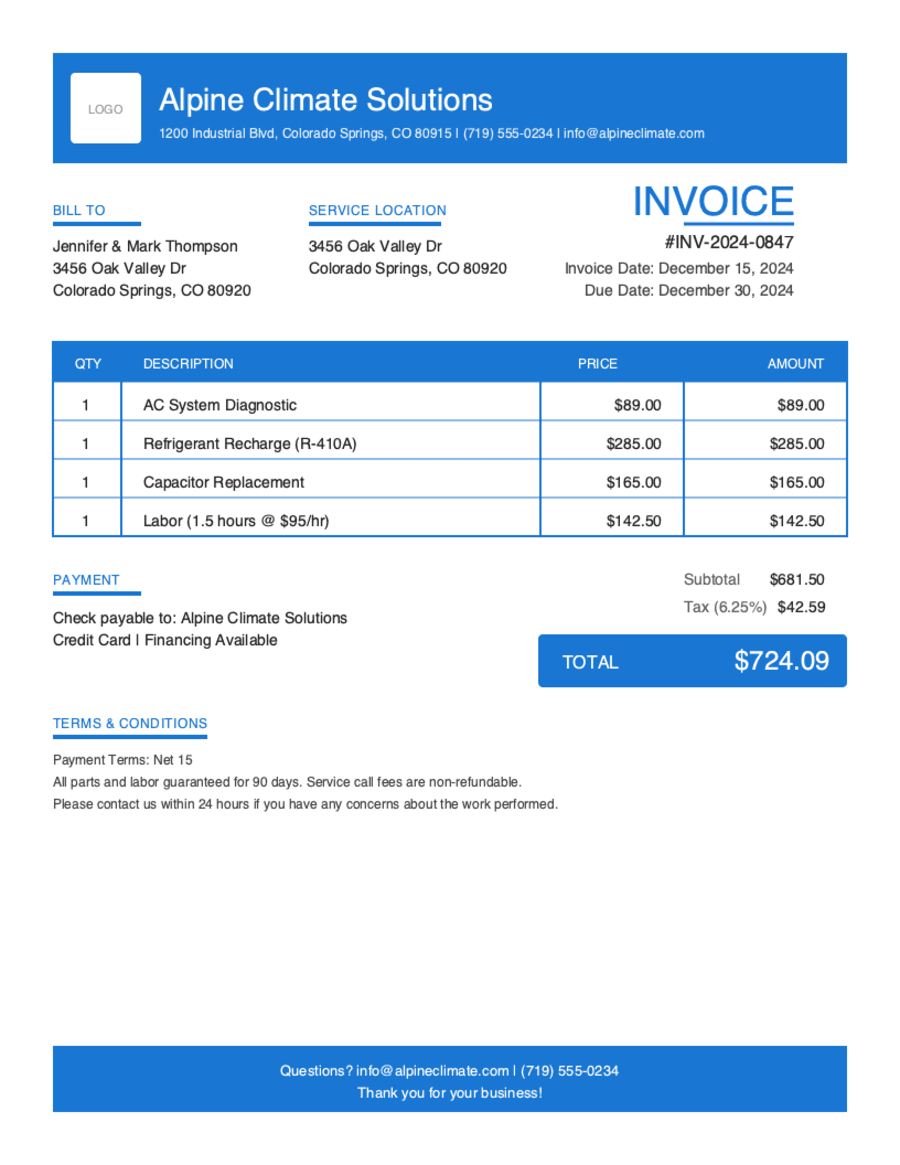
- Build & preview free — design your whole invoice before you share anything.
- Download with Google or just your email. No password, no credit card. Google gets your PDF in seconds.
- Your invoice is saved to your free Pronto account, so you can edit it, add a Pay Now button, and get notified when you're paid.
- Works on any device — build and send from your phone on the job site or from your desk.
Frequently Asked Questions
Quick answers on landscaping invoicing and the generator.
Still have questions?
Contact our support team →Ready to Send Your Landscaping Invoice?
Free invoice generator. No credit card. Your draft saves as you type.
Start Your Free Invoice NowGet Started Today
Start simplifying your business invoicing with Pronto Invoice. Download now and send your first professional invoice in minutes.