Free Photography Invoice Generator. No Sign-Up.
Free. No sign-up. No watermark.
What belongs on a photography invoice
A photography invoice bills two things: your time behind the camera and the images that come out of it. Clients forget the details of the booking by the time the gallery lands, so a photographer invoice should say what was shot, what gets delivered and what the client may do with it.
Session fee or package, not both
Bill a portrait or headshot job as a session fee plus whatever the client adds. Bill a wedding or event as one package line and write what it covers in the details: coverage hours, number of edited images, gallery delivery. A session fee on top of a package reads like a double charge.
Credit the booking retainer
Most photographers take a retainer to hold the date, sometimes months ahead. Send it as its own invoice when the client books. On the final invoice, bill only the remaining balance and write the retainer invoice number and amount in Notes to client. Repeat your contract’s refund term on the retainer invoice.
Count the images and date the delivery
“Edited images” with no number starts arguments. State how many edited images the package includes, the format (online gallery, full-resolution download) and the delivery date. Extra images go on their own row, with the quantity set to the count and the rate set to your per-image price.
Put usage rights in your terms and conditions
A family session and a brand’s ad campaign are different sales. In the US, copyright starts with the photographer, and a transfer of ownership generally has to be in a signed writing (work made for hire, such as shooting as an employee, is the main exception). So the invoice should say what the client is licensed to do: personal use only, or commercial use for a set term, media and region.
Bill the extras as their own lines
Travel past your included radius, a second shooter, rush editing and albums each get a row. Enter travel as miles at your per-mile rate and the second shooter as hours.
Note how the images were delivered
Sales tax on photography varies by state. Some tax the whole job, sitting fee and travel included; others tax prints and albums but not images delivered electronically, and may expect the invoice to show the delivery method. Write “Delivered by online gallery” or “Prints mailed” in the line details. The generator applies one tax rate to the whole invoice, so check your state’s rules before you mix prints and digital files on one bill. More detail is in the photography invoice guide.
Prefer a Word or Excel file? Get the free photography invoice templates. Billing for other work? Use the free invoice generator.
Preview, then download
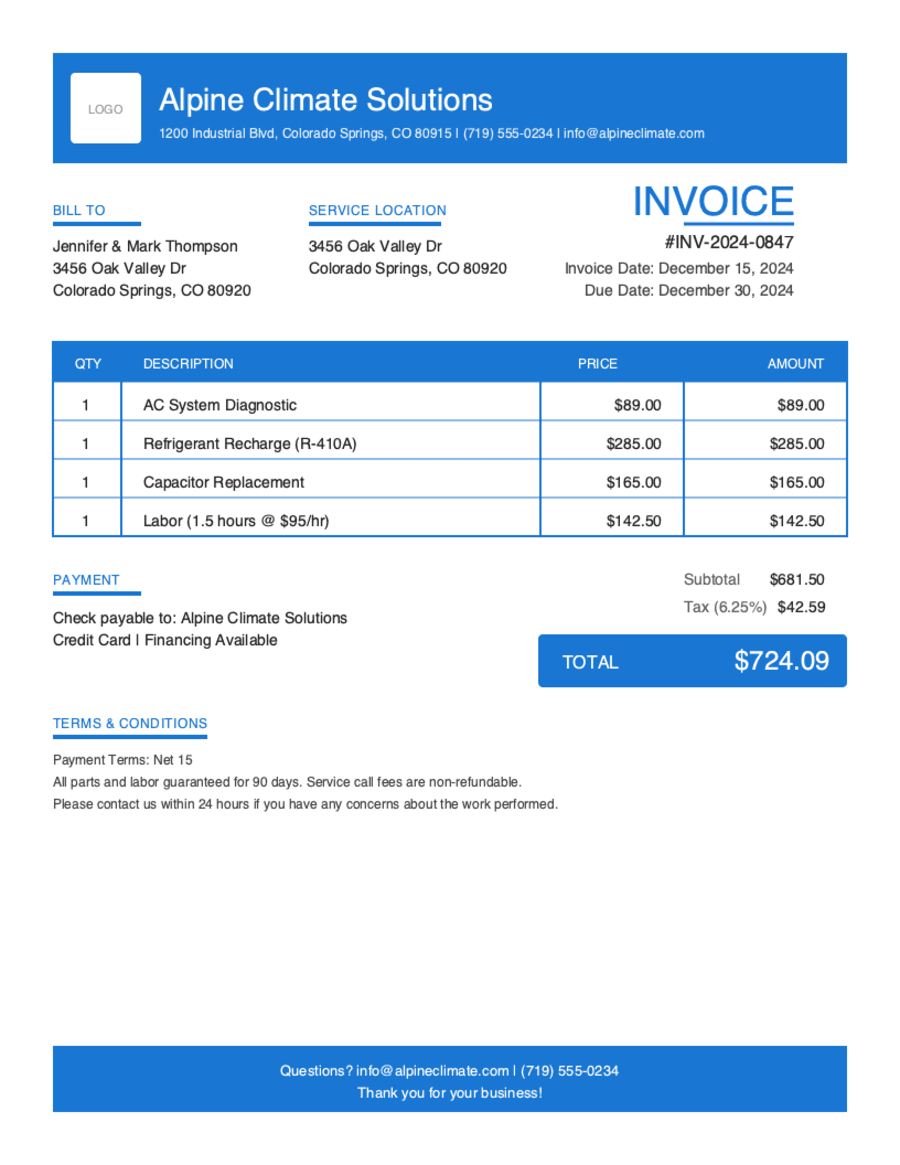
Hit Preview & Style to open a full-page, print-ready preview of your invoice. Switch the template style and brand color and watch the whole invoice retheme instantly — pick the look that fits your business, then download.
- Build & preview free — design your whole invoice before you share anything.
- Download the PDF free. No sign-up, no watermark.
- This browser remembers your business details and recent invoices, so the next one is quicker.
- Works on any device — build and download from your phone on the job site or from your desk.
Frequently Asked Questions
Quick answers on photography invoicing and the generator.
Still have questions?
Contact our support team →Ready to Send Your Photography Invoice?
Free invoice generator. No credit card. Your draft saves as you type.
Start Your Free Invoice NowGet Started Today
Start simplifying your business invoicing with Pronto Invoice. Download now and send your first professional invoice in minutes.