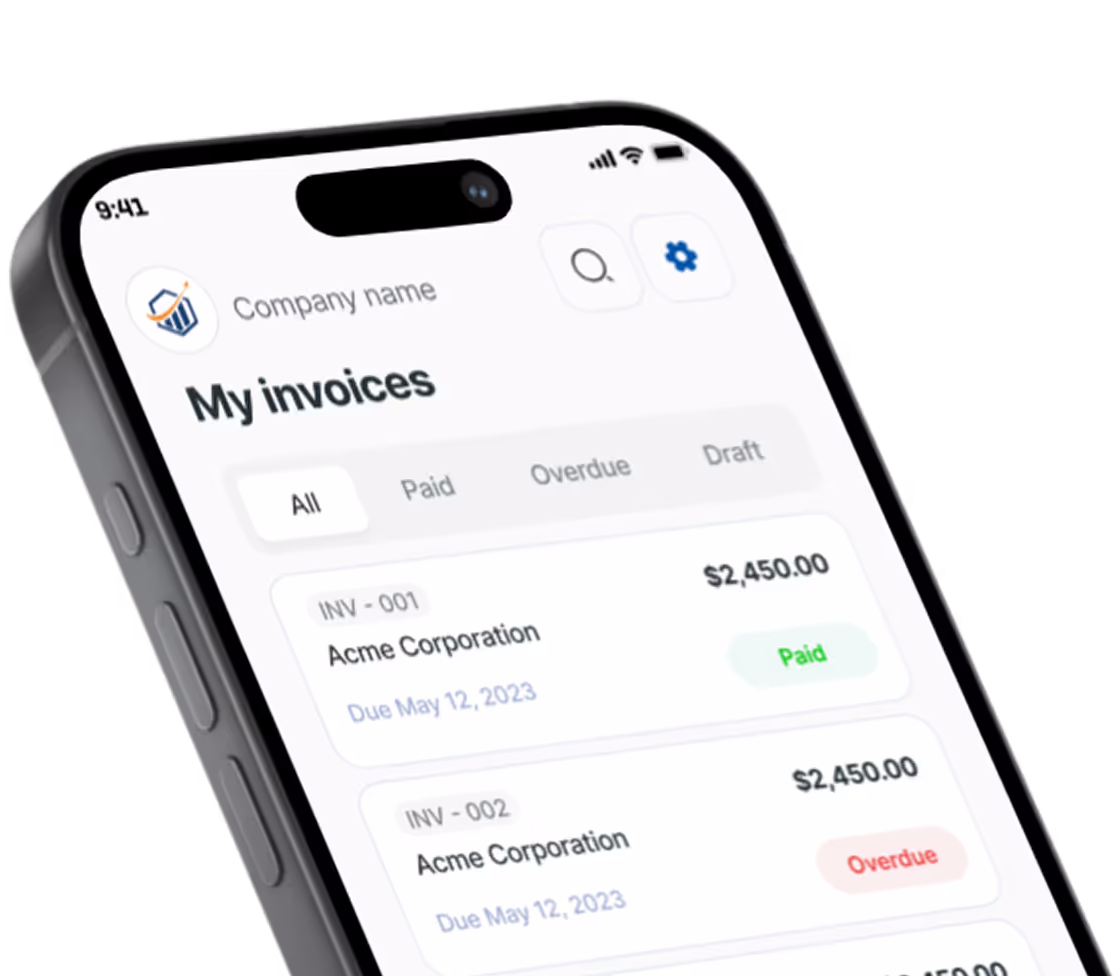
Build a polished invoice in 60 seconds.
Edit it live below. Preview it free. Sign in only when you're ready to download.
How to create an invoice with Pronto Invoice
The Pronto Invoice generator is a free, online invoice maker that opens to a blank, editable invoice — nothing to install. Free. Just your email. No password, no credit card. The form you see is the invoice: type in any field and it updates live, so what you build is exactly what your client receives.
Fill it out in about a minute, preview it for free, then sign in only when you're ready to download the PDF. Your draft autosaves in your browser as you go, so you can close the tab and pick up right where you left off.
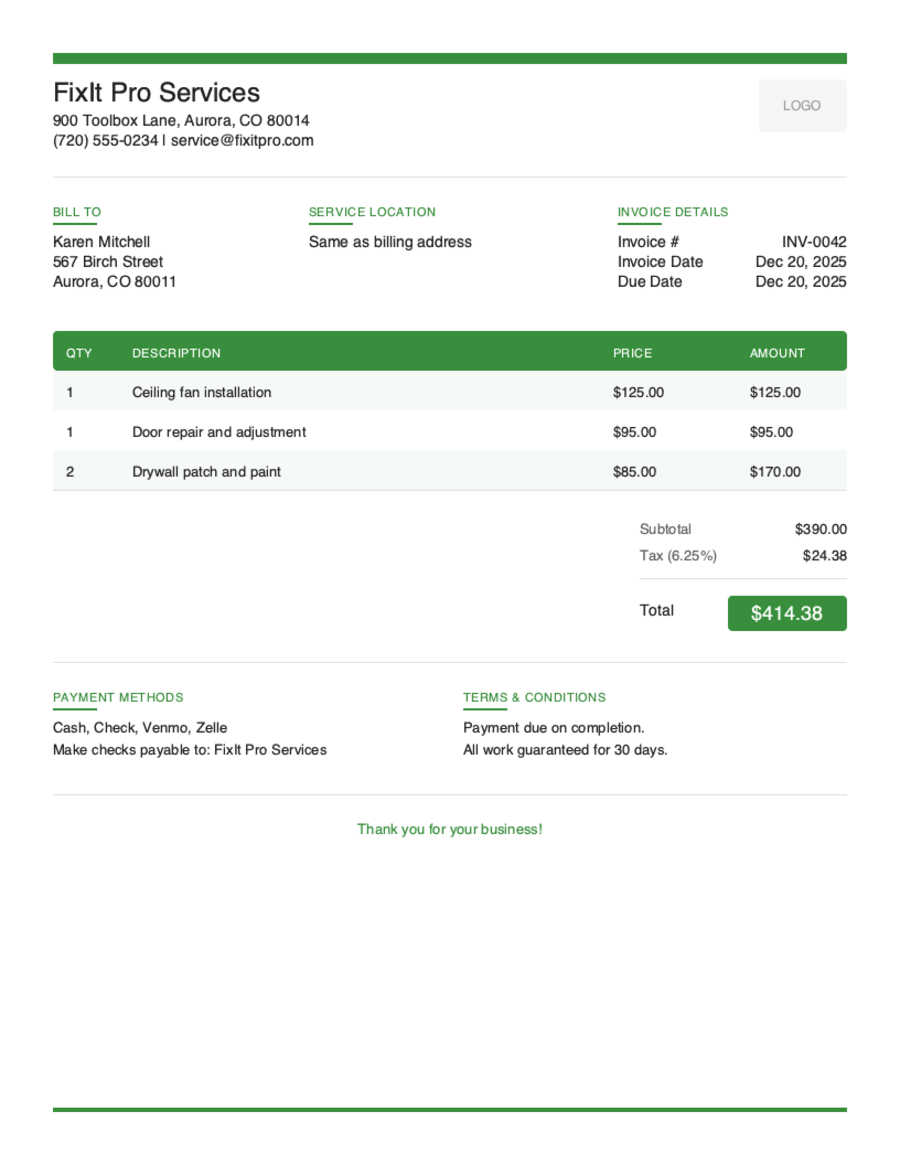
What's on your invoice
Every section below is editable right on the page:
- Logo & your business (From). Upload a logo (PNG, JPG or SVG) and add your business name, email, phone and address.
- Bill To. Add your client's name and contact details. Toggle “Is this a business client?” to include a company name, job title and contact person.
- Invoice details. Set the invoice number and issue date, then pick payment Terms — Due on Receipt, Net 7, 14, 30 or 60 — and the due date is calculated for you.
- Line items. List what you're billing for with a description, quantity and rate; the amount and totals calculate automatically. Use “+ Add details” for per-line notes, and drag rows to reorder.
- Tax, discount & currency. Add a tax rate or discount only when you need them — every total updates instantly.
- Totals. Subtotal, discount, tax and the grand total are tallied live as you type.
- Notes & terms. Add a thank-you note or payment instructions for your client at the bottom of the invoice.
Five Professional Template Styles
Your invoice represents your brand. Choose the style that matches your business personality.
Modern Clean
Sleek and contemporary for tech-savvy businesses
Minimal Utility
Simple and straightforward for those who value clarity
Professional Classic
Traditional elegance for established businesses
Bold Branded
Stand out with strong visual impact
Artistic Accent
Creative flair for design-forward professionals
Preview, then download
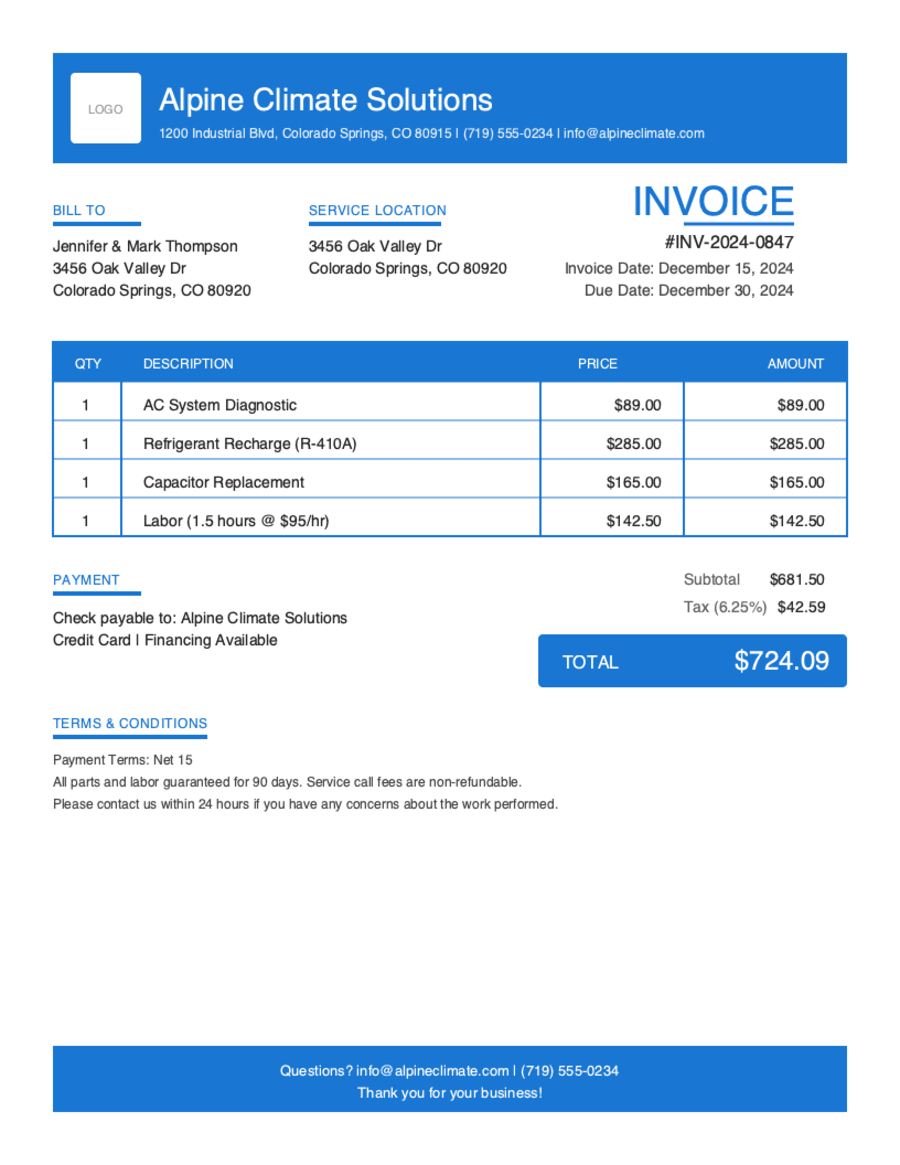
Hit Preview & Style to open a full-page, print-ready preview of your invoice. Switch the template style and brand color and watch the whole invoice retheme instantly — pick the look that fits your business, then download.
- Build & preview free — design your whole invoice before you share anything.
- Download with Google or just your email. No password, no credit card. Google gets your PDF in seconds.
- Your invoice is saved to your free Pronto account, so you can edit it, add a Pay Now button, and get notified when you're paid.
- Works on any device — build and send from your phone on the job site or from your desk.
Frequently Asked Questions
Everything you need to know about our online invoice generator.
Still have questions?
Contact our support team →Ready to Create Your First Invoice?
Free invoice generator. No credit card. Your draft saves as you type.
Start Your Free Invoice NowGet Started Today
Start simplifying your business invoicing with Pronto Invoice. Download now and send your first professional invoice in minutes.