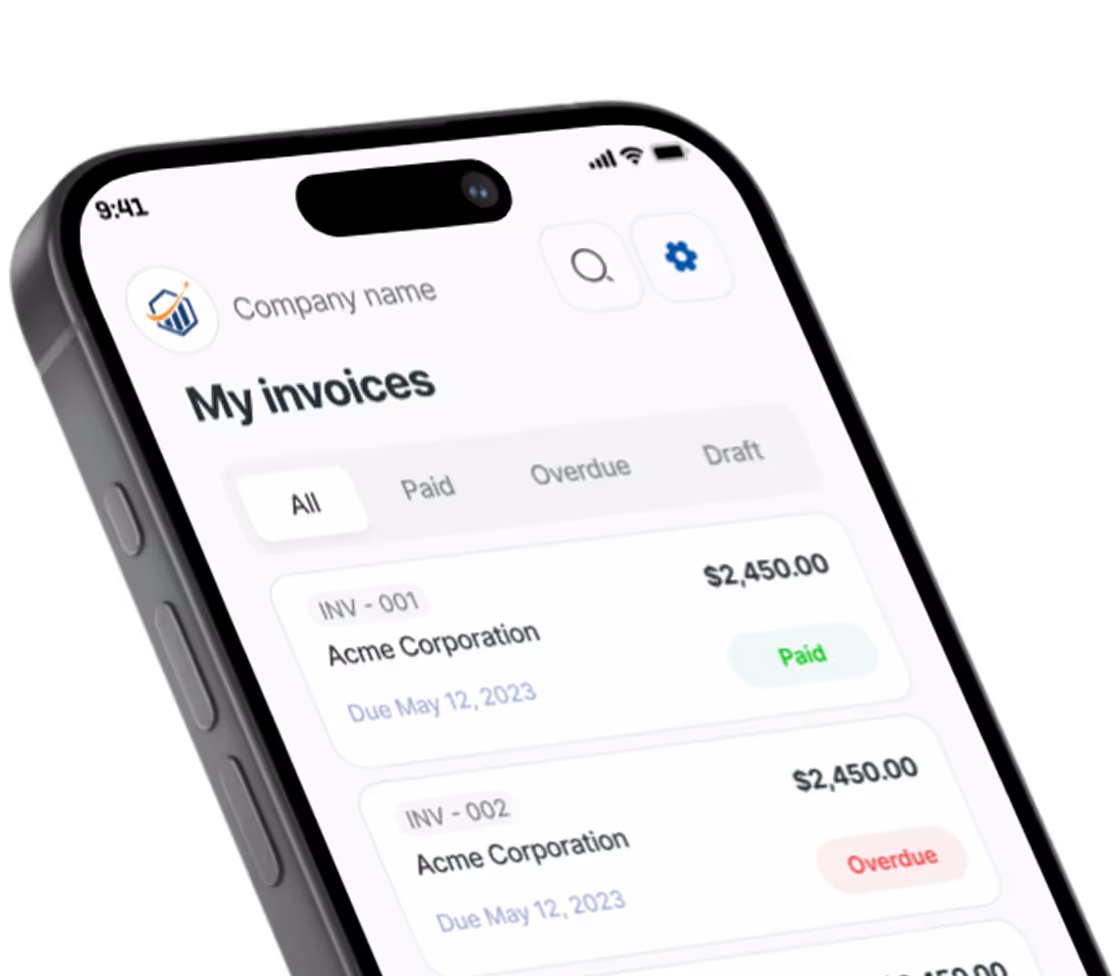
Free Electrical Invoice Generator. Just Your Email.
Service call, panel upgrade, permit fee: the usual lines are already on the sheet. Price them, add your client, download the PDF.
What belongs on an electrical invoice
An electrical invoice has to hold up to two readers: the homeowner or GC who pays it, and the inspector or licensing board who might ask about it later. These five habits cover both.
Split labor from materials
One line that reads “Electrical work, $1,850” invites a phone call. Put the panel, breakers, wire and devices on their own lines, then bill labor separately, as a flat rate per task or as hours at your rate. Several states tax materials but not installation labor, so keeping the two apart also keeps your sales tax honest.
Pass permit and inspection fees through
Give the permit its own line at cost and put the permit number in that line’s details. The client sees the job was pulled and inspected. If a failed rough-in means a return trip, bill the re-inspection fee and the extra visit as separate lines rather than padding labor.
Print your license number
Many state boards expect your contractor license number on every invoice and estimate. Add it right after your business name (for example “Brightline Electric, Lic. #EC-004512”) so it prints in the header of the PDF.
Show your service-call minimum
A trip charge or one-hour minimum covers drive time on small calls like a dead outlet or a nuisance-tripping GFCI. Make it the first line, and say in the details whether it is credited toward the repair, so a 20-minute fix doesn’t look overpriced.
Take a deposit on panel jobs
A 200A service upgrade means buying the panel and booking the utility disconnect before you touch anything. Invoice a deposit up front, then subtract what was paid on the final invoice so the balance due is clear. Note the panel make and amperage in the line details too; homeowners need it for insurance and resale.
Prefer a Word or Excel file? Get the free electrical invoice templates. Billing for other work? Use the free invoice generator.
Preview, then download
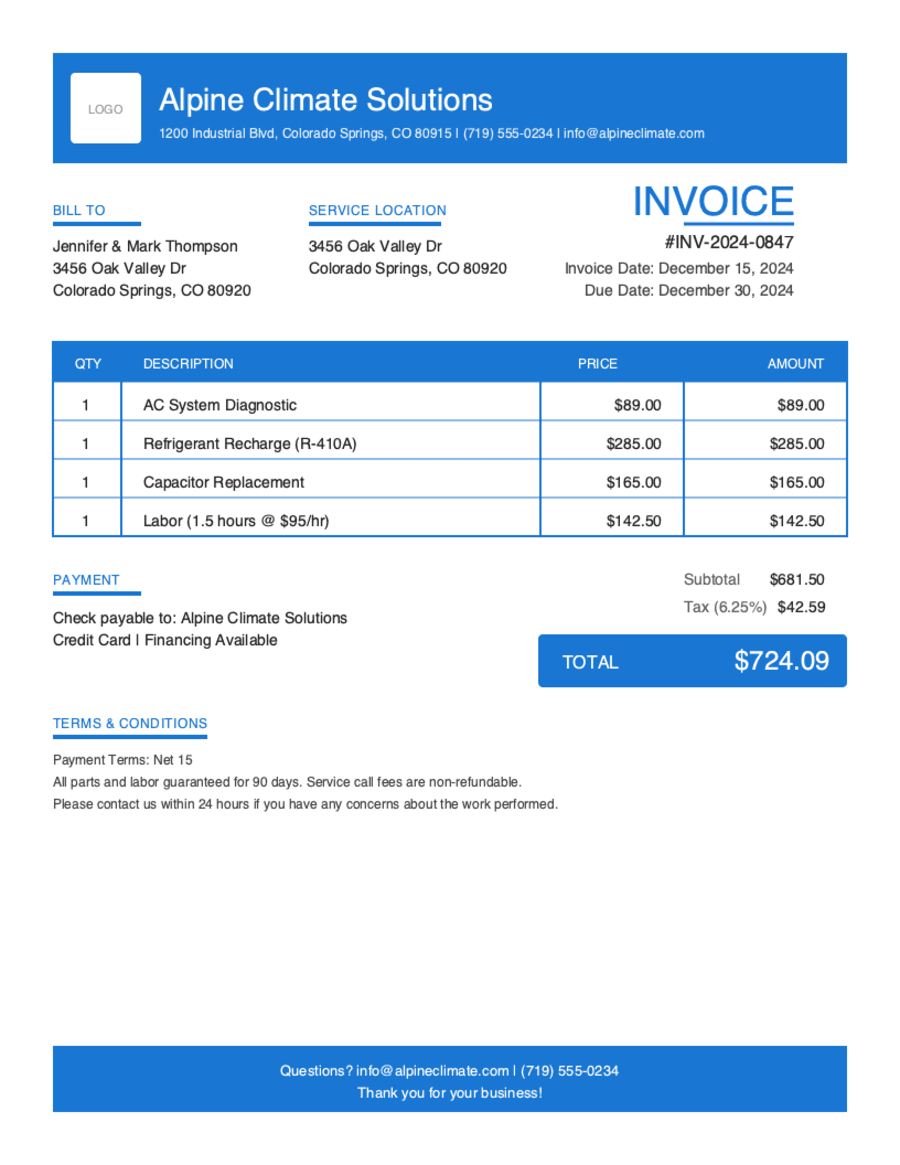
Hit Preview & Style to open a full-page, print-ready preview of your invoice. Switch the template style and brand color and watch the whole invoice retheme instantly — pick the look that fits your business, then download.
- Build & preview free — design your whole invoice before you share anything.
- Download with Google or just your email. No password, no credit card. Google gets your PDF in seconds.
- Your invoice is saved to your free Pronto account, so you can edit it, add a Pay Now button, and get notified when you're paid.
- Works on any device — build and send from your phone on the job site or from your desk.
Frequently Asked Questions
Quick answers on electrical invoicing and the generator.
Still have questions?
Contact our support team →Ready to Send Your Electrical Invoice?
Free invoice generator. No credit card. Your draft saves as you type.
Start Your Free Invoice NowGet Started Today
Start simplifying your business invoicing with Pronto Invoice. Download now and send your first professional invoice in minutes.